
The Trade grouping setting controls how Rize Trade turns the executions in your imports into trades.
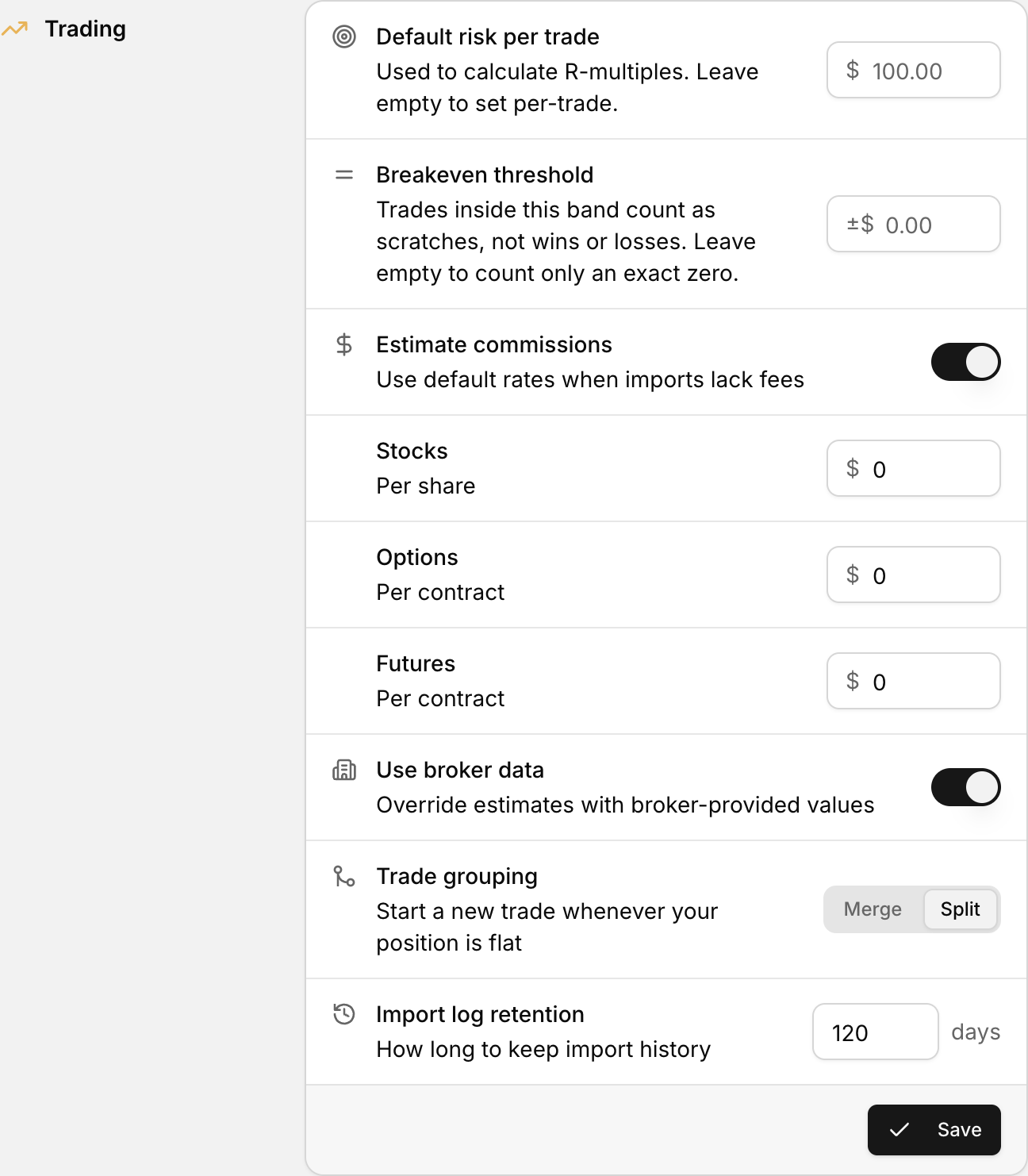 Trade grouping, with the Merge and Split options, in the Trading section of Settings.
Where to find trade grouping
- Click your profile icon in the bottom-left corner.
- Select Settings.
- Scroll to the Trading section.
- Find Trade grouping.
Merge or Split
Trade grouping has two options.
Split
Starts a new trade whenever your position is flat. This is the default.
For example, you buy 100 shares of NVDA in two fills of 50, then sell all 100. That is one trade. If you buy NVDA again later, that starts a second trade.
When to use it: you want each round trip, from flat back to flat, reviewed as its own trade.
Merge
Merges same-day executions into as few trades as possible. If you close a position and open the same symbol again shortly after, Rize Trade can keep both in one trade.
When to use it: you trade the same symbol several times a day and think of that activity as one trade.
Position reversals
There is no separate setting for reversals. A single fill that takes you from long to short, without going flat first, stays in the same trade in both modes. See Split trades on position reversal.
Saving your changes
- Choose Merge or Split.
- Click Save at the bottom of the Trading section.
Your new setting applies to future imports. It does not change trades already in your account.