
TD Ameritrade Trading Journal
100% FreeNo CC Required
4.8/5 1,794 Reviews
Import TD Ameritrade trades
Bring your TD Ameritrade trades into RizeTrade and get a clearer view of your trading performance.
Bring your trading history into RizeTrade using supported broker sync or file import. You can also enter trades manually when you want to add more detail or record a trade yourself.
Once your history is inside RizeTrade, you can review your trades alongside execution, discipline, emotions and performance data.
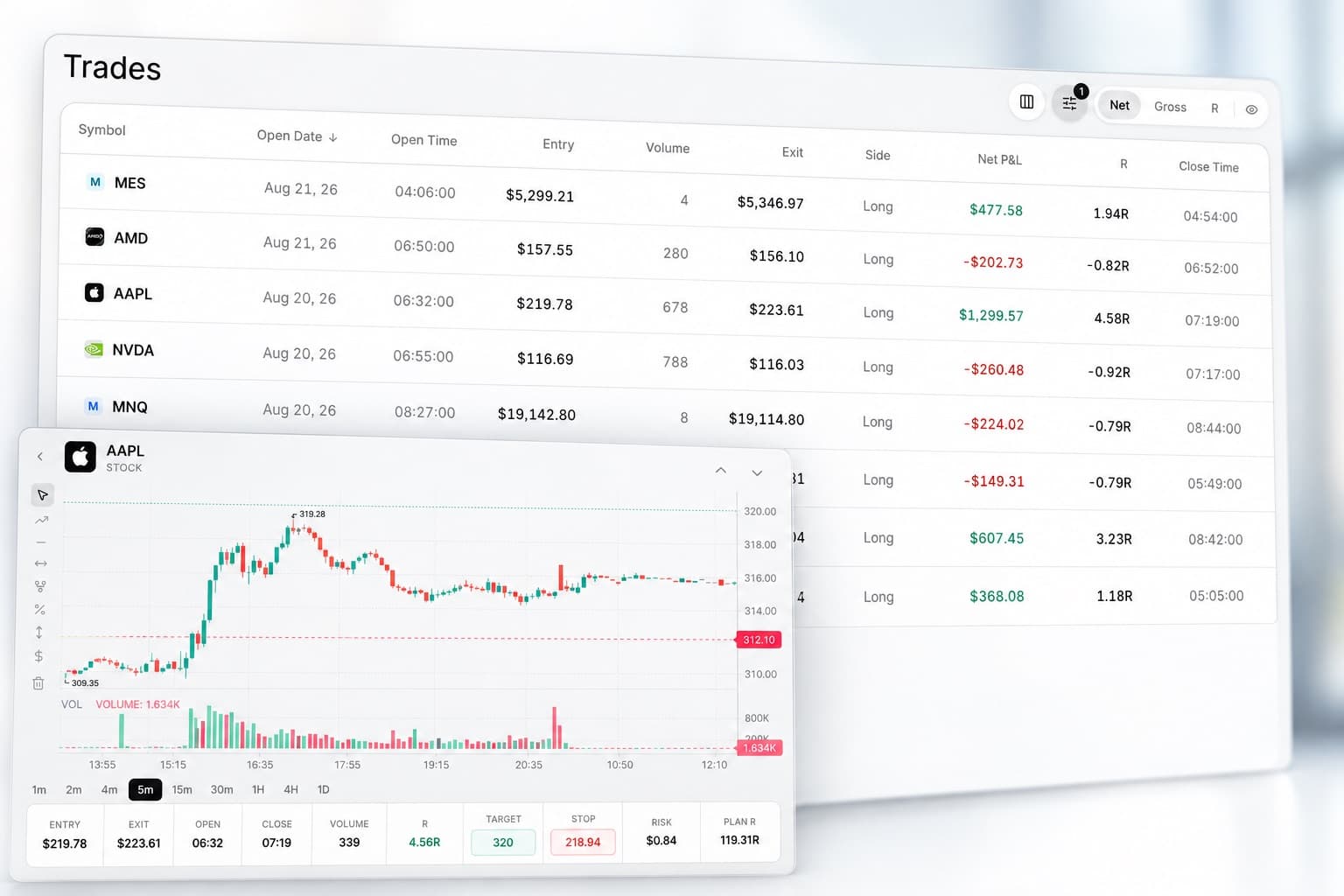
Review trades on the chart
See past trades in the context of the market.
RizeTrade lets you review where you entered and exited, how the position developed and what happened around your decision.
This makes it easier to assess your timing and trade management instead of judging everything from the final result.
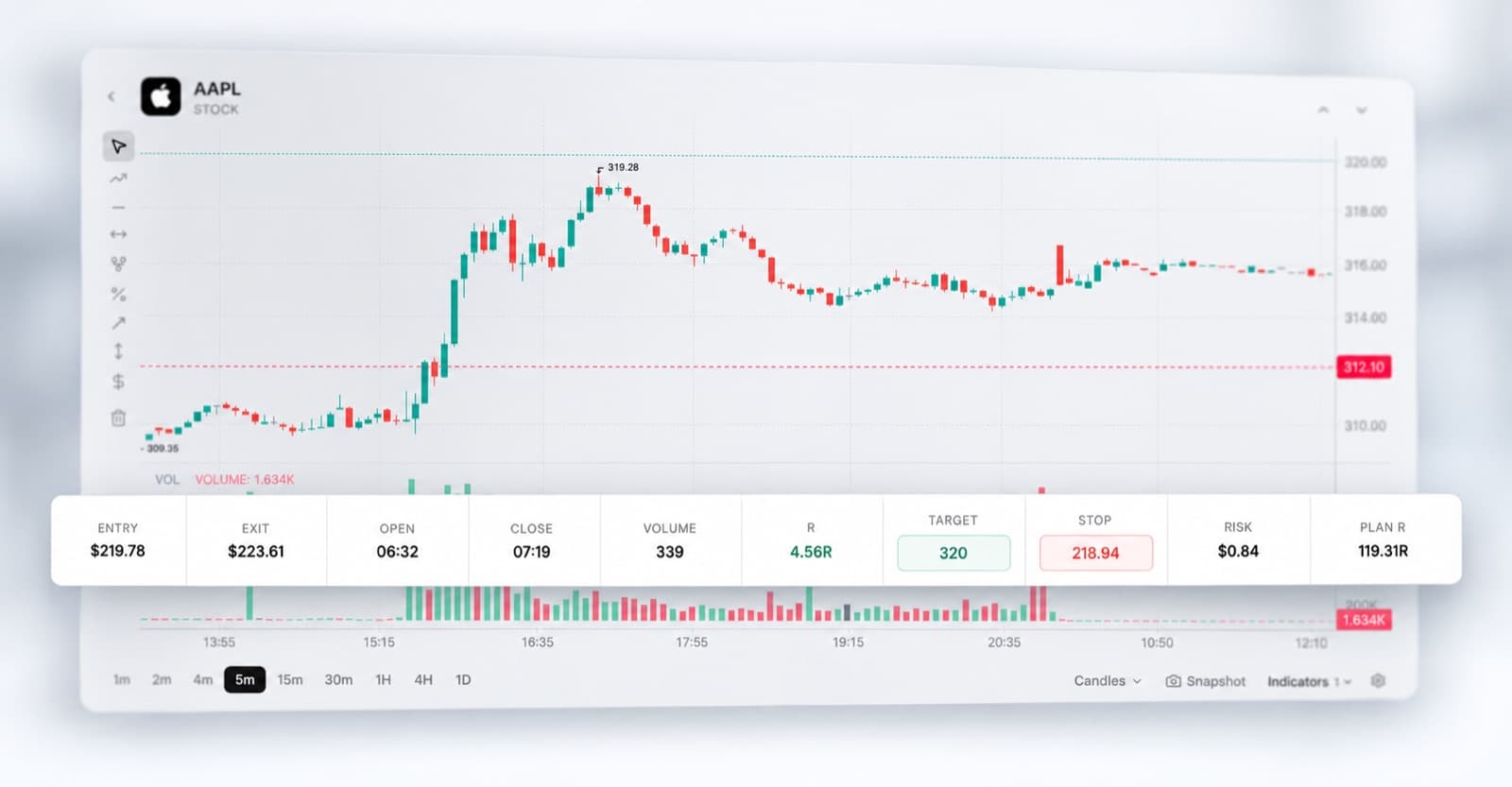
Understand your trading decisions
Your trade history tells you what you bought and sold. Your trading journal helps explain why, with notes around your setup, expectations and trade management.
When you come back to the trade later, the context is still there.
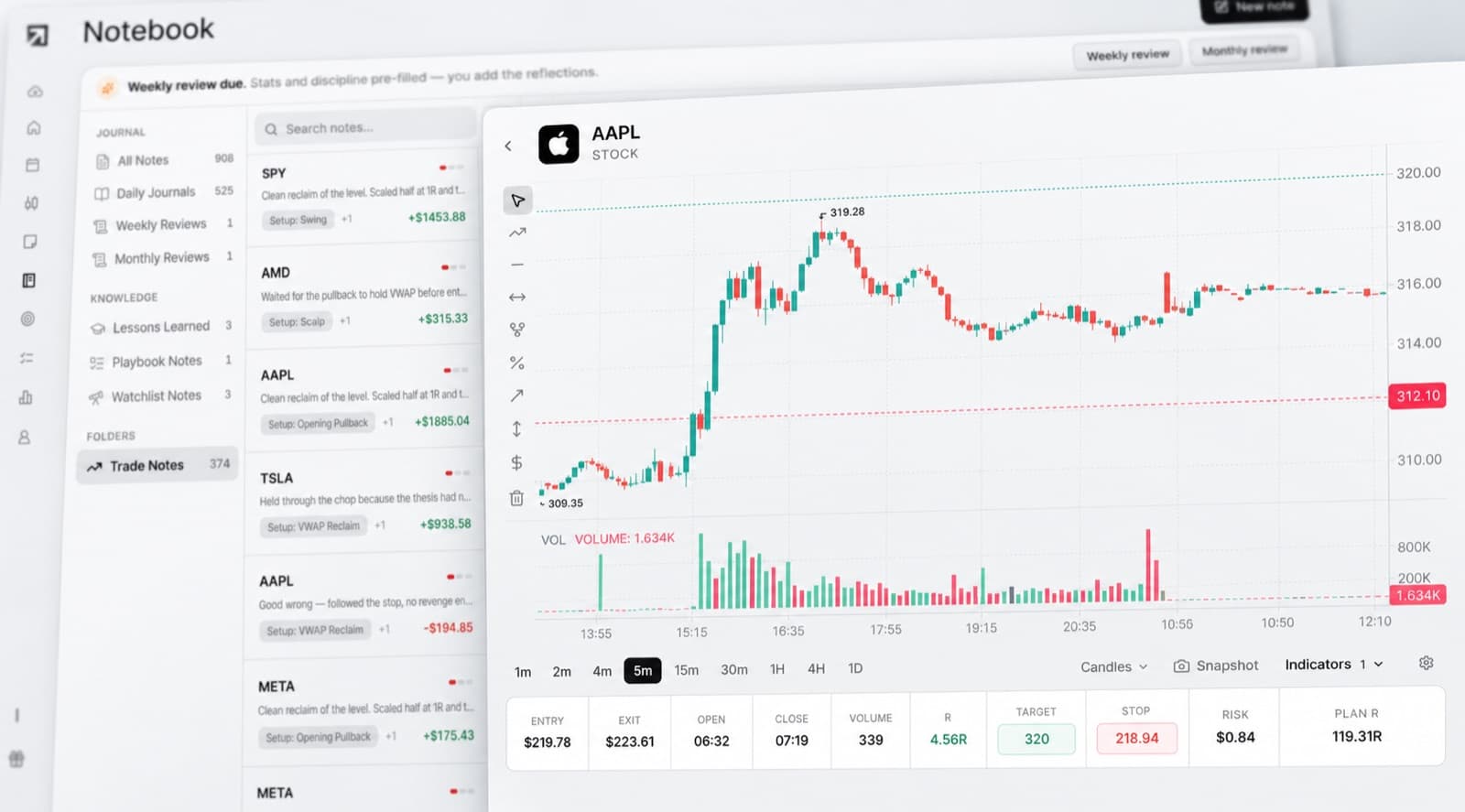
Analyse your history with Trading Mentor AI
Trading Mentor AI helps you explore the data already inside your journal.
Ask questions across your trading history and look for patterns that may be difficult to notice manually.
- Which types of trades are working best for me?
- What do my weakest trades have in common?
- Where is my execution becoming less consistent?
- Which mistakes keep appearing across my journal?
- Do my best trade grades share similar characteristics?
Use the answers to decide which areas of your trading deserve a closer review.

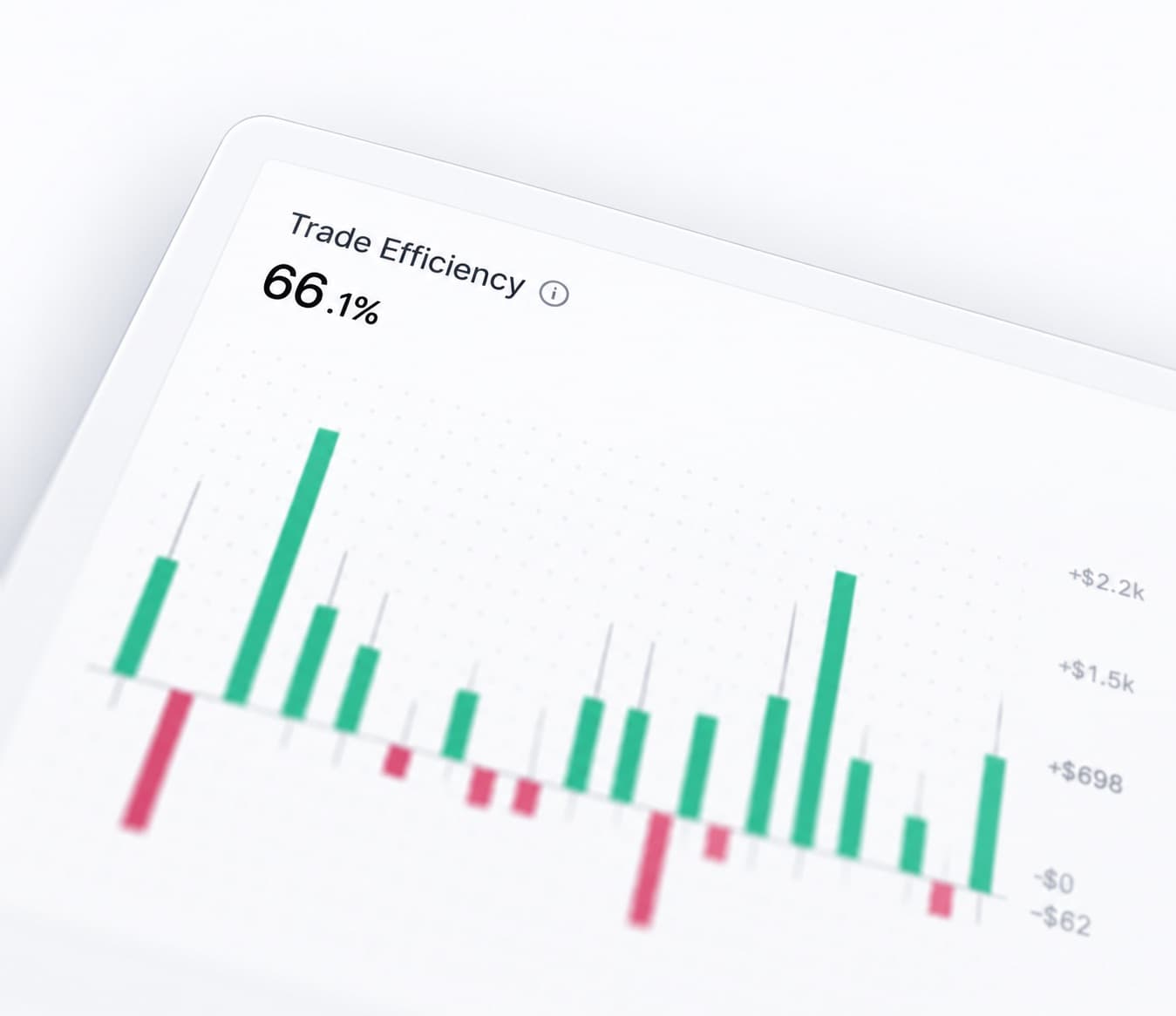
Review your trading efficiency
The final P&L is only one way to judge a trade.
Trading Efficiency helps you assess how effectively you handled the opportunity itself.
Compare execution across your history and identify trades where better timing, management or exits could have changed the quality of the trade.
Grade your trades
Trade Grade helps you separate the quality of the decision from the outcome.
A trade can finish in profit even when the execution was poor. Another can lose despite following your process correctly.
Scoring your trades gives you a clearer way to identify which decisions you actually want to repeat.
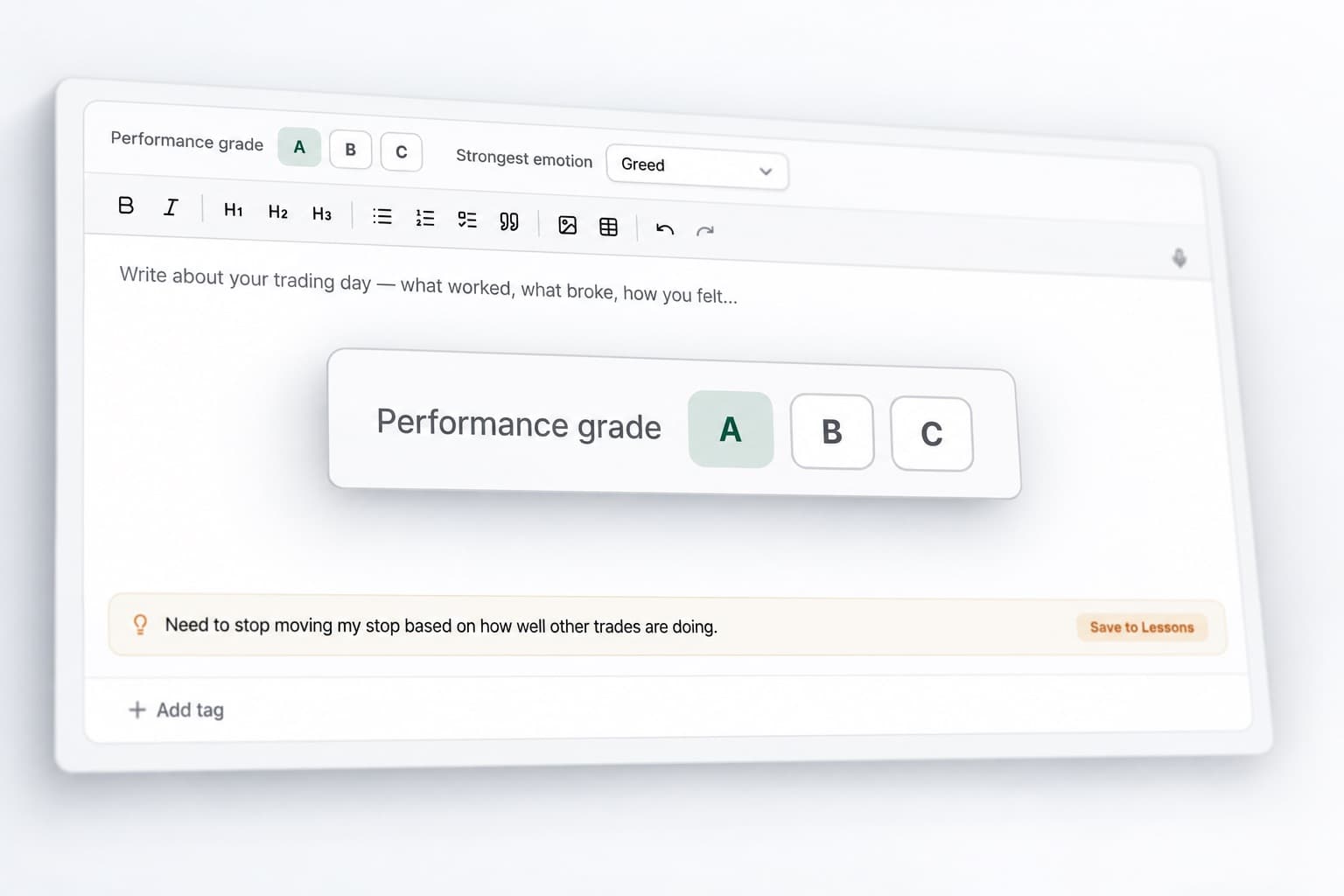
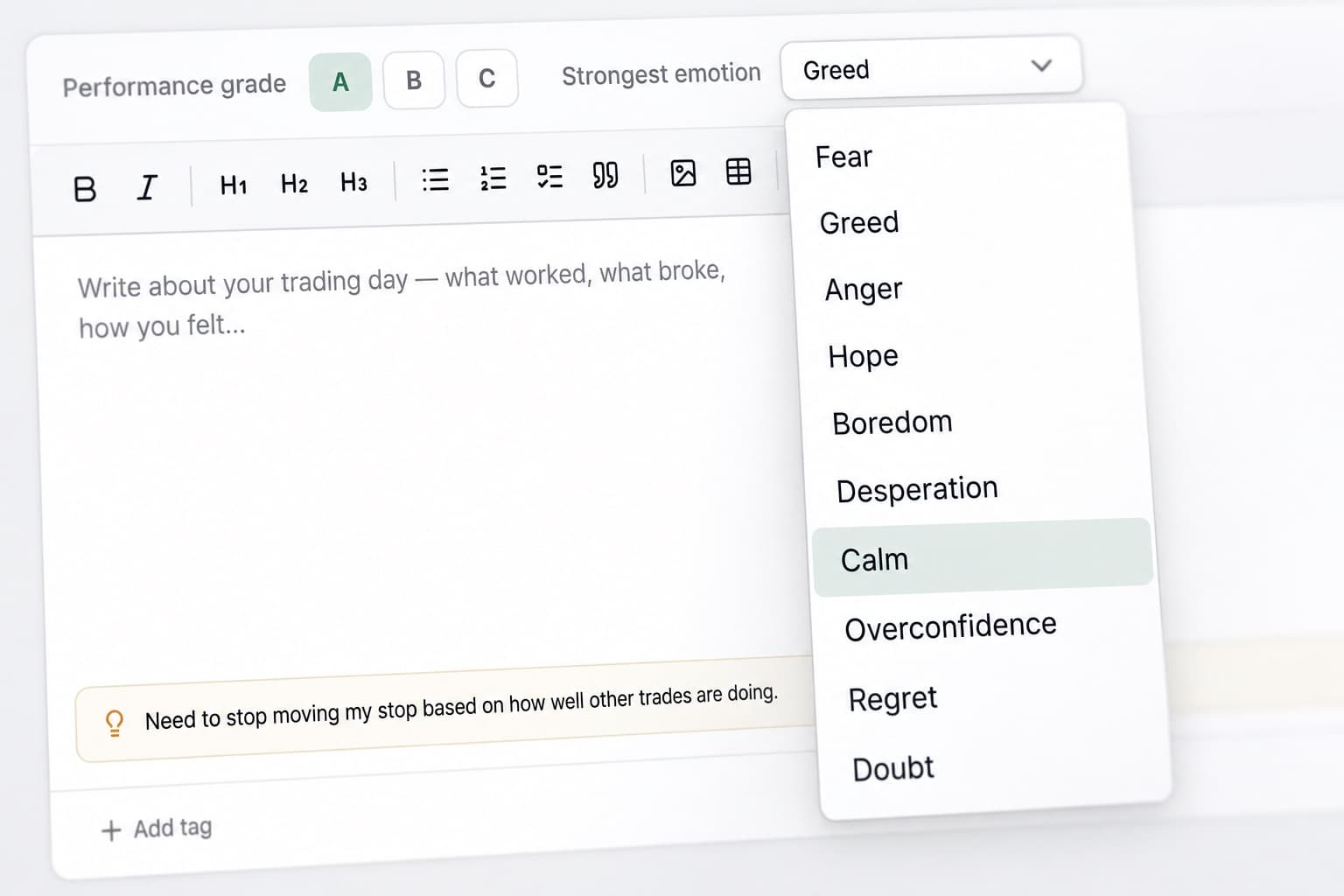
Track your trading emotions
Trading decisions can change depending on your mindset.
Record whether you were confident, patient, hesitant, frustrated or impulsive when taking a trade.
As your journal grows, you can compare those emotional states with your results and see whether certain patterns repeatedly affect your execution.
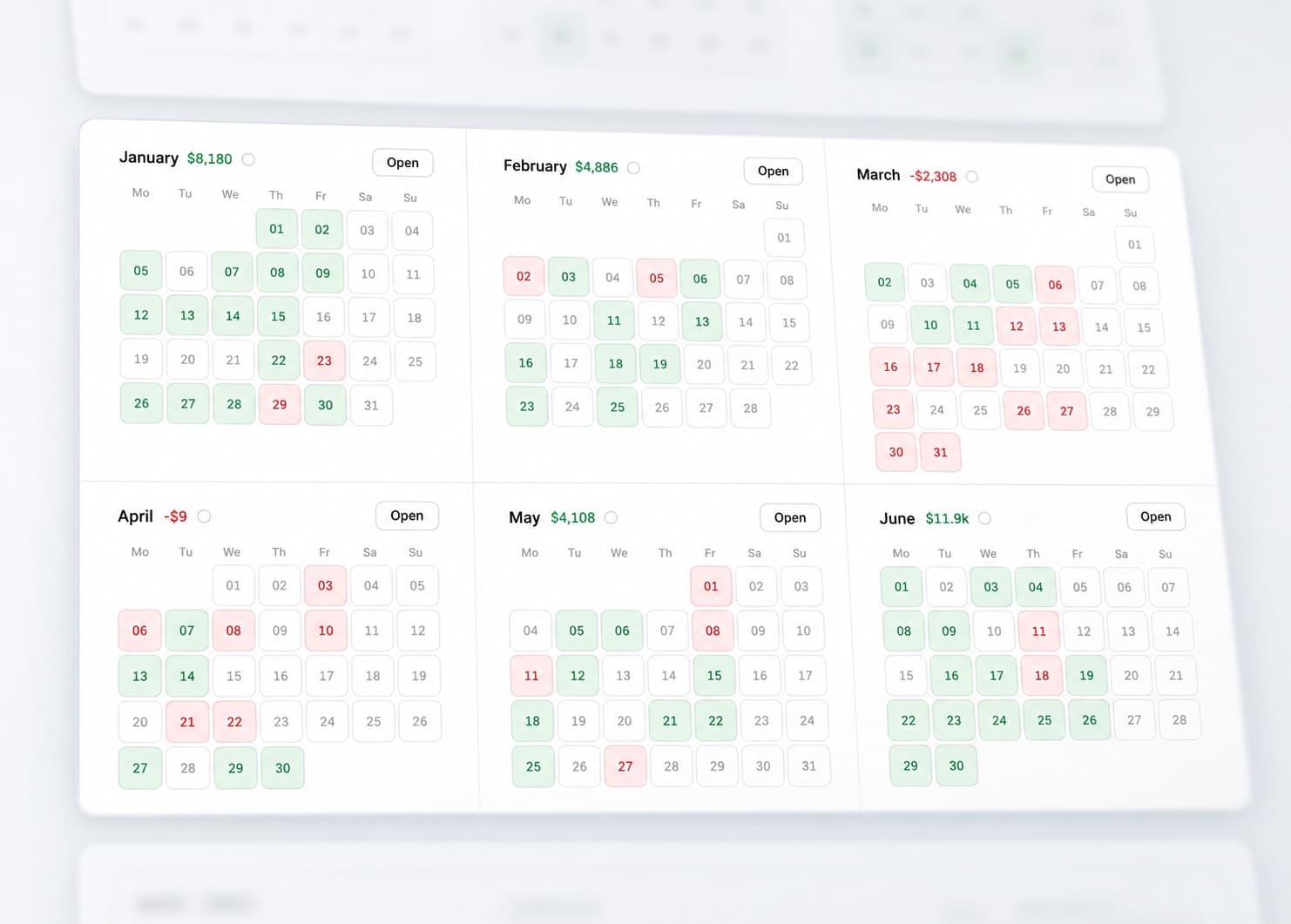
View your P&L calendar
See your trading performance across the month in one visual view.
The P&L Calendar helps you identify strong days, difficult periods and changes in trading activity.
When something stands out, you can open the trades behind that day and review what was different.
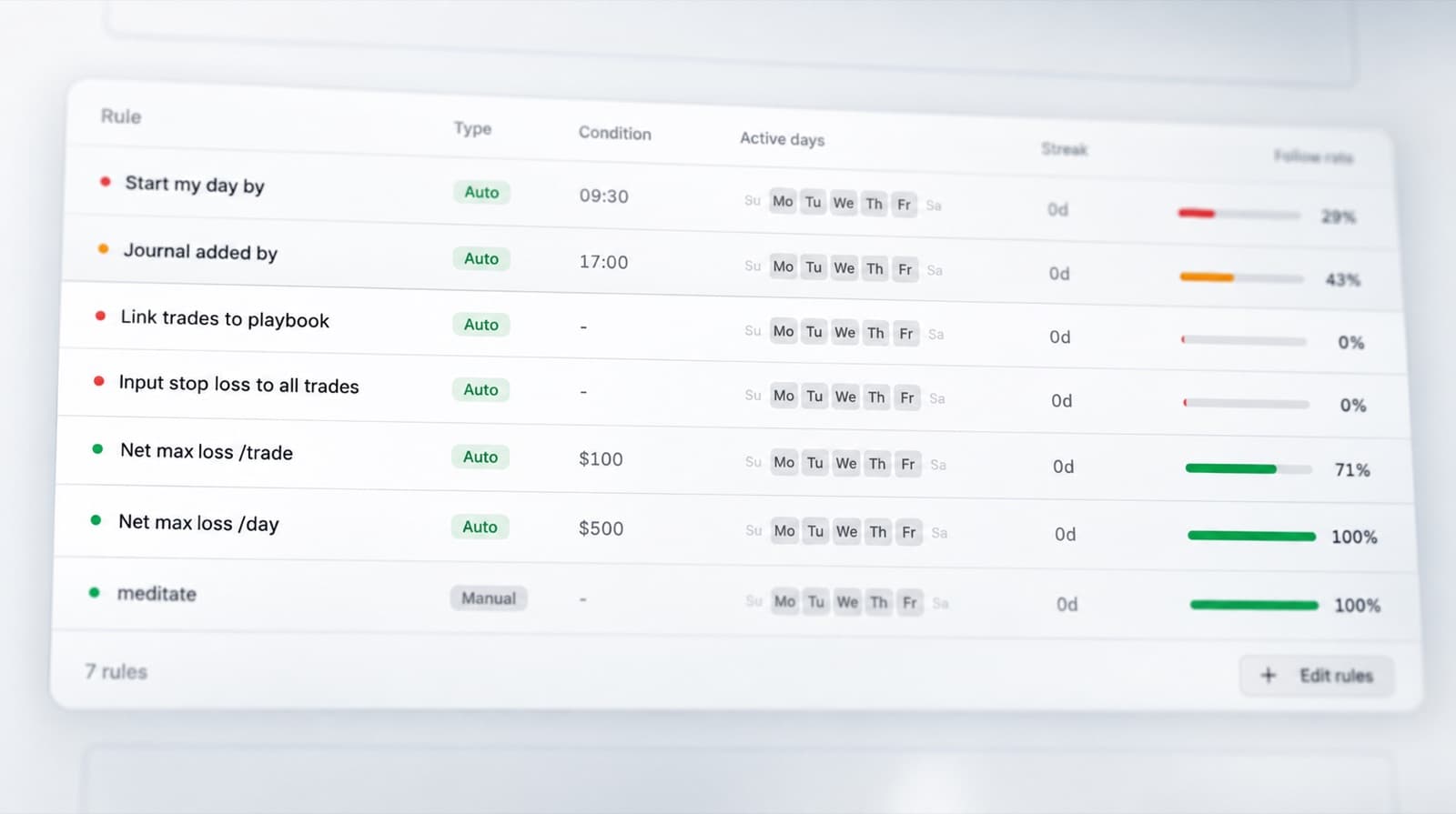
Track your trading discipline
Use the Discipline Tracker to measure how closely your trades followed your own process.
Choose the rules that matter to your strategy and track whether you followed them consistently.
This helps you distinguish between a strategy problem and a period where your execution simply moved away from the plan.
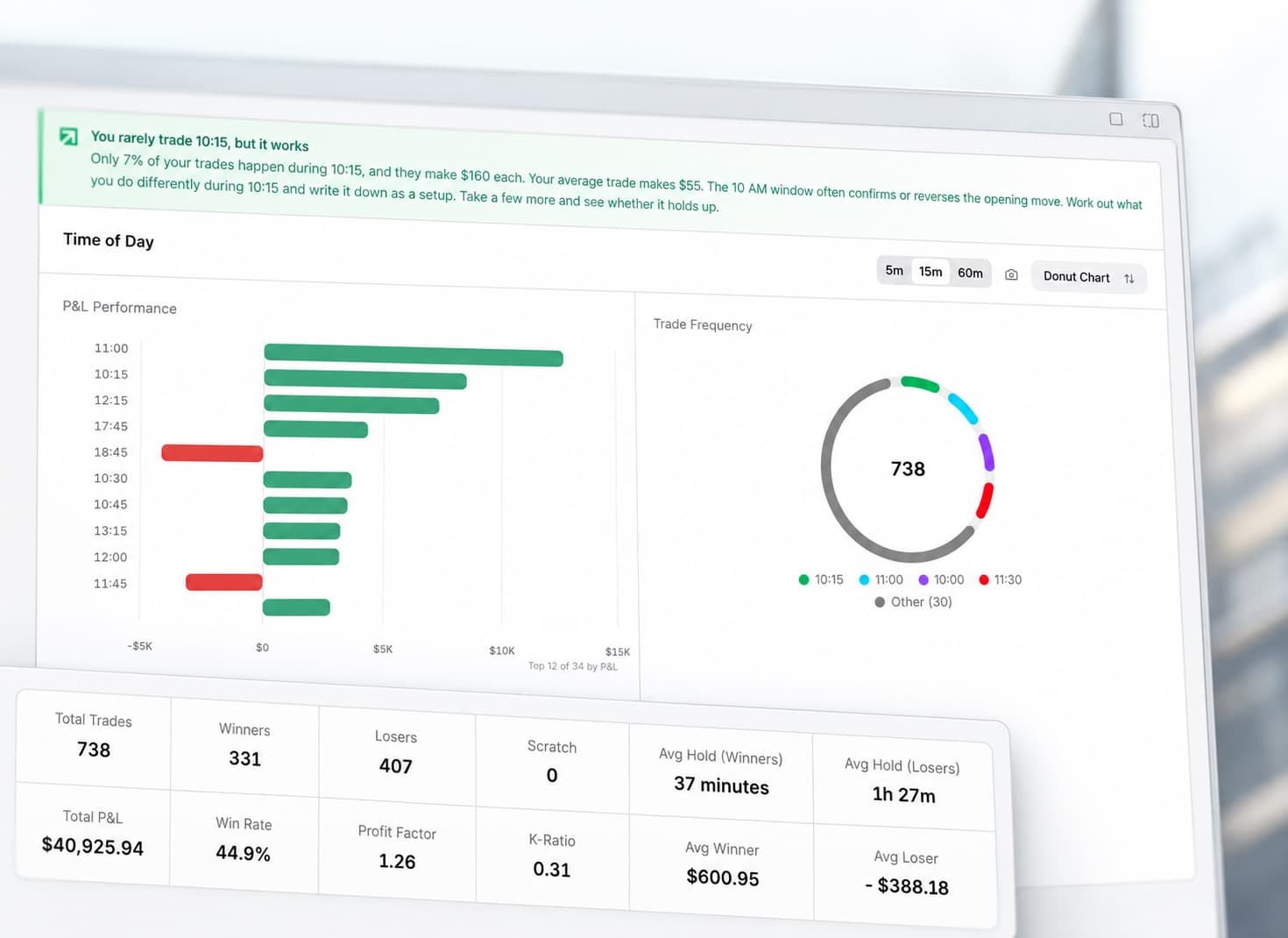
Analyse your trading statistics
RizeTrade Statistics help you look across your wider trading history instead of focusing on one position at a time.
Compare performance, find recurring behaviours and see how your results change across different periods.
The aim is to identify patterns that occur often enough to be useful.
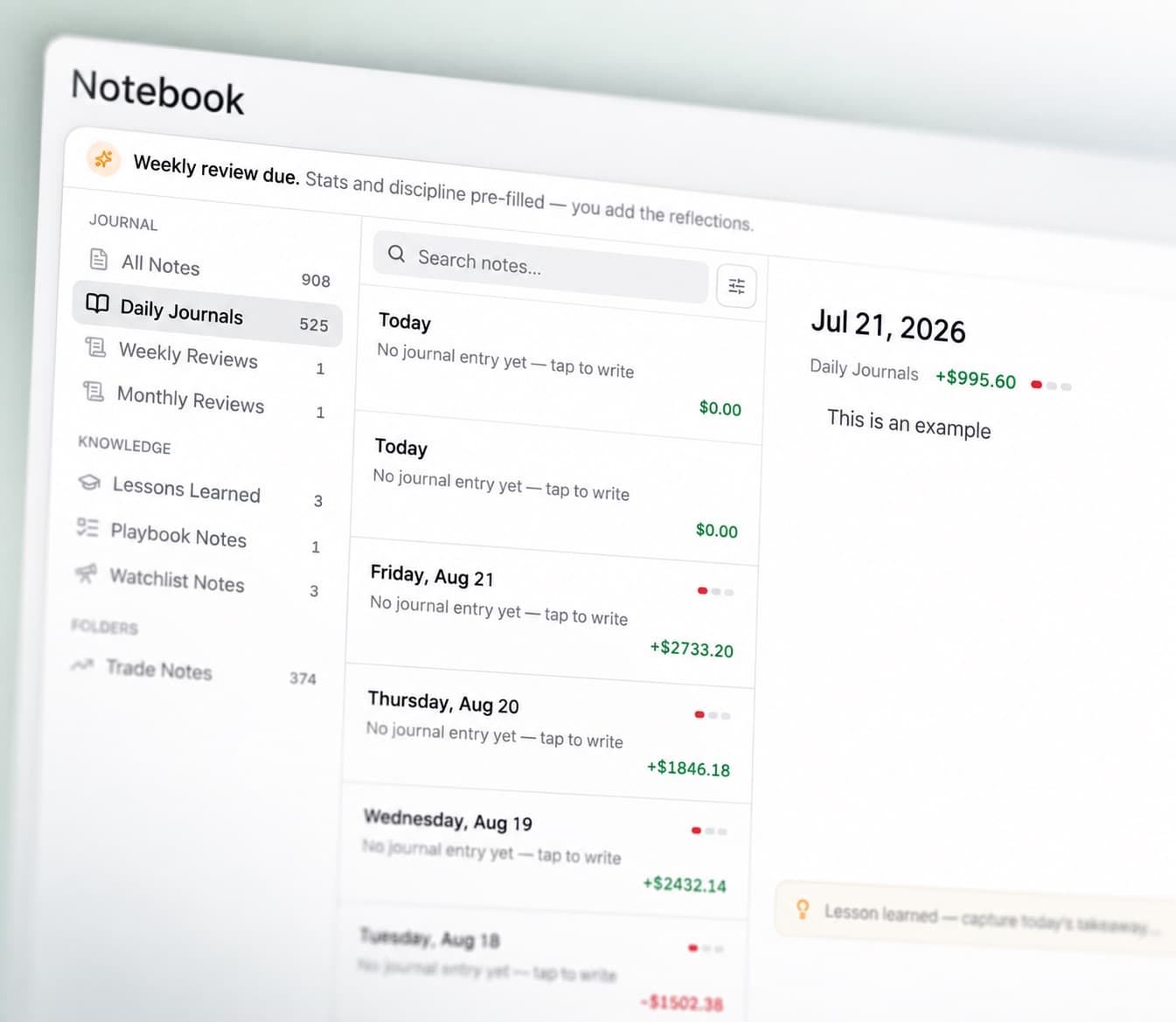
Build trading journal reports
Journal Reports bring your trading data together into a structured review.
See your performance alongside trade grades, execution, discipline and emotions.
Use reports to review a larger period of trading and understand where your process is improving or becoming less consistent.
TD Ameritrade journal features
Trading Mentor AI
Analyse patterns across your trading history.
Past trade charts
Review previous entries and exits in context.
Trading efficiency
Measure how effectively you managed each trade.
Trade grade
Score trade quality separately from the financial result.
P&L calendar
See your performance across the month.
Broker sync & file import
Bring supported trading data into RizeTrade.
Manual trade entry
Add individual trades and additional context.
Emotion tracking
See how mindset relates to your trading decisions.
Discipline tracker
Measure how consistently you followed your rules.
Statistics
Find patterns across your trading history.
Journal reports
Create structured reviews of your performance.
Review your TD Ameritrade trade history
A list of completed trades only shows the outcome.
RizeTrade helps you look at the decisions, execution and behaviour behind those results.
Build a clearer trading record, spot recurring patterns and make your past trades more useful during your next review.