Free Trading Journal Template
Eight free templates for the work around your trade log: the plan you write first, the routine you run each morning, the backtest you do before risking anything, and the numbers that say whether an edge is real.
Eight below, plus ten trade logs on the Excel page. No email required.
A trade log is not the whole journal
Most template pages hand you a grid with Entry, Exit and P&L across the top and call it a trading journal. That grid is useful, and it is also the easiest part.
The parts that change how you trade happen either side of it. The plan you wrote before the week started. The twenty minutes before the open. The test you ran before putting money on a setup. The limits a funded account holds you to.
So these eight are shaped around those jobs instead. Each opens with a Start Here sheet, has a Dashboard that fills itself in, and ends with a sheet called Where Excel Stops naming the thing that template genuinely cannot do.
Eight templates for the work around the log
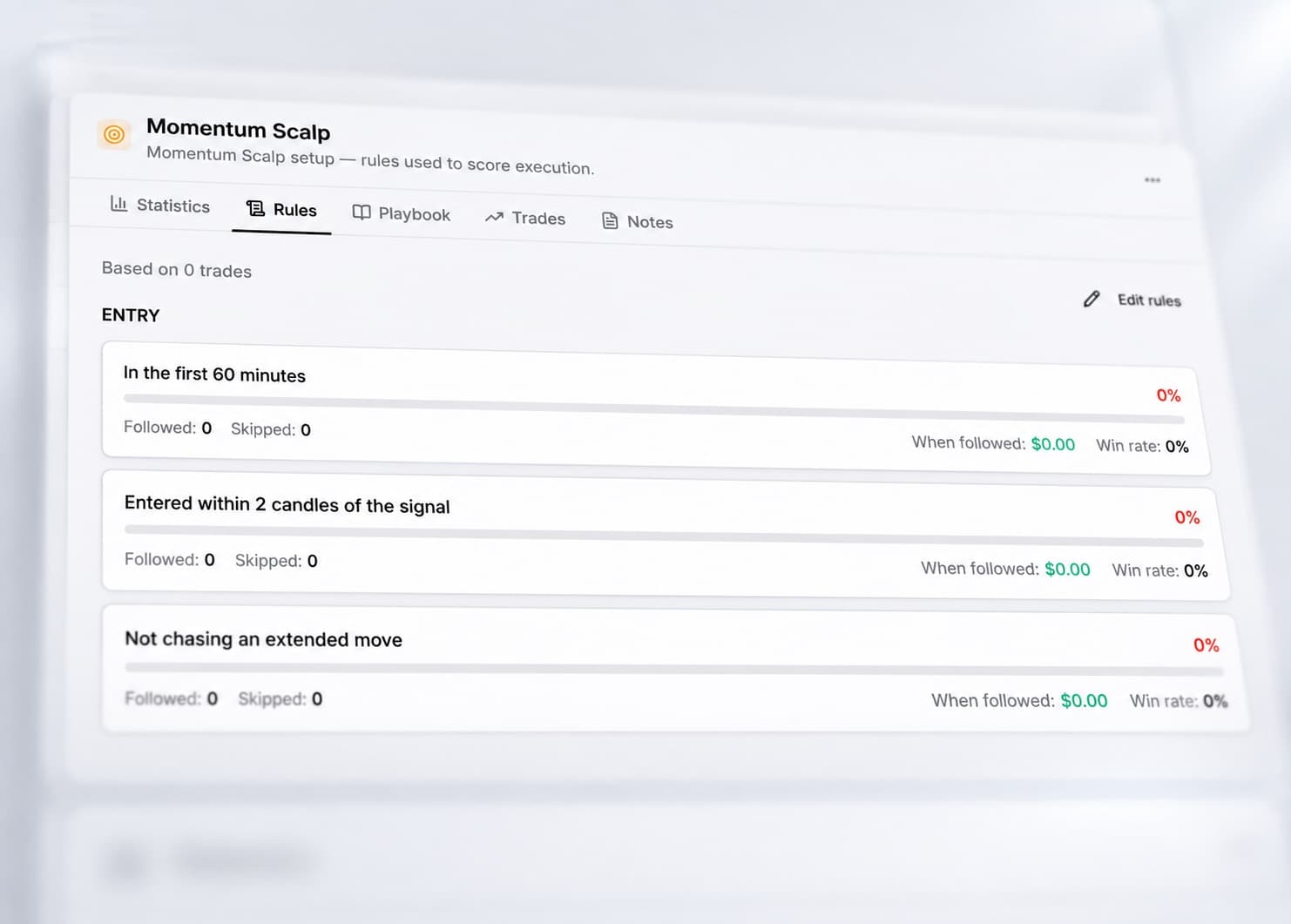
Written first
Trading Plan Template
Twenty-three questions across six sections, written once. The daily log then records whether you kept to it, day by day rather than trade by trade.
- Sheets
- Start Here, Trade Log, Dashboard, The Plan, Where Excel Stops
- Log columns
- 13
- Where Excel stops
- Knowing whether you followed it
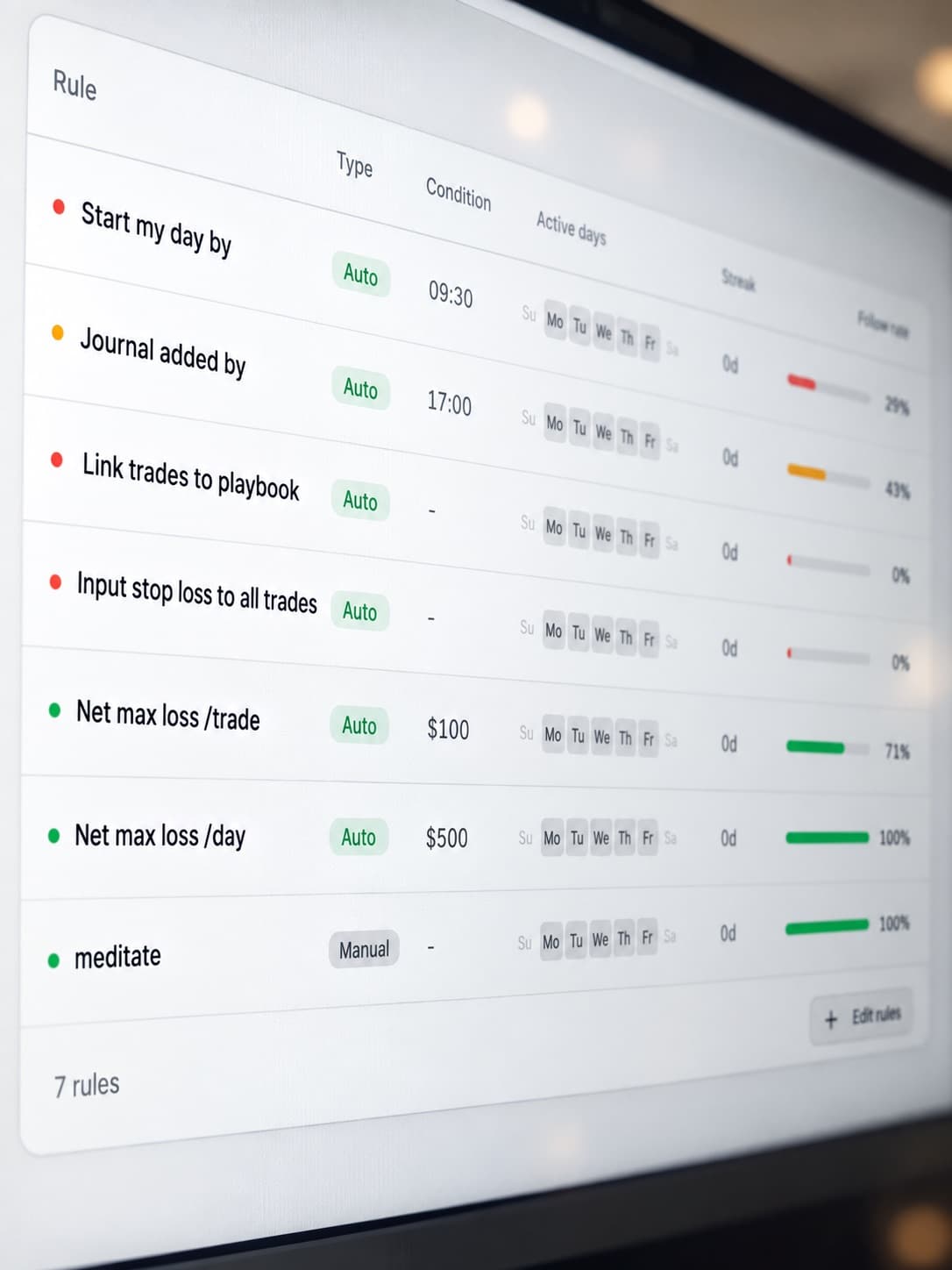
Before the open
Pre-Market Prep Sheet
Six checks each morning, scored out of six, then compared against how the day actually went. Finds out whether your routine is worth the twenty minutes.
- Sheets
- Start Here, Trade Log, Dashboard, Where Excel Stops
- Log columns
- 17
- Where Excel stops
- The rule you skip and forget
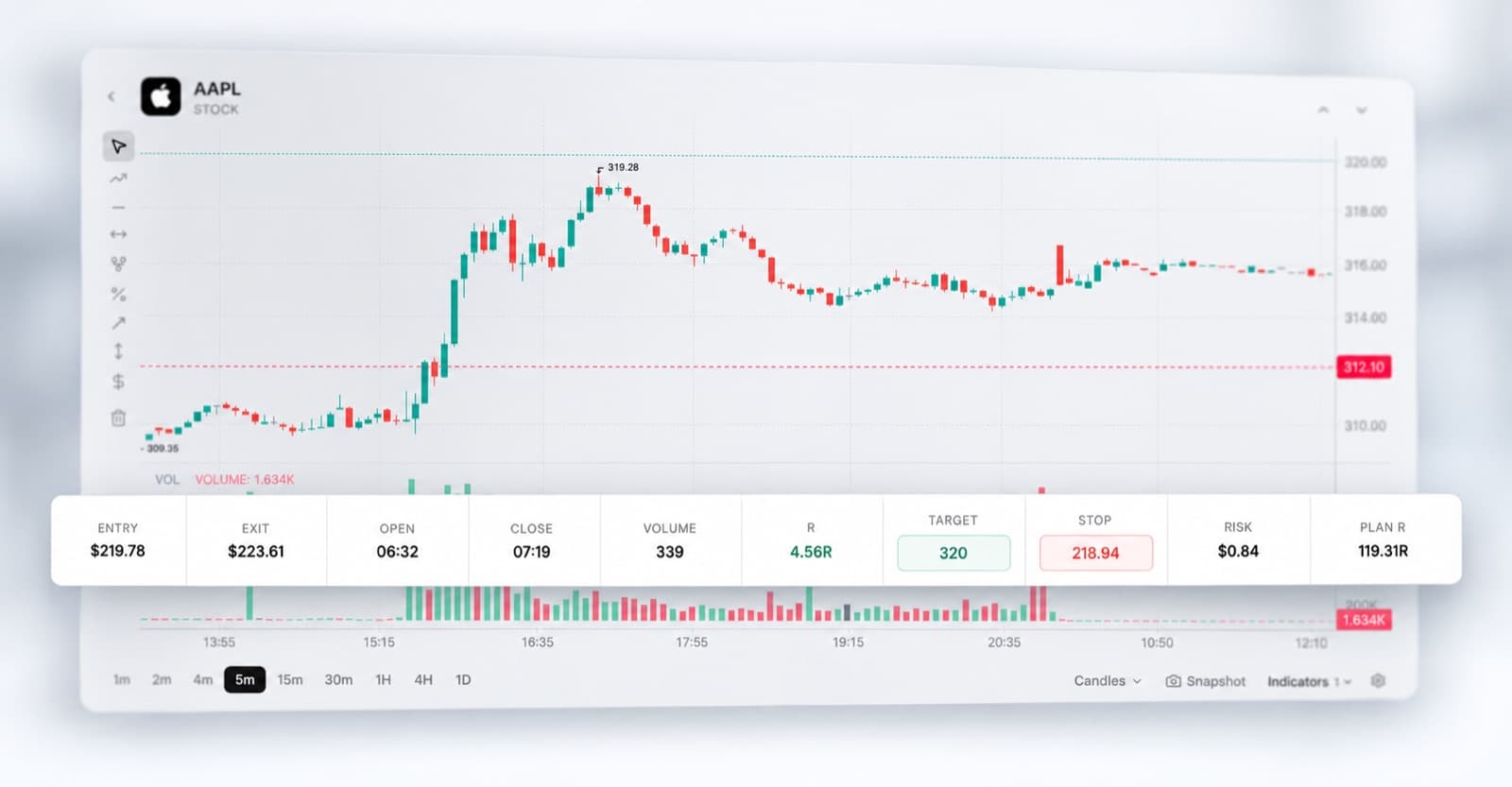
Before you risk it
Backtesting Log
Work a setup through historical charts one sample at a time, with expectancy, payoff and a running sample count computed as you go.
- Sheets
- Start Here, Trade Log, Dashboard, Where Excel Stops
- Log columns
- 15
- Where Excel stops
- The test against what you actually did
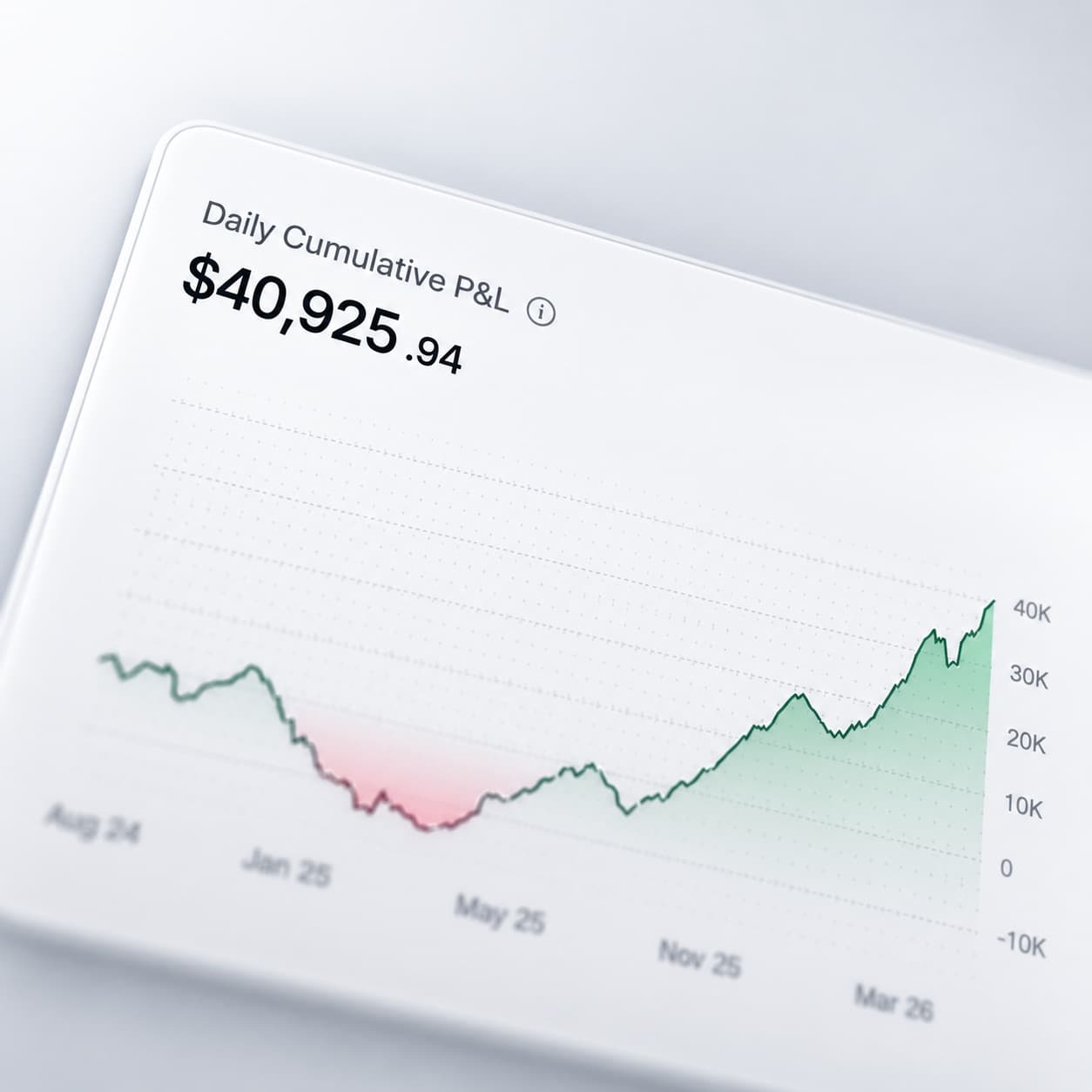
Evaluation account
Prop Firm Challenge Tracker
Type your firm's four limits once. Every session then shows target remaining, drawdown headroom and whether the daily loss limit was breached.
- Sheets
- Start Here, Trade Log, Dashboard, Challenge Rules, Where Excel Stops
- Log columns
- 13
- Where Excel stops
- The drawdown as it happens
Several accounts
Multi-Account Tracker
One log, an account column, and five per-account totals. Stops a profitable account quietly funding two that are not.
- Sheets
- Start Here, Trade Log, Dashboard, Where Excel Stops
- Log columns
- 13
- Where Excel stops
- Keeping four accounts current
Is it real?
Expectancy & Edge Tracker
Expectancy, payoff ratio and the break-even win rate your payoff actually needs, plus a calculator for testing an edge before you trade it.
- Sheets
- Start Here, Trade Log, Dashboard, Edge Calculator, Where Excel Stops
- Log columns
- 15
- Where Excel stops
- Expectancy that means something
Under water
Drawdown & Recovery Tracker
How deep, how long, and what you did differently while you were down. Compares your size and frequency inside a drawdown against outside one.
- Sheets
- Start Here, Trade Log, Dashboard, Account, Where Excel Stops
- Log columns
- 13
- Where Excel stops
- The drawdown you can see
What it costs
Commission & Fee Audit
Commission, exchange, regulatory and financing split into four columns, then totalled as a share of gross profit. Counts the trades you got right and still lost on.
- Sheets
- Start Here, Trade Log, Dashboard, Where Excel Stops
- Log columns
- 17
- Where Excel stops
- The fee you did not know about
Looking for a trade log instead?
Ten of those live on the Excel page, one per instrument and one per discipline problem.
Ten templates
Excel
Trade logs, one per instrument and one per discipline problem: day, swing, options, futures, forex, rule compliance, playbook, psychology, risk and weekly review.
Same files
Google Sheets
Every workbook here opens in Google Sheets. The formulas travel; column widths and some colours will shift.
Separate set
Notion
Notion templates are databases rather than spreadsheets, so they are kept on their own page.
What is in every workbook
- Start Here
- What to type and what not to touch, the colour key, and the assumptions the workbook makes. Read it once.
- The working sheet
- A daily log, a trade log or a set of samples, depending on the template. Shaded cells are yours, white cells are formulas, and row 6 is a worked example you delete.
- Dashboard
- Thirteen shared performance figures plus a block specific to that template. Nothing on it needs typing and nothing on it is hardcoded.
- Where Excel Stops
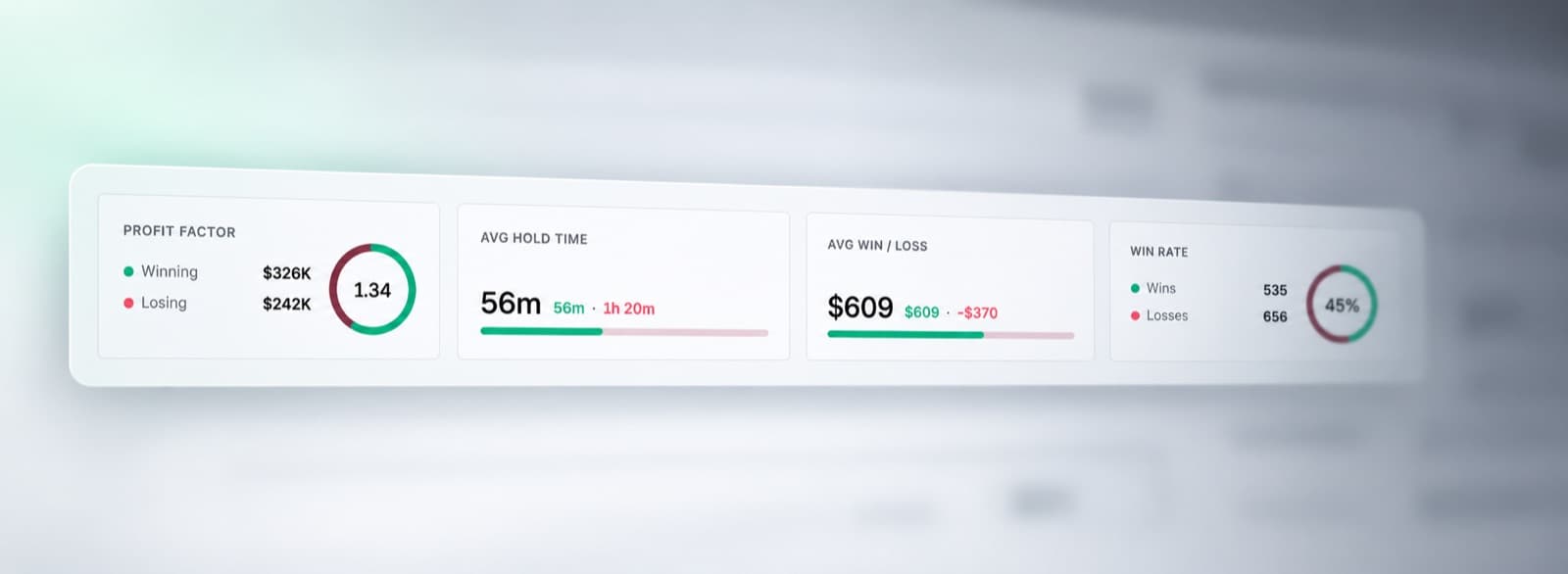
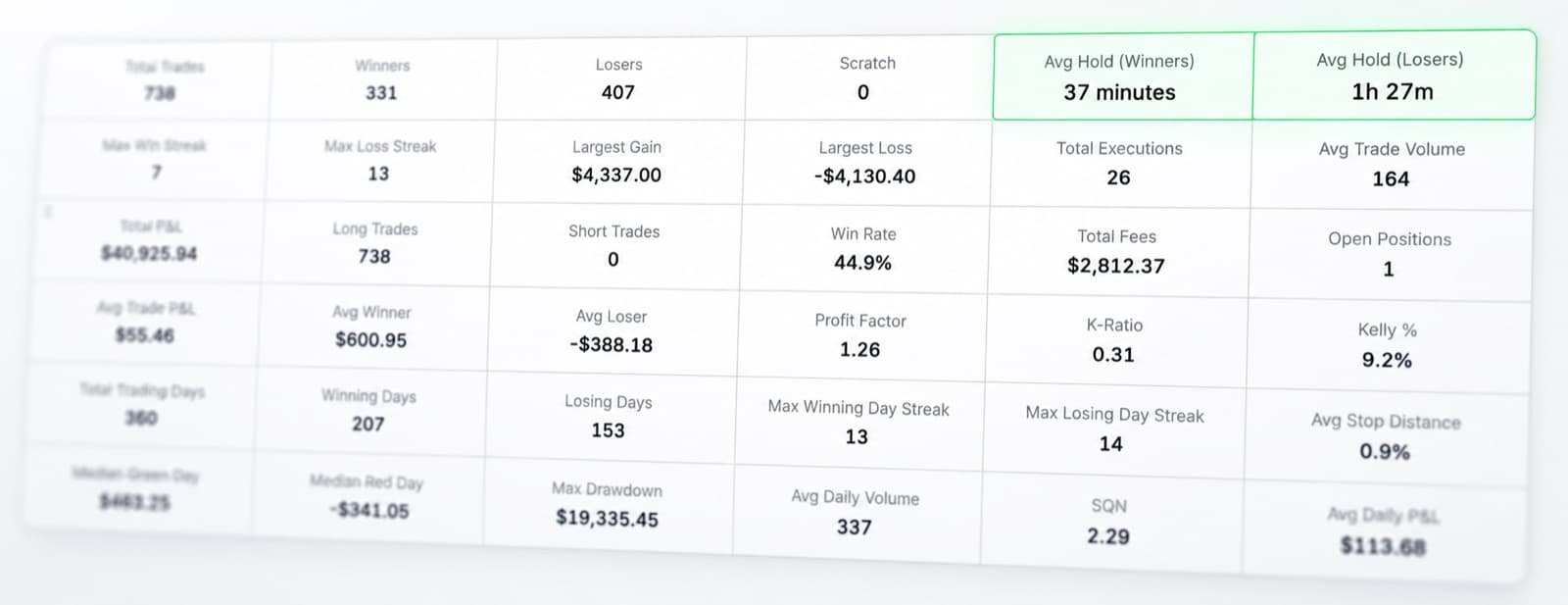
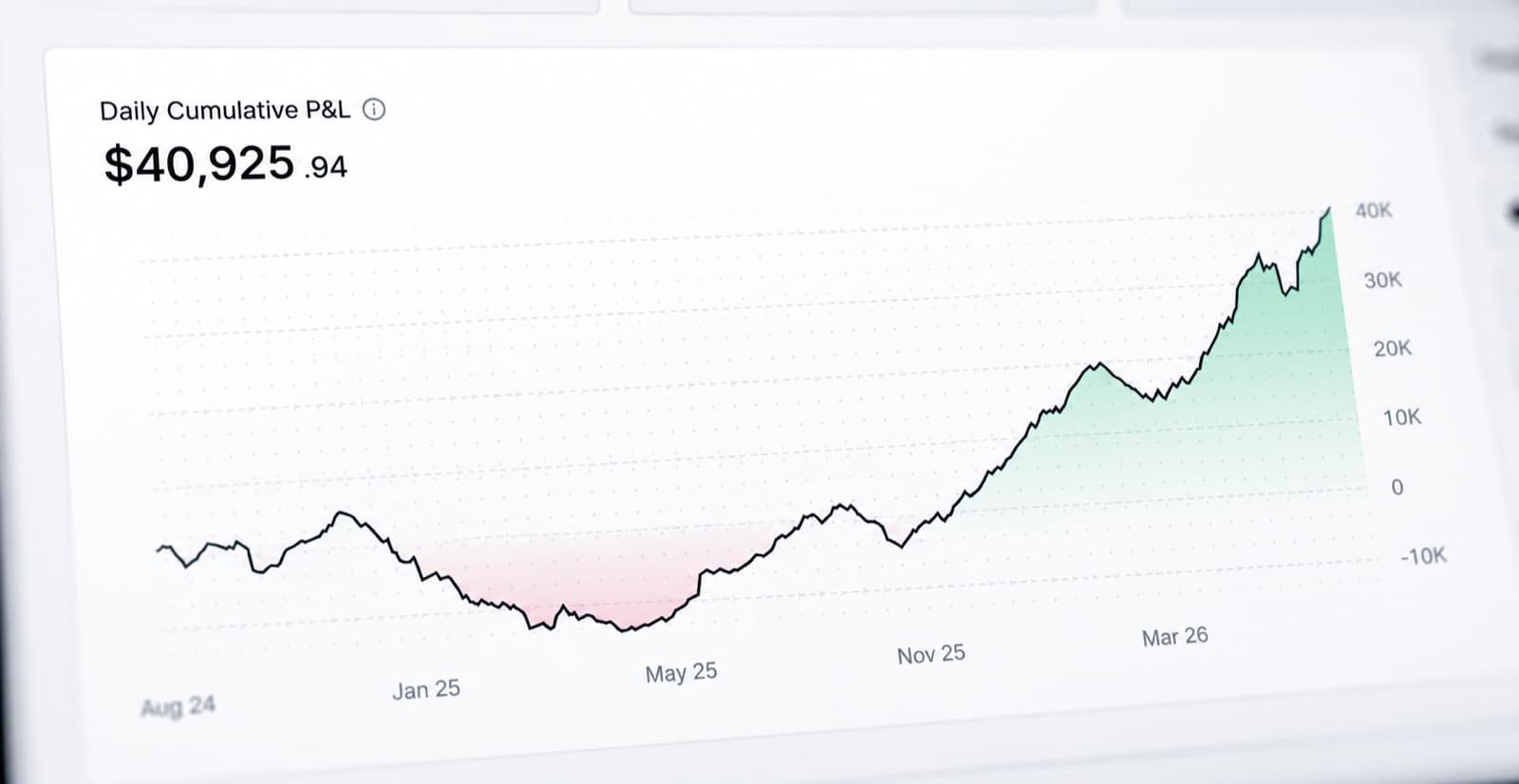
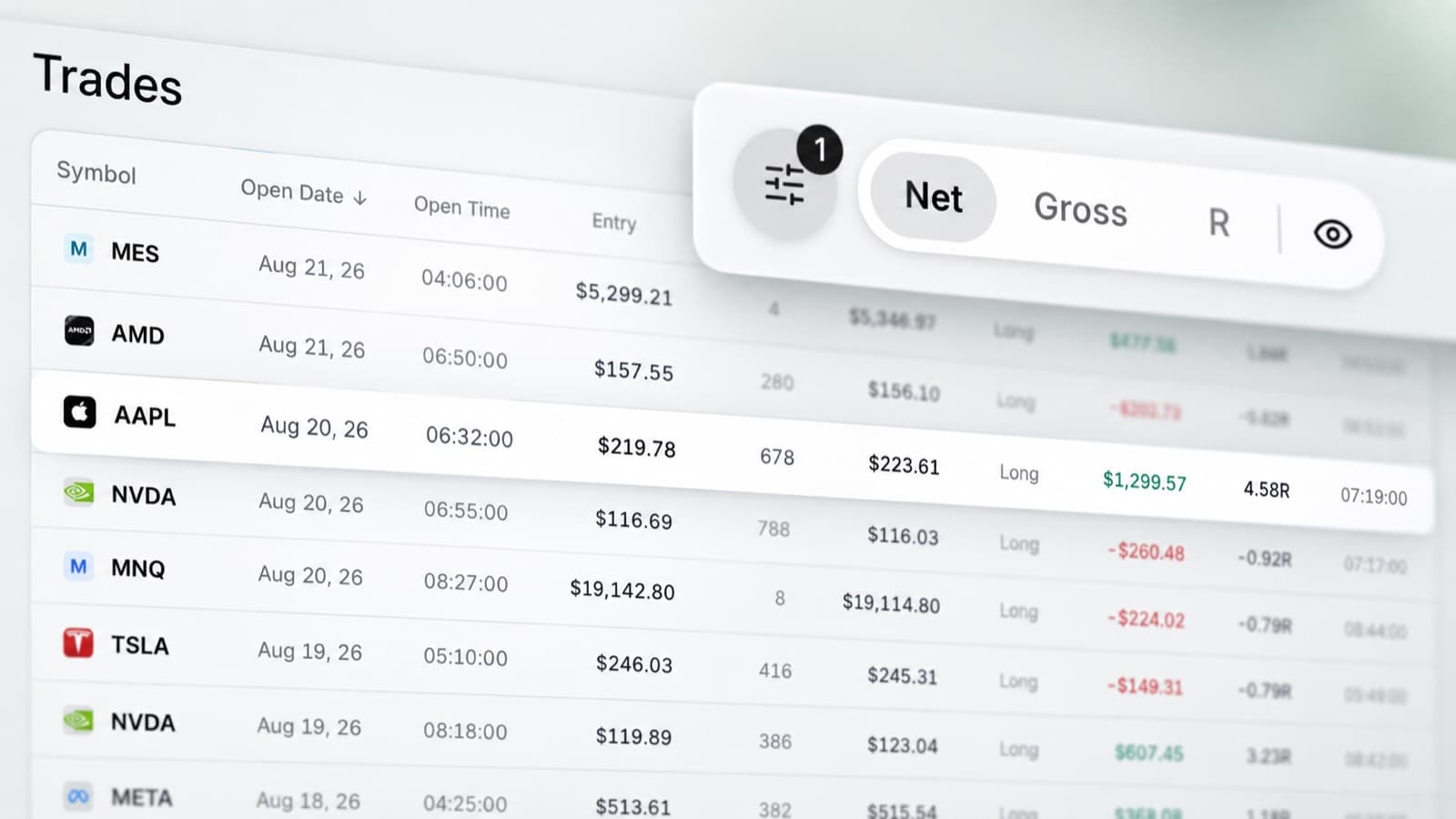
- The honest limit, with a screenshot of RizeTrade doing the thing the spreadsheet cannot.
Four of the eight add a fifth sheet: the plan itself, the firm's challenge rules, an edge calculator, or the account balance the drawdown is measured from.
Questions
- What is the difference between these and the Excel ones?
The Excel page has ten trade logs, one per instrument or per discipline problem. You open one after the session and type in what you traded.
These eight are not trade logs. They cover the work around the log: the plan you write before you trade, the routine you run each morning, the backtest you do before risking anything, and the arithmetic that tells you whether an edge is real.
- Which one should I start with?
The Trading Plan Template, if you have never written one down. Everything else on this page measures you against something, and the plan is the something.
If you are on an evaluation account, start with the Prop Firm Challenge Tracker instead. The limits matter more than the returns.
- Do these replace a trade log?
No. They sit beside one. The Trading Plan and Pre-Market Prep sheets record one row per day rather than per trade, and the Backtesting Log records trades you never took.
- Are they really free?
Yes, and there is no email wall. The download button starts a short countdown and then hands you the file.
- Will they open in Google Sheets or Numbers?
They are .xlsx files and use only long-standing Excel functions, so they open in Google Sheets, LibreOffice and Numbers.
Formatting travels less well than formulas. Expect column widths and some colours to shift.
- What is the Where Excel Stops sheet?
The last sheet in every workbook. It names one thing that template genuinely cannot do and shows a screenshot of RizeTrade doing it.
For the Prop Firm tracker it is the intraday drawdown: this sheet only knows where you finished the day, and most firms watch where you went during it.
Every one of these needs you to fill it in
That is the honest catch with all eighteen. They work exactly as long as the habit does, and the week the habit slips is the week worth looking at.
RizeTrade imports your trades from your broker, so the record exists whether or not you felt like keeping it.