
Tastytrade Trading Journal
100% FreeNo CC Required
4.8/5 1,794 Reviews
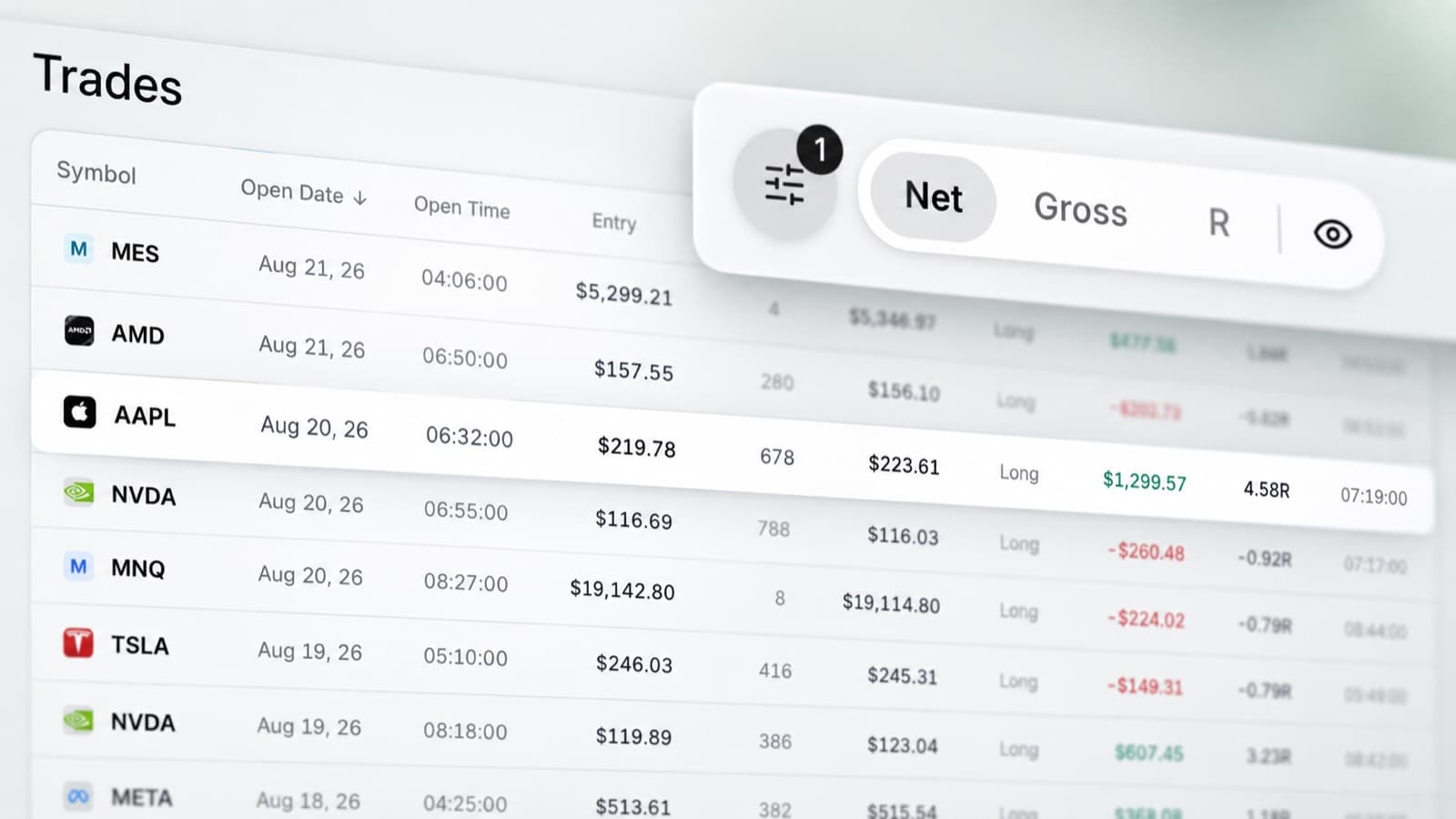
Trade import
Analyse your Tastytrade trades with charts, AI, statistics, trade grading and performance reports.
Import supported Tastytrade trading data into RizeTrade through broker sync or file upload, then analyse your trades with charts, AI, statistics and trade grading.
Manual trade entry is also available for trades you want to record yourself.
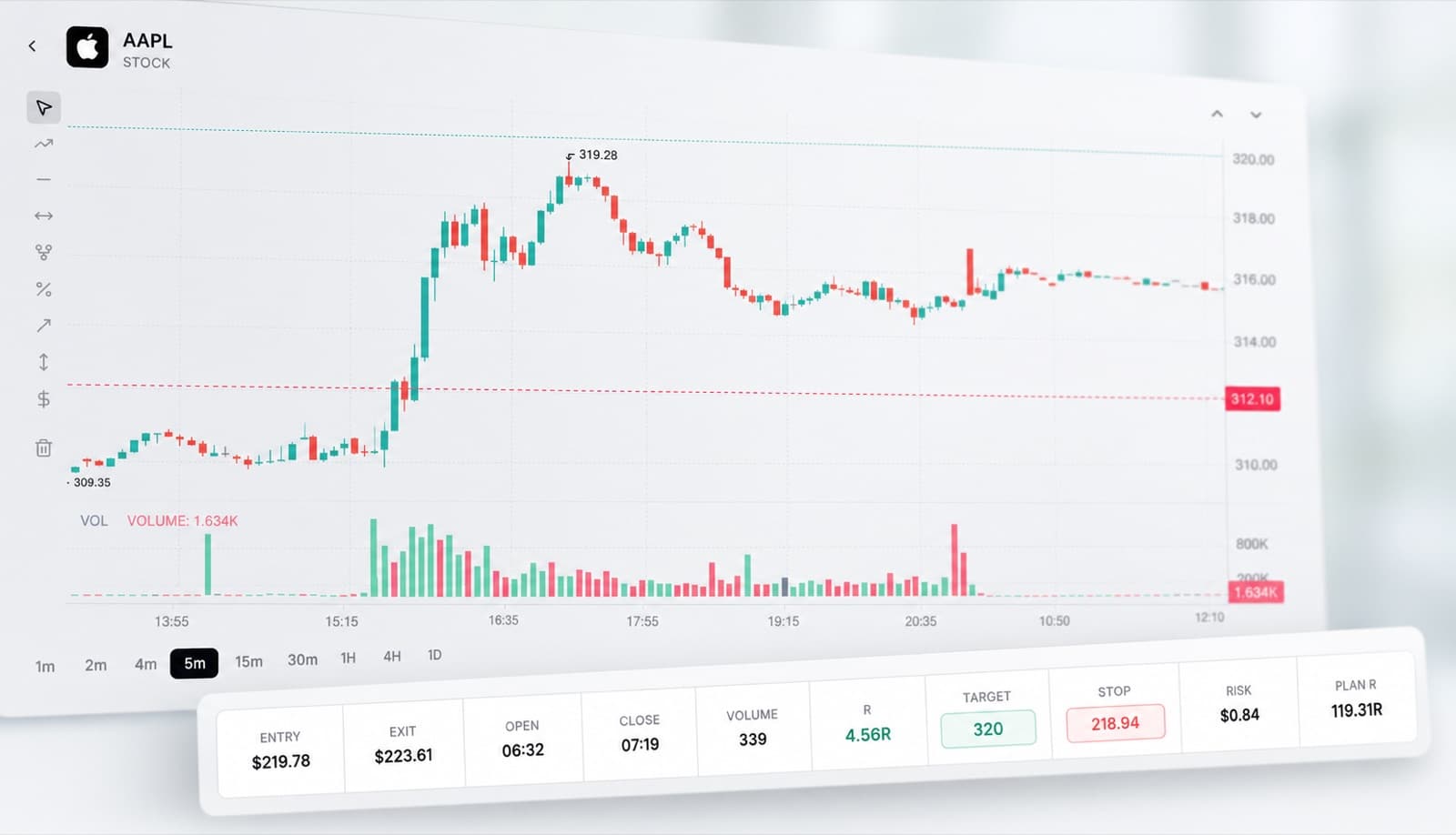
Trade chart review
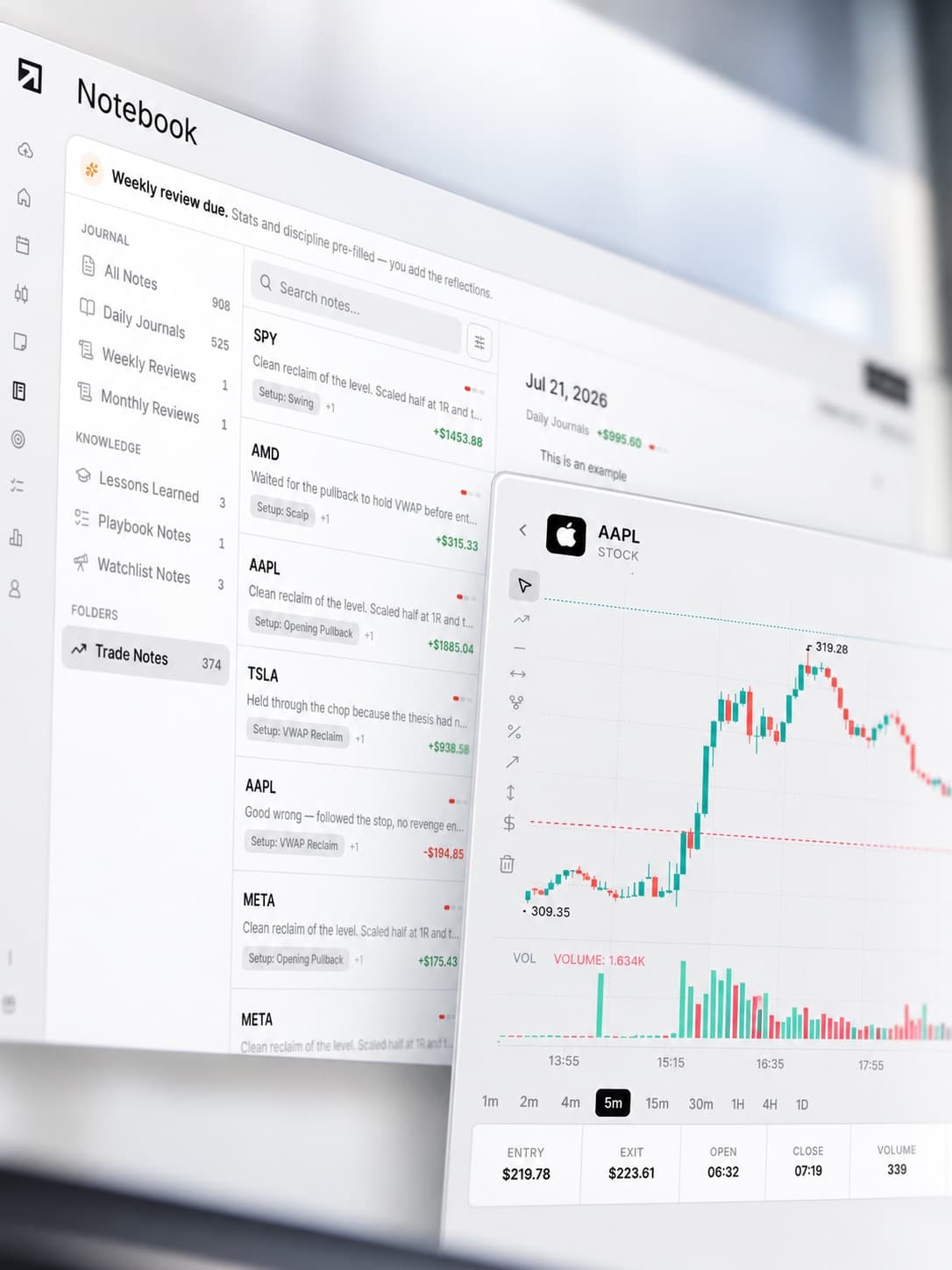
View completed trades directly on the chart.
See your entry and exit points, review price movement around the position and check your execution visually.
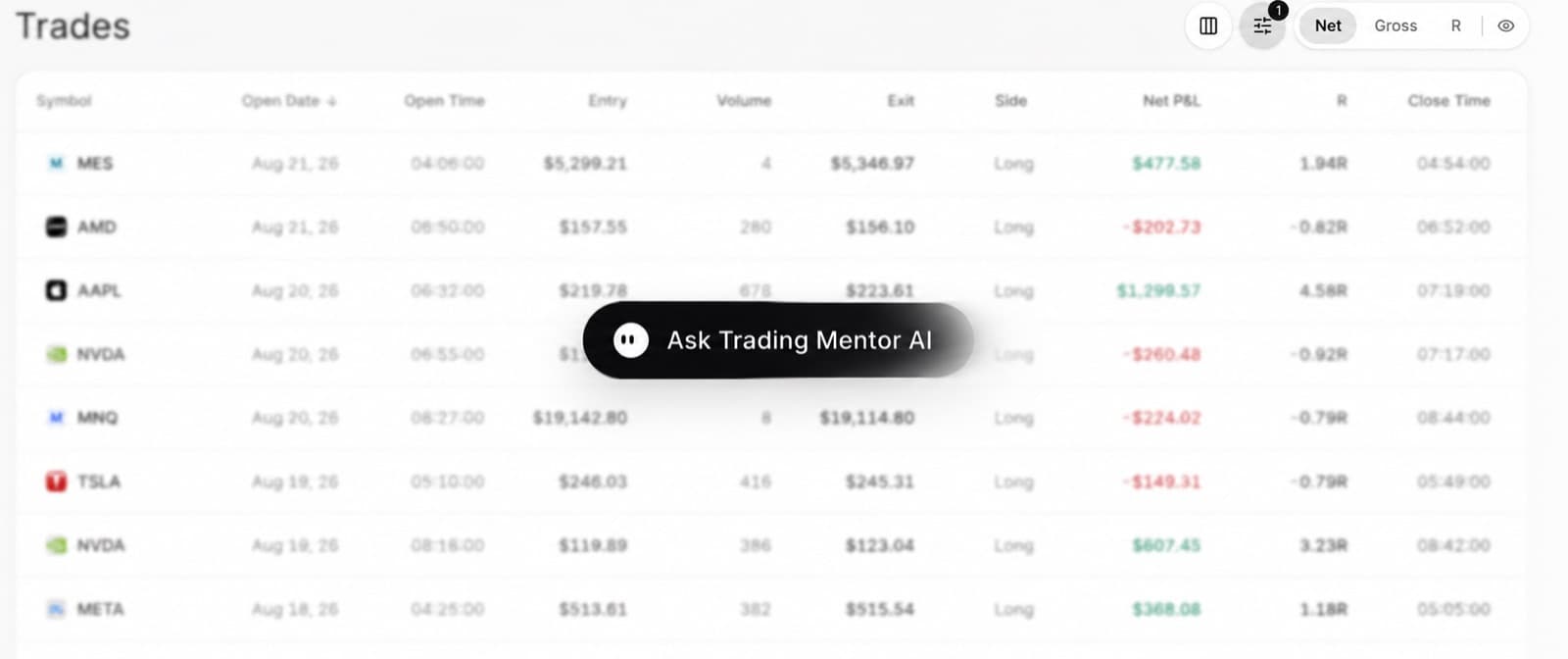
Trading Mentor AI
Use Trading Mentor AI to analyse your trading history. Ask questions such as:
- Which trades have my highest grades?
- Where is my execution weakest?
- Which mistakes happen most often?
- Which setups perform best?
- How does my performance change after losses?
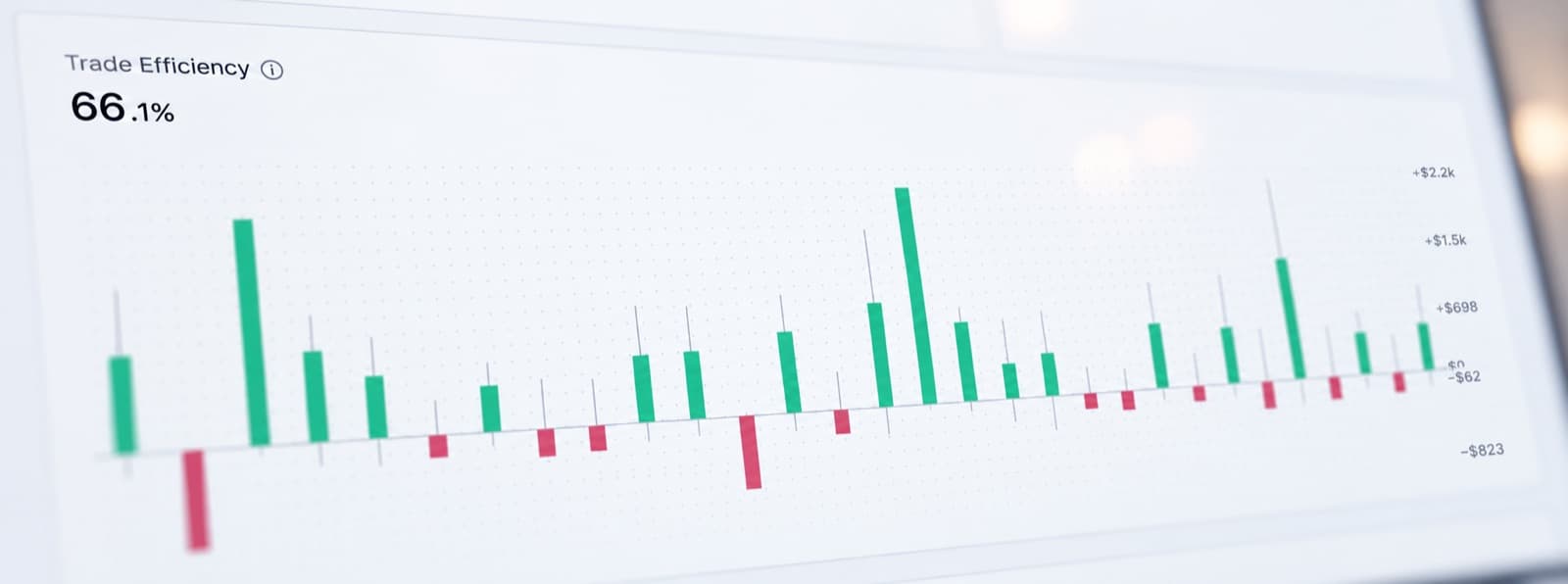
Trading efficiency
Measure how efficiently each trade was executed.
Compare execution across trades and identify positions where entry, management or exit quality could have been better.
Trade grade
Grade each trade based on the quality of your execution and decision-making.
This gives you another way to evaluate performance without relying only on final P&L.
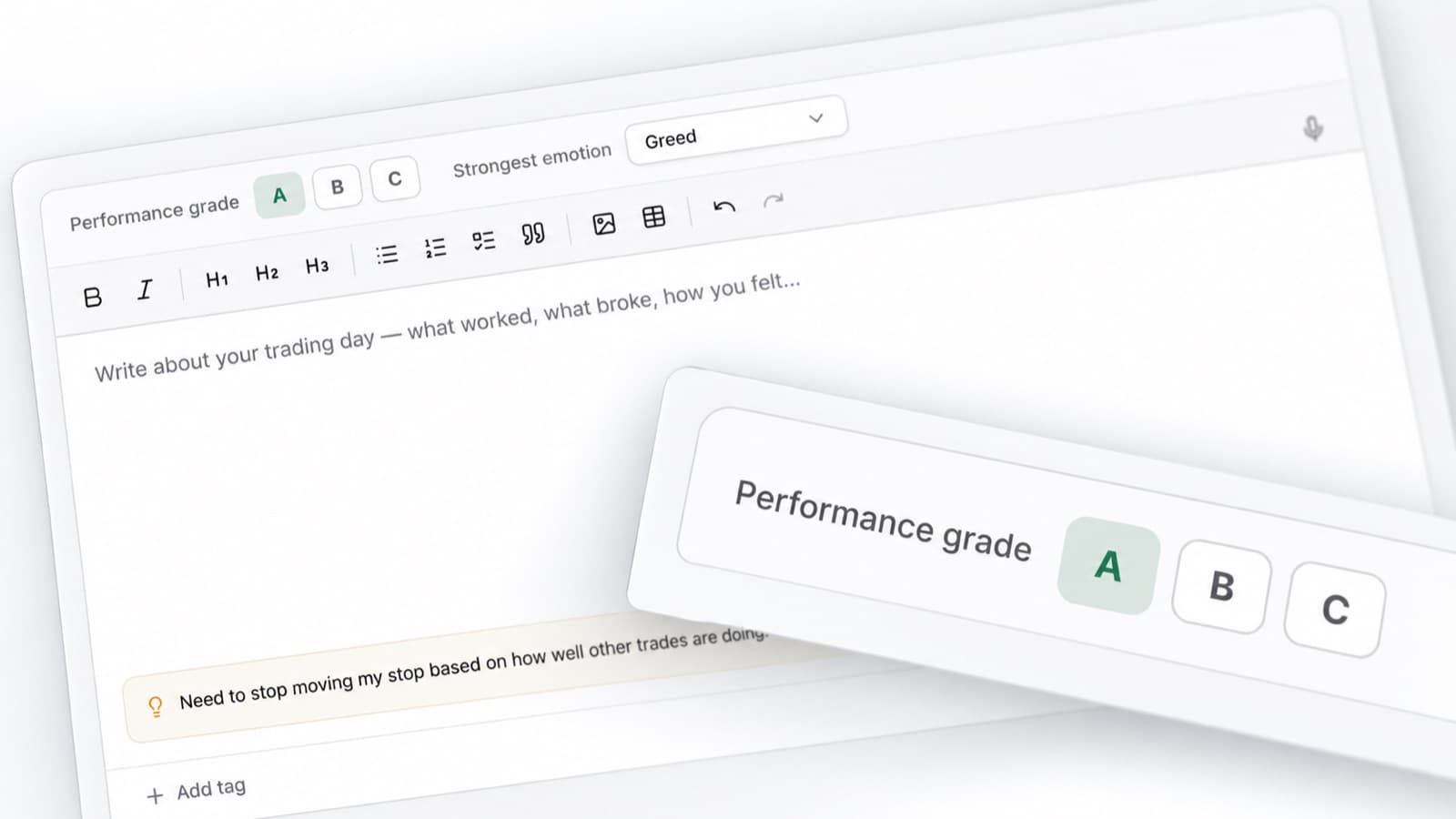
Emotion tracking
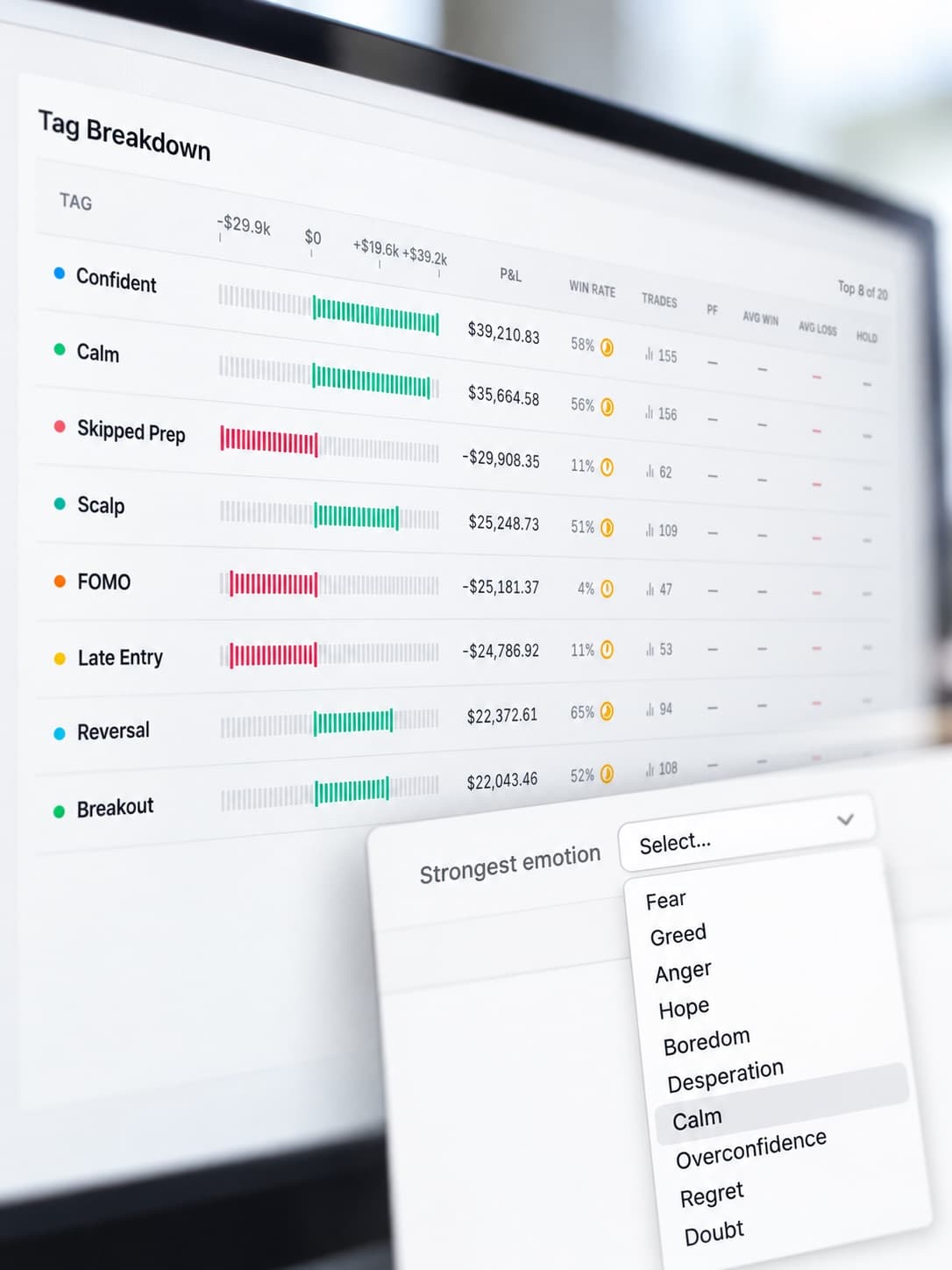
Record your emotional state alongside each trade.
Track confidence, frustration, hesitation, impatience and other factors that may influence your decisions.
Compare emotion data against your results and execution.
Discipline tracker
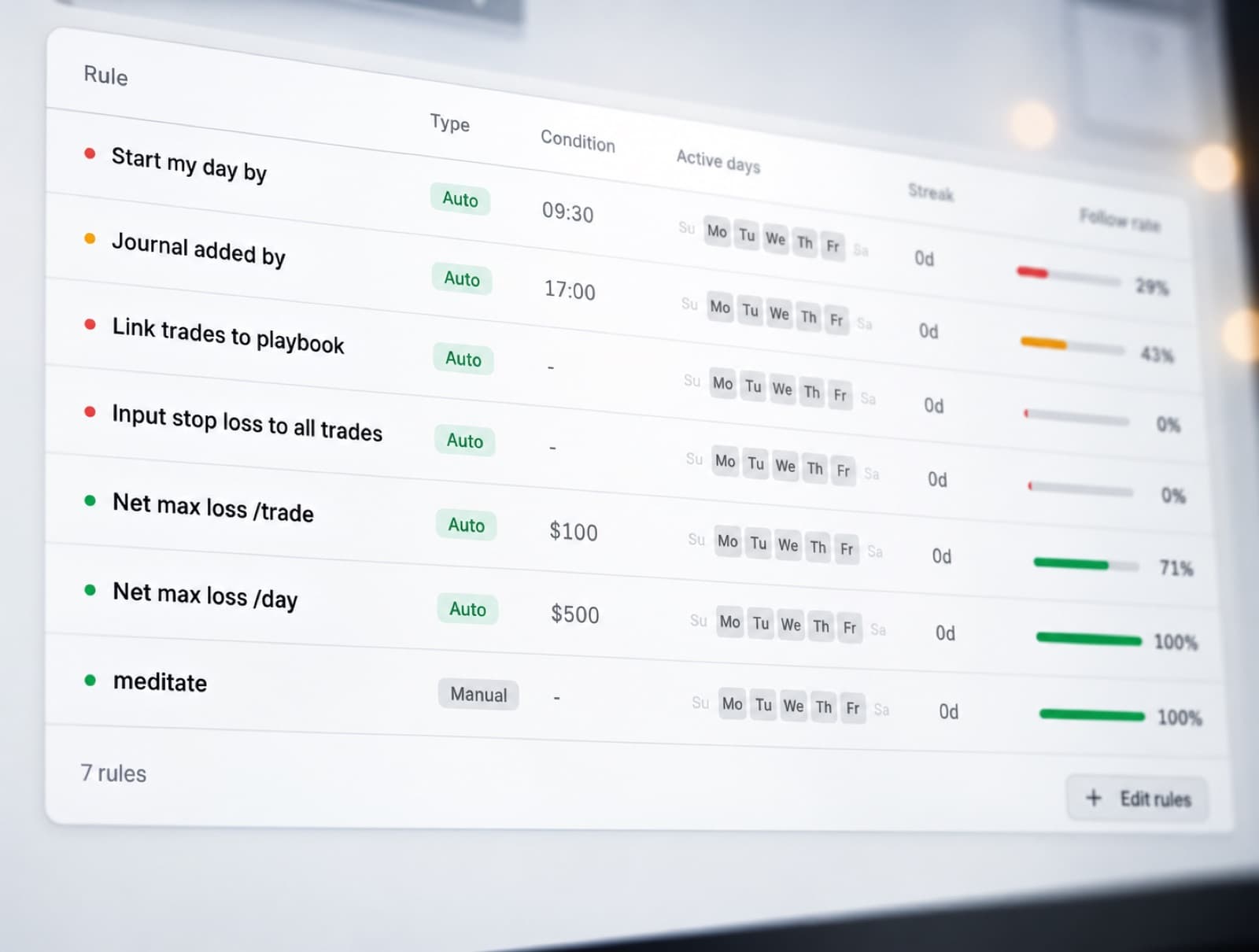
Track whether you followed your trading rules.
Measure rule adherence across individual trades and compare disciplined trades against those where your process changed.
P&L calendar
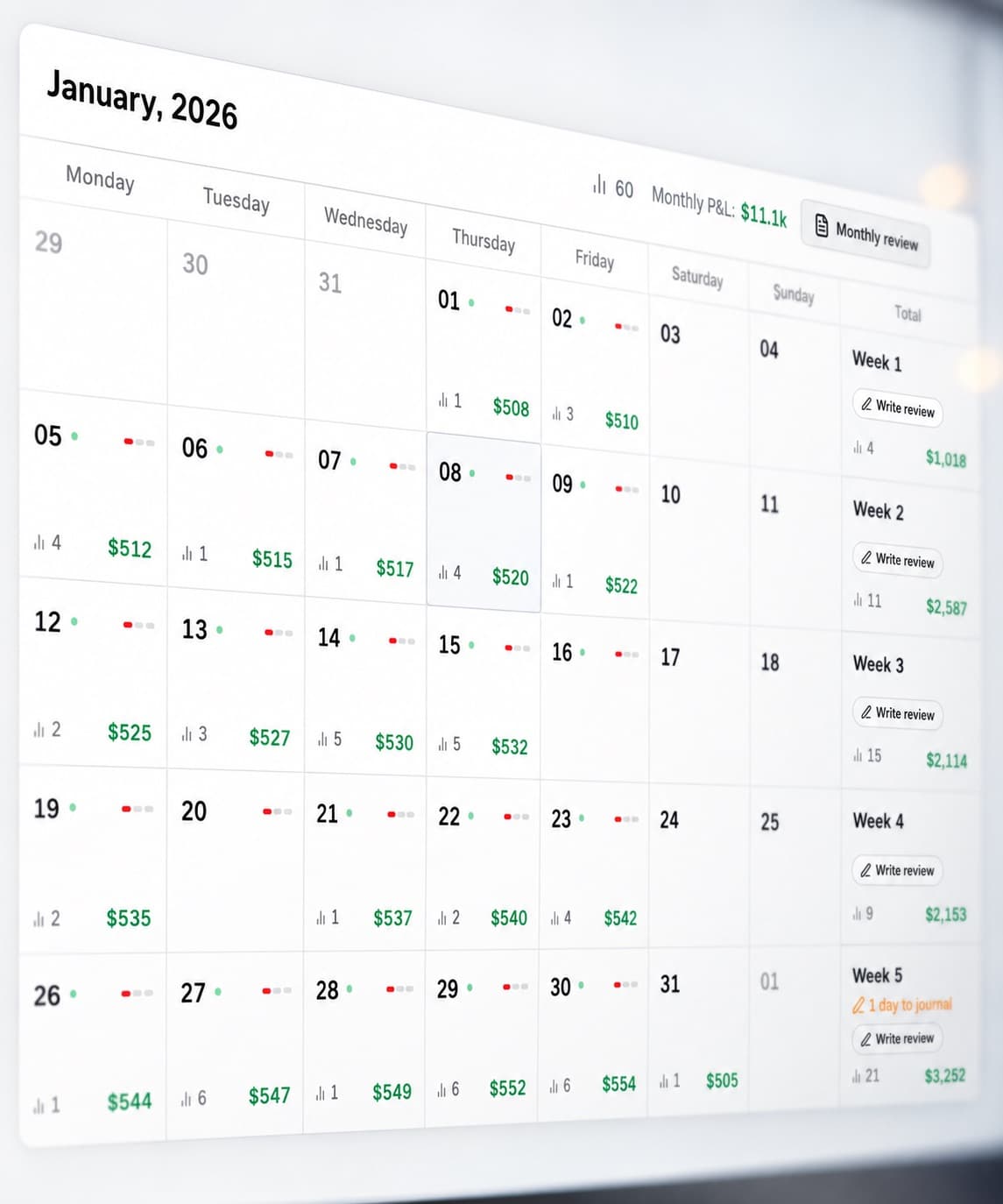
Review your daily results across the month.
Quickly identify profitable days, losing periods and changes in trading activity.
Open individual dates to review the trades behind each result.
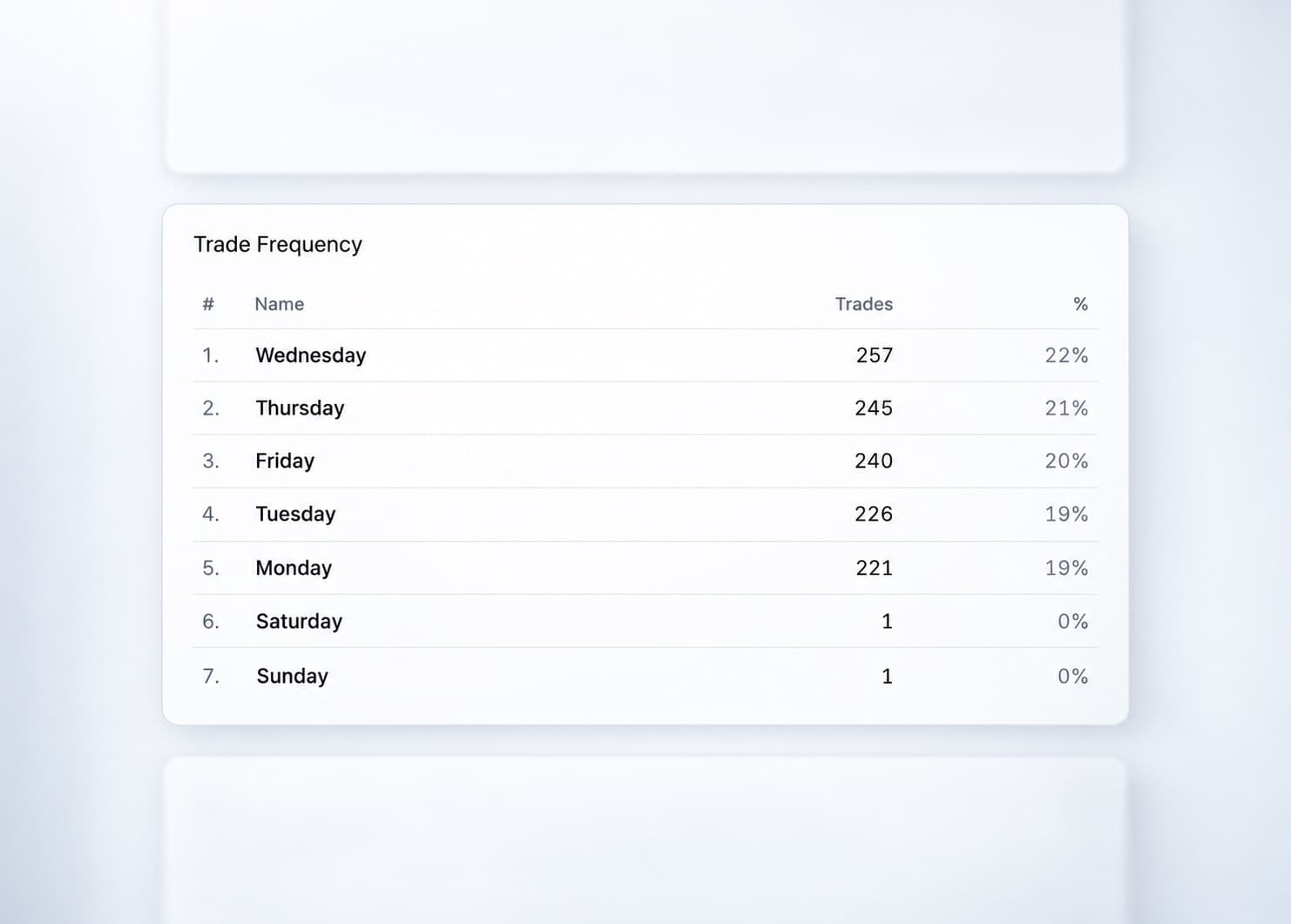
Trading statistics
Analyse performance across your complete trading history.
Compare results, execution quality and recurring trading patterns from a larger sample of trades.
Journal reports
Create structured trading reviews using your journal data.
Review performance, discipline, trade quality, emotions and execution together.
Tastytrade journal features
Trading Mentor AI
Analyse your trading data with AI.
Past trade charts
Review entries and exits visually.
Trading efficiency
Measure execution quality.
Trade grade
Score individual trades.
P&L calendar
Review daily trading results.
Broker sync & file import
Import supported trading data.
Manual trade entry
Record trades manually.
Emotion tracking
Track mindset alongside trades.
Discipline tracker
Measure rule adherence.
Statistics
Analyse trading performance.
Journal reports
Create structured reviews.
Review your Tastytrade performance
Track your trades, analyse execution and identify patterns across your trading history.