
Interactive Brokers Trading Journal
100% FreeNo CC Required
4.8/5 1,794 Reviews
Import Interactive Brokers trades
Bring your Interactive Brokers trades into RizeTrade and turn your trading history into a clearer performance review.
Bring your trading history into RizeTrade using supported broker sync or file import. You can also enter trades manually when you need to add something yourself.
Once your trades are inside RizeTrade, you can review performance, execution, discipline and behaviour from one online trading journal.
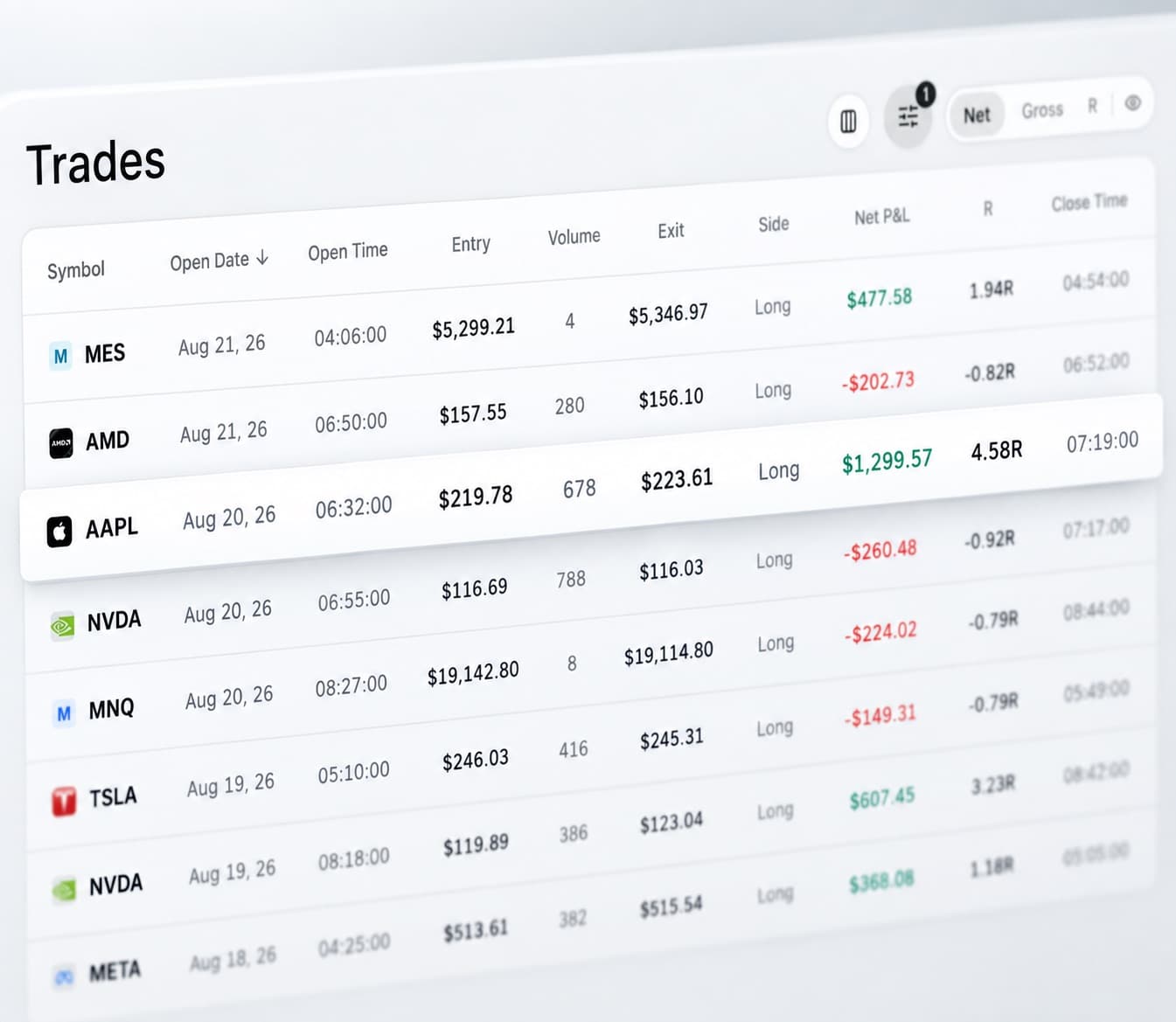
Review past trades on the chart
Open any previous trade and see it in context.
RizeTrade shows your entries and exits on the chart so you can review timing, trade management and what happened around the position.
This gives you a much better basis for reviewing the trade than looking at transaction history alone.
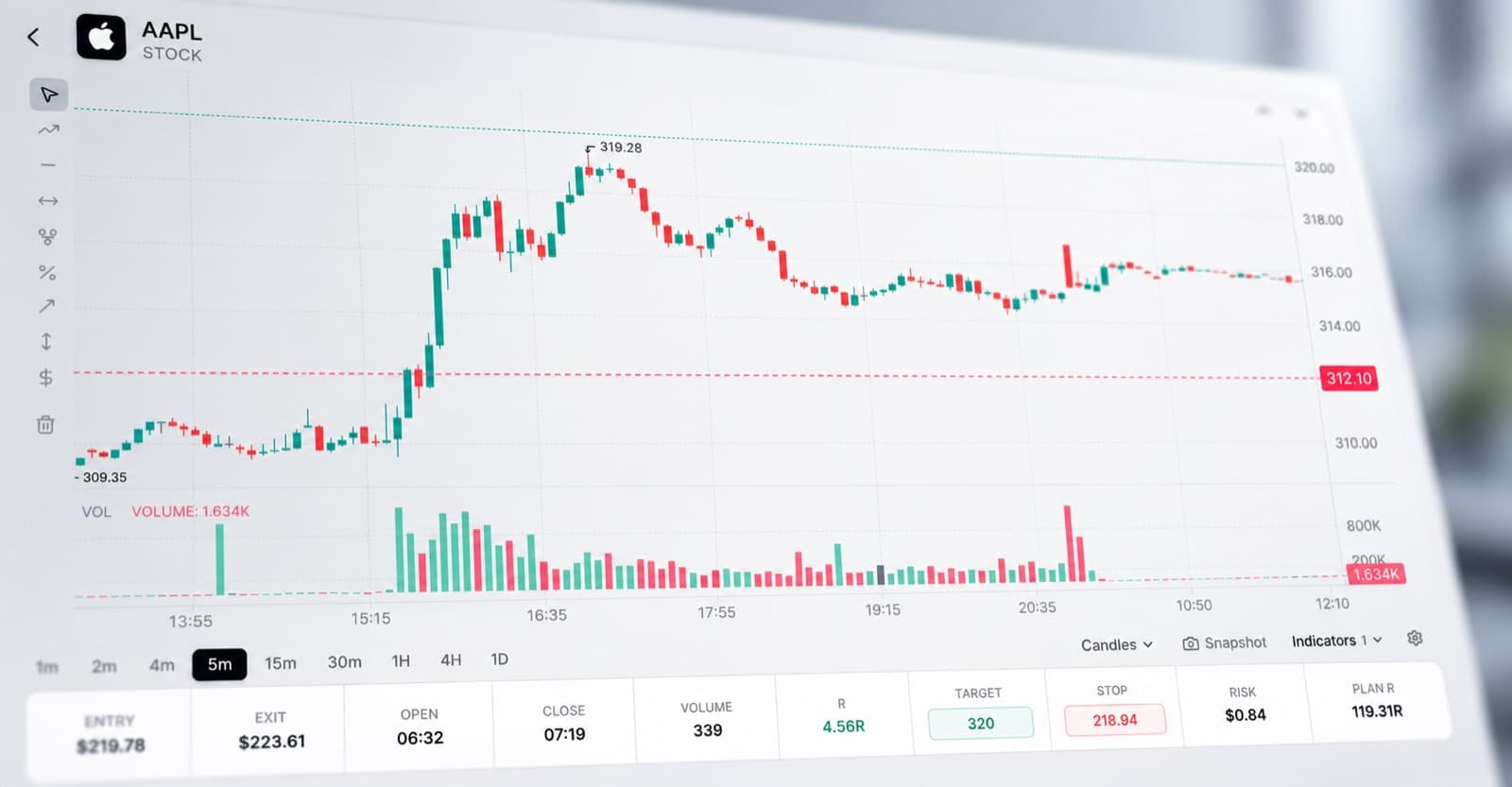
Analyse your trading with AI
Trading Mentor AI helps you work through the data already inside your journal.
Ask questions about your own trades and look for patterns across a much larger trading history.
- Which trades are producing my best results?
- Where is my execution weakest?
- What do my lowest-graded trades have in common?
- Which behaviours appear most often during strong periods?
- Am I repeating the same mistakes across different trades?
The more history you build, the more useful those comparisons become.
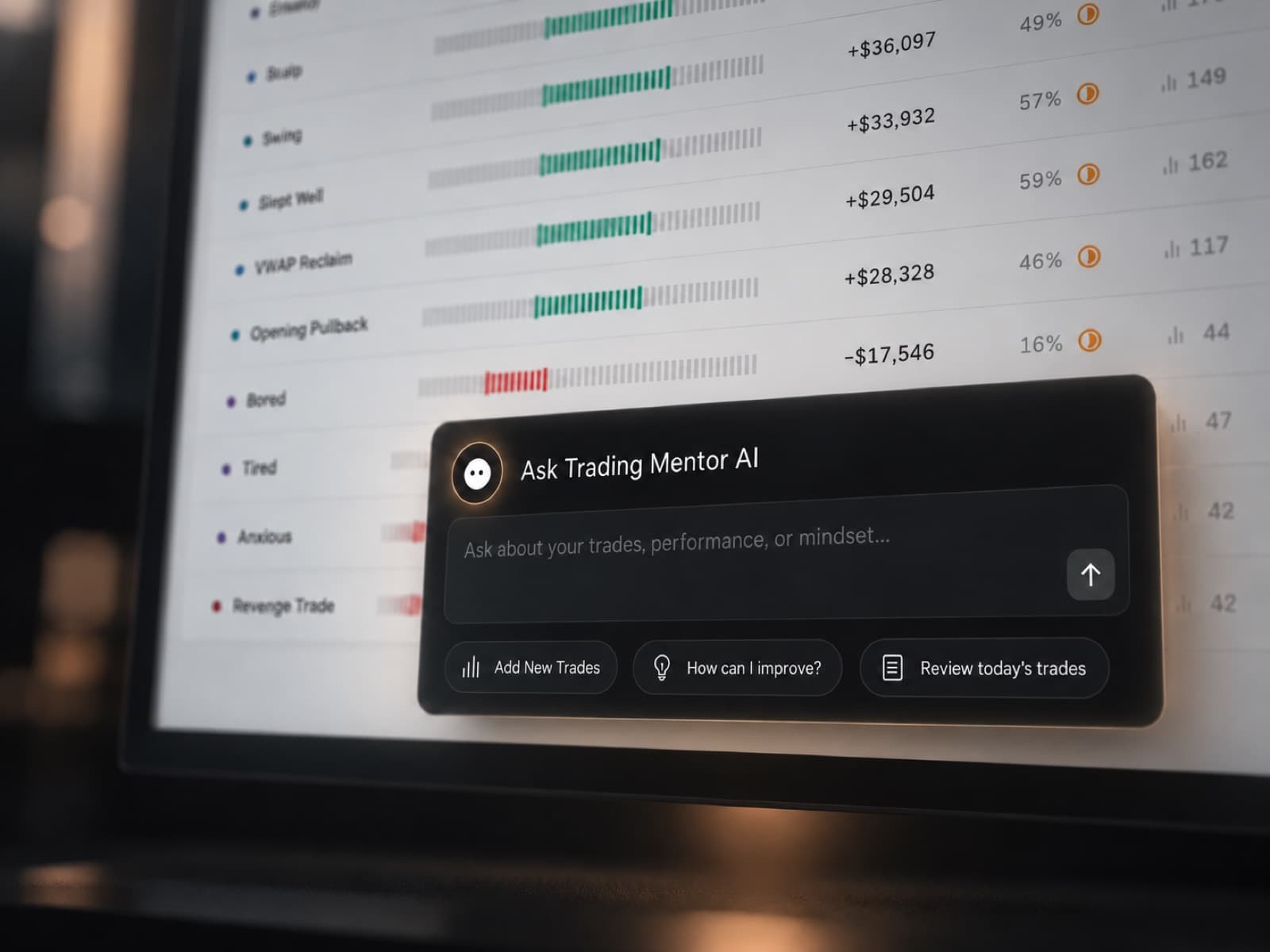
Measure your trading efficiency
P&L shows the financial result. Trading Efficiency helps you review how well you handled the trade itself.
Use it to compare execution across your journal and find positions where timing or management could have been stronger.
It gives you another layer of information when the final result does not tell the whole story.
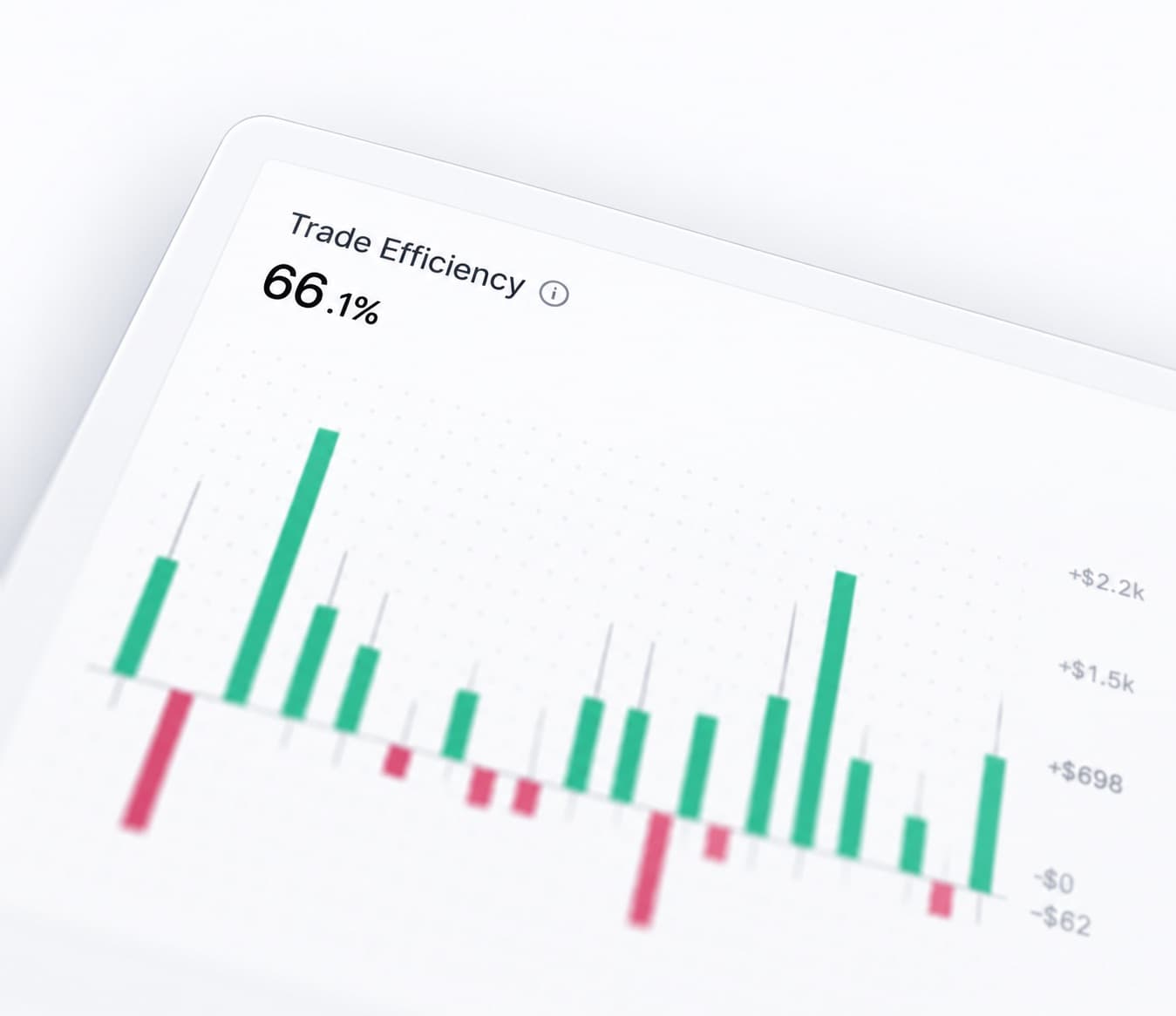
Grade your trade quality
Trade Grade lets you score each trade based on the quality of the decision and execution.
This helps separate a well-executed loss from a poorly executed win.
Over time, you can compare your trade grades against your actual results and see whether better process is translating into better performance.
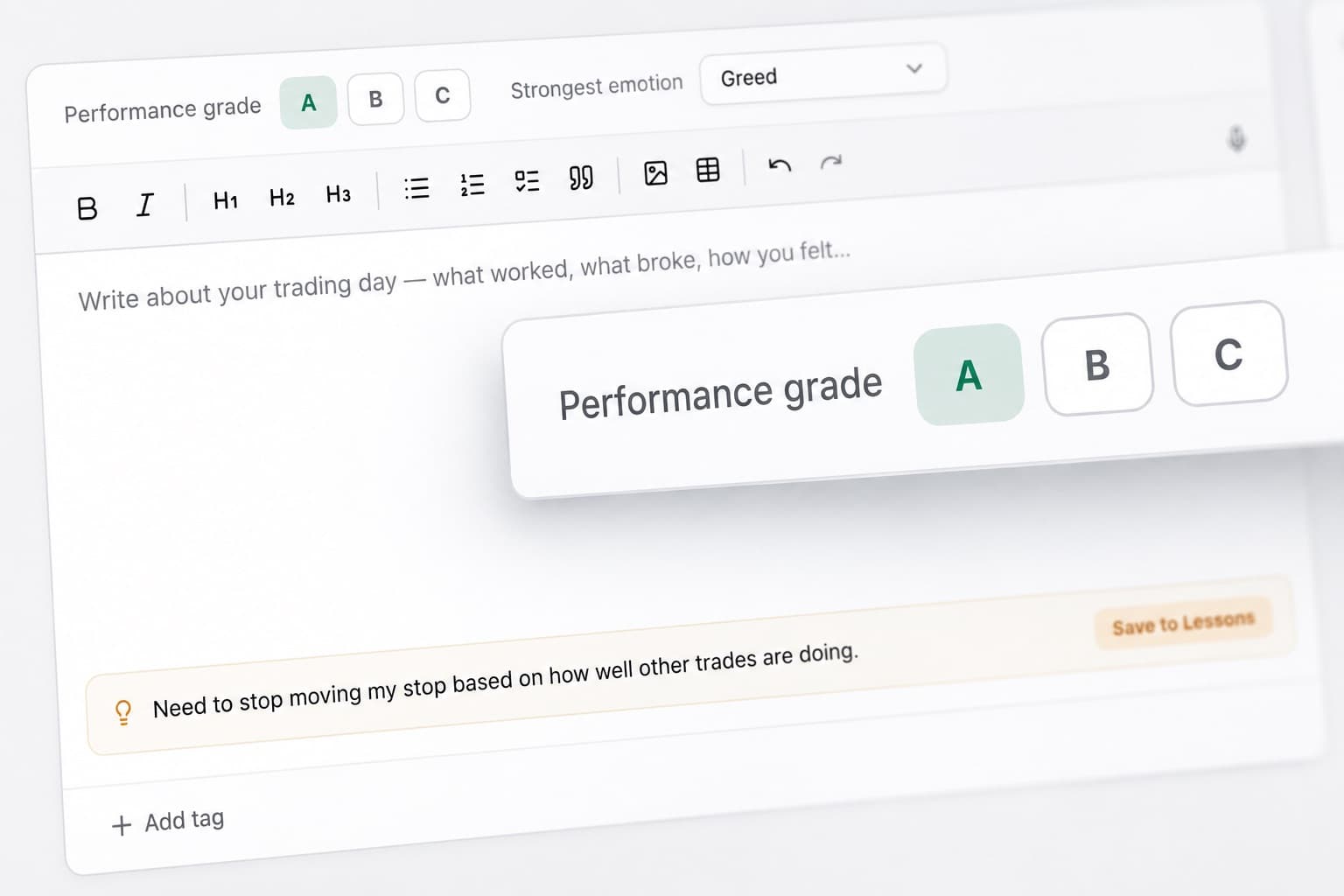
Keep your trade notes together
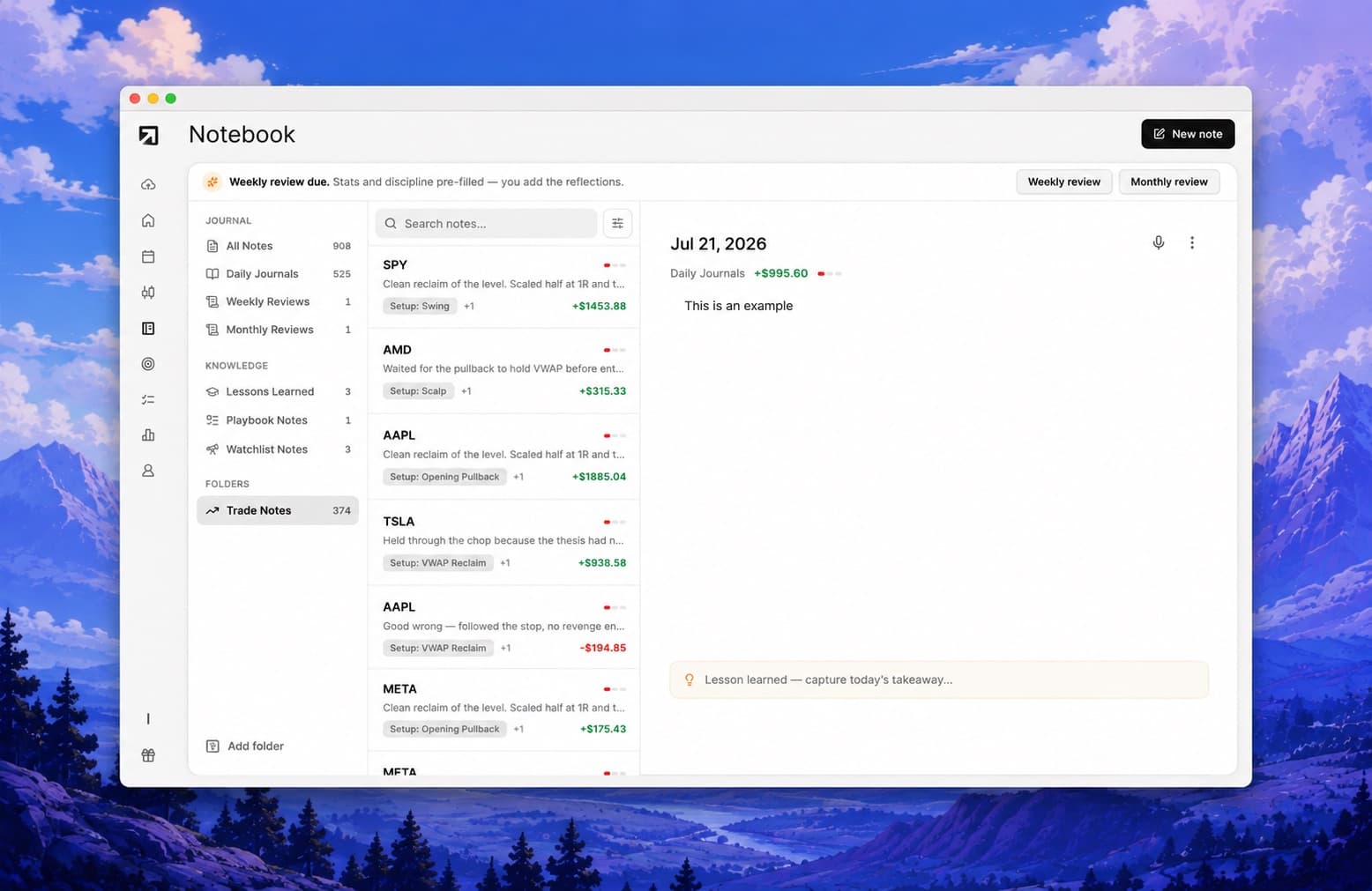
Add the reasoning behind each decision directly to your journal.
Record the setup, what you expected, what changed and anything you want to remember during your next review.
Instead of having notes spread across different apps or documents, your trading context stays attached to the trade itself.
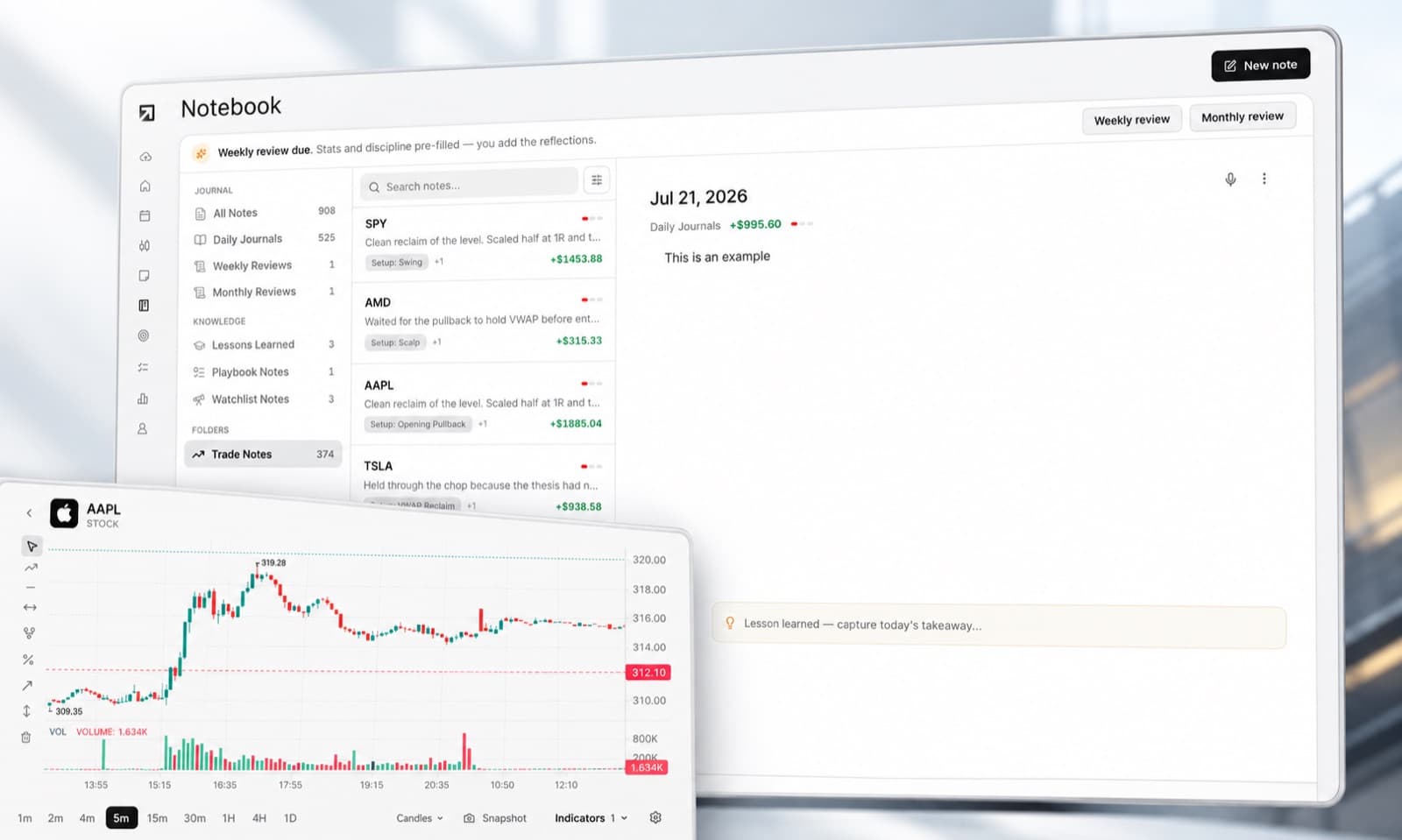
Track your trading emotions
Performance is not only affected by the market. Your own state can influence entries, exits and position management.
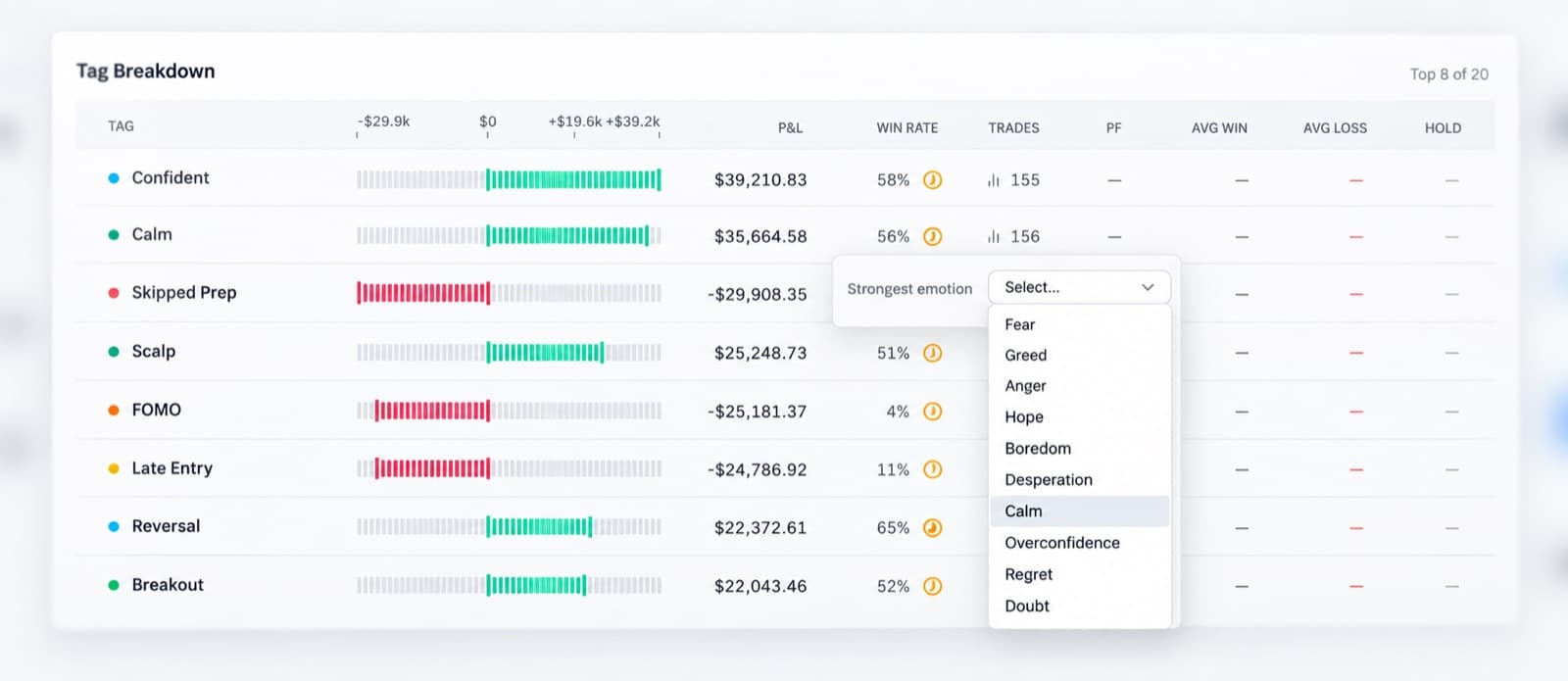
RizeTrade lets you record emotions alongside your trades and compare them with your results, trade grades and execution.
Over time, this can make recurring behavioural patterns easier to identify.
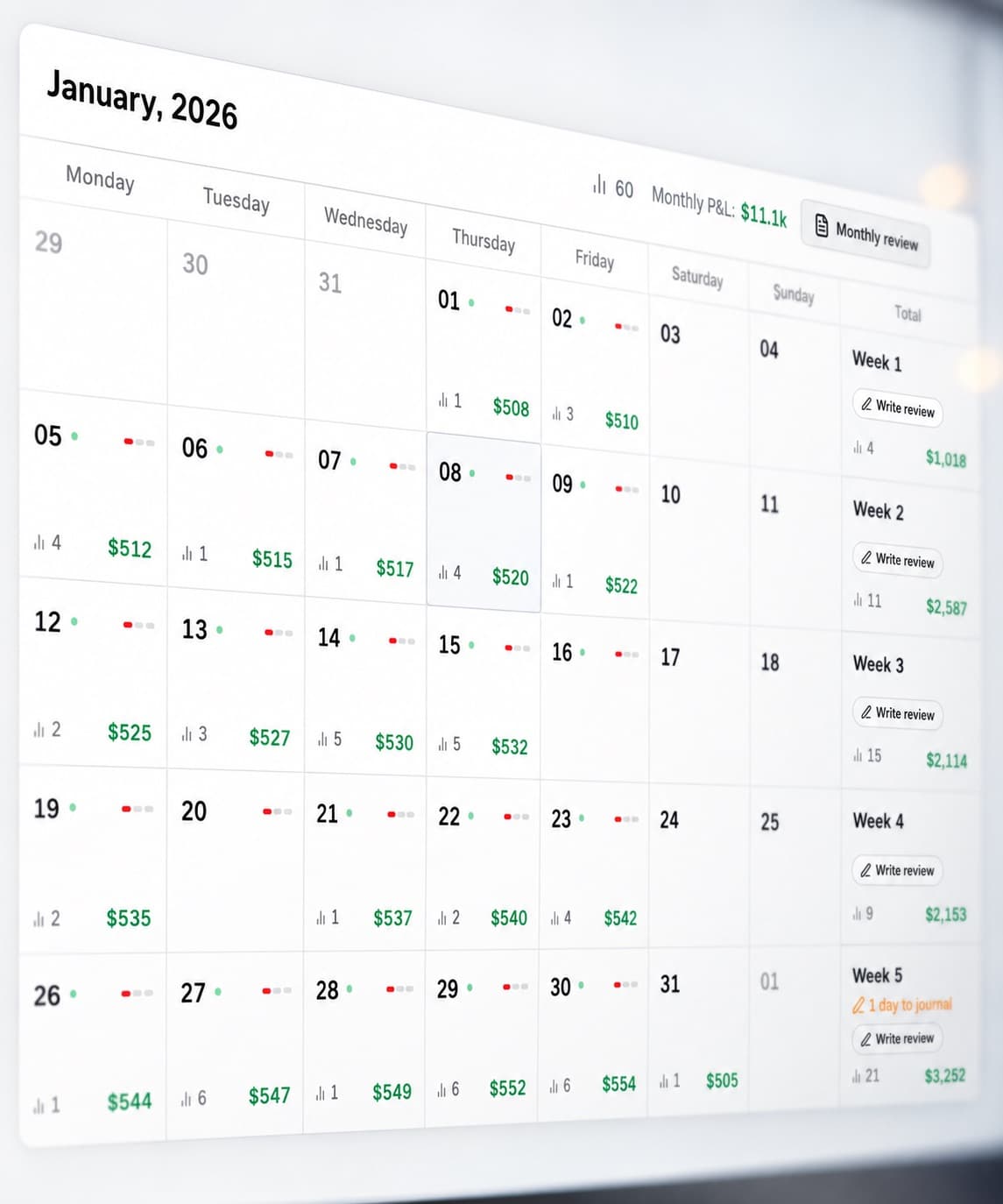
Review performance on the P&L calendar
See your trading results across the month without opening every position individually.
The P&L Calendar makes it easy to spot stronger periods, difficult days, changes in activity and clusters of results.
When a date stands out, you can go back to the trades behind it and review what actually happened.
Measure your trading discipline
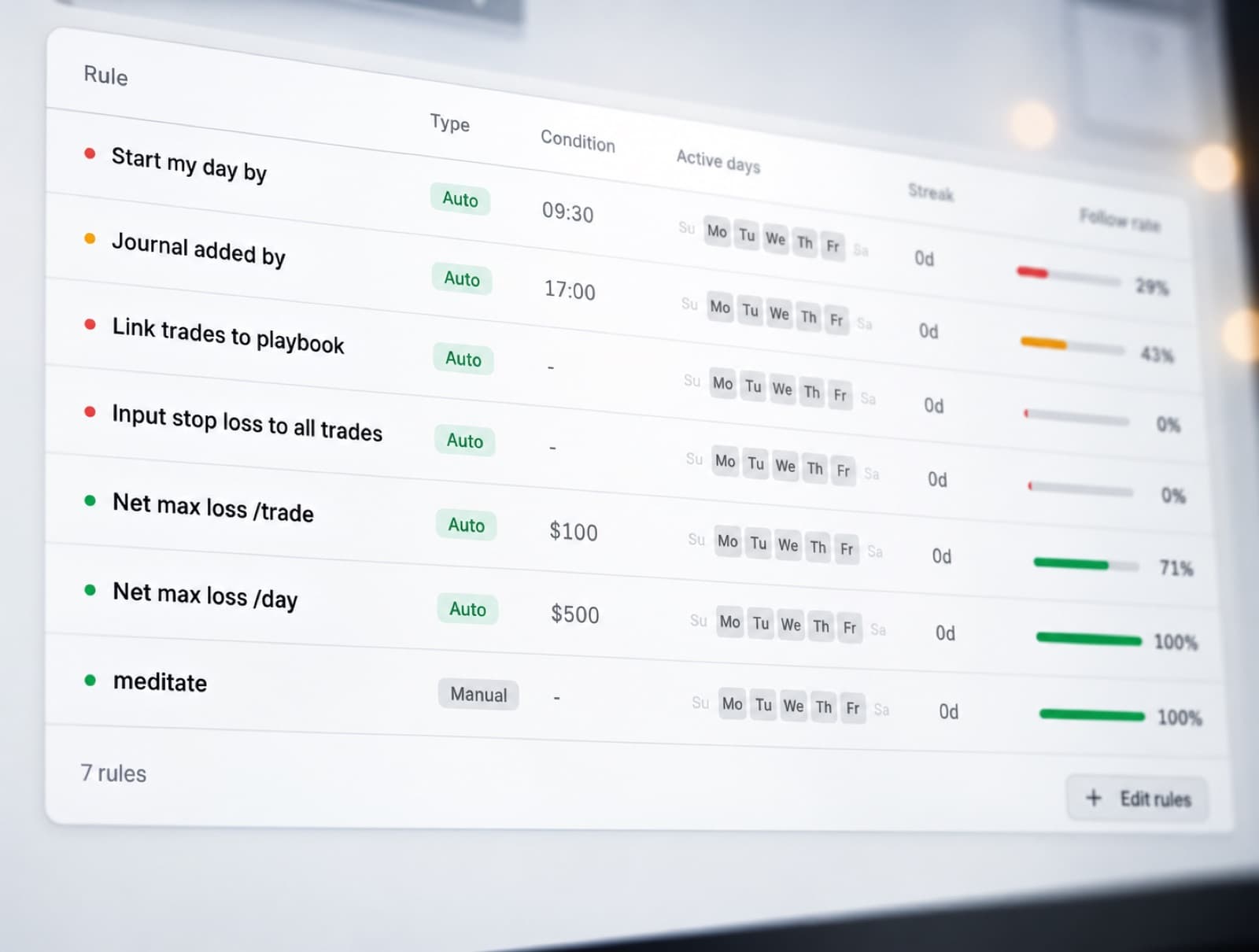
The Discipline Tracker helps you monitor whether your trades matched the rules you intended to follow.
Choose the behaviours that matter to your process and track them consistently.
You can then compare your disciplined trades with the periods where you moved away from your normal approach.
This makes discipline something you can review with data rather than judge from memory.
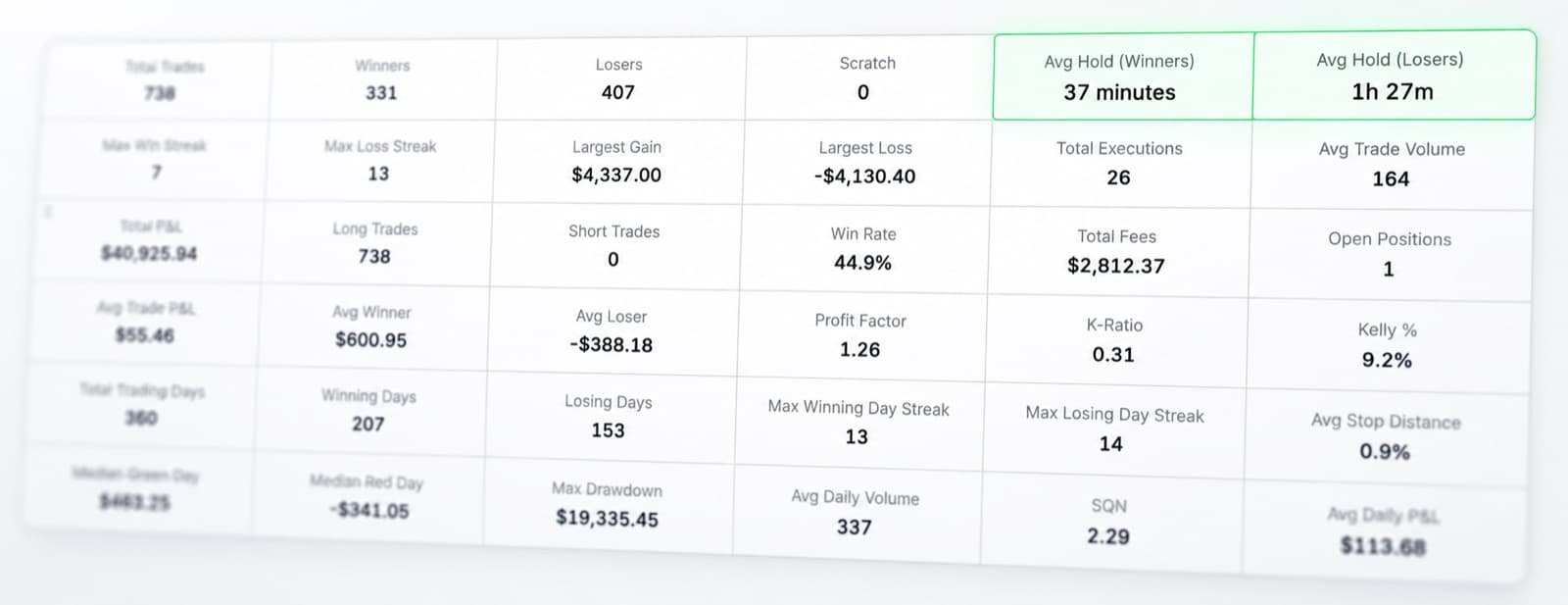
Dig into your trading statistics
Interactive Brokers traders can build a substantial trading history.
RizeTrade Statistics help turn that history into something easier to analyse.
Compare performance across your trades, look for recurring behaviour and see how your results develop over time.
The goal is to find patterns that are consistent enough to matter.
Create structured journal reports
Journal Reports bring your trading data together into a more focused review.
Look across your performance, execution, trade quality, emotions and discipline without having to analyse each metric separately.
Use reports to review a period of trading and decide what deserves more attention next.
Interactive Brokers journal features
Trading Mentor AI
Analyse patterns across your trading history.
Past trade charts
Review previous entries and exits in context.
Trading efficiency
Measure how effectively you handled each trade.
Trade grade
Score trade quality separately from P&L.
P&L calendar
See your trading results across the month.
Broker sync & file import
Bring supported trading data into RizeTrade.
Manual trade entry
Add trades individually when needed.
Emotion tracking
Compare trading mindset with performance.
Discipline tracker
Measure whether you followed your process.
Statistics
Analyse larger patterns across your trading history.
Journal reports
Build structured reviews from your trade data.
Get more from your Interactive Brokers trade history
Your trading history contains far more than completed orders.
RizeTrade helps you review the decisions, execution and behaviour behind those results so you can see what is actually changing over time.
Build a journal that gives you more than another list of transactions.