
cTrader Trading Journal
100% FreeNo CC Required
4.8/5 1,794 Reviews
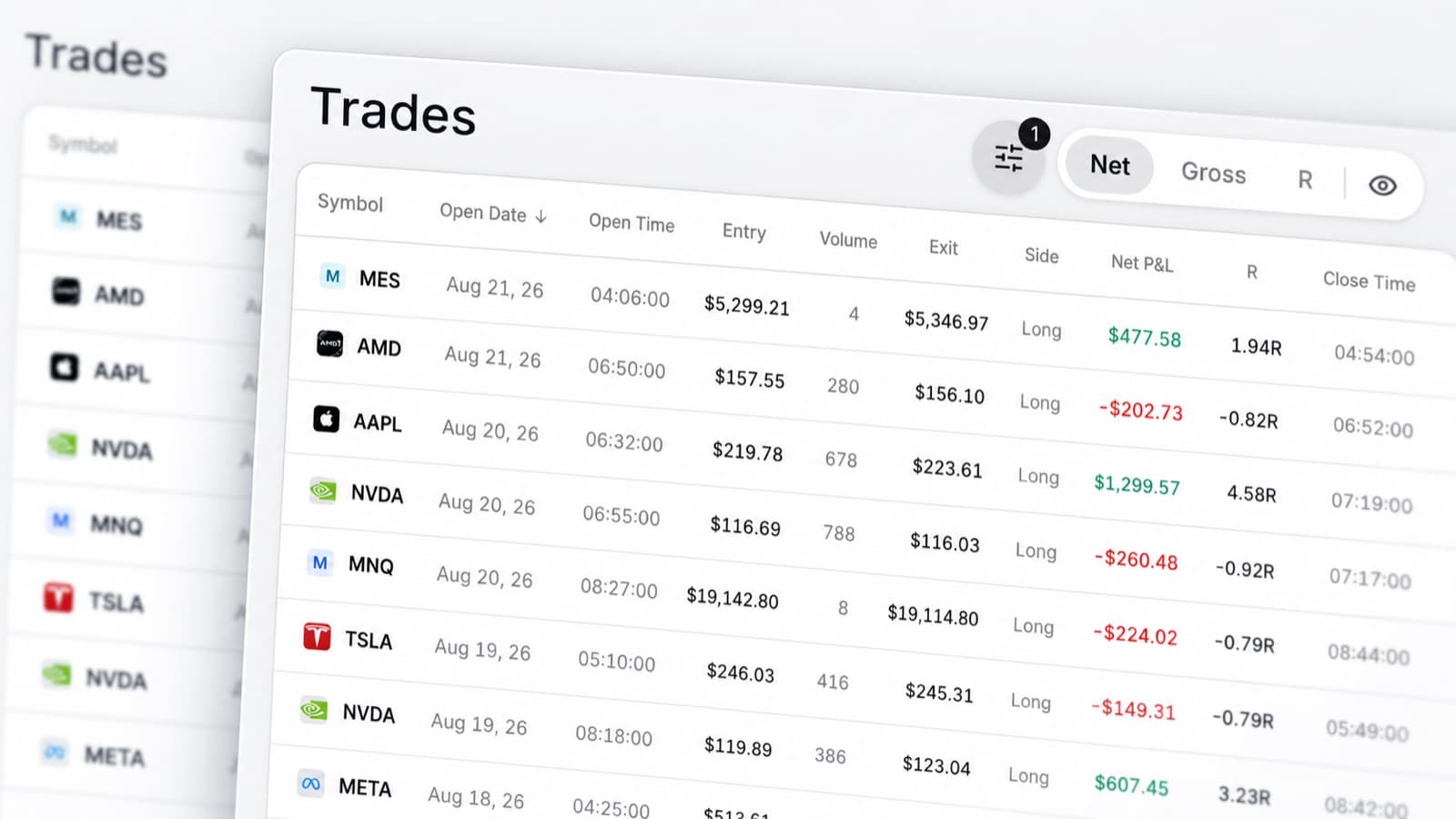
Import cTrader trades
Bring your cTrader trades into RizeTrade and review how you actually trade.
Move your trading history into RizeTrade using supported sync or file import. Prefer to add trades yourself? Manual trade entry is available too.
Once your trades are in, you can review performance, behaviour and execution from one trade journal.
Check your entries and exits
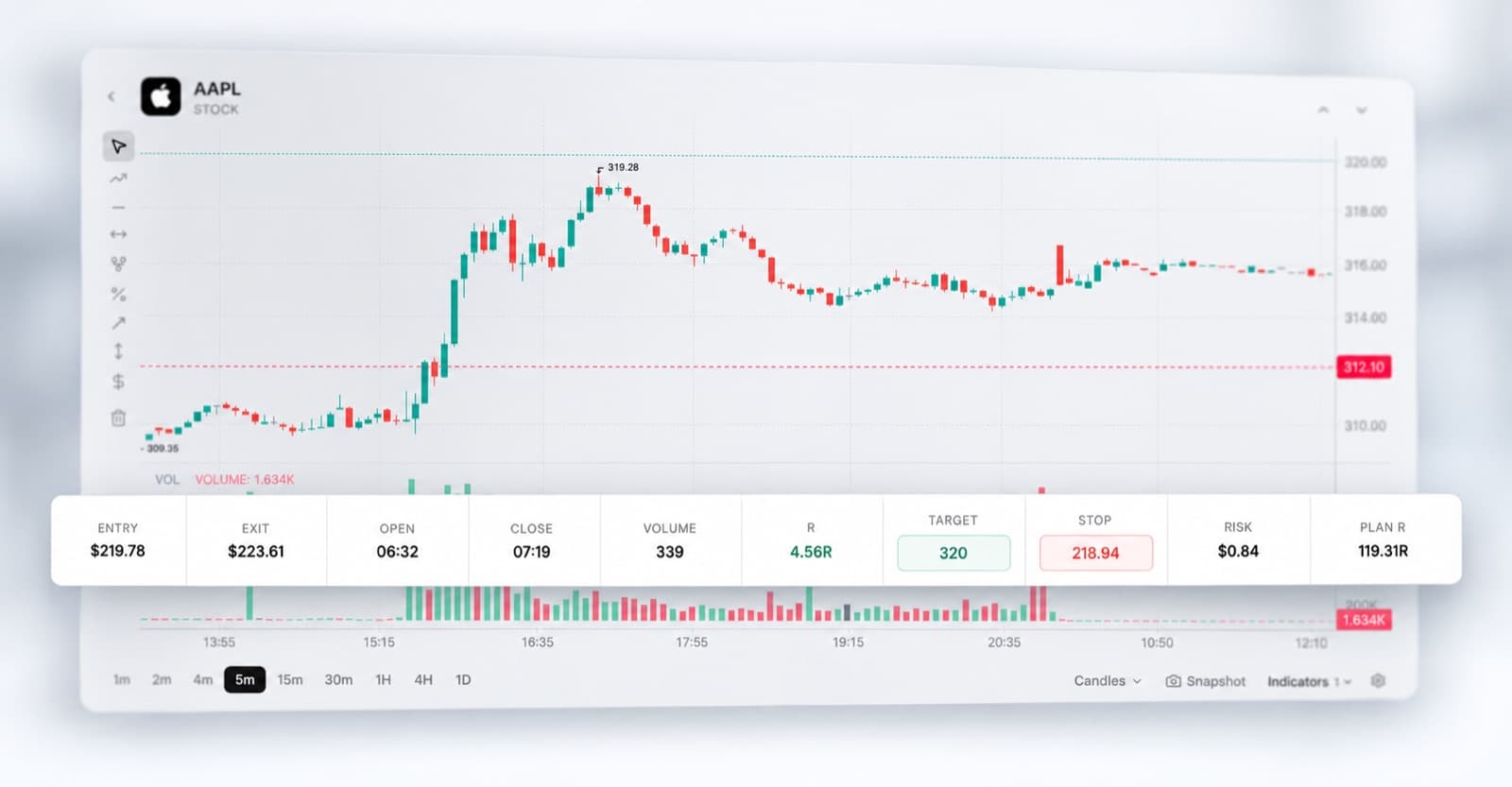
Open previous trades directly on the chart.
See where you entered. See where you closed. Review how price moved around the position.
This makes it easier to judge the decision itself, not just the final P&L.
Use AI to review your trading
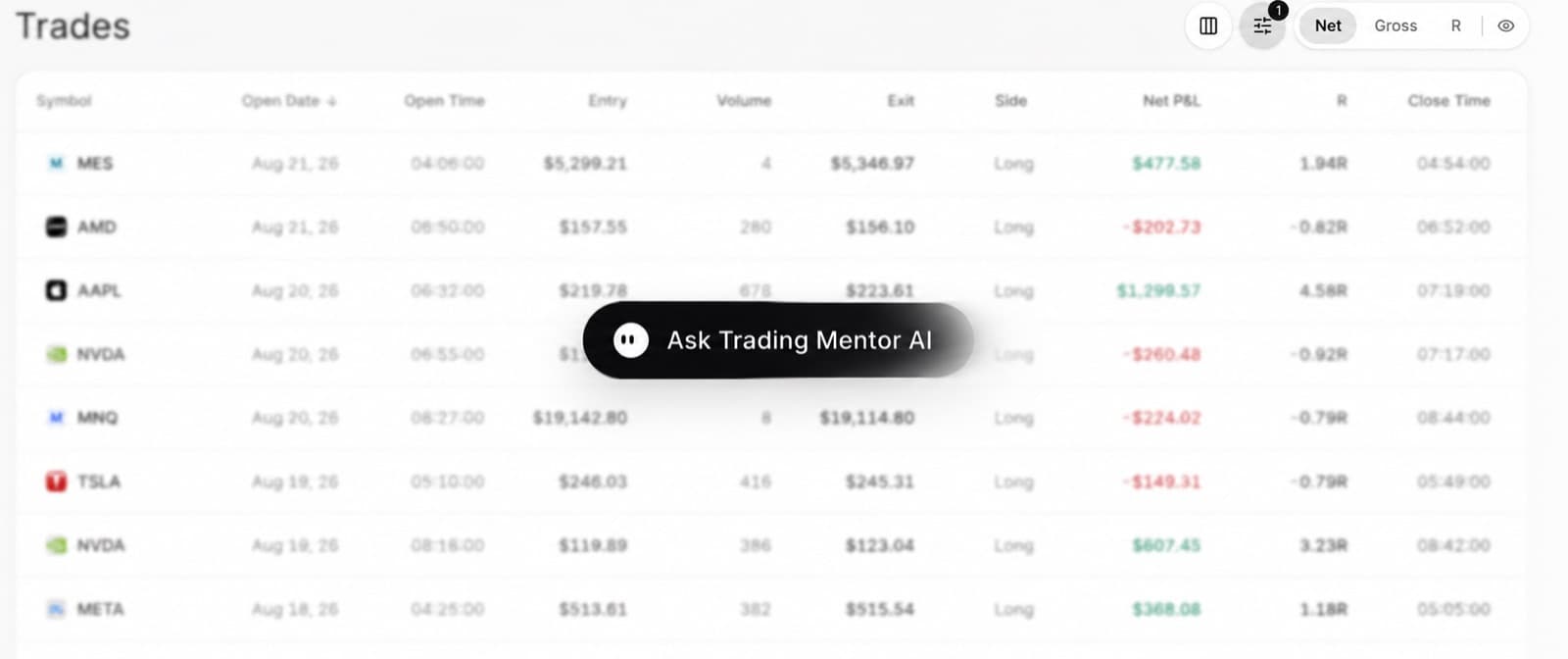
Trading Mentor AI helps you analyse the trades already inside your journal.
Ask about your own data instead of getting generic trading answers.
- Where am I making the same mistake?
- Which trades have my best execution?
- What changes on my worst trading days?
- Which habits appear most often before a loss?
- Where am I becoming less disciplined?
Use the answers to decide what deserves a closer review.
Score your trade quality
A green trade is not always a good trade. A red trade is not always a bad one.
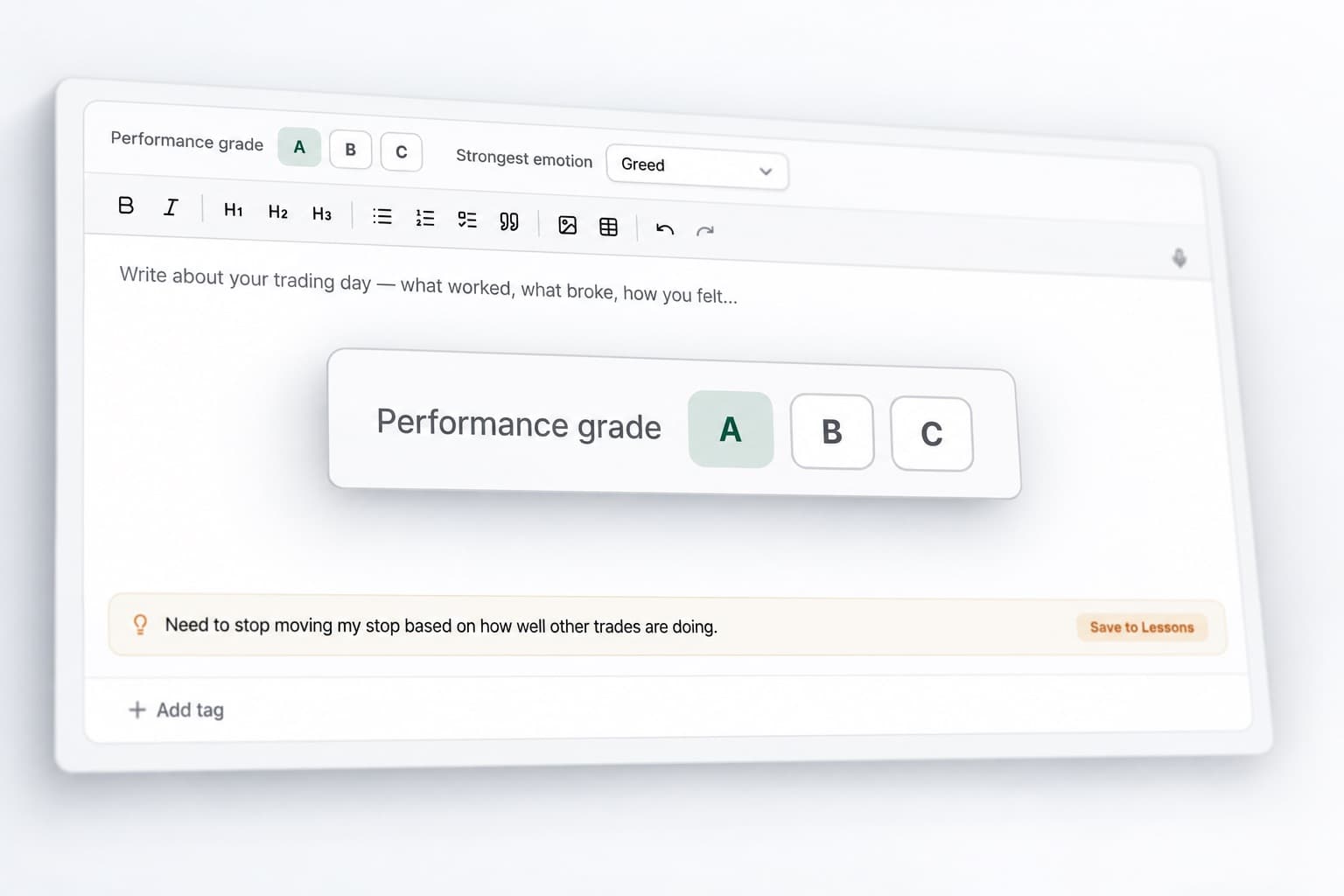
Trade Grade gives you another way to judge whether the trade matched your process.
Score the decision. Review the execution. Compare grades across your journal.
Measure your execution
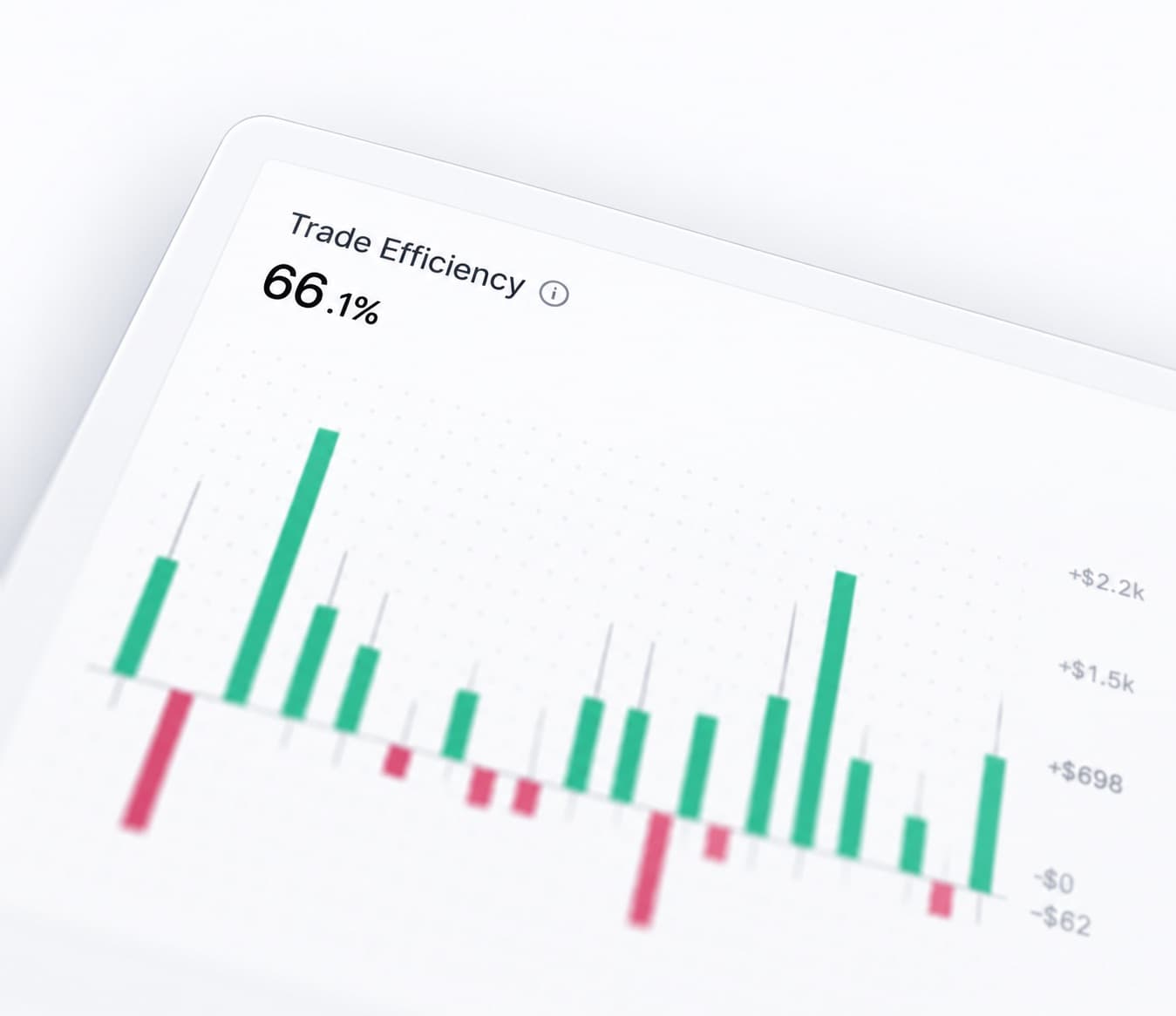
Trading Efficiency helps you look at how well you handled each opportunity.
It can highlight trades where the result looked fine, but the execution could have been much better.
Review efficiency alongside your P&L to get a more complete view of performance.
Record your trading mindset
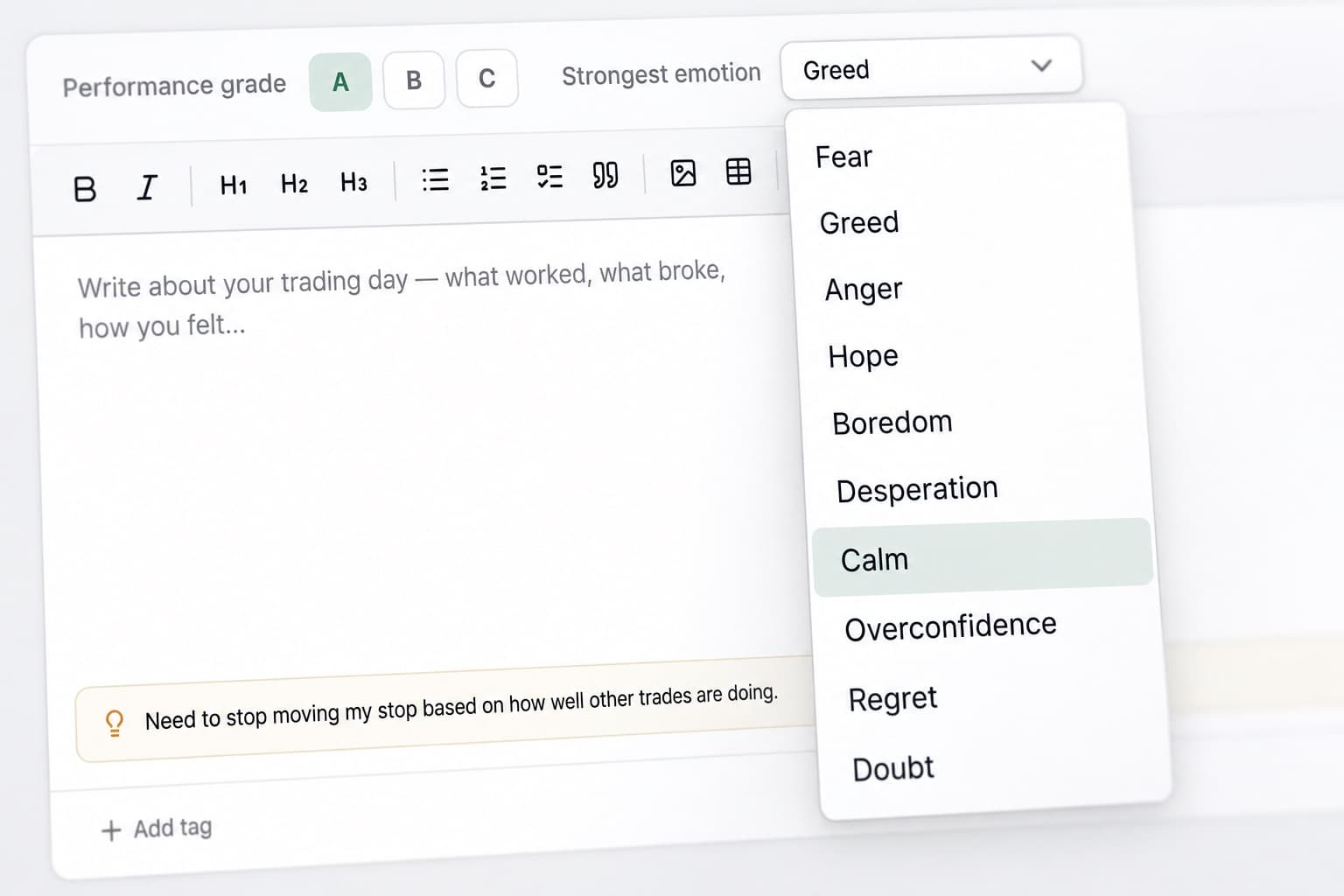
Add emotional context to each trade.
Track whether you were calm, rushed, frustrated, confident or hesitant. Then review those emotions alongside your results.
Over time, you can start seeing whether certain states regularly lead to different decisions.
See your month in one view
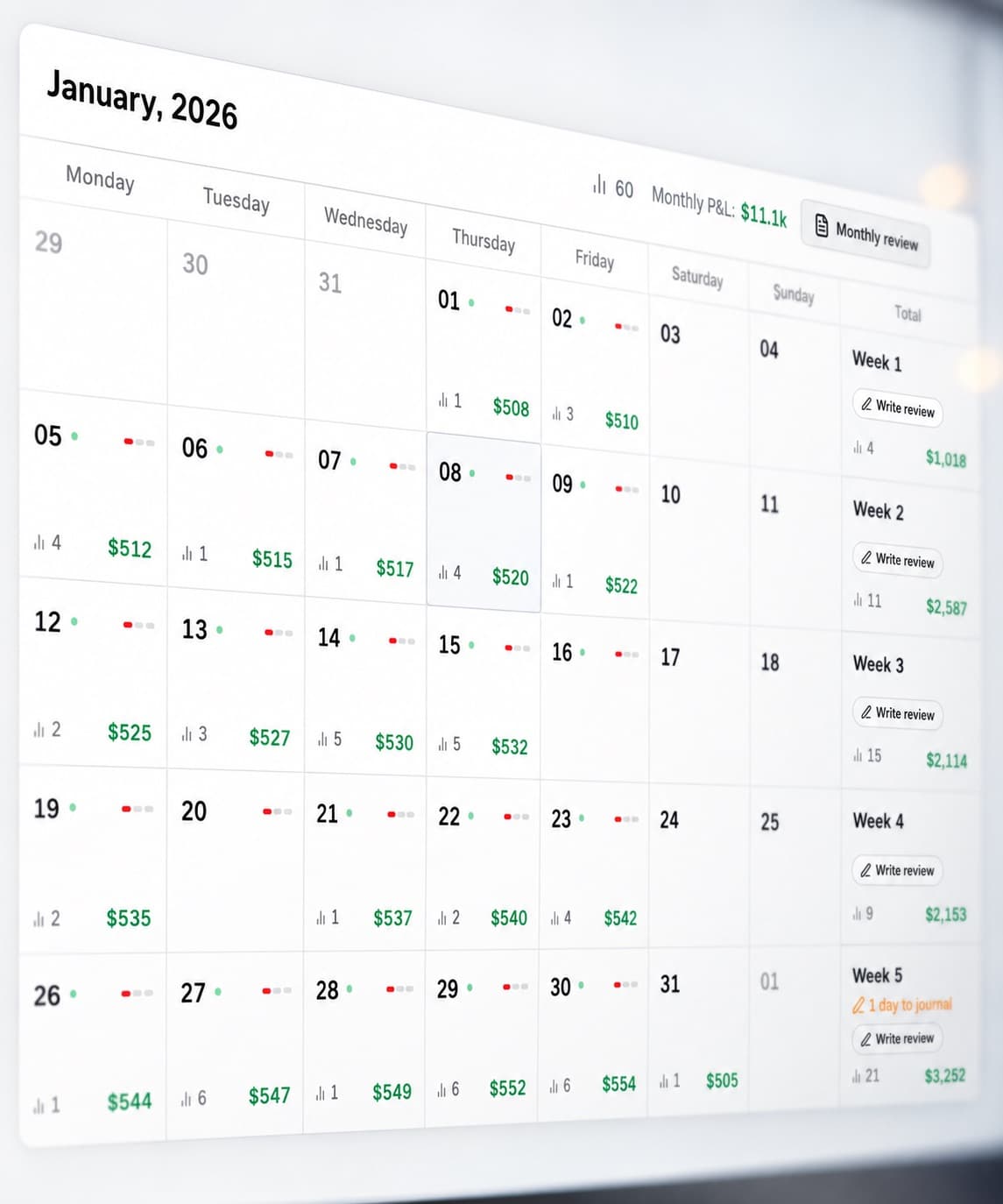
The P&L Calendar gives you a simple view of your trading activity across the month.
See where profits came from. Find difficult periods. Spot clusters of activity. Pick out days that need a deeper review.
Then open the trades behind them.
Measure your discipline
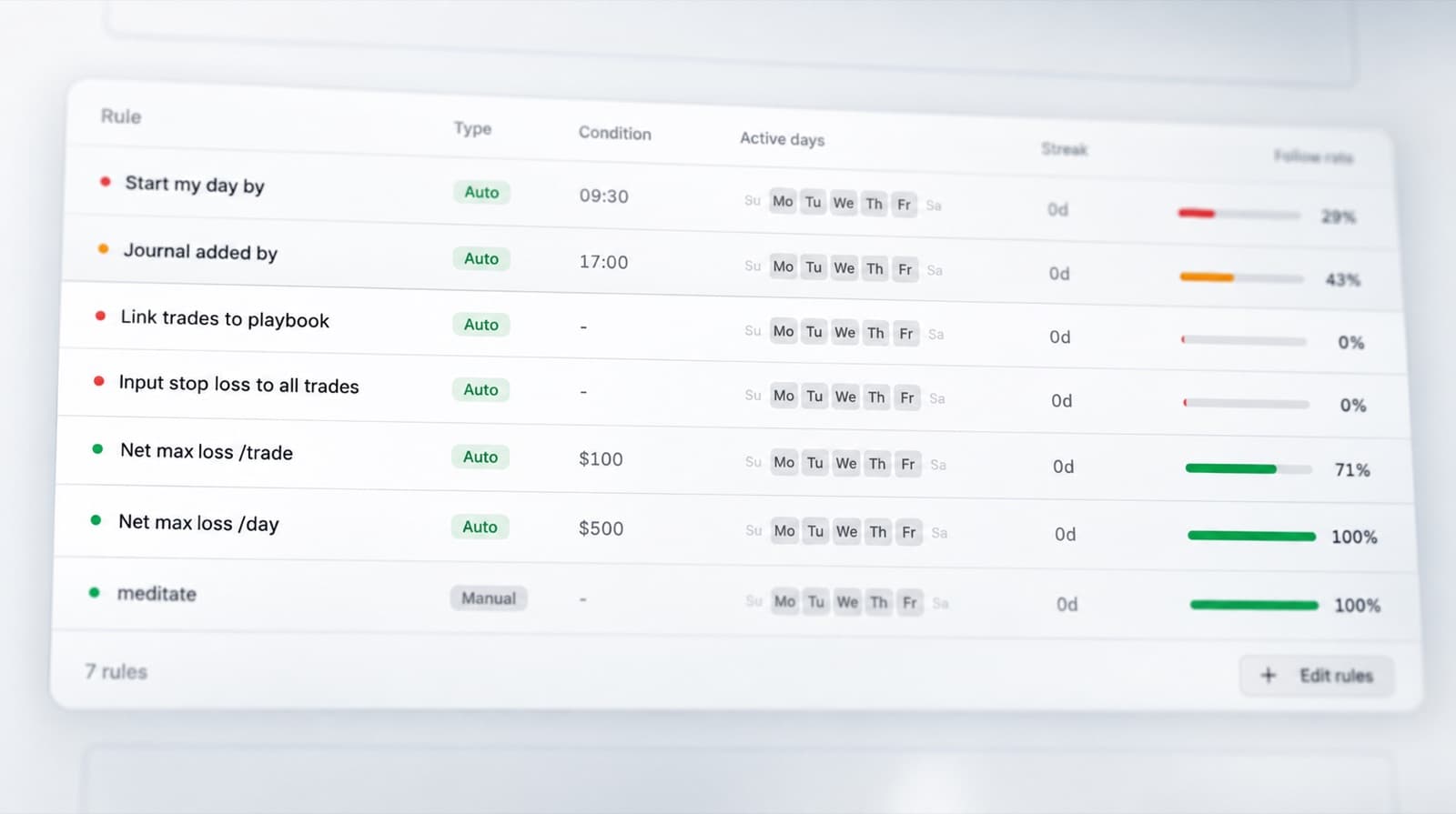
Track the trading rules you want to follow. Then record whether you actually followed them.
The Discipline Tracker helps you compare your intended process with your real behaviour.
It turns “I need to be more disciplined” into something you can review.
Analyse your statistics
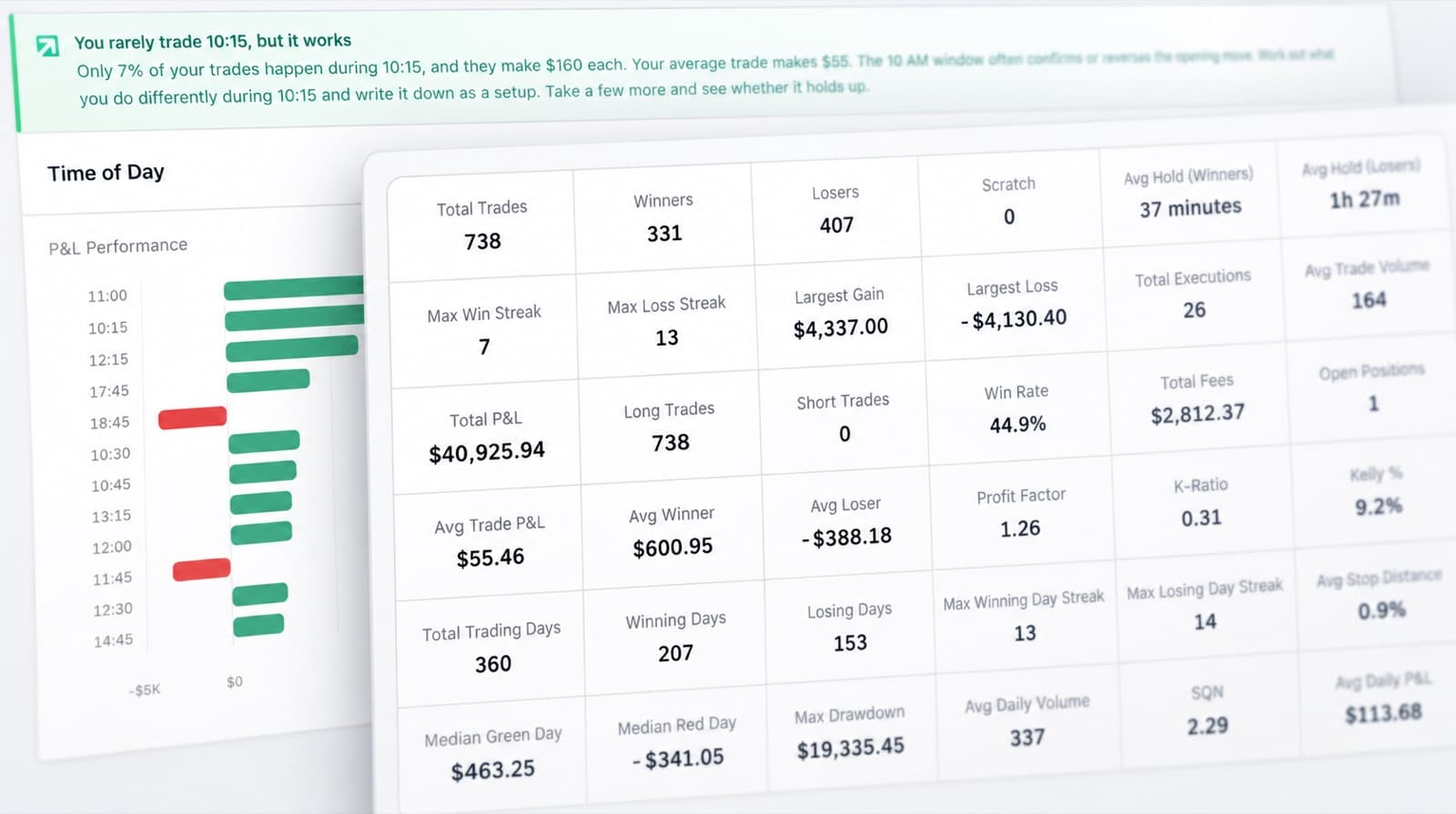
Step back from individual positions and look across your full trading history.
Use RizeTrade Statistics to compare performance, identify patterns and find areas that need attention.
Review what happens across different trades. Find stronger periods. Spot weaker behaviour. See how your trading changes over time.
Build better trading reviews
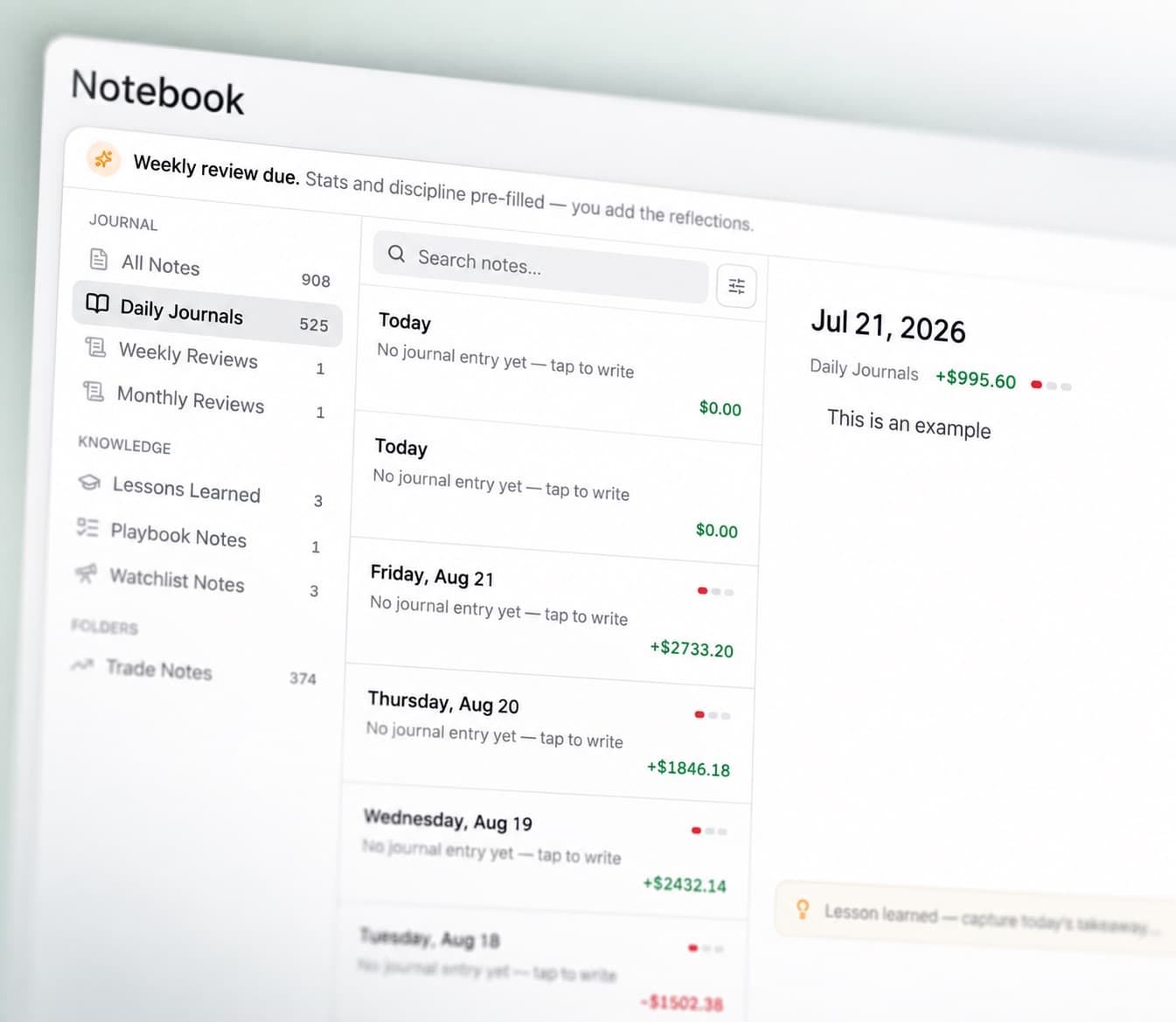
Journal Reports bring your trading data together into a more structured review. Use them to look at your:
- Performance
- Execution
- Discipline
- Trade quality
- Behaviour
Trading history becomes much more useful when you review it consistently.
cTrader journal features
Trading Mentor AI
Analyse your journal with AI.
Trade charts
Review previous entries and exits.
Trading efficiency
Measure execution quality.
Trade grade
Score each trade beyond P&L.
P&L calendar
See daily results across the month.
Emotion tracking
Add psychological context to your trades.
Discipline tracker
Measure how well you followed your rules.
Broker sync & file import
Bring supported trade history into RizeTrade.
Manual trade entry
Log trades yourself when required.
Statistics
Analyse patterns across your trading history.
Journal reports
Turn your trades into structured reviews.
Review more than your P&L
cTrader gives you the trade. RizeTrade gives you the review.
See how you executed. Track how you behaved. Find patterns across your history.
Use each trade to improve the way you approach the next one.