
Tradovate Trading Journal
100% FreeNo CC Required
4.8/5 1,794 Reviews
Import your Tradovate trades
Import your Tradovate trades into RizeTrade and review your futures trading with more context.
Bring your Tradovate trading history into RizeTrade using supported broker sync or file import.
Your trades are organised inside your trade journal so you can review complete sessions, individual positions and wider performance from one place.
You can also enter trades manually whenever you want to add extra context.
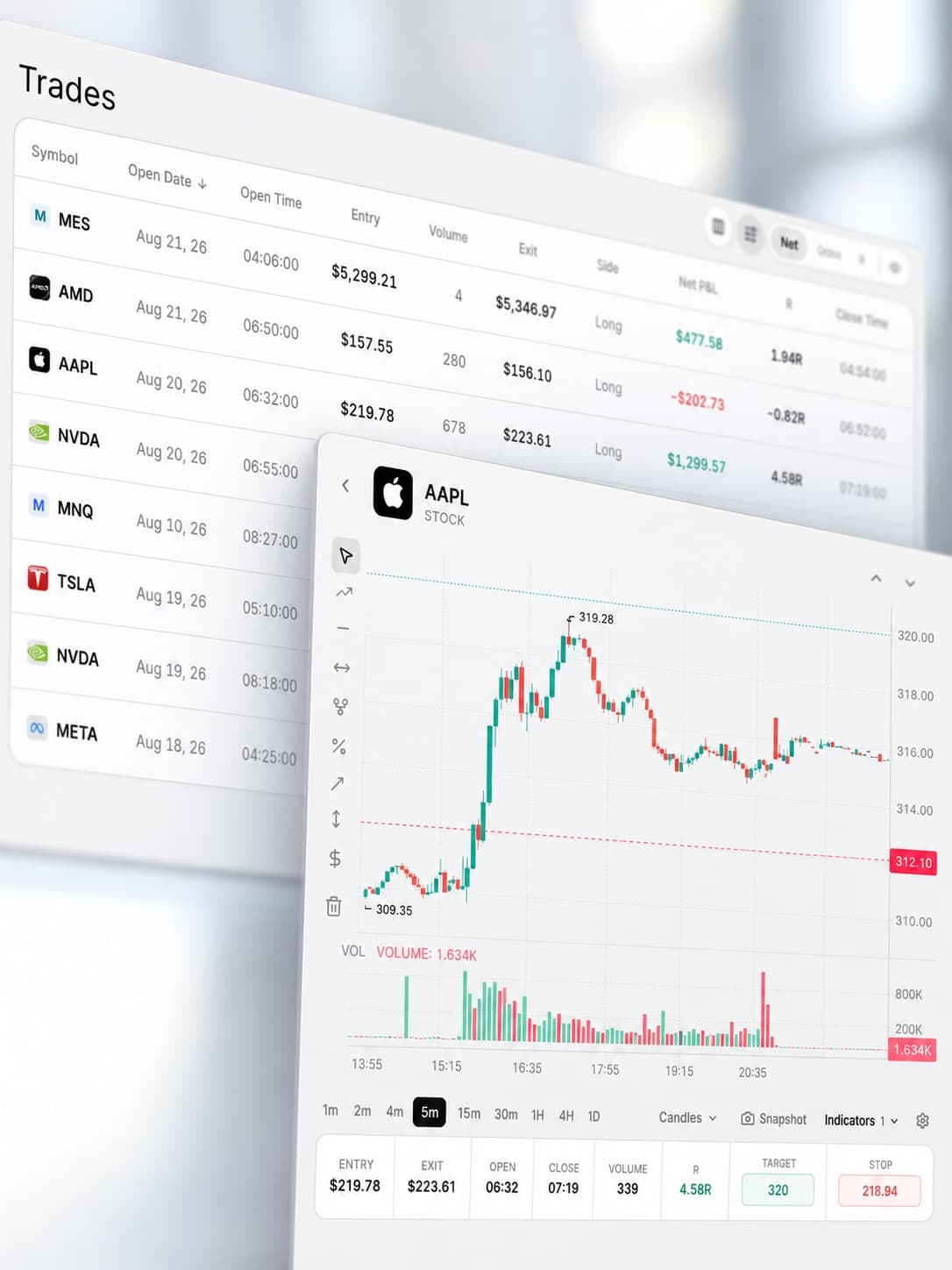
Review your futures trades on the chart
A list of fills does not tell you how well a trade was executed.
RizeTrade lets you reopen past trades on the chart and review where you entered, where you exited and how the market moved around the position.
That makes it easier to spot poor timing, rushed exits and trades where your execution was better than the final result suggests.
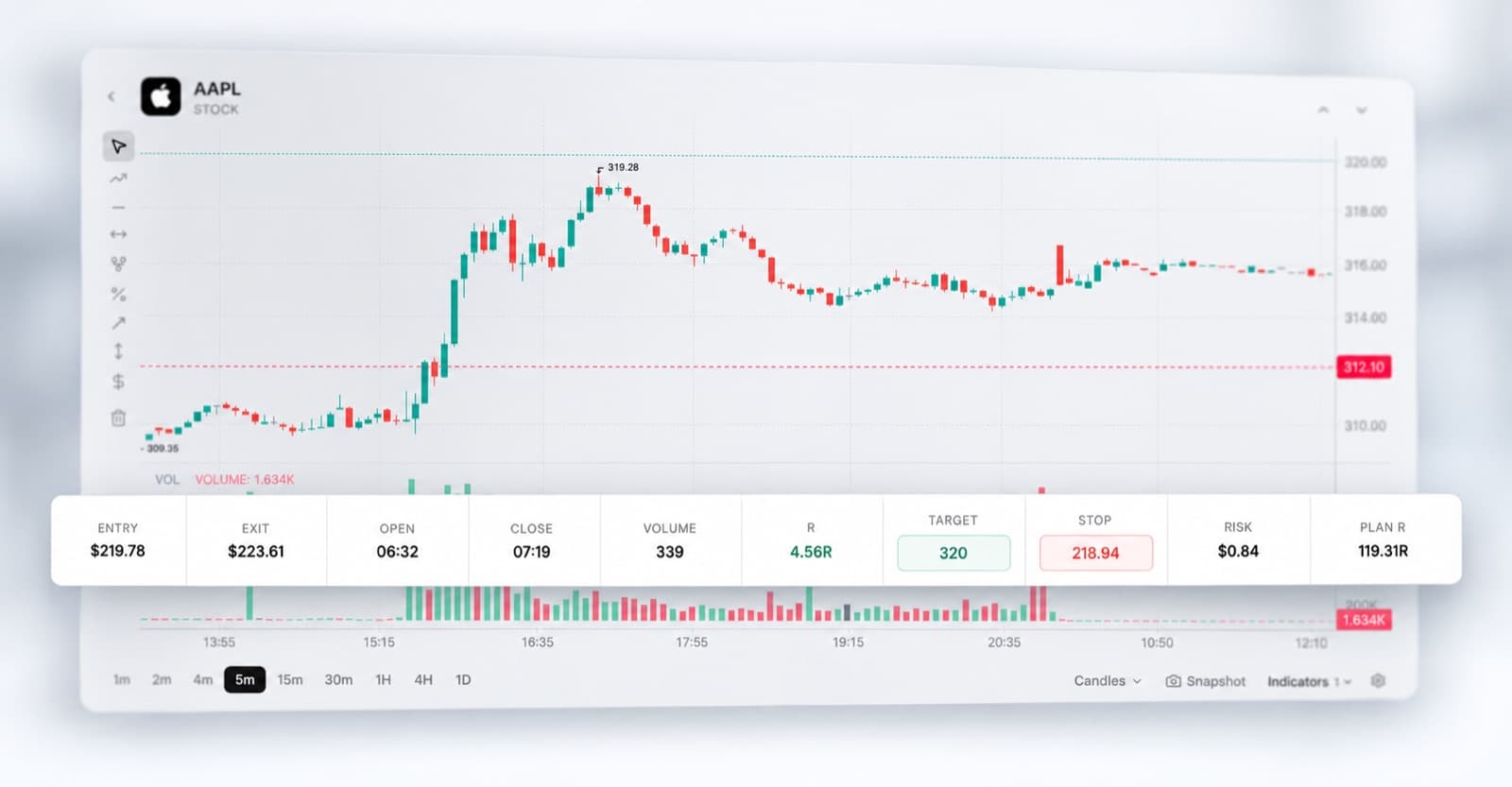
Break down your trading sessions
Some of the most useful patterns only become obvious when you review the whole session.
Maybe your first few trades are clean, then execution starts to change.
Maybe losses become larger later in the day.
Maybe you trade well until you increase your activity.
RizeTrade gives you the data and context to find those patterns instead of relying on how the session felt.
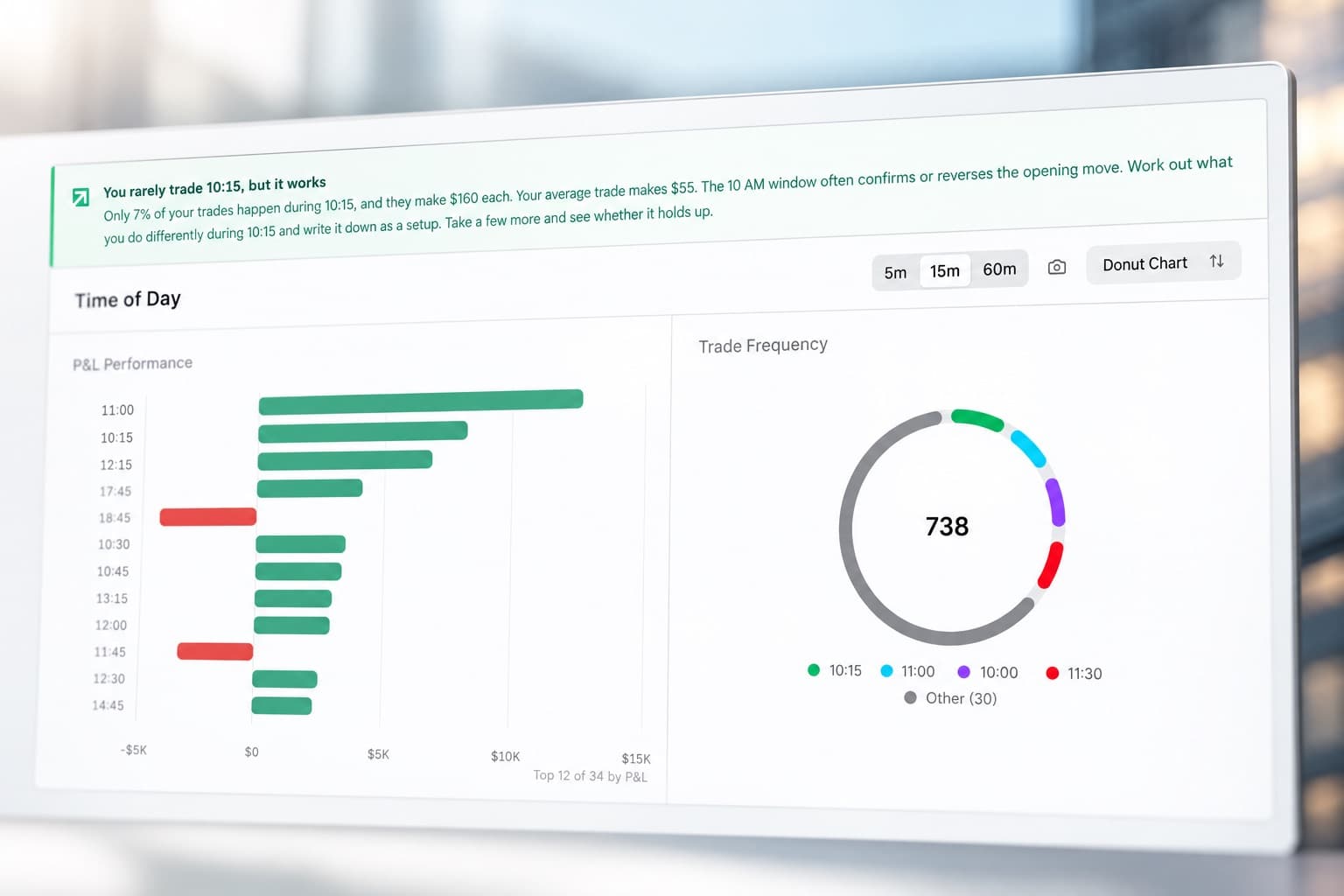
See how well you actually traded
P&L is important, but it is not the whole review.
Use Trading Efficiency to measure how effectively you handled each opportunity and Trade Grade to score the quality of your decision.
Add notes to capture what you saw and why you took the trade.
Together, those give you a better way to separate good execution from a result that simply happened to work.
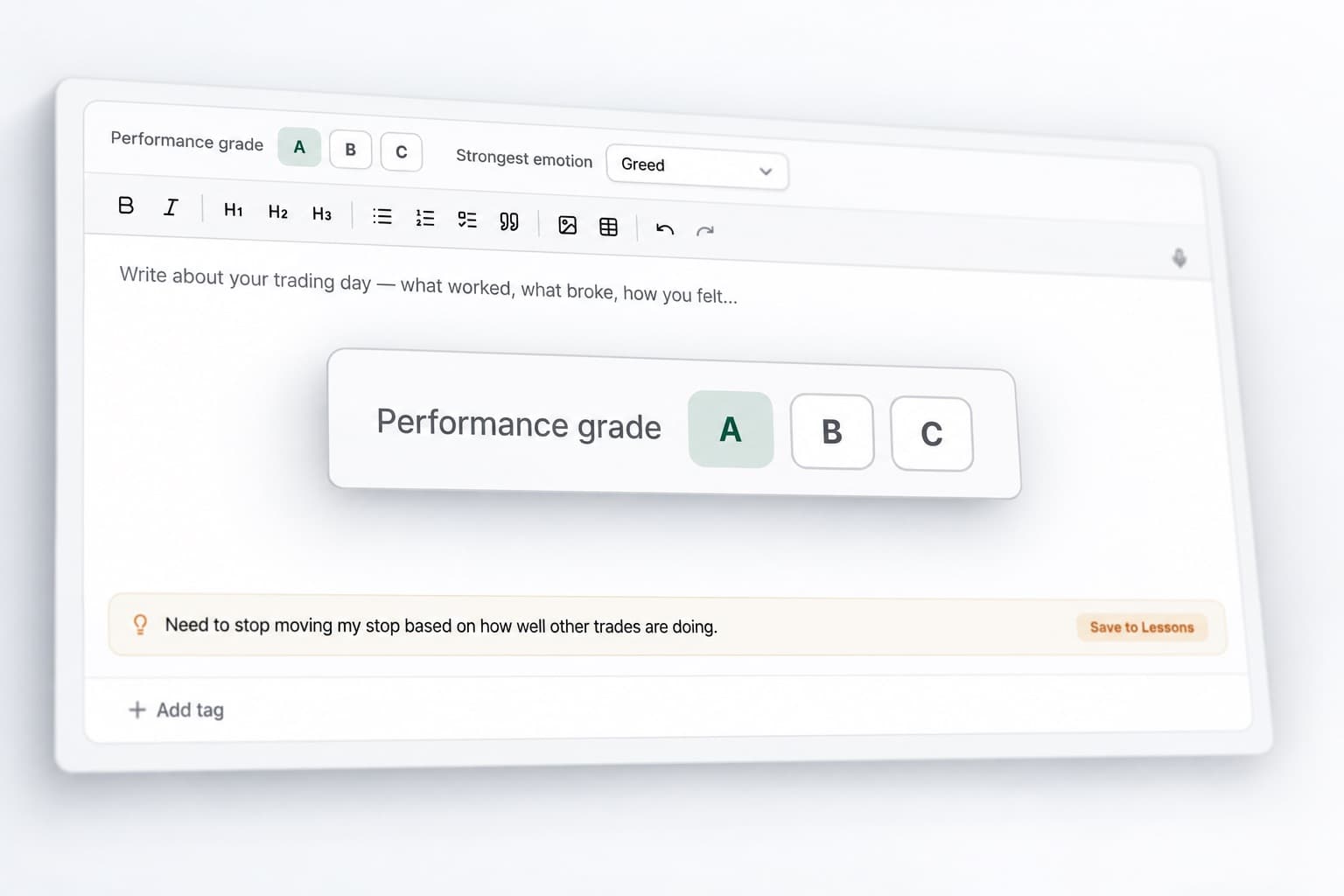
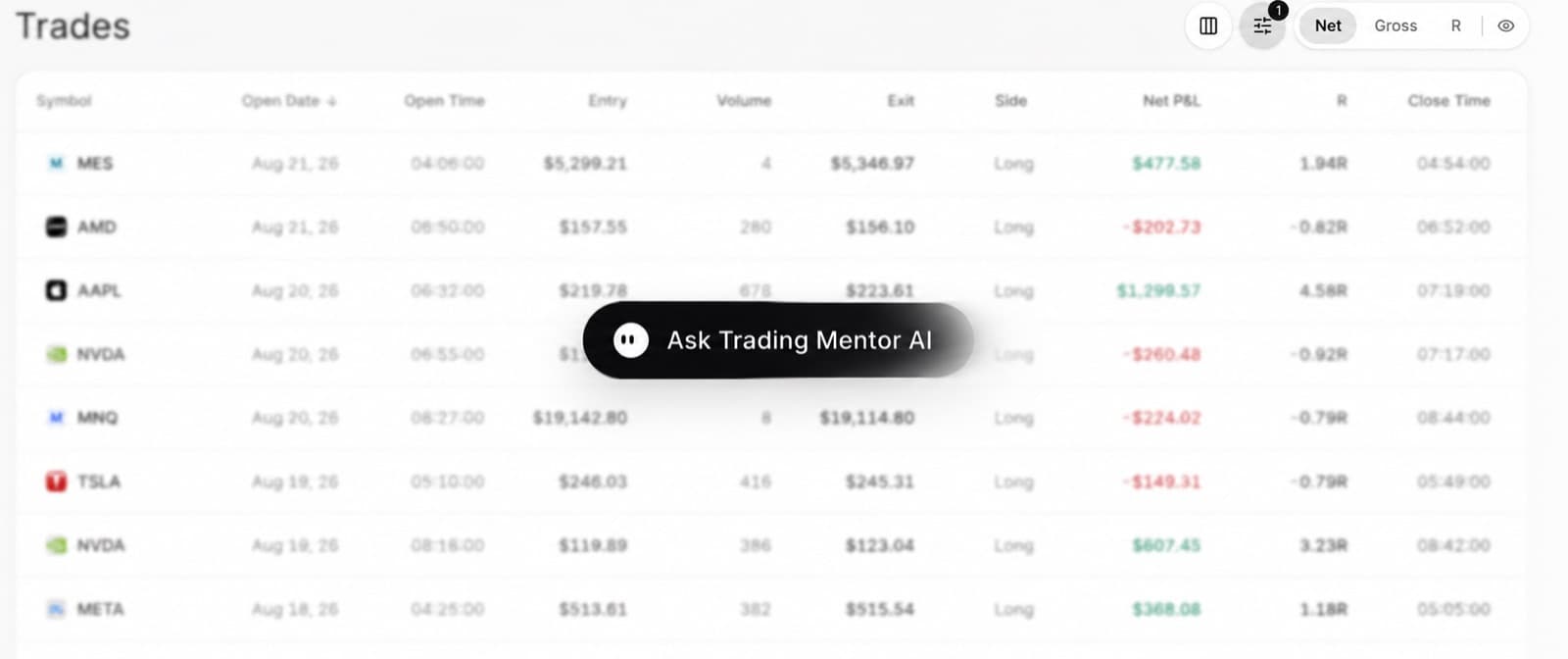
Ask AI about your trading history
Trading Mentor AI helps you analyse the trades already inside your journal.
Ask questions across individual trades or entire trading periods.
- Do I trade worse after my first loss?
- Which setups have my best execution?
- Where am I giving back the most profit?
- Do my results change later in the session?
- What keeps appearing in my lowest-graded trades?
Use the answers to find the areas worth reviewing in more detail.
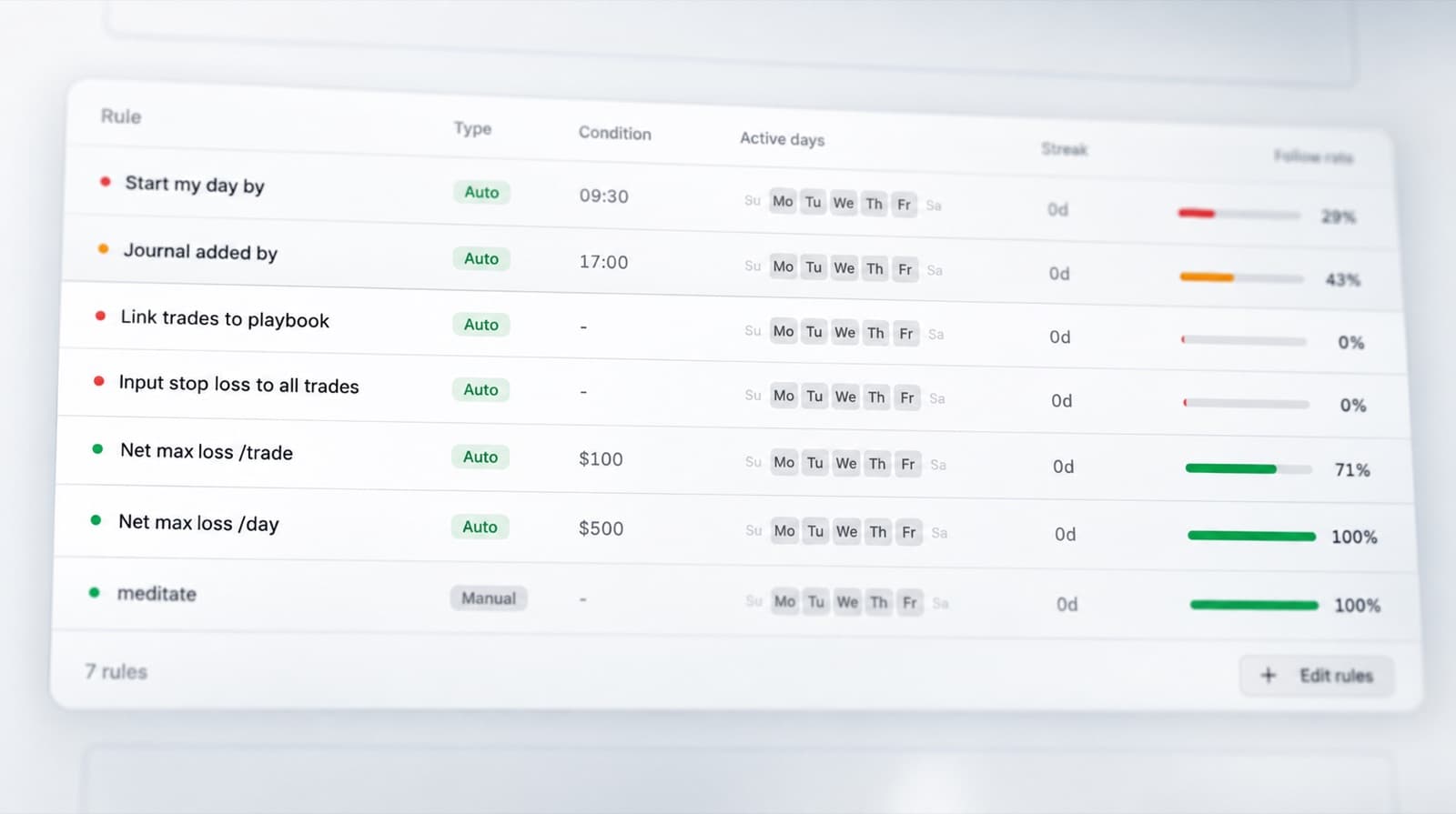
Track discipline across the session
Rules are easy to follow when everything is going well.
The real test is what happens after a missed move, a loss or a strong winning trade.
RizeTrade's Discipline Tracker helps you record whether you stuck to your process across the session.
Compare disciplined trades against the ones where your execution changed and see how that affected the result.
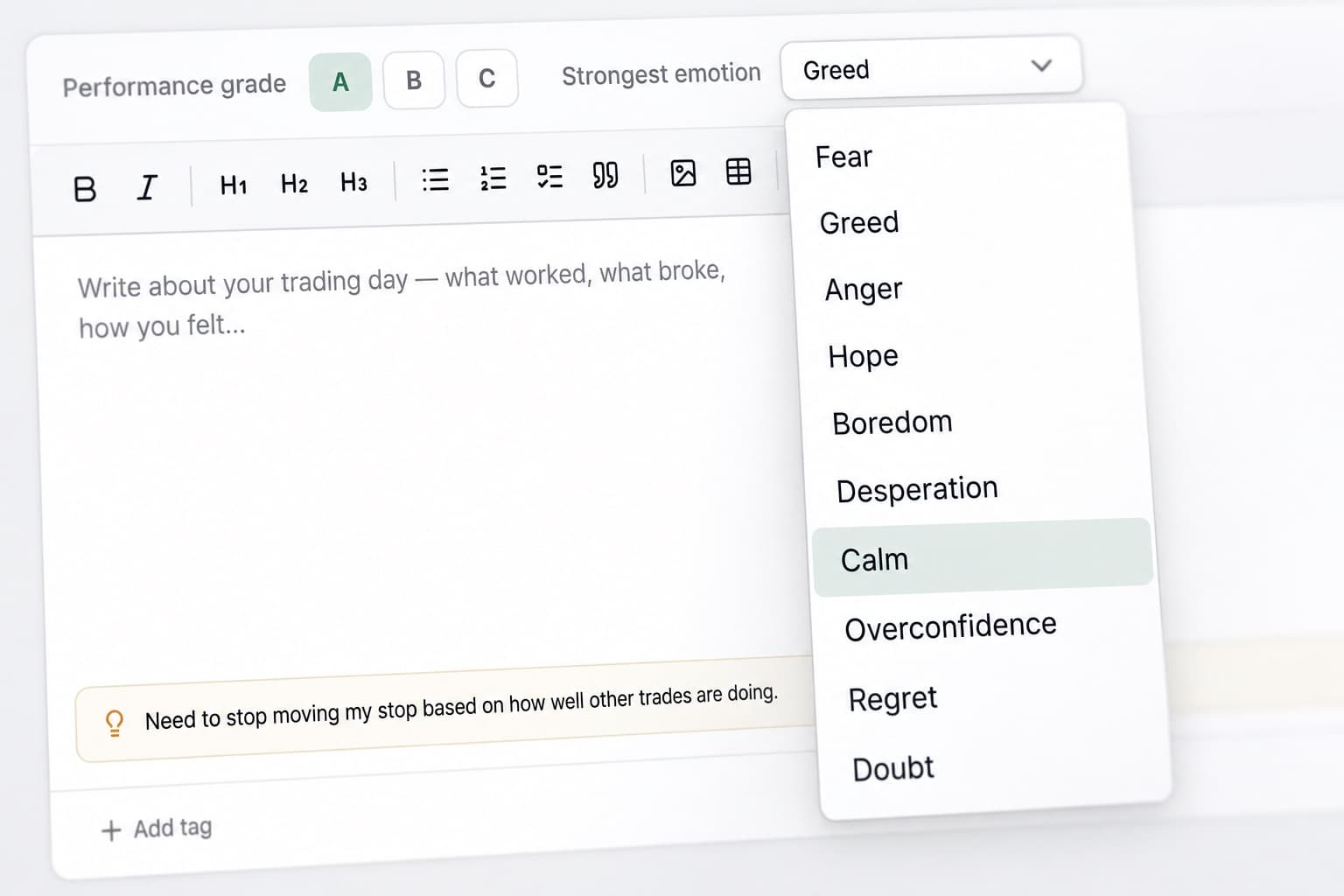
Add emotions to the trade
Futures trading can move quickly, and changes in mindset can show up just as quickly in your decisions.
Track emotions such as frustration, confidence, hesitation or impatience alongside your trades.
Over time, you can compare those states with your trade grades, efficiency and P&L to see where behaviour starts influencing execution.
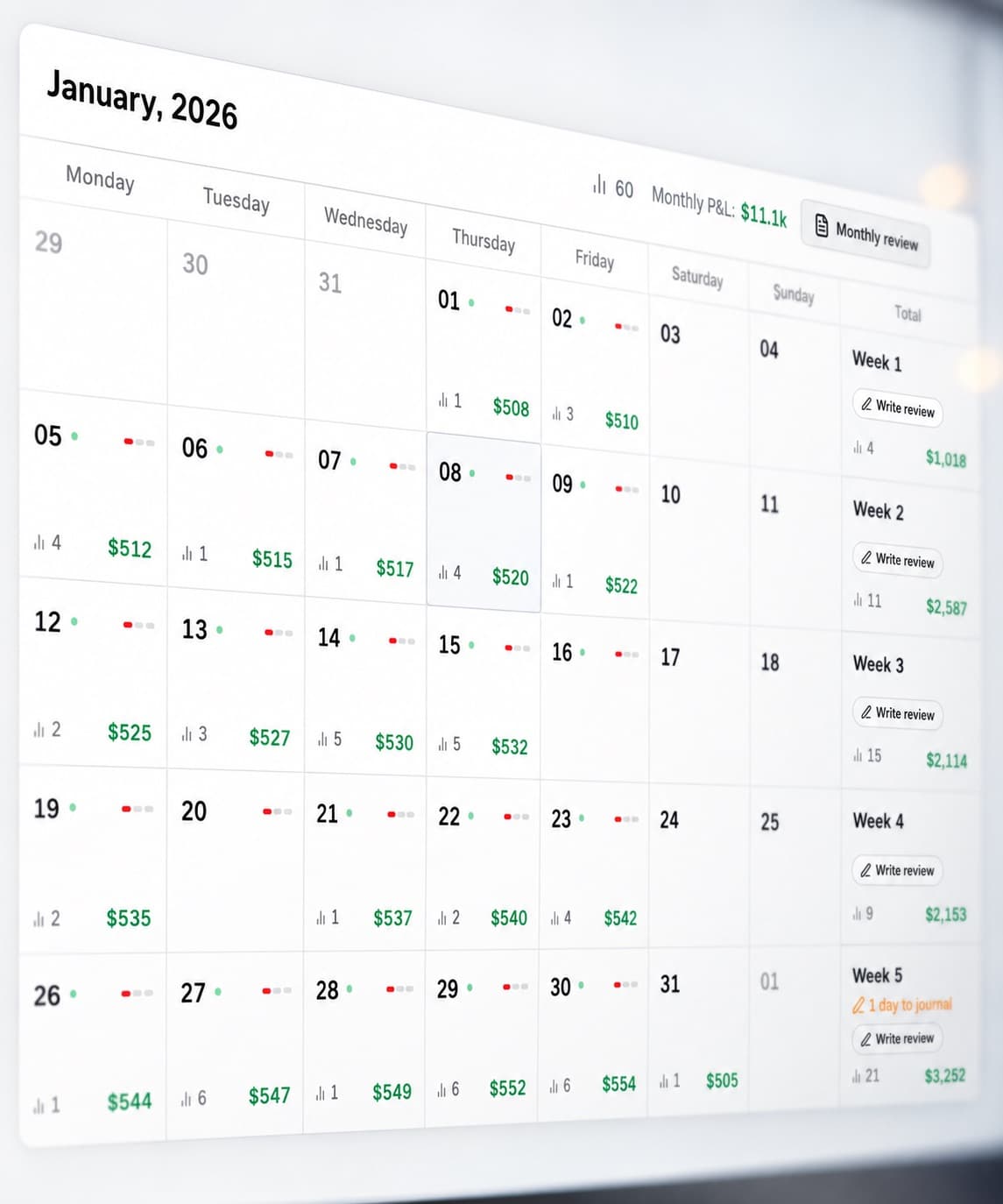
Find the trading days that matter
The P&L Calendar gives you a quick view of your month.
See where your strongest days occurred, where losing periods clustered and when trading activity changed.
When a day stands out, open the trades behind it and review what was different.
Look across more than one session
A single good or bad day can distort how you judge your trading.
RizeTrade Statistics help you step back and review performance across a larger sample.
Look for changes in consistency, execution and behaviour, then use Journal Reports to bring those findings into a more structured review.
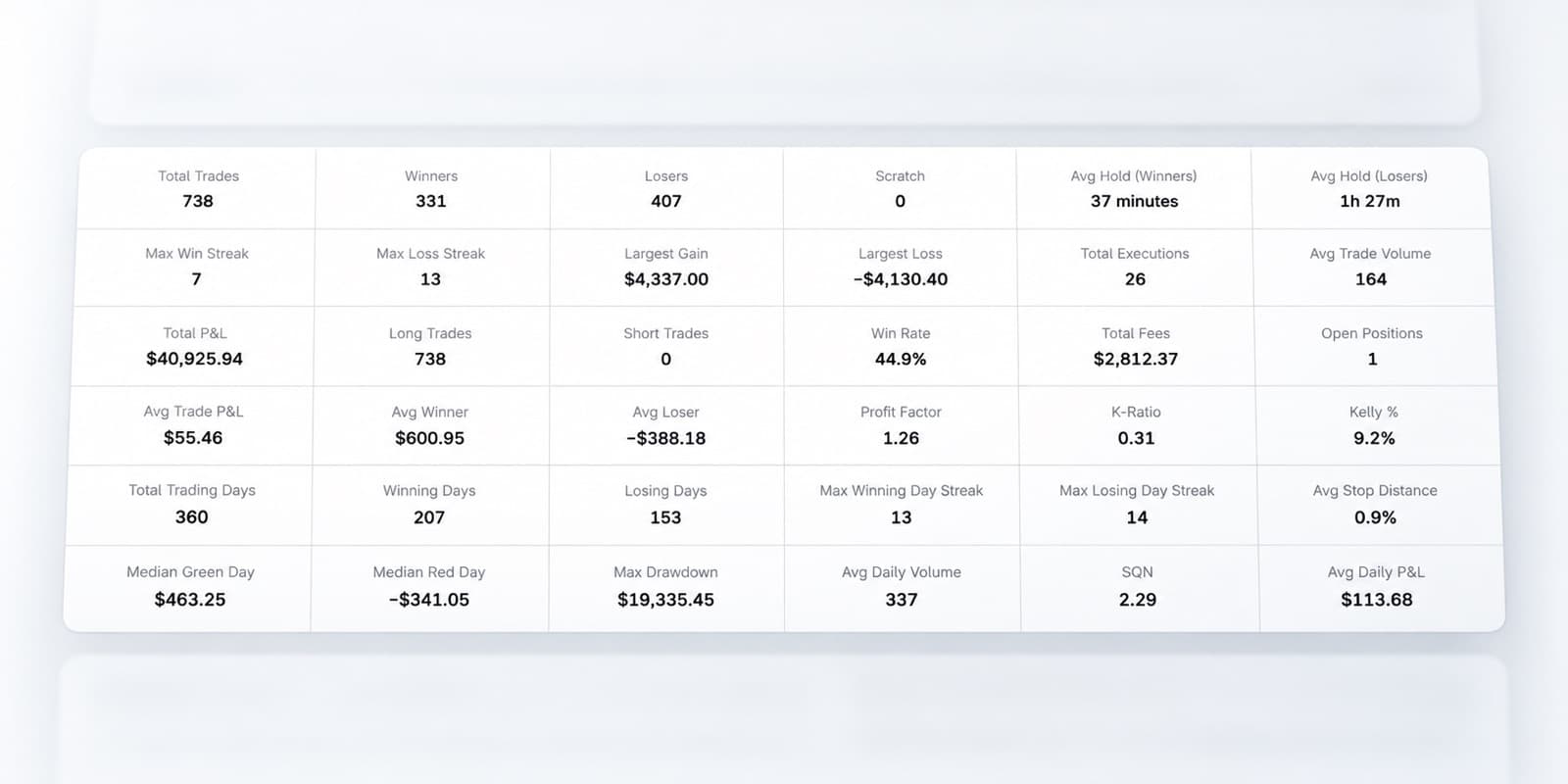
Everything you need to review Tradovate trades
Trading Mentor AI
Analyse patterns across your trading history.
Past trade charts
Review entries and exits in market context.
Trading efficiency
Measure how well you handled each opportunity.
Trade grade
Score the quality of your decisions.
Discipline tracker
See whether you followed your trading rules.
Emotion tracking
Track mindset alongside performance.
P&L calendar
Review your trading month visually.
Statistics
Find patterns across multiple sessions.
Journal reports
Create structured trading reviews.
Broker sync & file import
Bring supported Tradovate trades into RizeTrade.
Manual trade entry
Add trades yourself when needed.
Review your Tradovate trading properly
Tradovate gives you the tools to execute your futures trades. RizeTrade gives you a better way to review what happened afterwards.
See how your execution changed through the session, find recurring mistakes and identify the behaviours behind your strongest trading.