
Bybit Trading Journal
100% FreeNo CC Required
4.8/5 1,794 Reviews
Import your Bybit trades
Import your Bybit trades into RizeTrade and review your performance in one place.
Get your trading history into RizeTrade using supported broker sync or file import. You can also enter trades manually when needed.
Once imported, your trades become part of a trade journal you can actually analyse instead of simply storing your trading history.
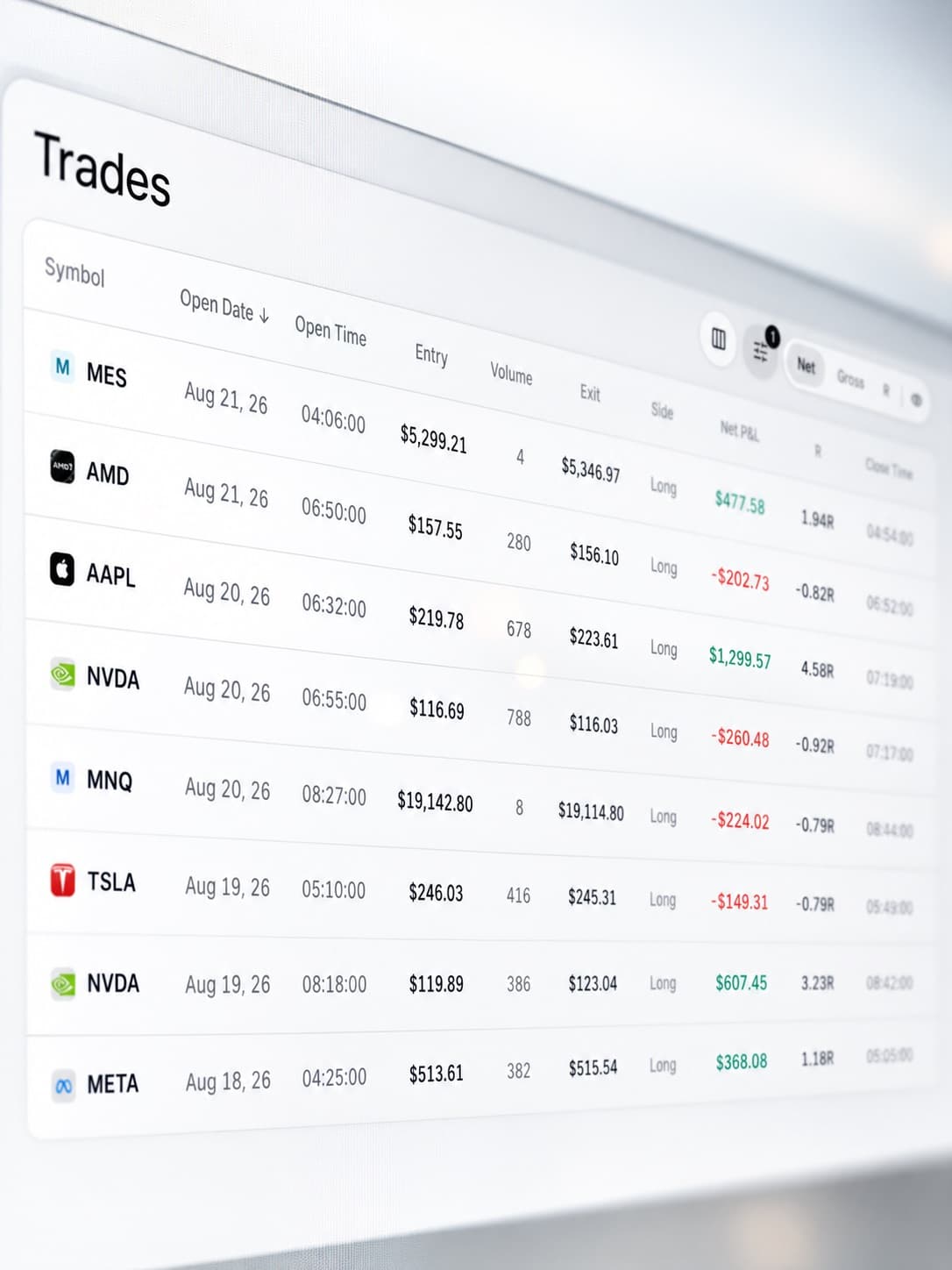
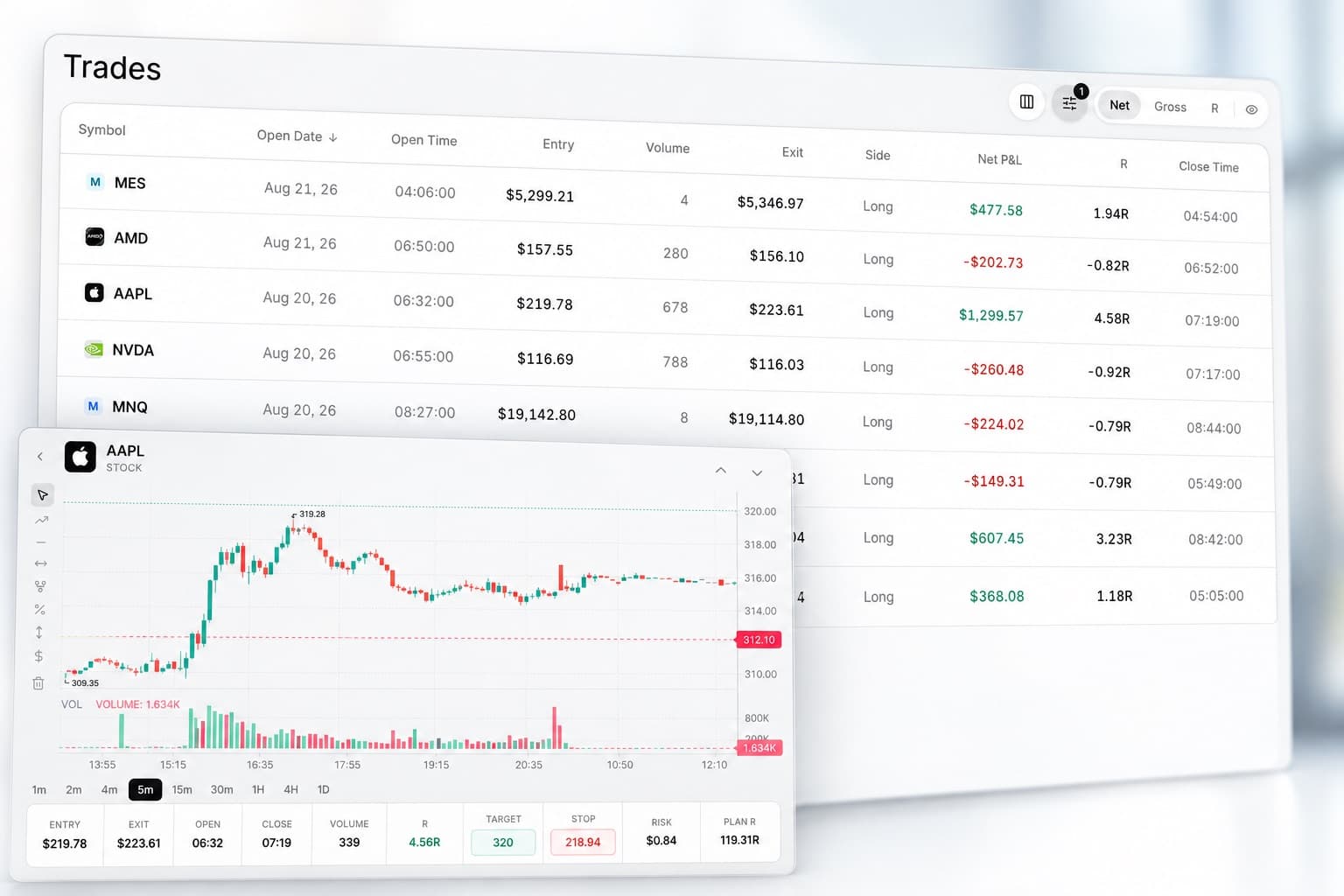
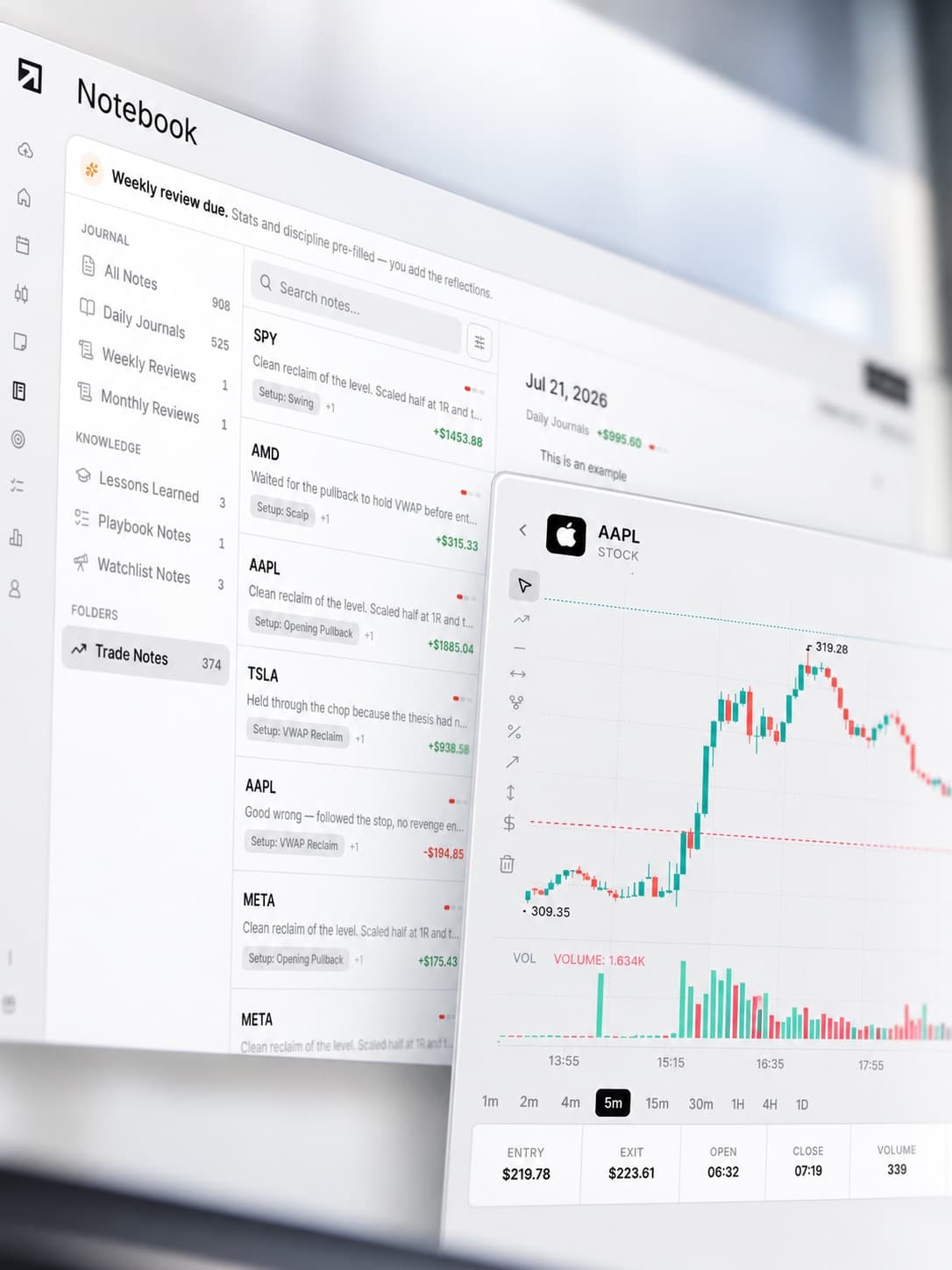
Review every trade on the chart
Open a previous trade and see exactly where you entered and exited.
Review the price movement around the trade and compare the result with the decision you made at the time.
It gives you more context than a simple trade history.
Analyse your trades with AI
Trading Mentor AI helps you analyse the trading history inside your journal. Ask questions about your own performance.
- Which trades are performing best?
- What mistakes keep repeating?
- When does my performance start to drop?
- Which behaviours appear in my best trades?
Use your journal data to find patterns that are difficult to spot one trade at a time.

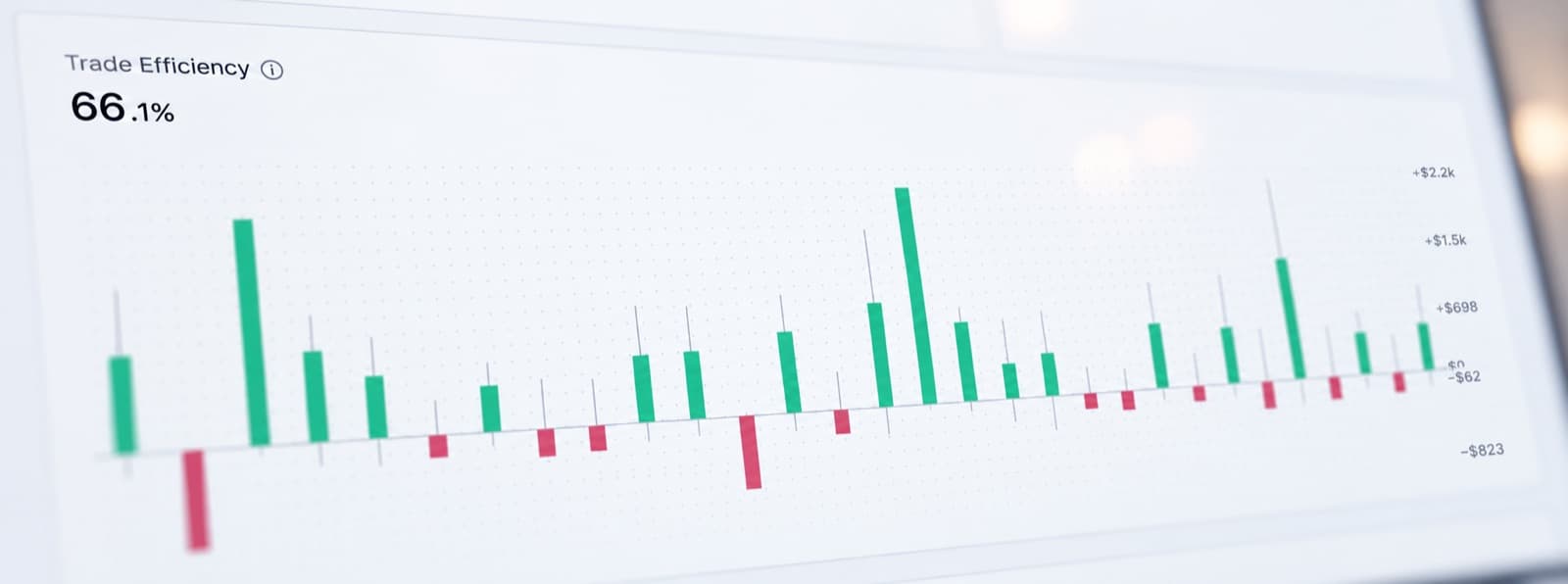
Measure trading efficiency
Profit alone does not tell you how well you traded.
RizeTrade helps you review how efficiently you handled each trade.
See whether you captured the opportunity well. Find trades where execution could have been better. Compare efficiency across your trading history.
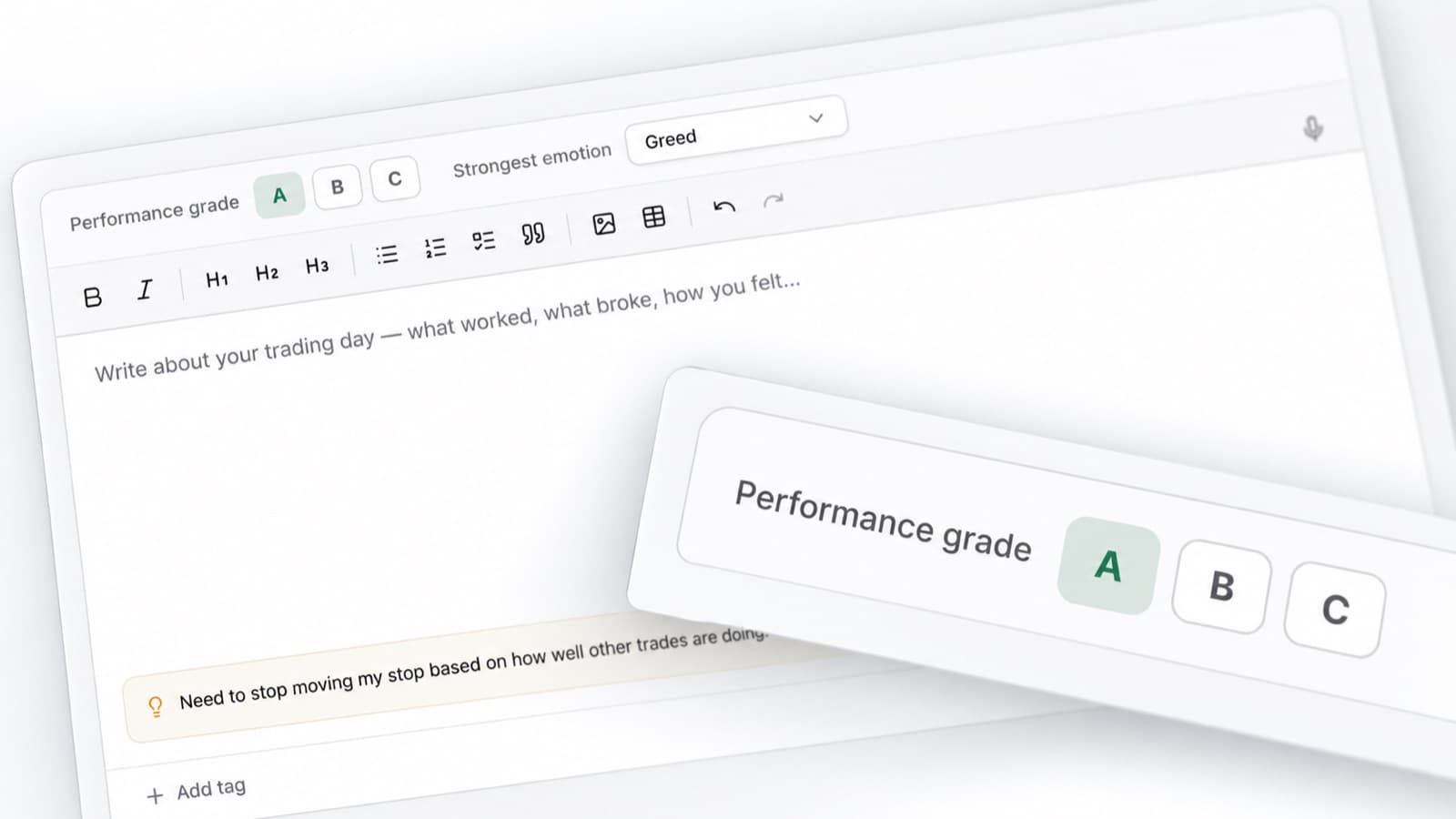
Grade your trades
Give each trade a grade based on the quality of your execution.
A profitable trade can still be poorly executed. A losing trade can still follow your process perfectly.
Trade Grades help you separate good decisions from good outcomes.
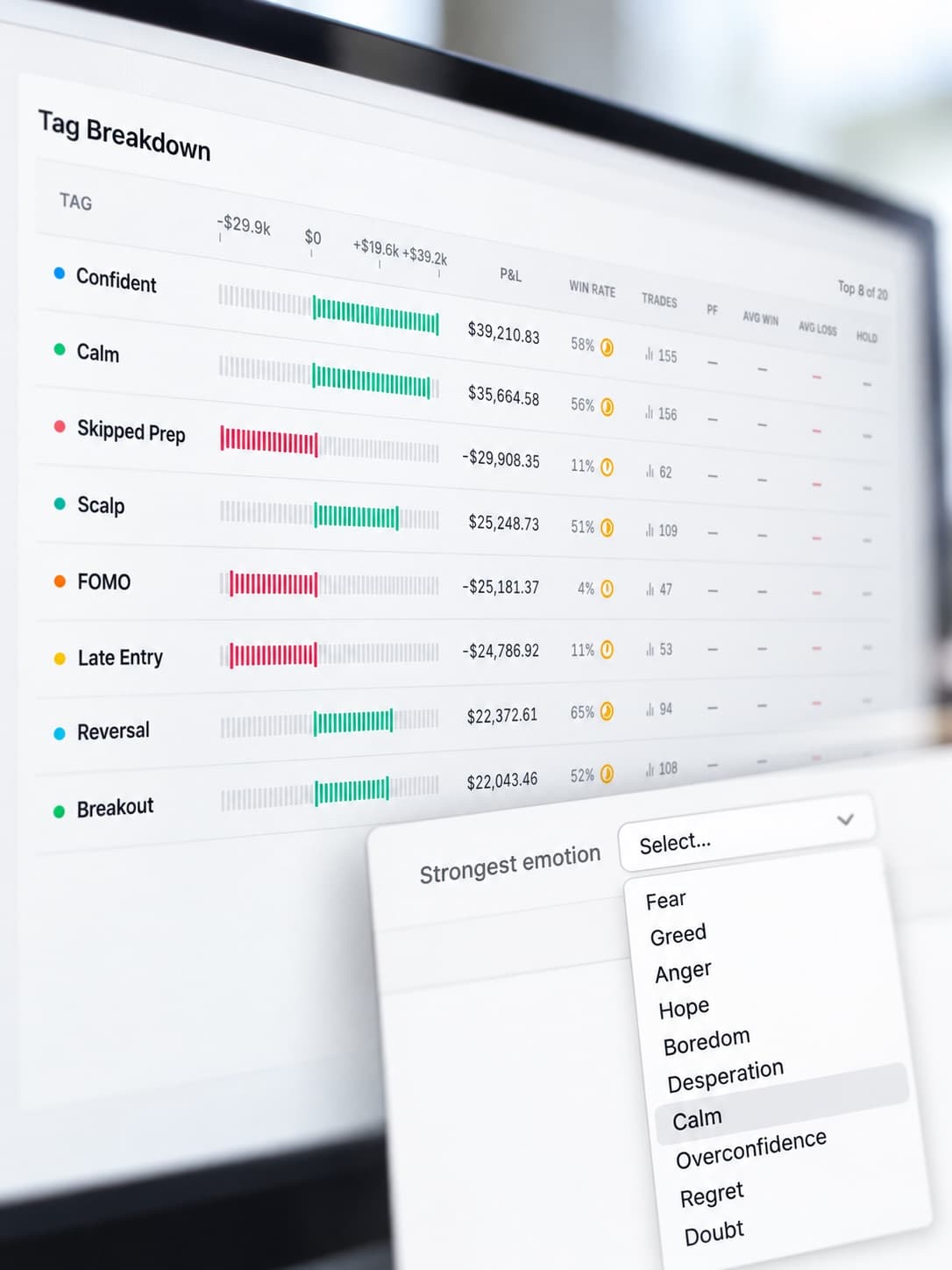
Track your emotions
Record how you felt when you placed the trade.
- Confident
- Patient
- Frustrated
- Hesitant
- Impulsive
- Overconfident
Over time, you can compare those emotions against your results and see whether certain states are affecting your trading.
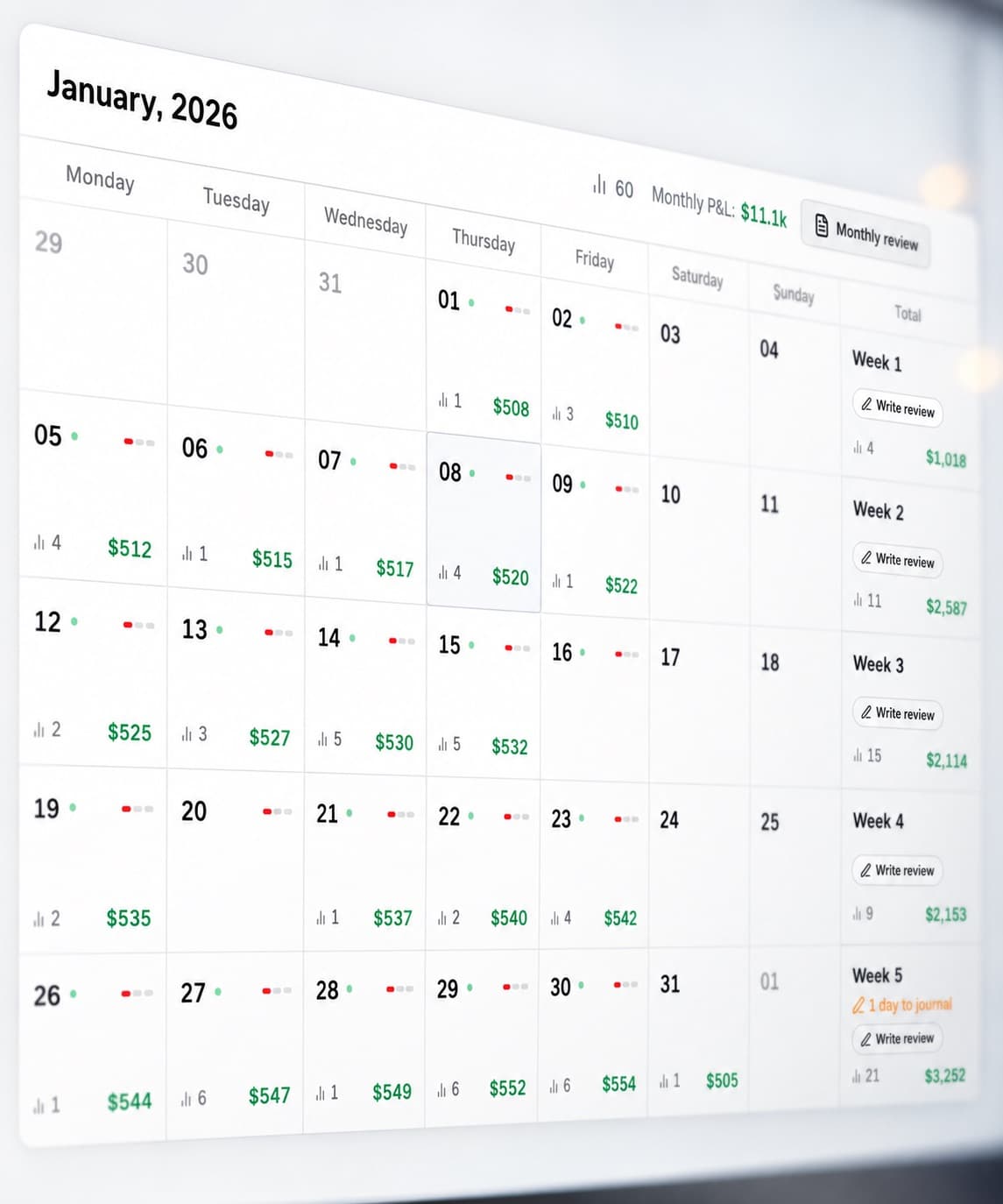
View your P&L calendar
See your trading results across the month. Quickly identify:
- Profitable days
- Losing days
- Trading streaks
- High activity periods
- Periods that deserve a closer review
Click into the trades behind the numbers to understand what happened.
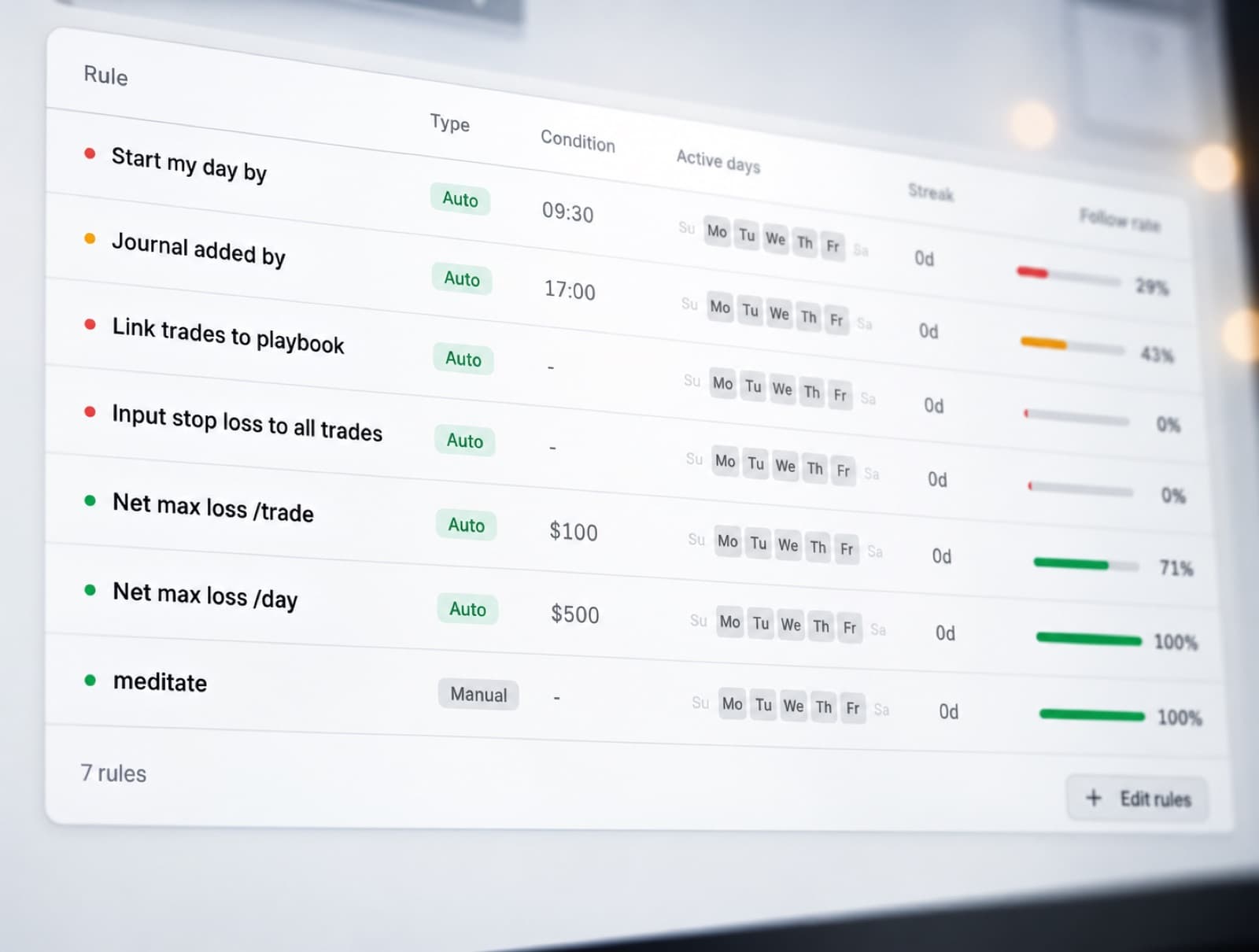
Track your discipline
Create rules for the behaviour you want to follow. Then track whether you actually followed them.
RizeTrade's Discipline Tracker helps you see when your trading matched your process and when it did not.
Compare disciplined trades against trades where you went off-plan.
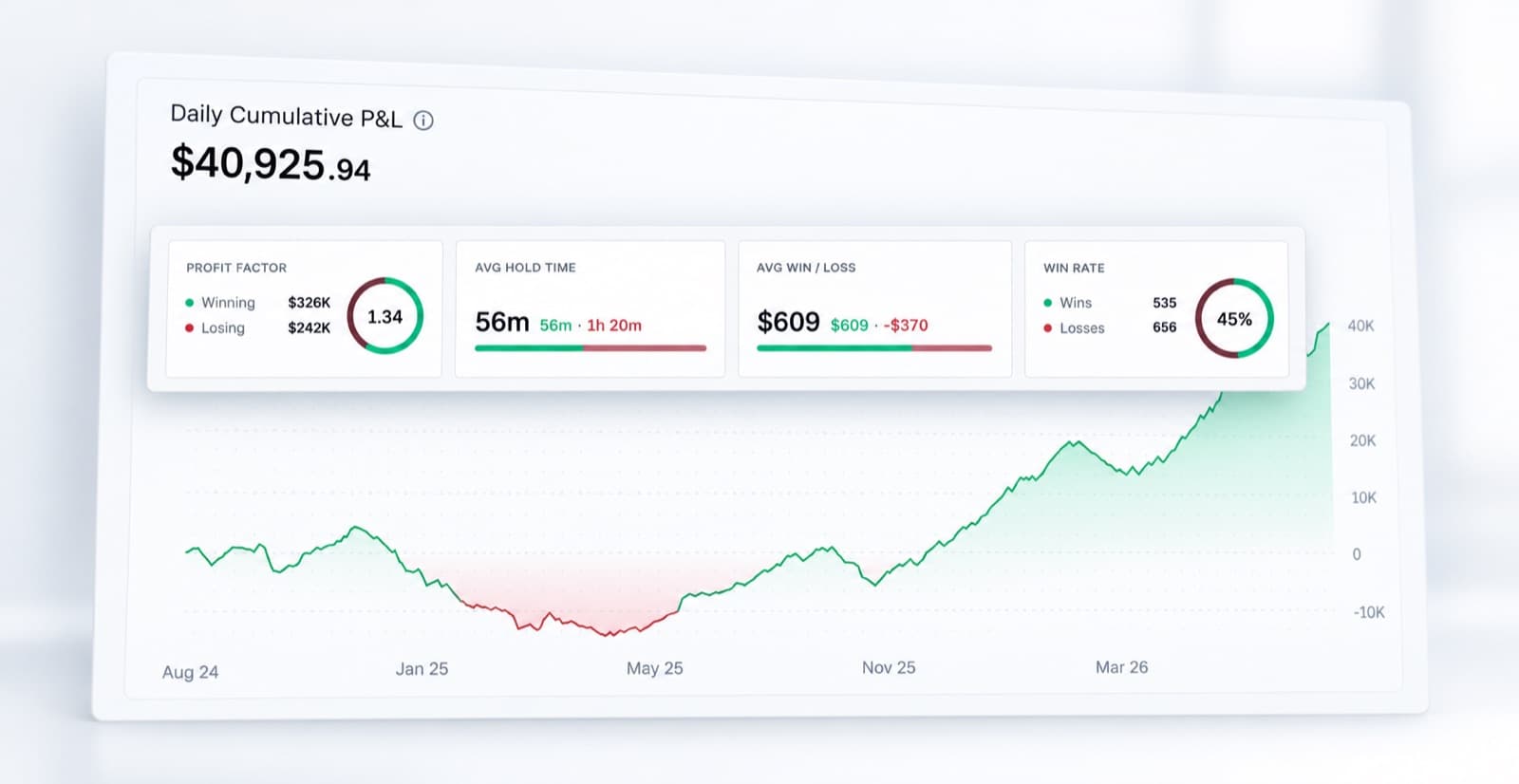
Review your trading statistics
Look beyond individual trades and analyse your wider performance.
RizeTrade Statistics help you find patterns across your trading history.
See what is working. Compare different trades. Review changes in performance. Find areas worth improving.
Create journal reports
Turn your trading history into structured reviews.
Journal Reports make it easier to step back from individual trades and understand how your trading is developing over time.
Review the numbers. Review your behaviour. Review your execution. Then decide what needs to change.
Everything you need to journal Bybit trades
Trading Mentor AI
Analyse your trading history with AI.
Past trade charts
Review entries and exits on the chart.
Trading efficiency
Measure how well you executed each trade.
P&L calendar
See your results across the month.
Broker sync & file import
Bring supported trading data into RizeTrade.
Manual trade entry
Add trades yourself when needed.
Emotion tracking
Track how mindset relates to performance.
Trade grades
Score the quality of your trading decisions.
Journal reports
Review your trading in more detail.
Discipline tracker
Measure whether you followed your rules.
Statistics
Find patterns across your trading history.
Improve your trading review
Your Bybit trade history tells you what happened. RizeTrade helps you understand what you did.
Review your trades. Measure your execution. Track your discipline. Find patterns in your performance.