
Import your IG trades
Bring your IG trades into RizeTrade and build a clearer record of your trading performance.
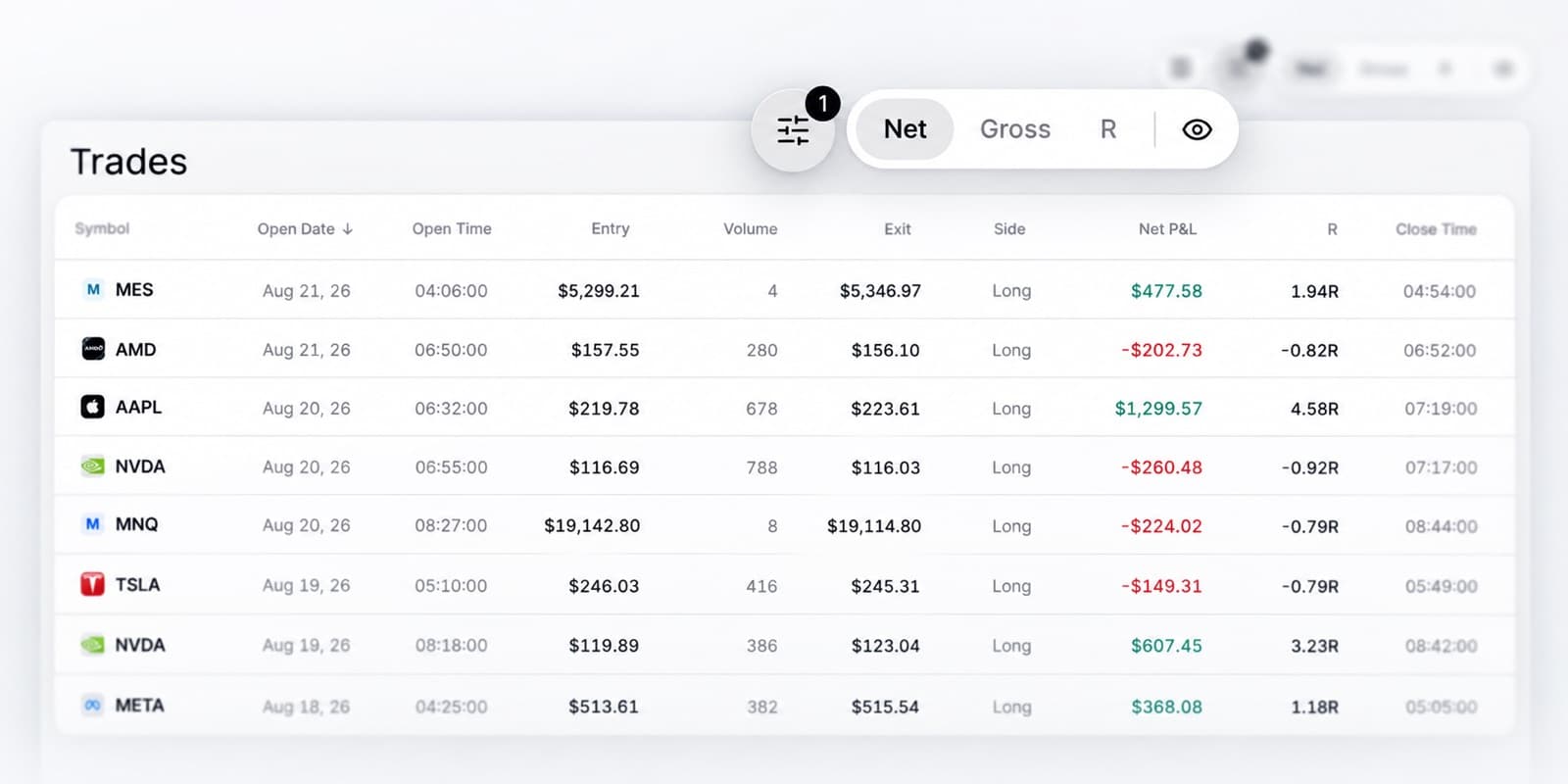
Bring your trading history into RizeTrade using supported sync or file import. You can also add trades manually when you want to include extra detail or record something separately.
Once imported, your trades become part of a trade journal you can review across performance, execution and behaviour.
Review past trades in context
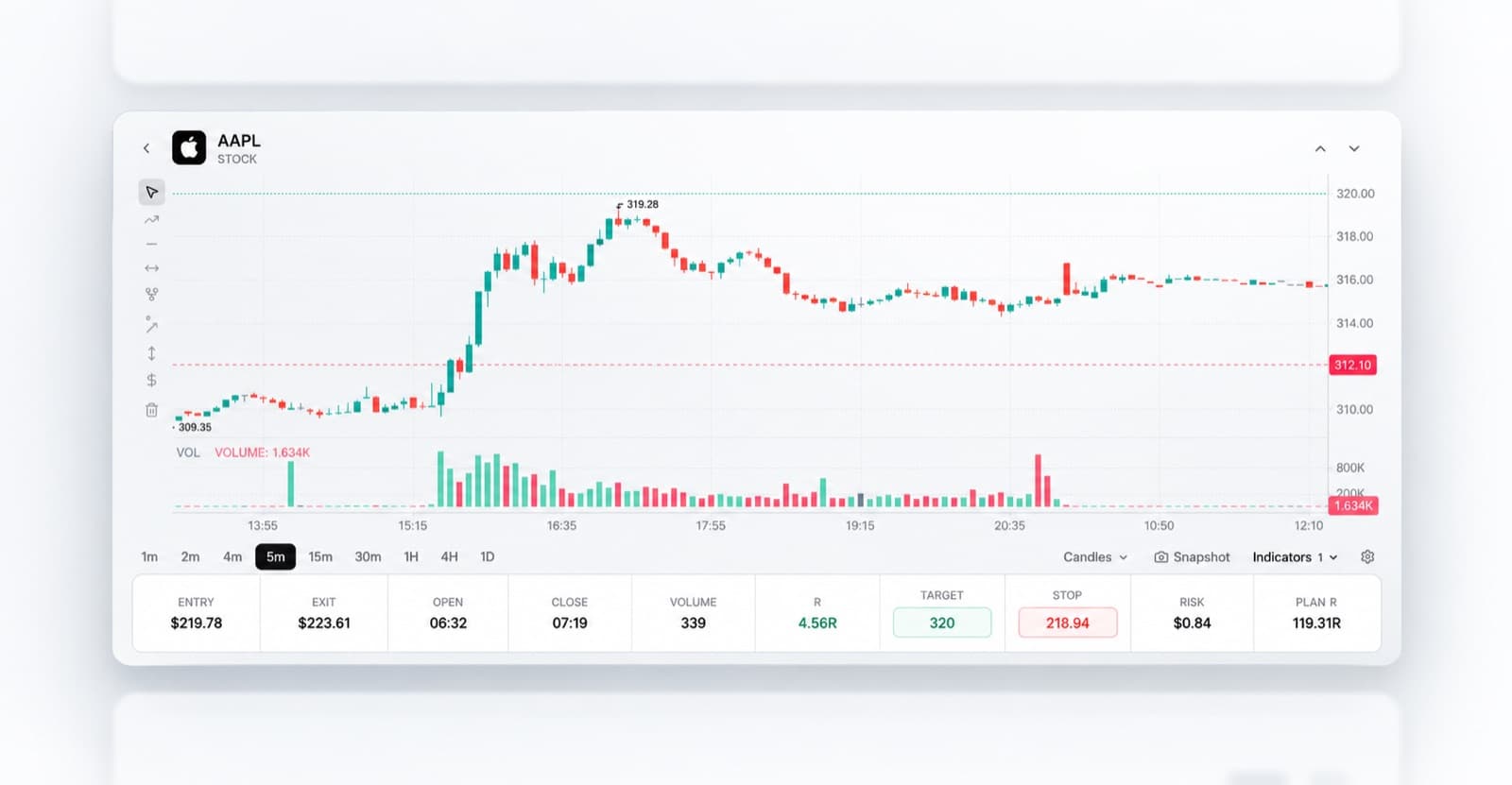
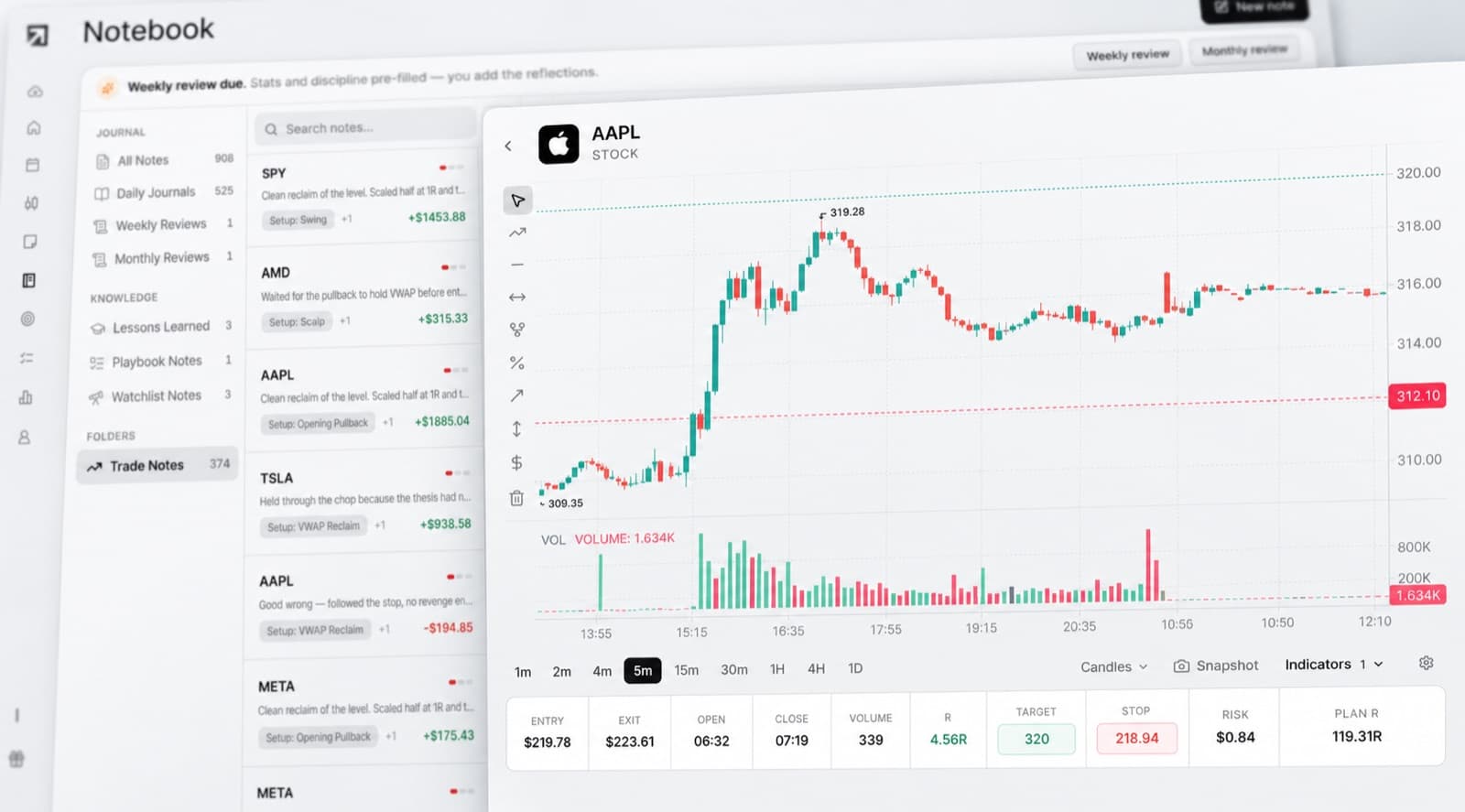
Go back to previous trades and view them on the chart.
See where you entered, where you exited and how price moved around the position.
This gives you more context when reviewing timing, trade management and whether the decision matched your original plan.
Use Trading Mentor AI
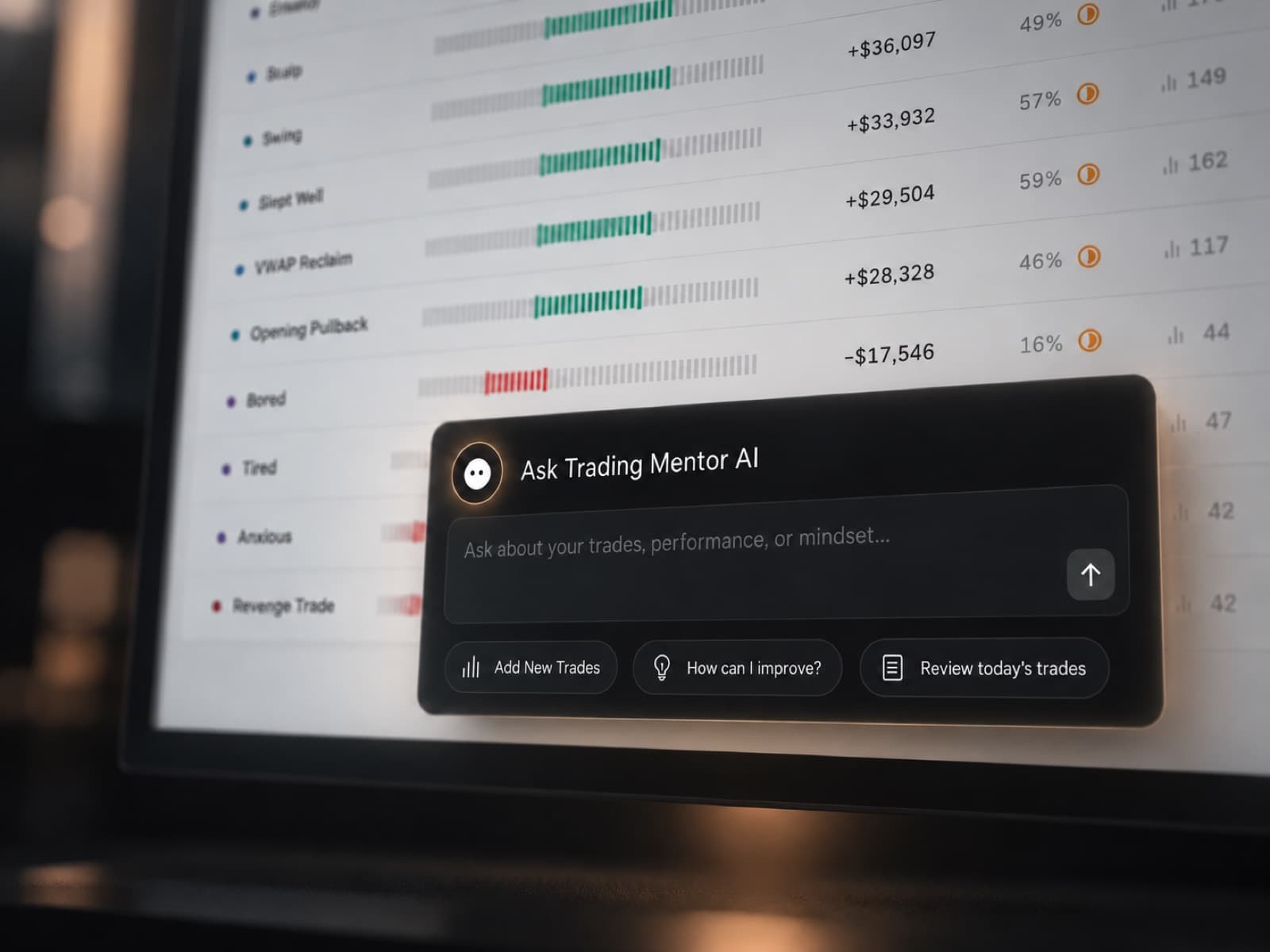
Trading Mentor AI helps you analyse the trades already inside your journal.
Instead of manually working through every position, you can ask questions about your own trading history.
- Which trades am I managing best?
- Where am I making the same mistake?
- Do my results change after a strong or weak session?
- Which trades receive my highest grades?
- Where does my discipline start to fall away?
Use the answers to decide which parts of your trading deserve a closer look.
Review your execution
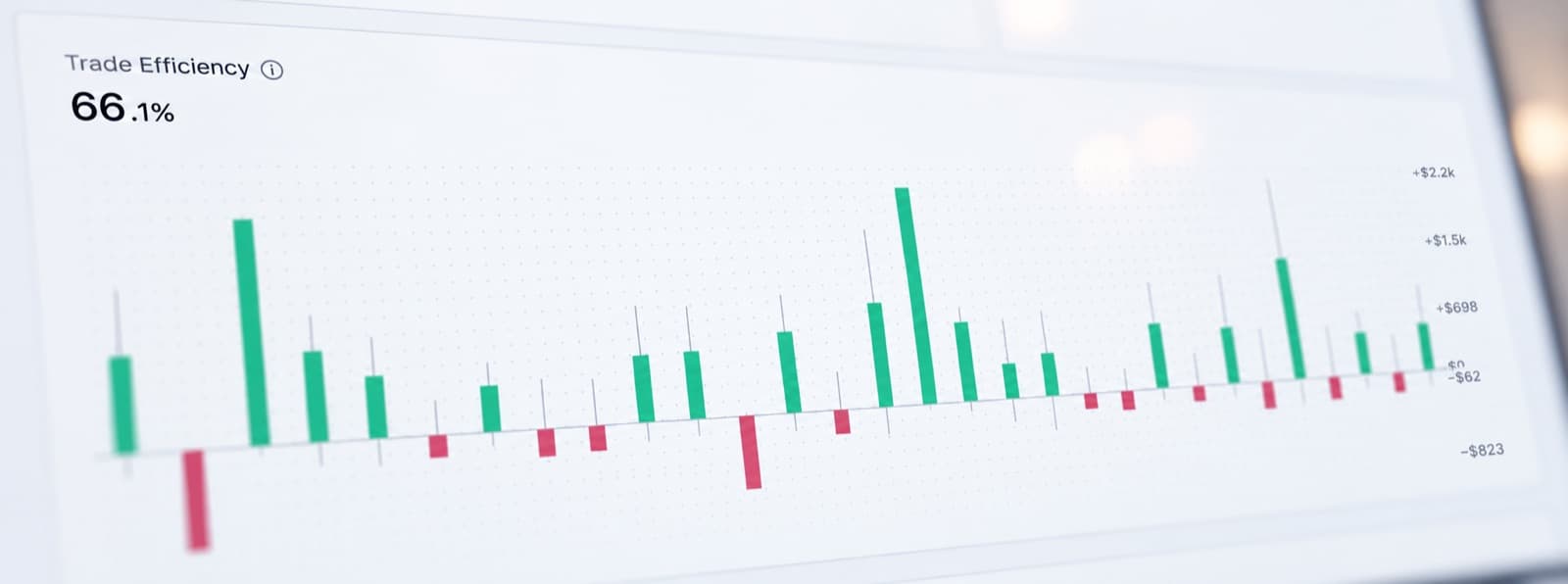
A trade result does not always tell you whether the execution was good.
Trading Efficiency helps you look at how well you handled the opportunity around each trade.
Compare execution across your journal and find situations where your decision-making could have been stronger, even when the final result looked fine.
Grade the quality of each trade
Trade Grade gives you another way to review performance beyond profit and loss.
Score the quality of the trade based on your own process and execution.
This makes it easier to separate trades you would happily repeat from trades that happened to work out.
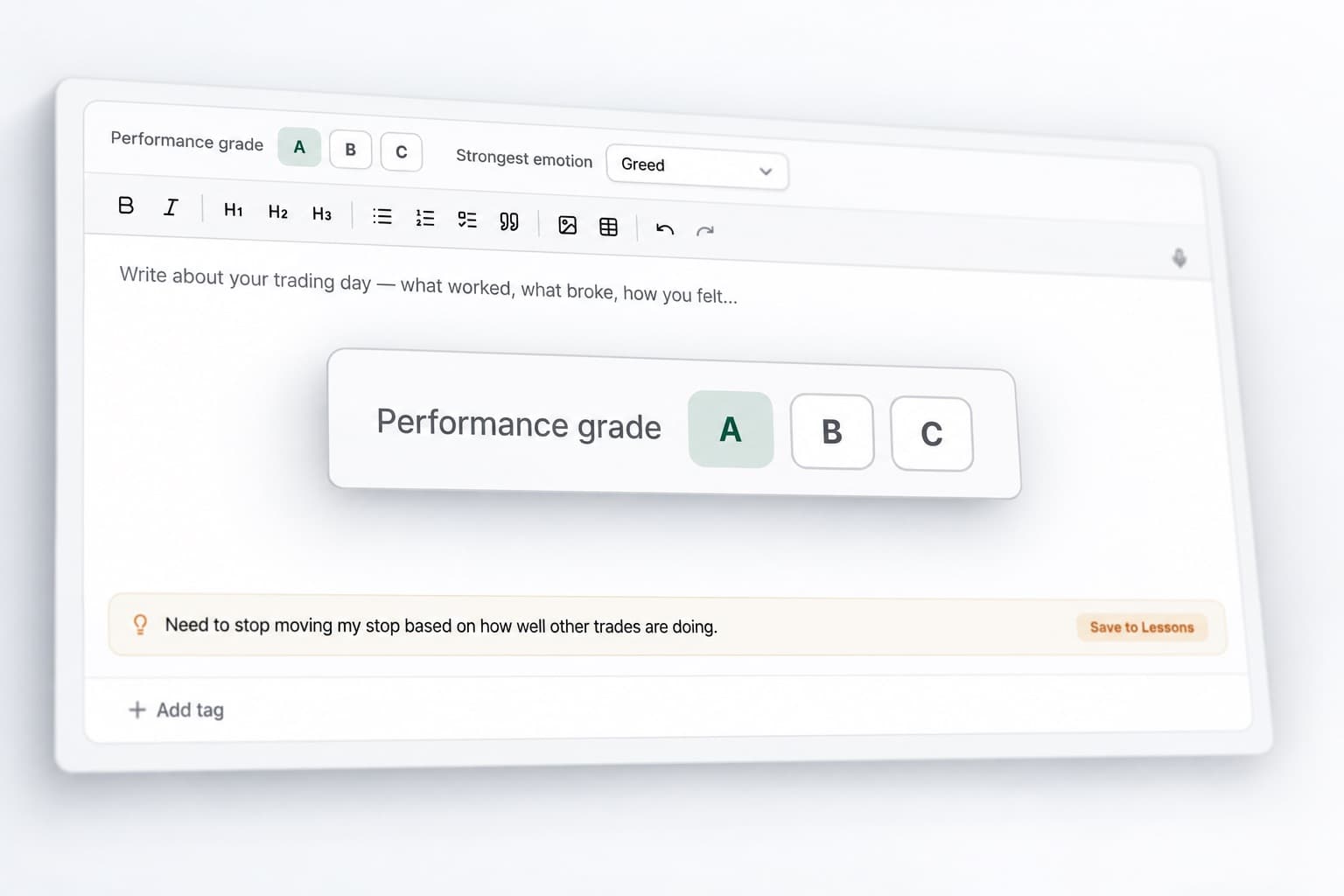
Record why you took the trade
Keep the reasoning behind your decisions alongside the trade itself.
Add notes on the setup, your expectations and anything that changed while the trade was open.
When you review the position later, you have a record of what you were thinking at the time rather than relying on memory.
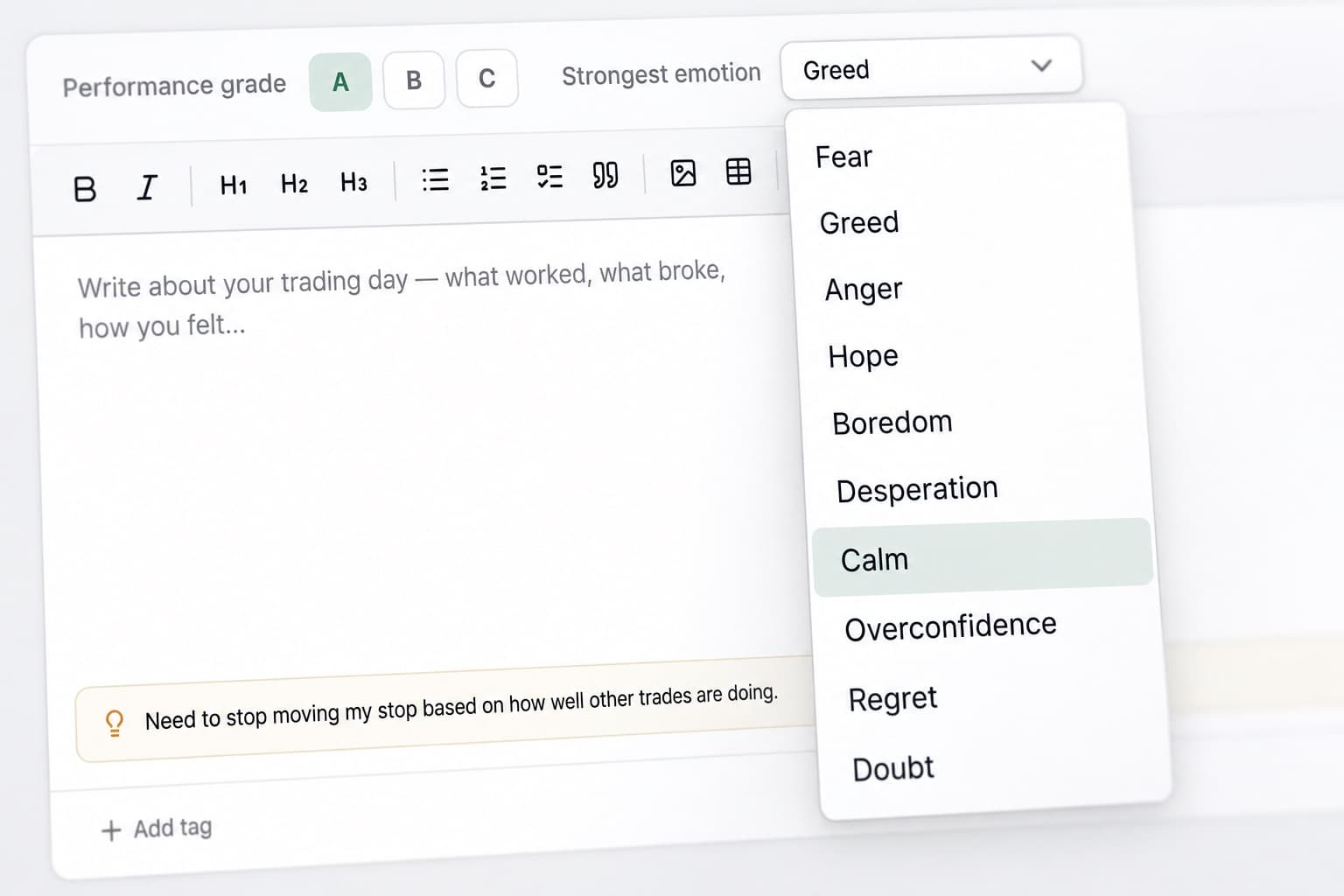
Track your trading emotions
Record the emotional state behind your decisions.
You might be calm and patient during one session, then frustrated or impulsive during another.
RizeTrade lets you compare those emotions against your trade results, grades and execution to see whether patterns begin to appear.
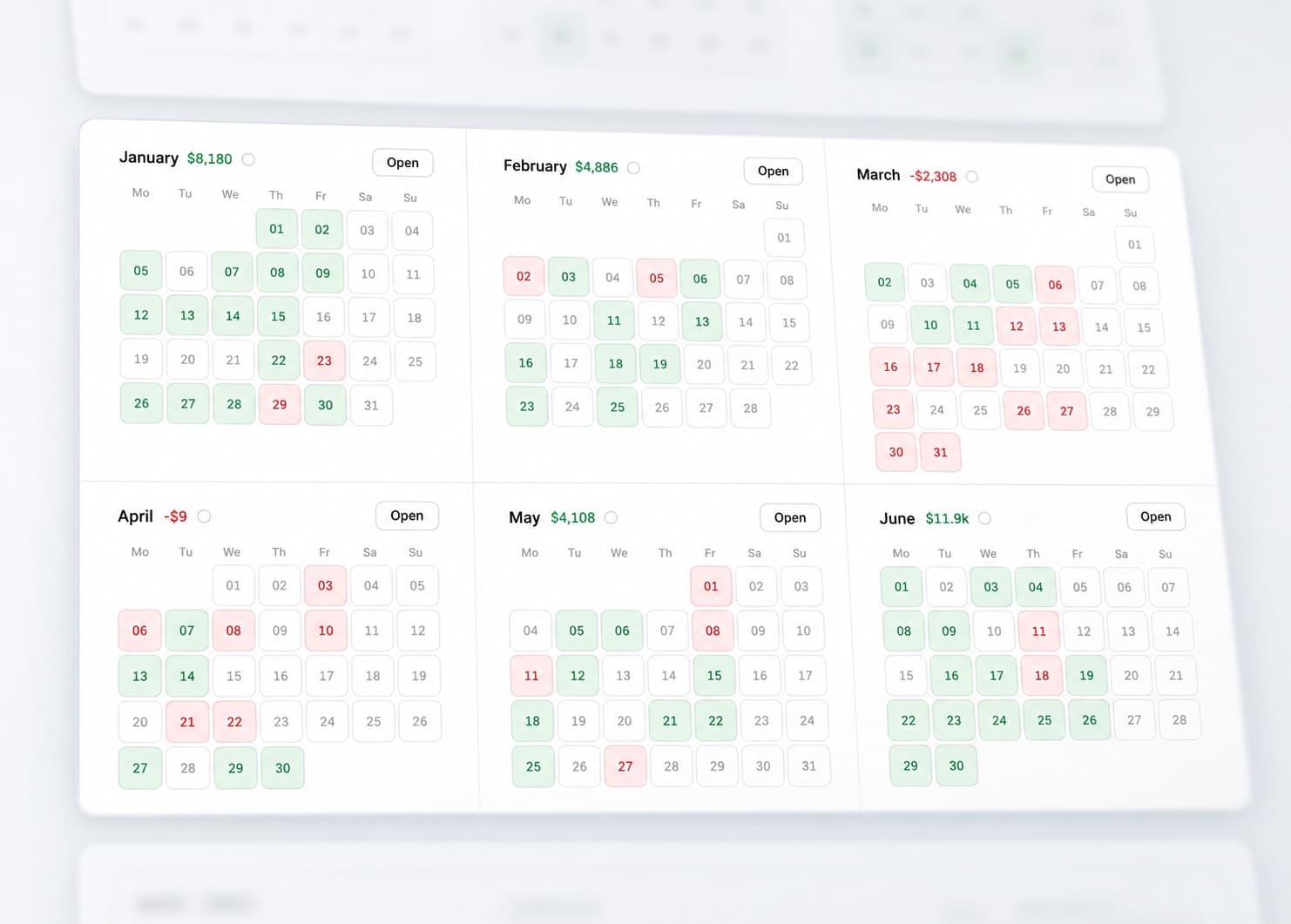
Review your trading month
The P&L Calendar gives you a simple view of your trading results across the month.
See where your strongest days occurred, where difficult periods started and when trading activity increased.
When something stands out, open the trades behind that day and review the detail.
Measure your discipline
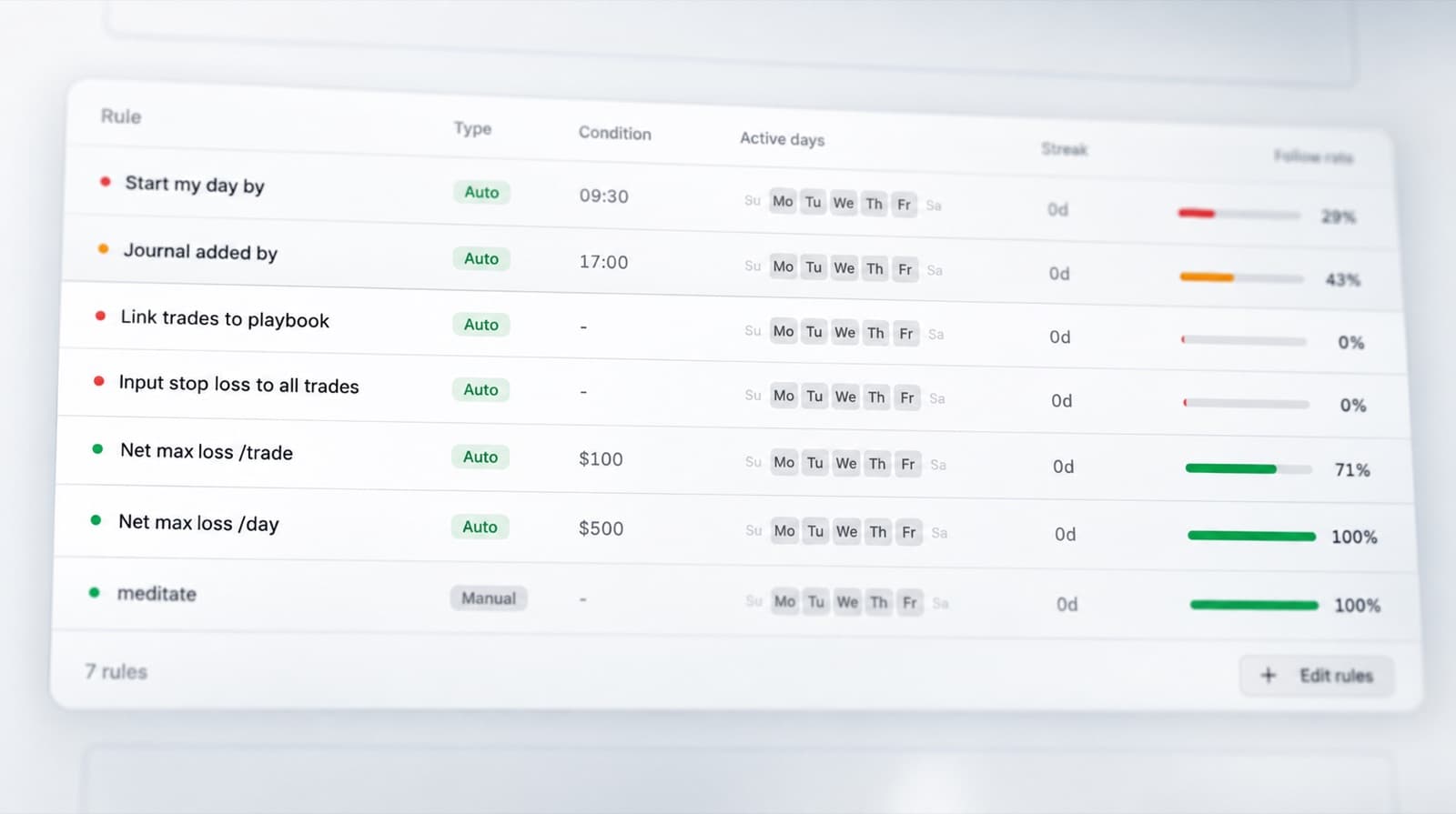
Use the Discipline Tracker to record whether each trade followed the rules you set for yourself.
Track the behaviours that matter most to your process and compare them across your trading history.
This helps show whether weaker results came from the setup itself or from moving away from your normal rules.
Find patterns in your statistics
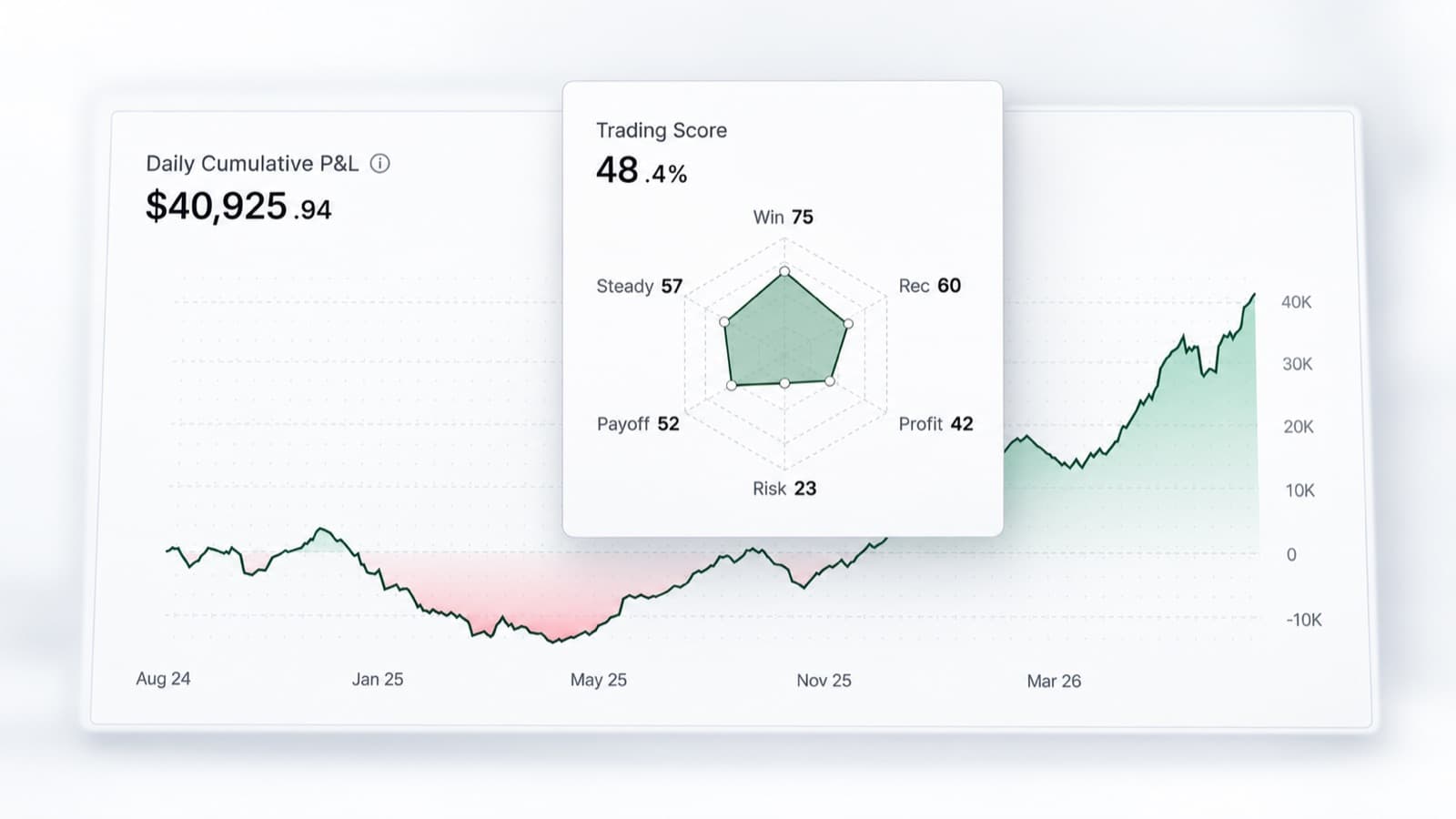
RizeTrade Statistics help you review performance across a wider sample of trades.
Look beyond one position or one session and compare what is happening over time.
Identify stronger behaviours, repeated mistakes and areas where your trading is becoming more or less consistent.
Build better trading reviews
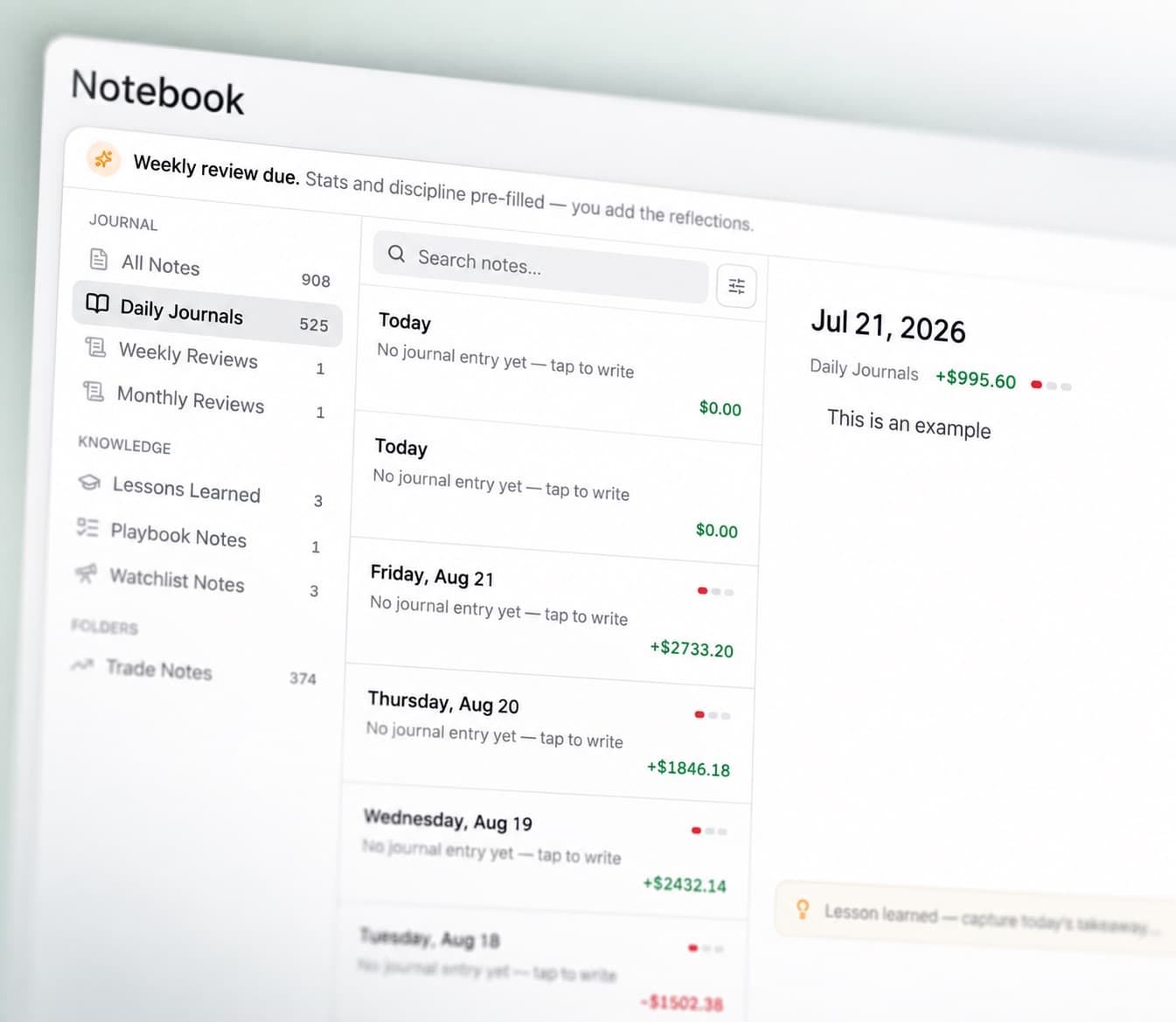
Journal Reports bring your trading data into a more structured review.
Use them to look across your results, execution, discipline, emotions and trade quality without having to piece everything together manually.
They give you a clearer way to review progress from one period to the next.
IG journal features
Trading Mentor AI
Analyse your trading history and recurring behaviour.
Past trade charts
Review entries and exits in market context.
Trading efficiency
See how well you handled each trade.
Trade grade
Score decision quality separately from P&L.
P&L calendar
Review your results across the month.
Broker sync & file import
Bring supported trading history into RizeTrade.
Manual trade entry
Add individual trades yourself.
Emotion tracking
Compare mindset with performance.
Discipline tracker
Measure whether you followed your trading rules.
Statistics
Find patterns across your wider history.
Journal reports
Create more structured trading reviews.
Review your IG trading
Your IG history shows the trades you placed. RizeTrade helps you understand how you approached them.
Review your execution, track your discipline and use your trading history to make future reviews more useful.