
Tradeify Trading Journal
100% FreeNo CC Required
4.8/5 1,794 Reviews
Track multiple Tradeify accounts
Track Tradeify accounts, trades, discipline and performance inside RizeTrade.
Keep different Tradeify accounts separate inside the same trading journal, making it easier to compare evaluations, funded accounts and trading periods.
This makes it easier to see which accounts are progressing well and where execution is becoming inconsistent.
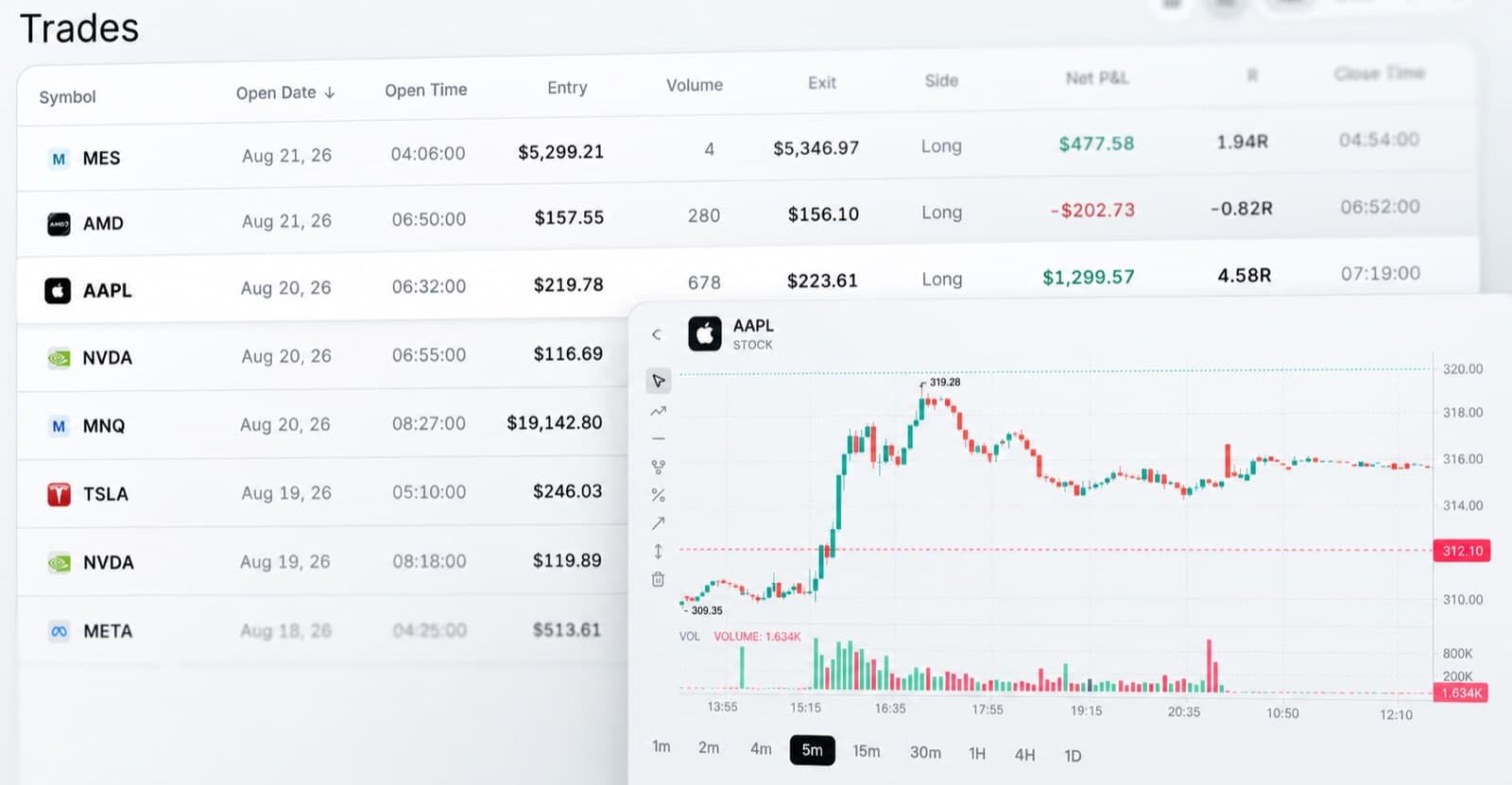
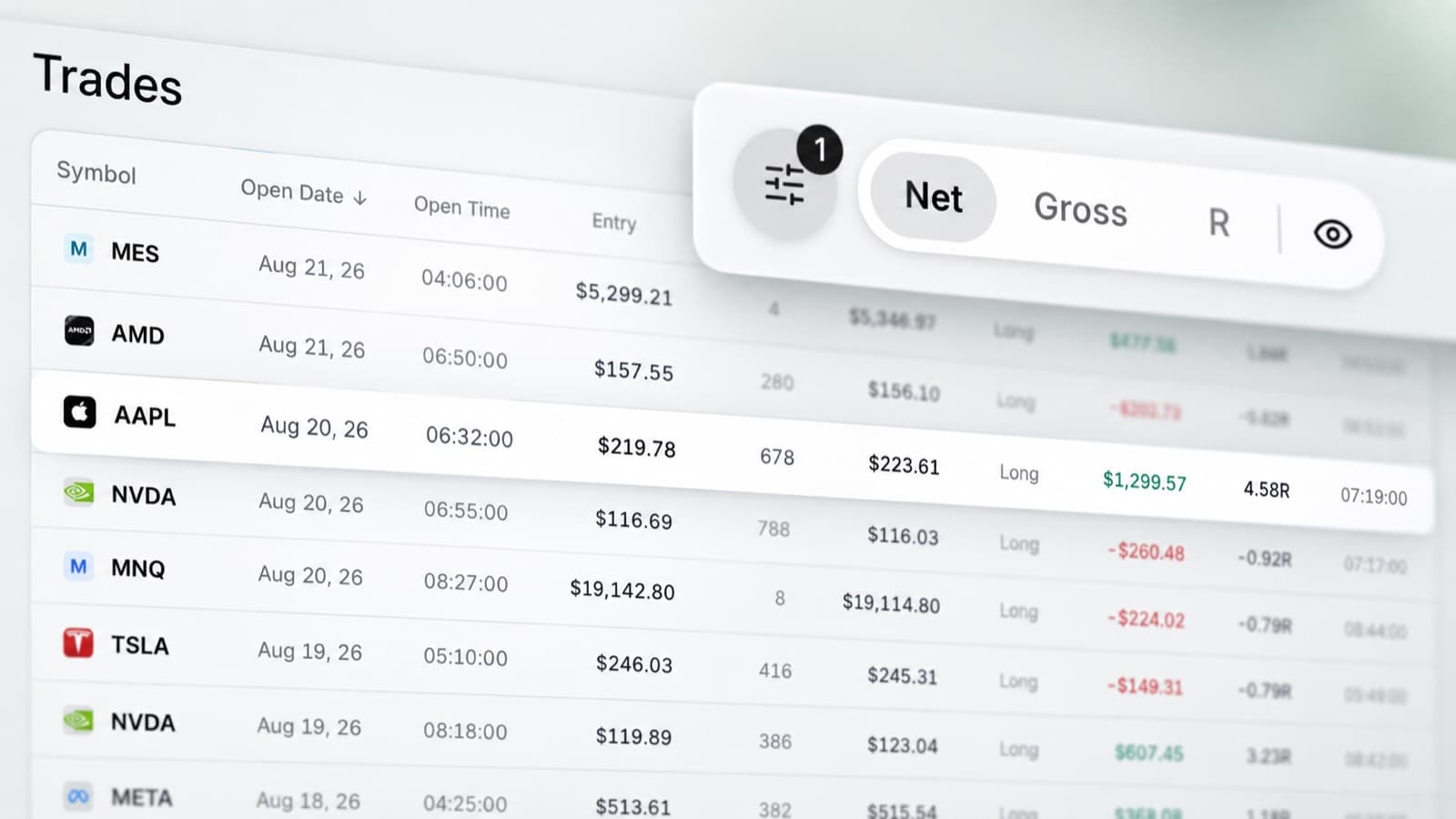
Import trading data
Use supported broker sync or file import to load your trade history.
Manual entry is available for trades you want to add yourself.
Assign trades to the correct account so each challenge or funded account stays organised.
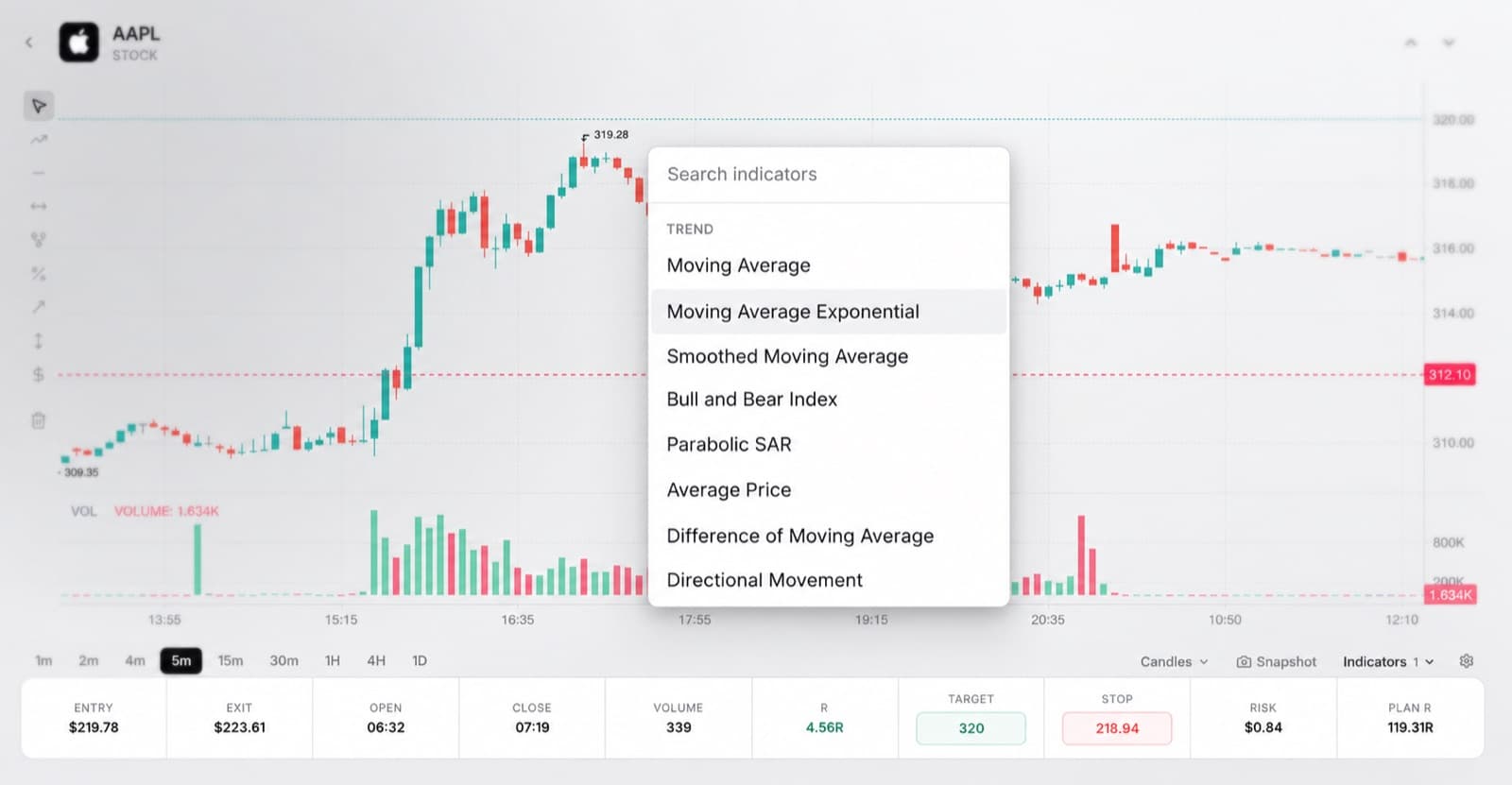
Review entries and exits
Open completed trades on the chart and inspect your execution.
See where you entered, where you exited and how price moved while the position was open.
Use the chart review to check timing, management and whether the trade followed your original setup.
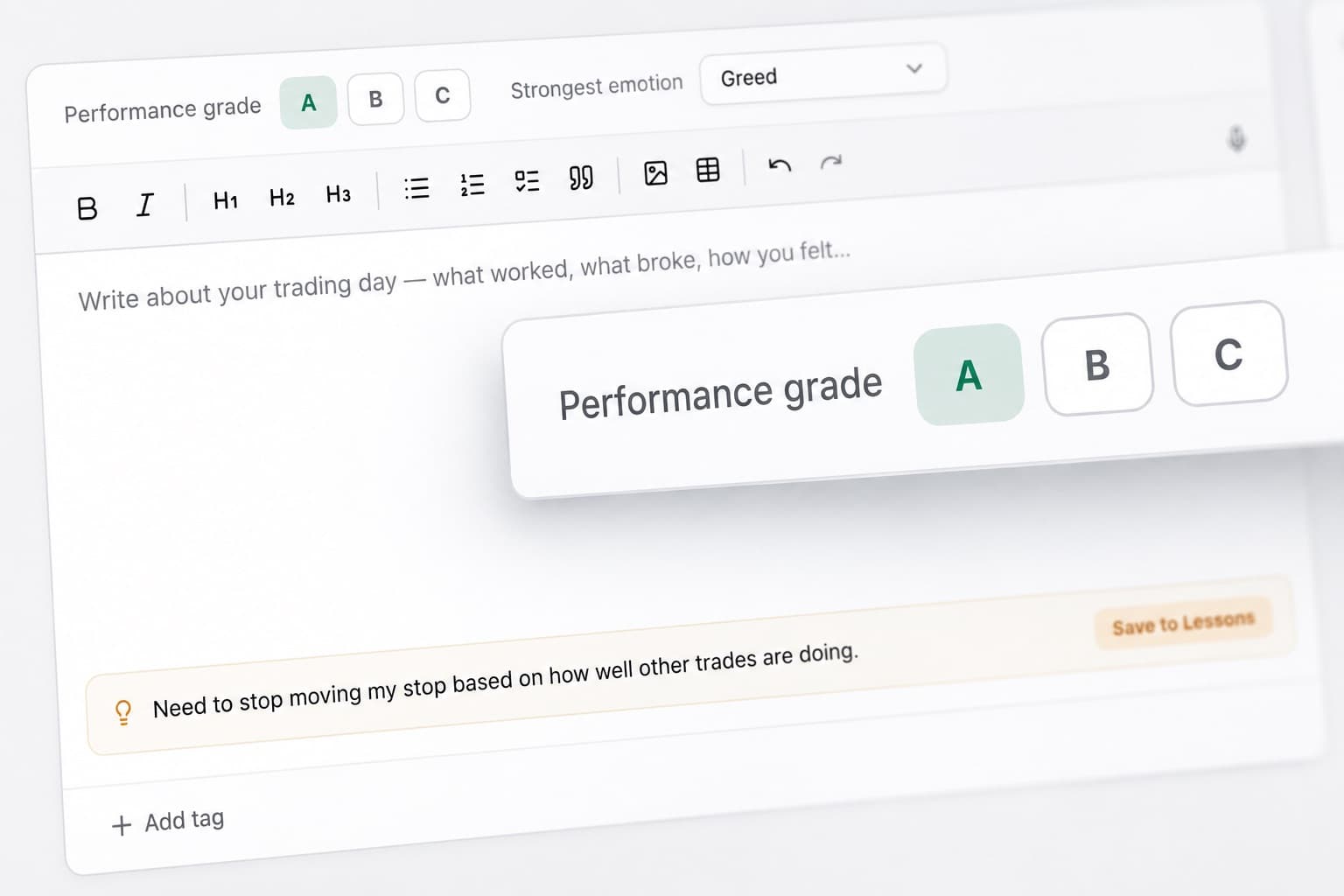
Score your execution
Use Trade Grade to rate the quality of each trade.
Use Trading Efficiency to measure how effectively you handled the available opportunity.
Together, these help you compare trade quality without judging everything from P&L alone.
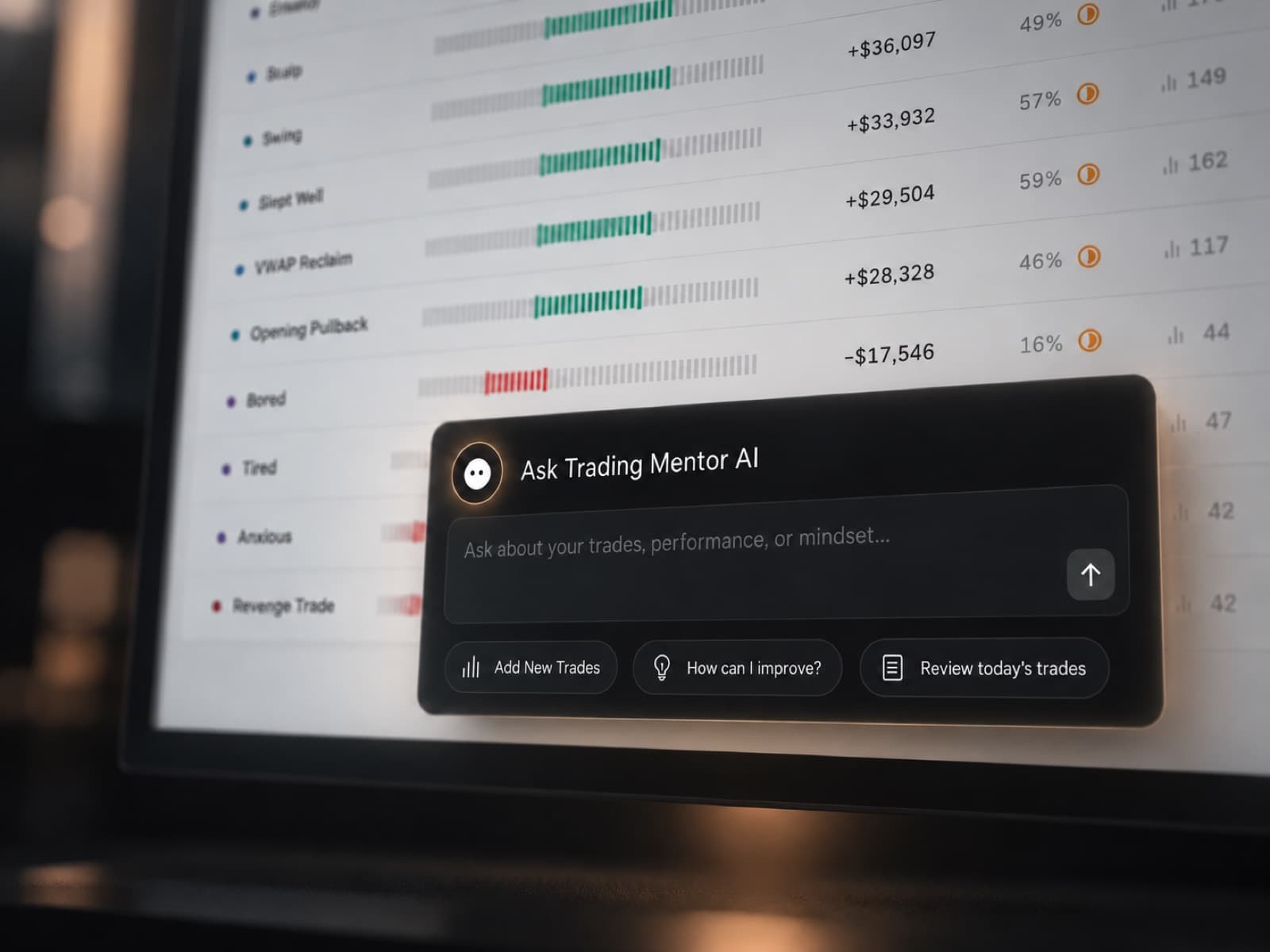
Analyse account performance with AI
Trading Mentor AI can analyse the trading data stored in your journal. Ask questions such as:
- Which accounts have my strongest execution?
- What mistakes are appearing across multiple challenges?
- Which setups produce my highest trade grades?
- Does my performance change near account limits?
- Where am I becoming less efficient?
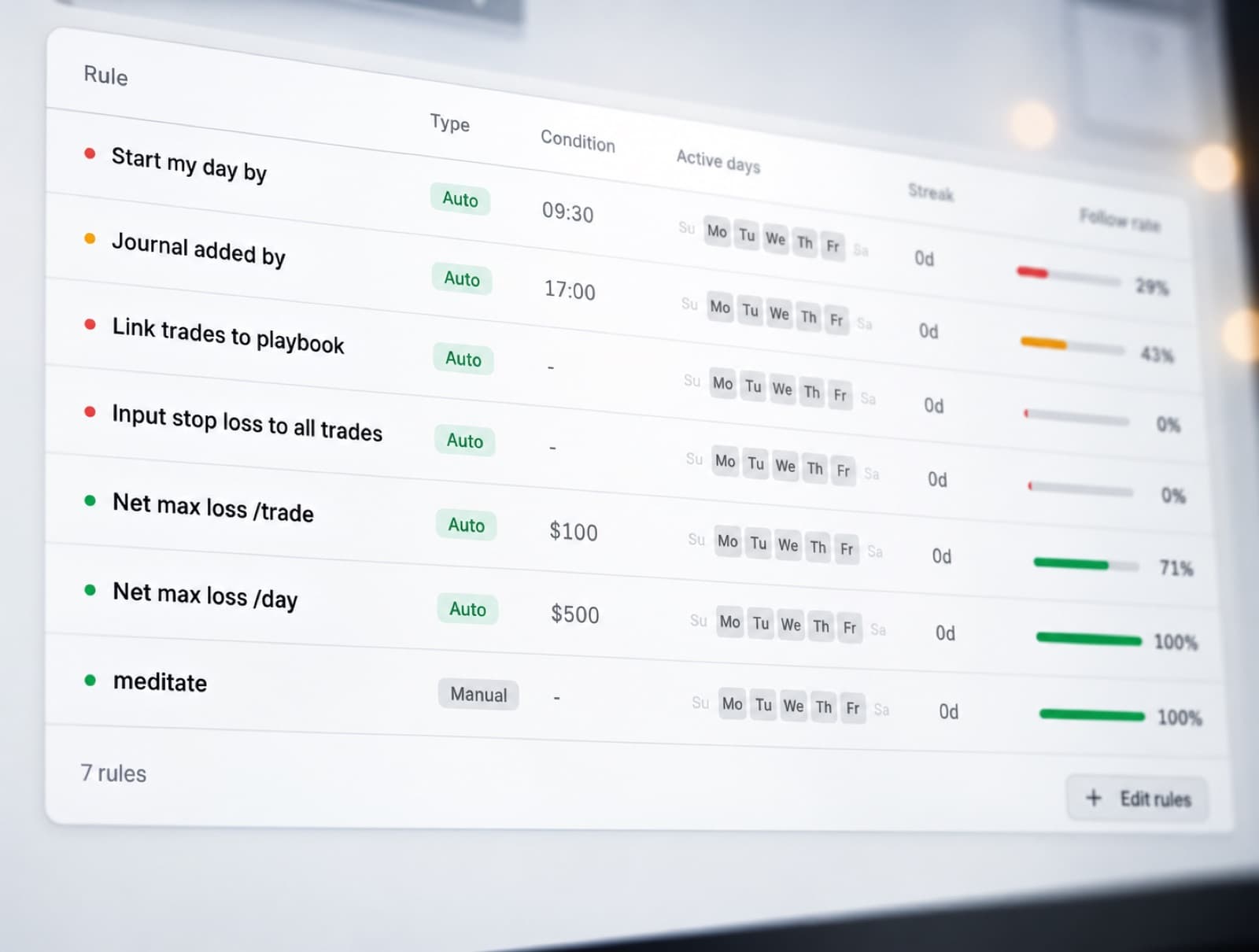
Track rule adherence
Use the Discipline Tracker to monitor whether you followed your trading process.
Track the rules that matter to your strategy and compare them against account results.
This helps separate strategy issues from trades where the plan simply was not followed.
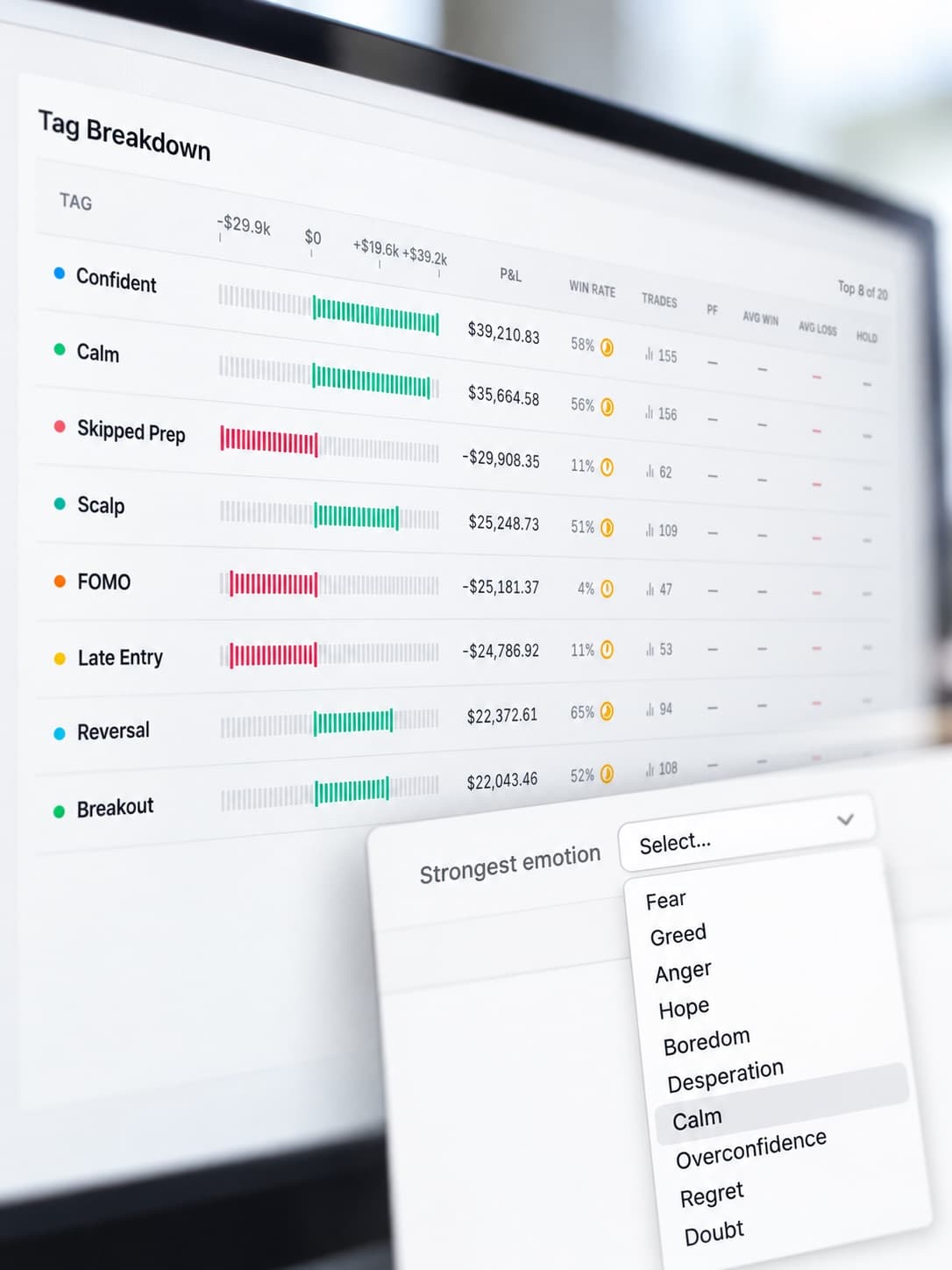
Record trading emotions
Add emotional context to individual trades.
Track confidence, frustration, impatience, hesitation or other states that may affect execution.
Compare those emotions with Trade Grade, Trading Efficiency and P&L to identify repeated behaviour.
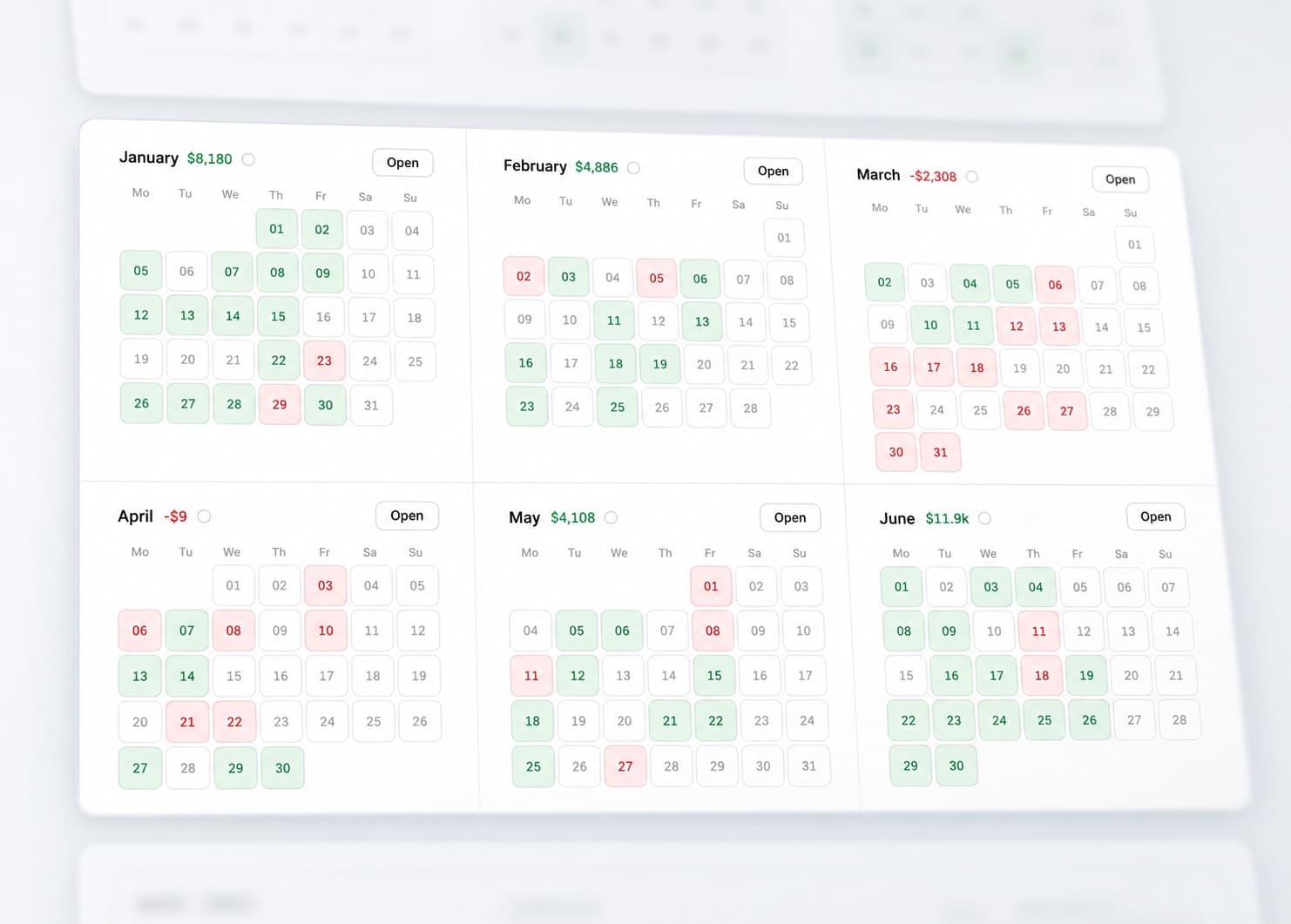
Monitor daily results
The P&L Calendar shows your performance across the month.
Use it to identify strong trading days, clusters of losses or periods where activity changed.
Open a date to review the trades and accounts behind the result.
Compare accounts and trading periods
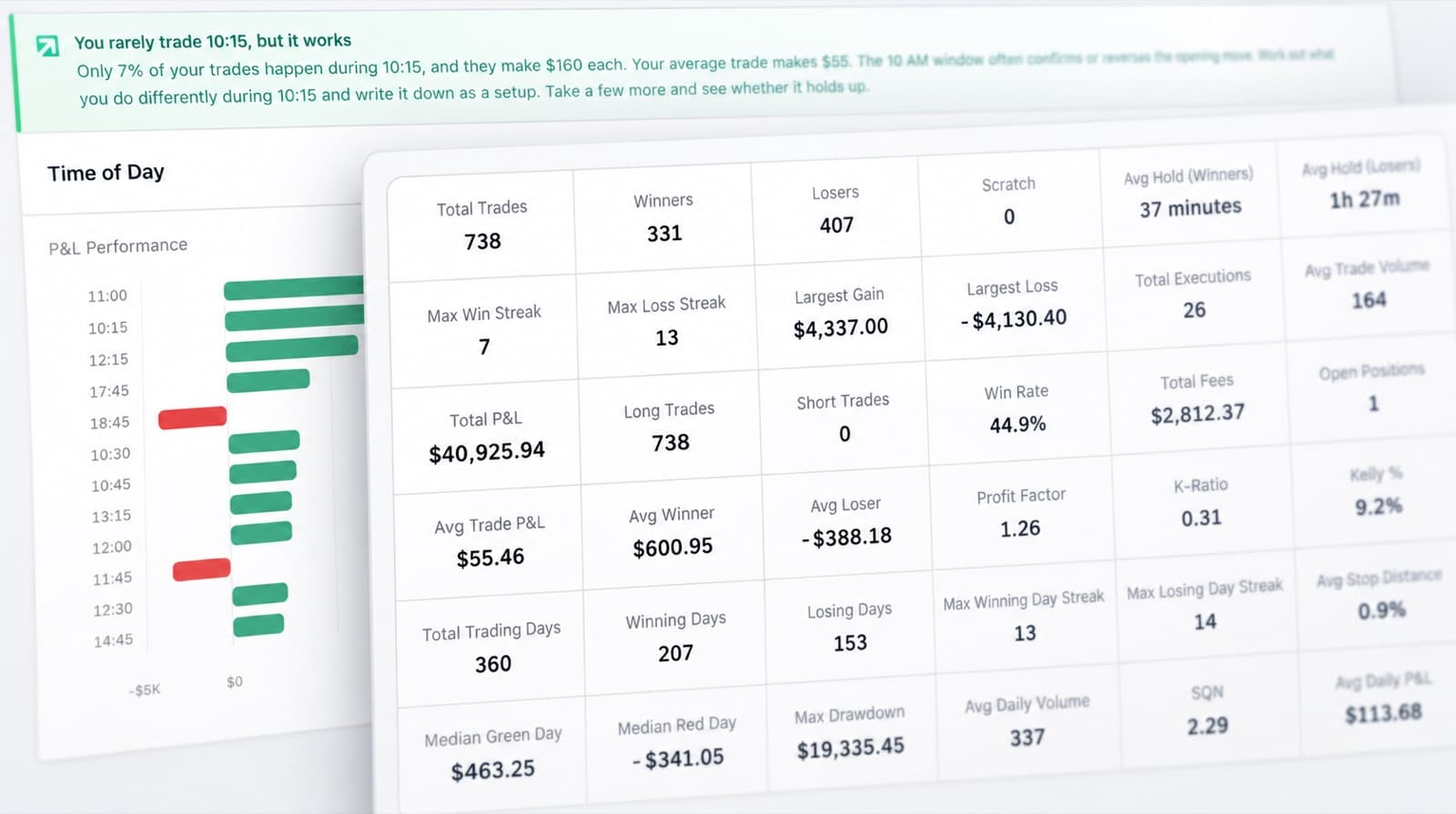
Use Statistics to analyse performance across a wider sample. Compare:
- Individual Tradeify accounts
- Challenge and funded periods
- Trade grades
- Execution quality
- Discipline
- Overall P&L
Journal Reports provide a structured view when you want to review a complete period in more detail.
Tradeify journal features
Multiple account tracking
Keep challenges and funded accounts organised.
Trading Mentor AI
Analyse your trading data with AI.
Past trade charts
Review entries and exits visually.
Trade grade
Score trade quality.
Trading efficiency
Measure execution quality.
Discipline tracker
Monitor rule adherence.
Emotion tracking
Track mindset alongside trades.
P&L calendar
Review daily performance.
Statistics
Compare accounts and trading periods.
Journal reports
Create structured performance reviews.
Broker sync & file import
Load supported trade data.
Manual trade entry
Add trades manually when needed.
Review your Tradeify performance
Manage your accounts, review execution and track whether your trading process is staying consistent.