
thinkorswim Trading Journal
100% FreeNo CC Required
4.8/5 1,794 Reviews
Import your thinkorswim trades
Import your thinkorswim trades into RizeTrade and turn your trade history into a trading journal you can actually use.
Get your thinkorswim trading history into RizeTrade with supported broker sync or file import.
Your trades are organised inside your journal, ready for review without having to rebuild everything from scratch.
Need to add something separately? You can enter trades manually and include your own notes, grades and context.
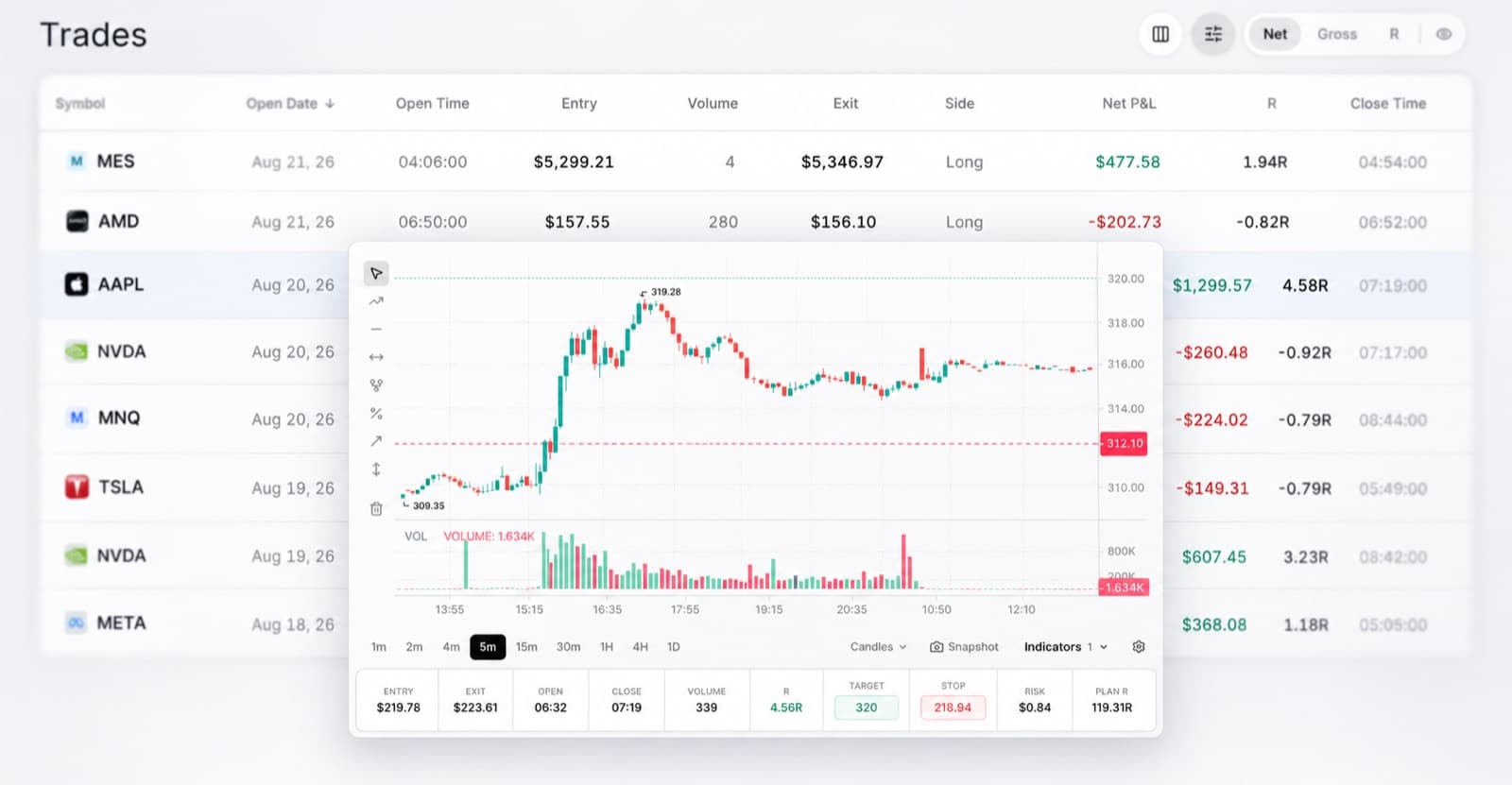
See your trades back on the chart
Looking at an entry price and exit price rarely tells you enough.
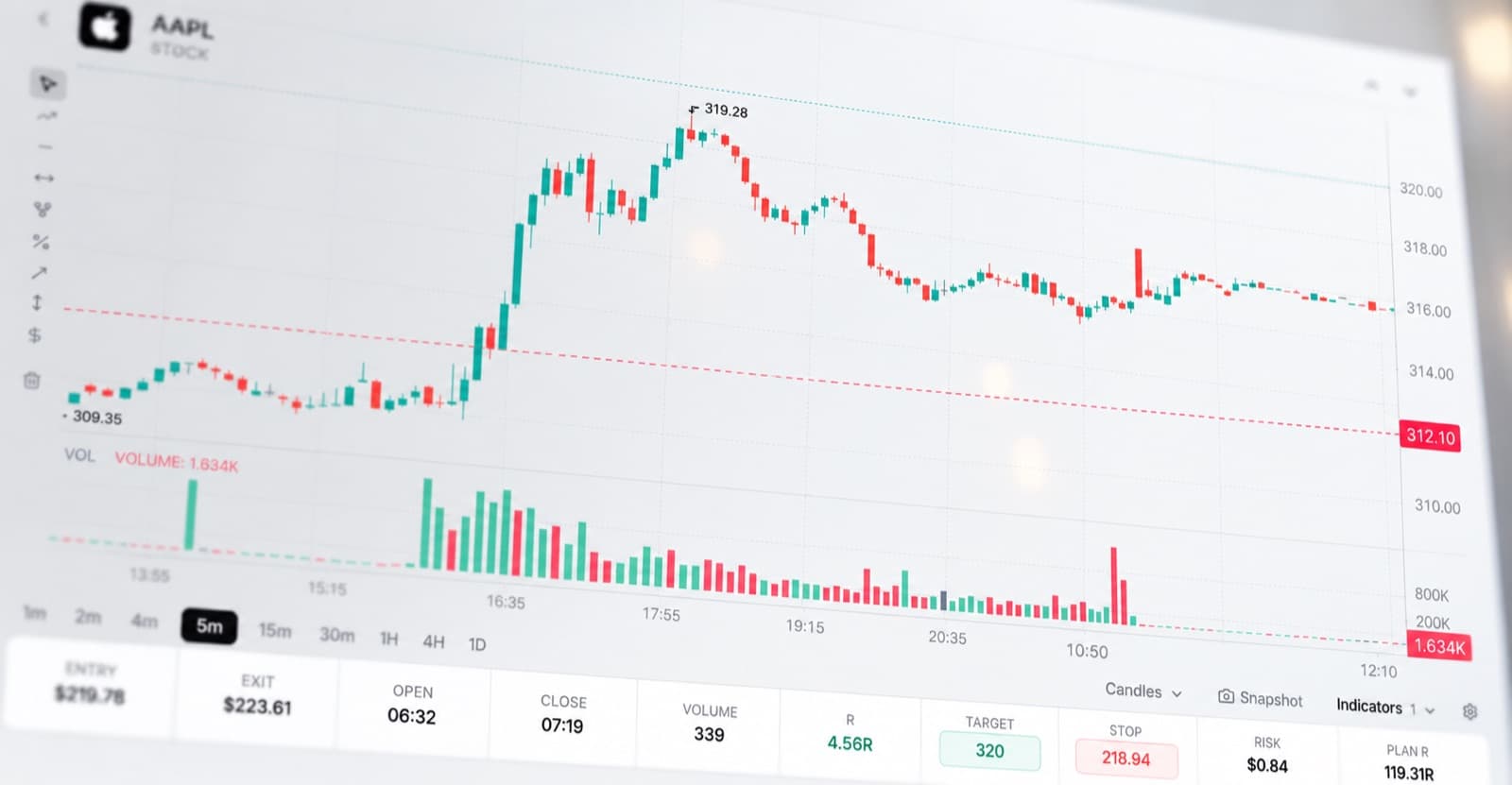
RizeTrade puts past trades back onto the chart, helping you see what the market was doing around your entry and how the position developed.
You can review your timing, management and exit with the benefit of hindsight, then decide whether you would make the same trade again.
Turn trade history into useful feedback
A journal becomes valuable when it starts showing you things you did not notice while trading.
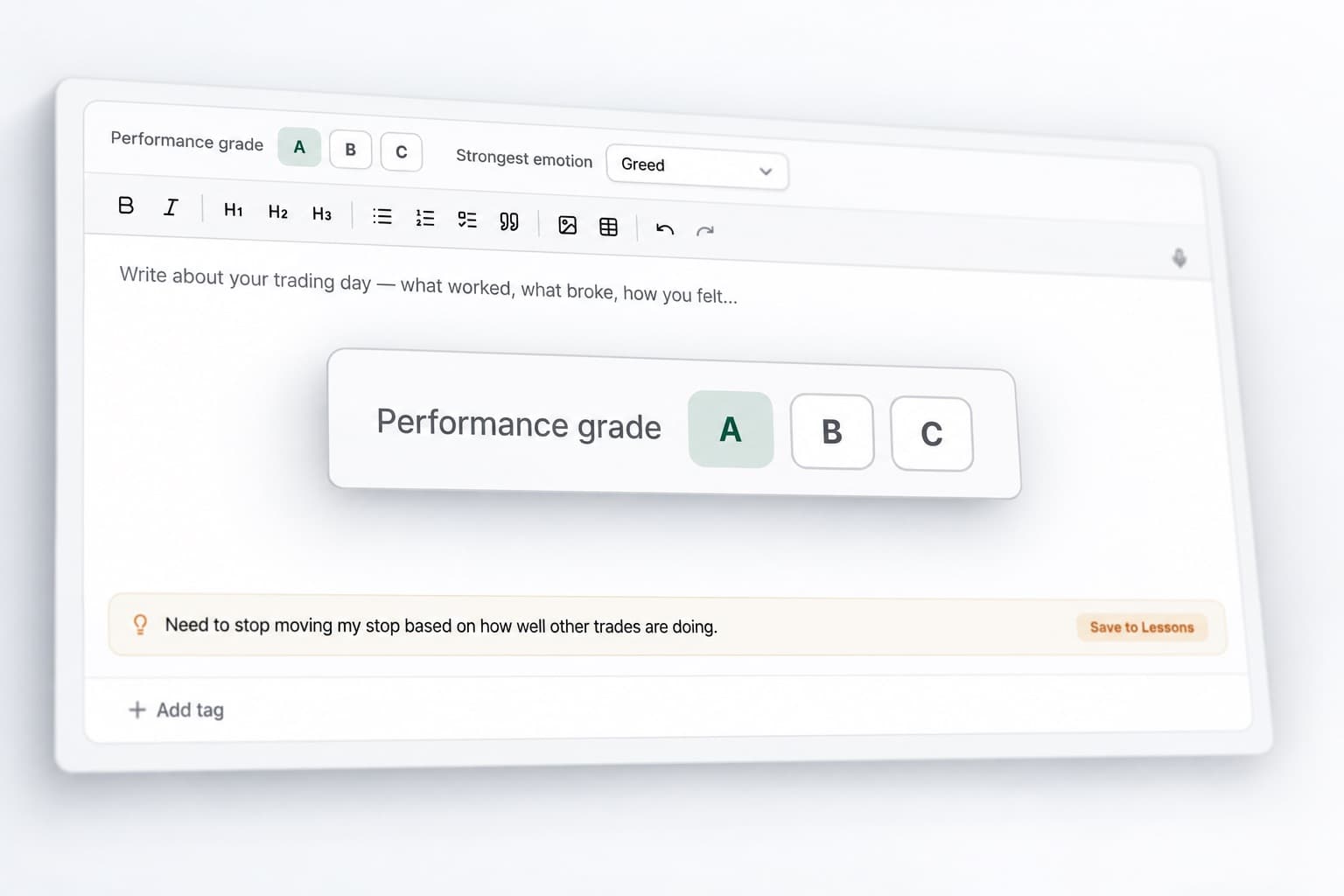
RizeTrade gives you several ways to review the quality of each trade.
Trade grade
Score the decision itself, not just whether it made money.
Trading efficiency
Assess how well you handled the opportunity.
Trade notes
Keep your original reasoning attached to the position.
Together, they give you a much better picture of whether a result came from a repeatable process or simply happened to work out.
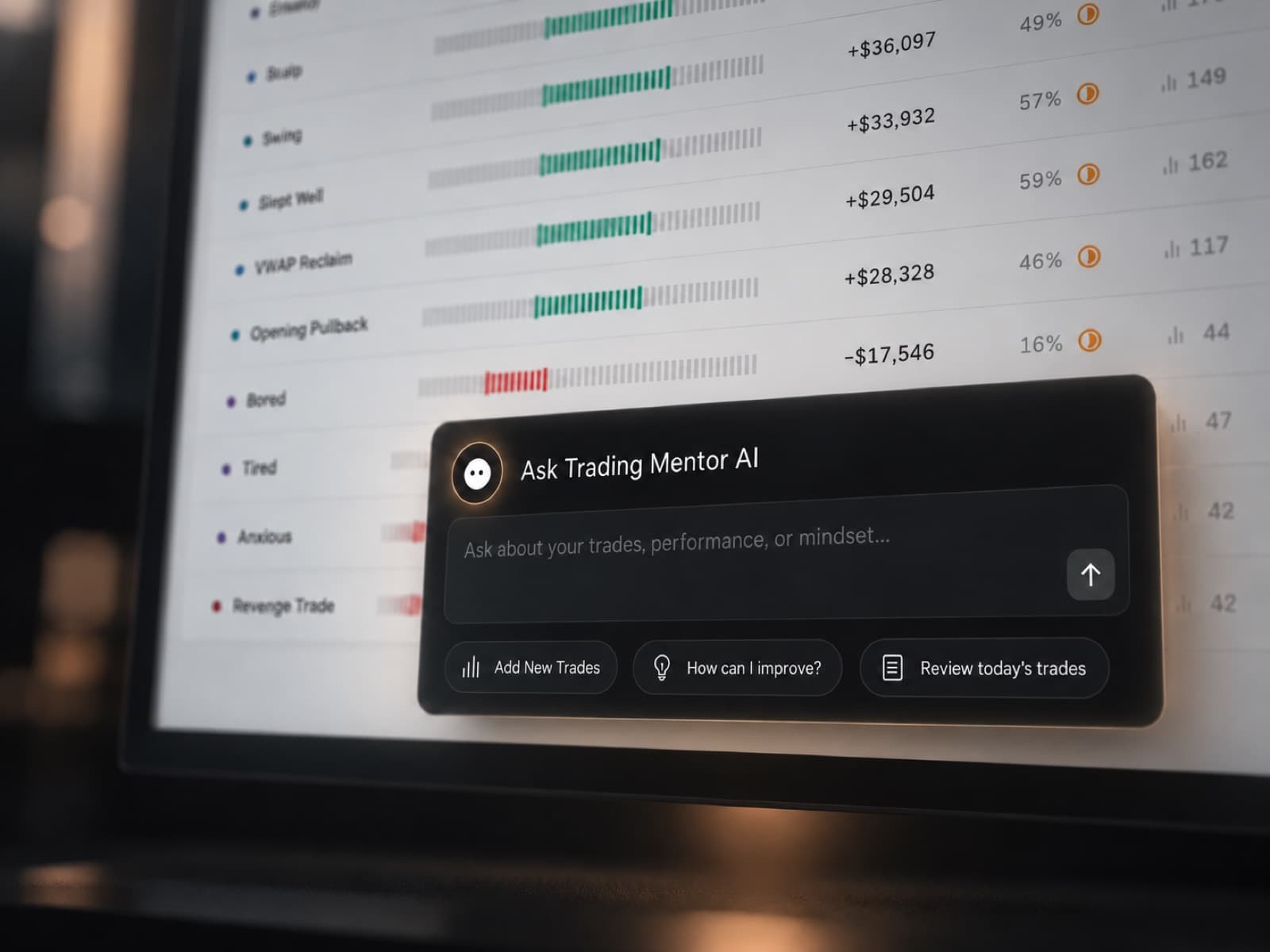
Ask Trading Mentor AI about your own trades
Trading Mentor AI works with the history inside your journal, so your questions can be about the way you actually trade.
Ask it to investigate areas you want to understand better.
- What is different about my highest-graded trades?
- Which mistakes have appeared repeatedly this month?
- Where are my exits hurting otherwise good trades?
- Do my results change when I take more trades than usual?
- Which parts of my process are becoming more consistent?
Instead of scrolling through old trades looking for an answer, you can start with the question.
Find the behaviour behind the numbers
Not every performance problem starts with the setup.
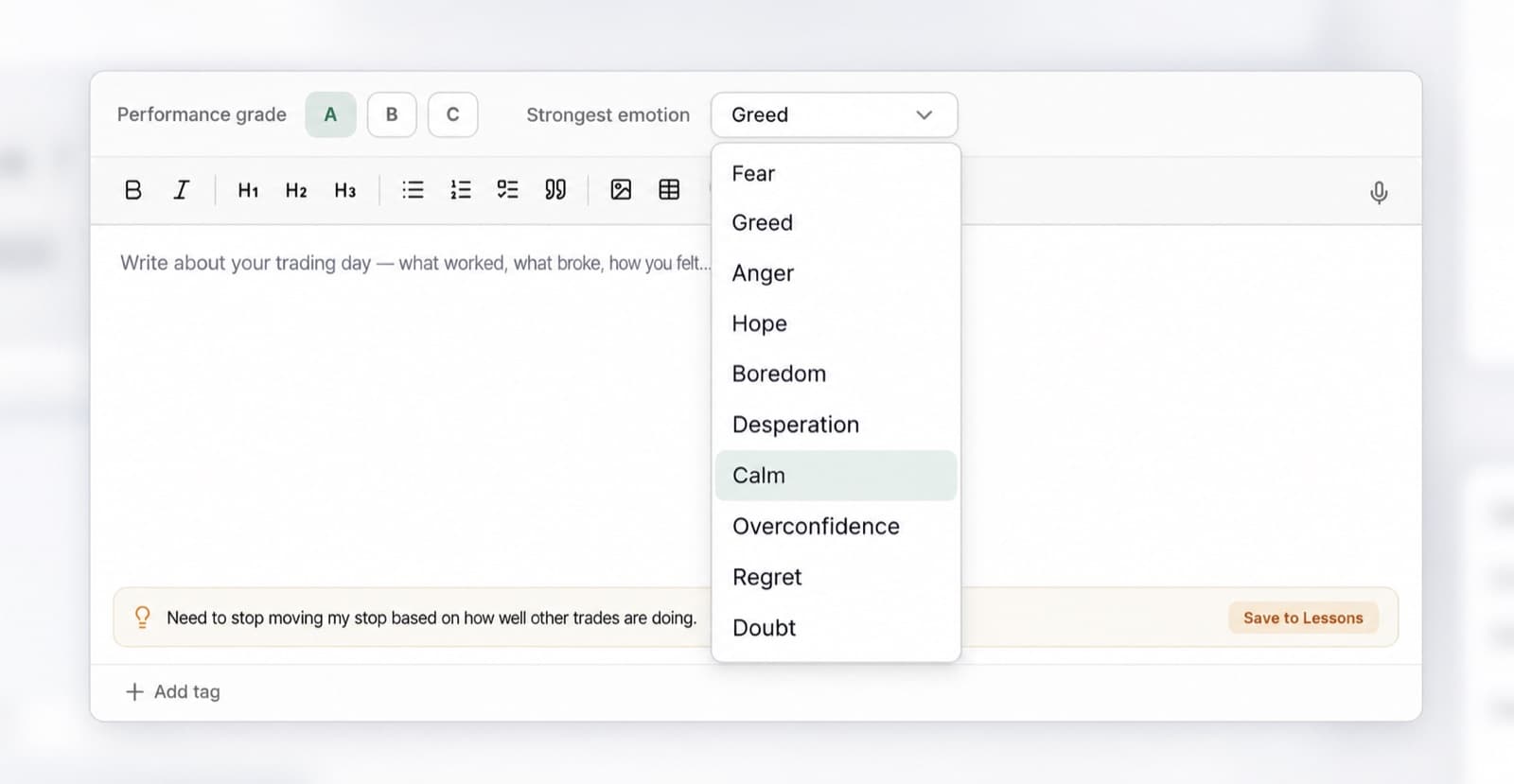
RizeTrade lets you track emotions and discipline alongside your trades, giving you more context around the decisions that produced the result.
Record whether you were patient, frustrated, hesitant or overconfident. Then use the Discipline Tracker to see whether you actually followed the rules you set for yourself.
As more trades build up, you can start seeing where changes in behaviour line up with changes in performance.
See how your trading changes over time
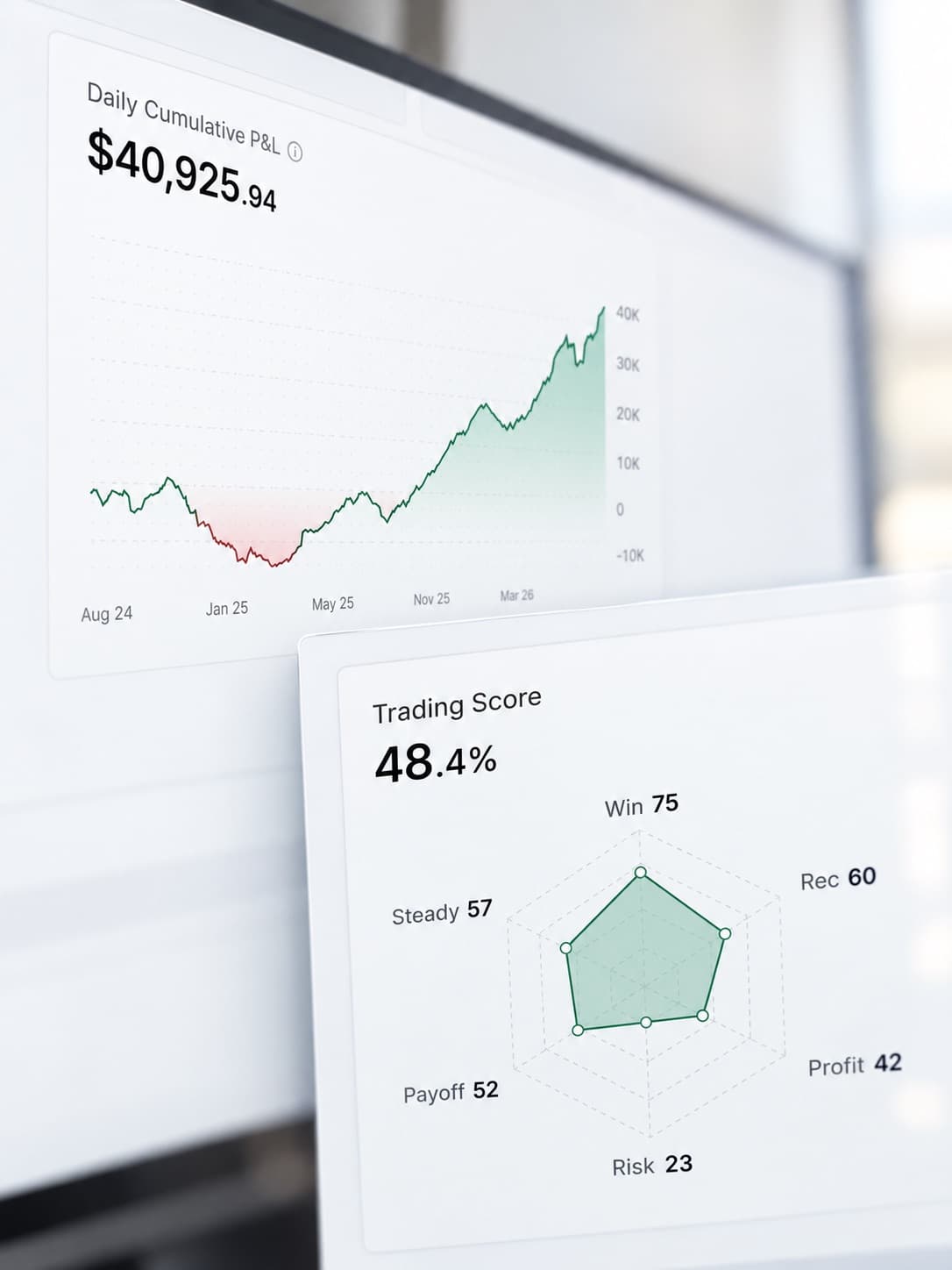
A single trade can be misleading. A larger trading history gives you something more useful to work with.
Use the P&L Calendar to quickly spot strong days, difficult periods and changes in activity.
Dig further into Statistics to see patterns across your trades, then use Journal Reports for a more structured review of your performance.
When something stands out, you can go back to the trades behind the numbers and see what actually changed.
Build a better review routine
RizeTrade brings the parts of your trading review together so you are not jumping between trade history, notes and separate spreadsheets.
Trading Mentor AI
Ask questions across your own trading history.
Past trade charts
See entries and exits in market context.
Trade grade
Evaluate the quality of each decision.
Trading efficiency
Review how effectively each trade was executed.
Emotion tracking
Add psychological context to your results.
Discipline tracker
Measure whether you followed your rules.
P&L calendar
See your trading month at a glance.
Statistics & journal reports
Look for wider patterns and review progress over time.
Broker sync & file import
Bring supported thinkorswim trades into RizeTrade.
Manual trade entry
Add individual trades whenever you need to.
Get more from your thinkorswim trades
Your trade history should be useful for more than checking what you made or lost.
RizeTrade helps you go back through your thinkorswim trades, understand the decisions behind them and find the patterns that are worth paying attention to.