
Sterling Trading Journal
100% FreeNo CC Required
4.8/5 1,794 Reviews
Import Sterling trades
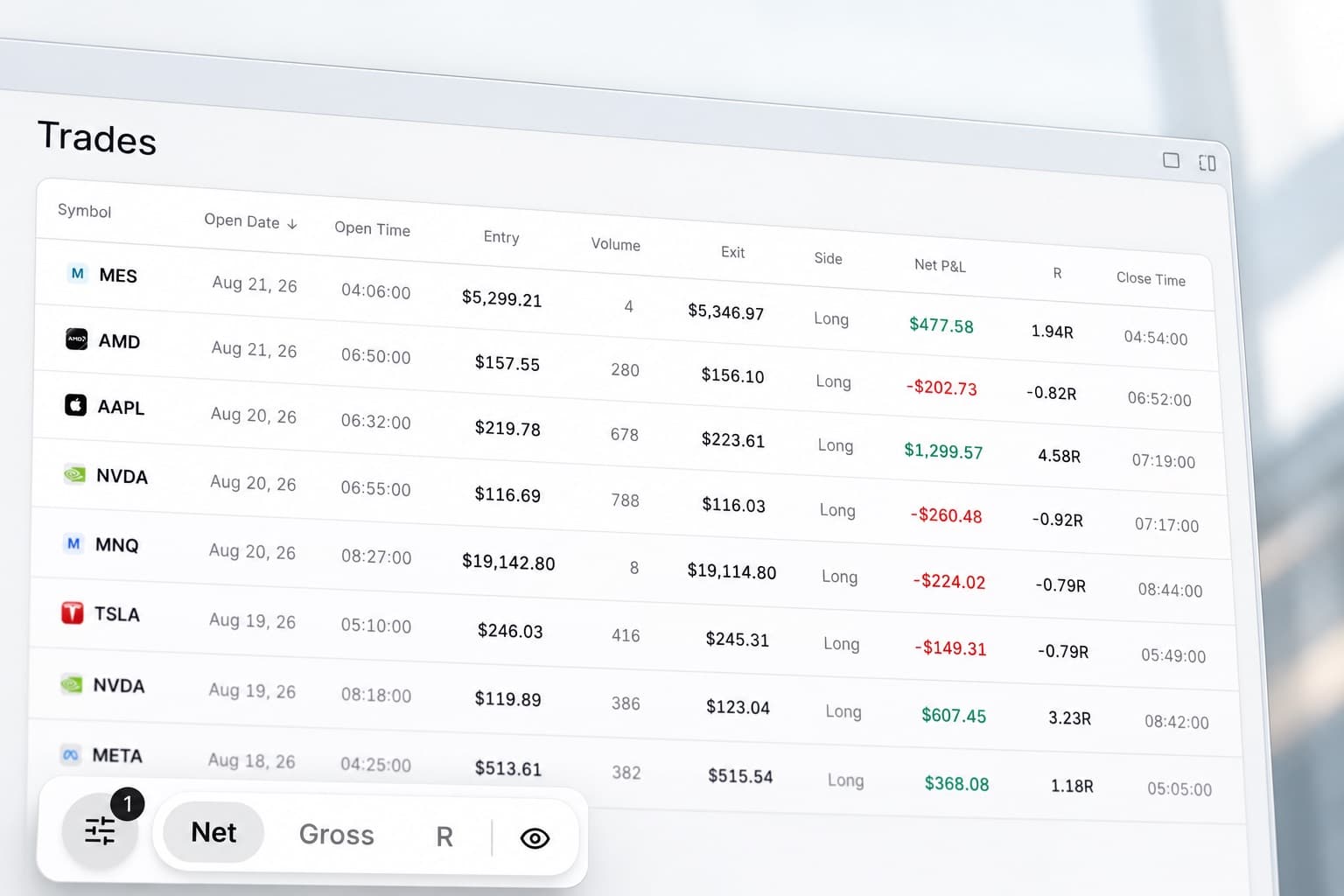
Import your Sterling trades into RizeTrade and review execution, performance and discipline from one trade journal.
Bring your Sterling trading history into RizeTrade using supported broker sync or file import. You can also enter trades manually when you want to add more context.
Once imported, each trade can be reviewed with charts, grades, notes, statistics and behavioural data.
Check entries and exits
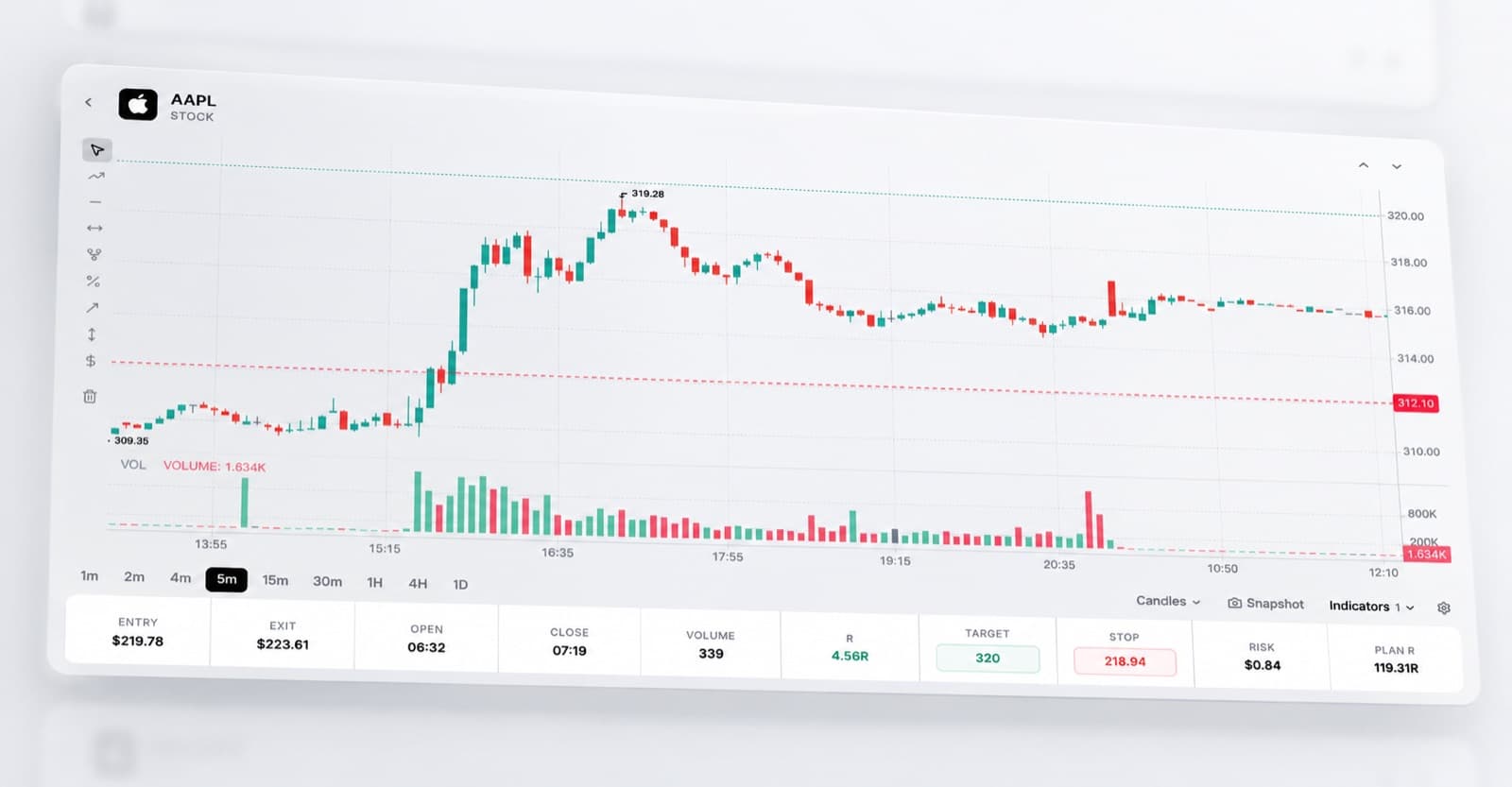
Open previous trades directly on the chart.
See where you entered, where you closed and how price behaved around the position.
Use the chart to review timing, trade management and whether the execution matched your plan.
Measure execution quality
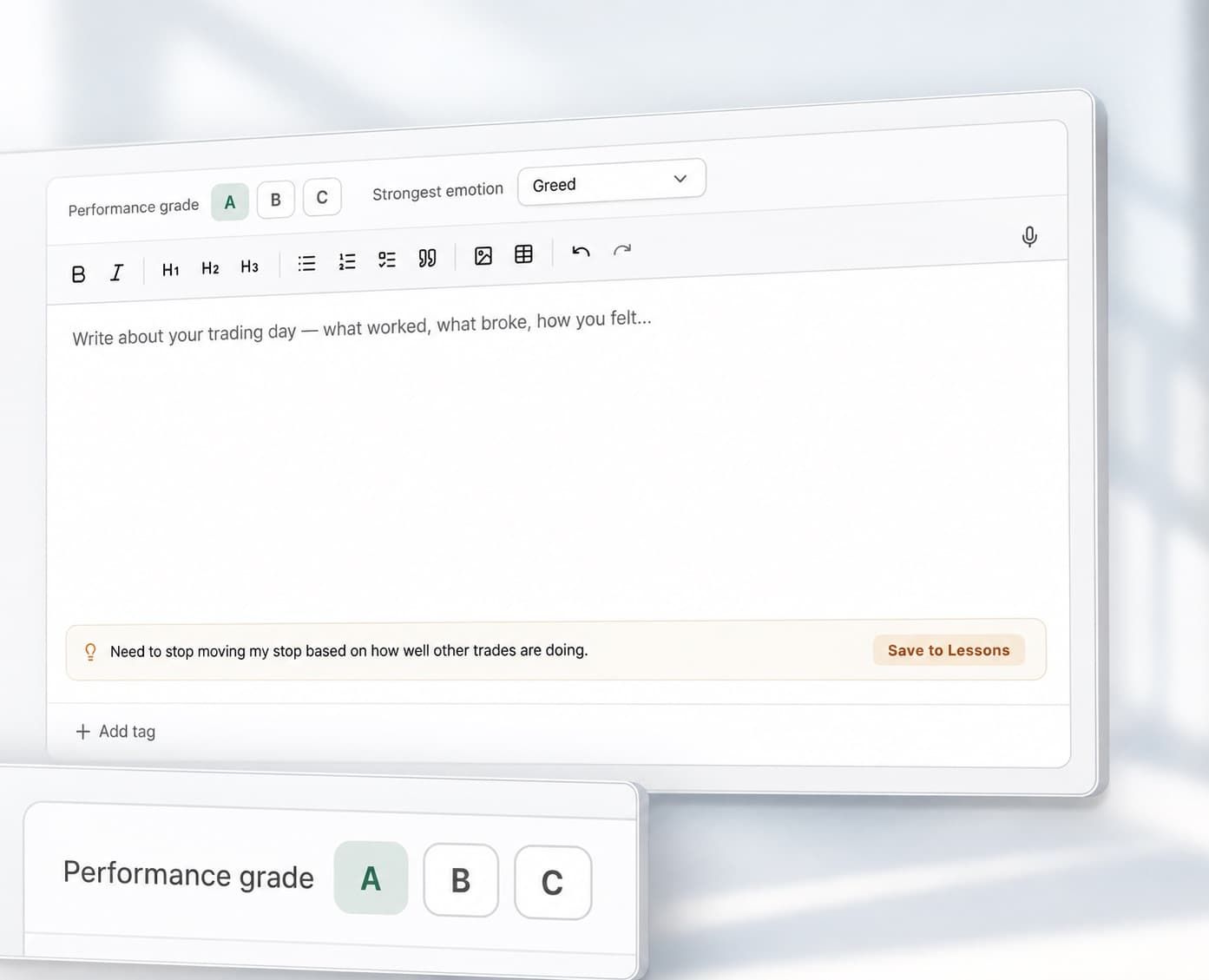
A profitable trade can still contain poor execution.
RizeTrade gives you two additional ways to assess each position.
Trading Efficiency shows how effectively the opportunity was handled.
Trade Grade lets you score the overall quality of the trade against your process.
Use both alongside P&L for a more complete review.
Analyse trading patterns with AI
Trading Mentor AI helps you search across the trades in your journal.
Ask specific questions about your own performance:
- Which setups have my best execution?
- Where am I consistently giving up profit?
- Which mistakes appear most often?
- Do my results change when trading frequency increases?
- Which trades are receiving my lowest grades?
This makes it easier to identify where to focus your next review.

Review your trading behaviour
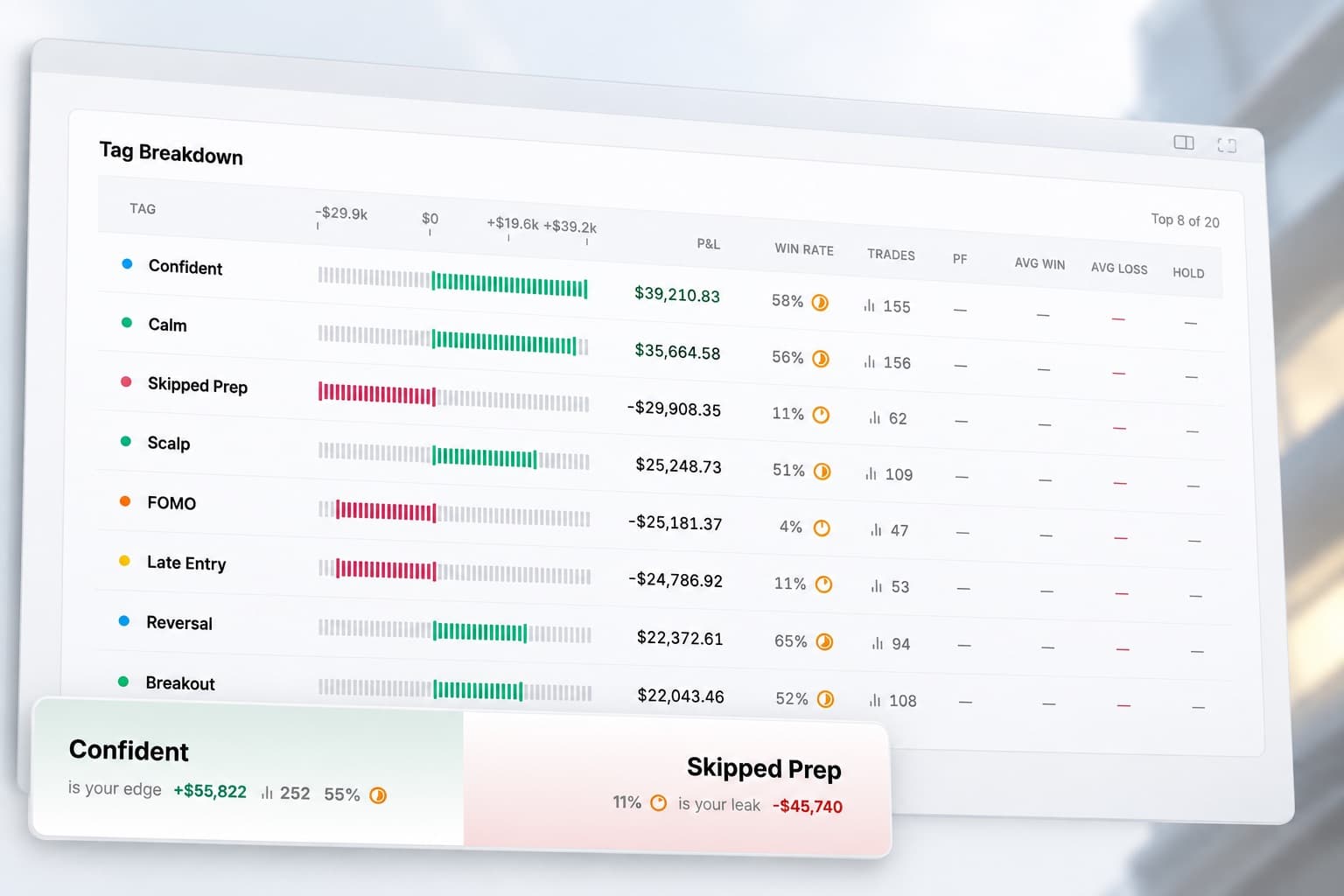
Use RizeTrade to track the parts of performance that are not visible in a broker statement.
Record emotions around each trade and use the Discipline Tracker to measure whether you followed your rules.
Compare behaviour against results to see where changes in discipline are affecting execution.
Review daily performance
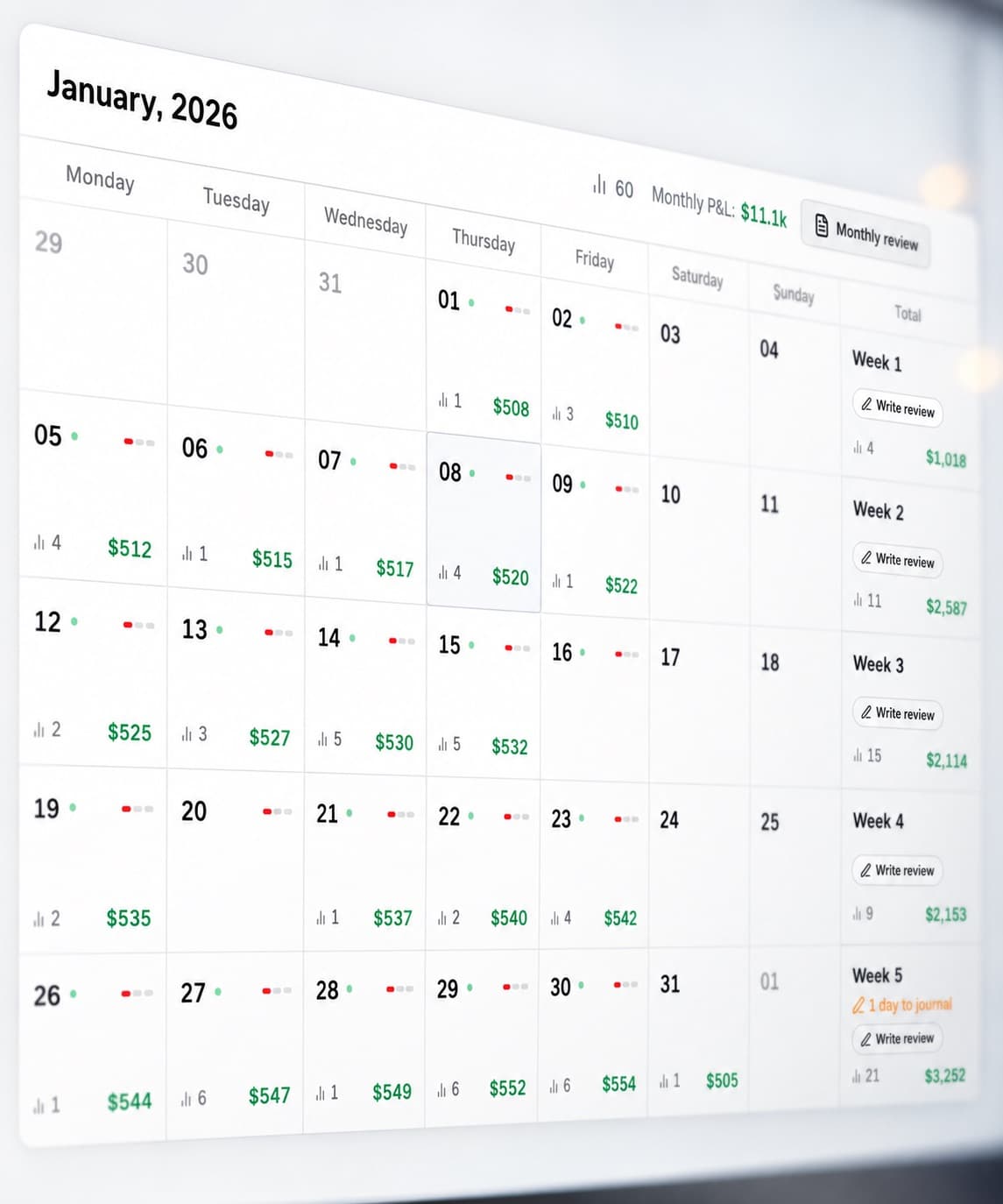
The P&L Calendar gives you a clear view of your trading results across the month.
Use it to identify strong days, difficult sessions and changes in activity.
Open any day to review the trades behind the result.
Analyse your trading data
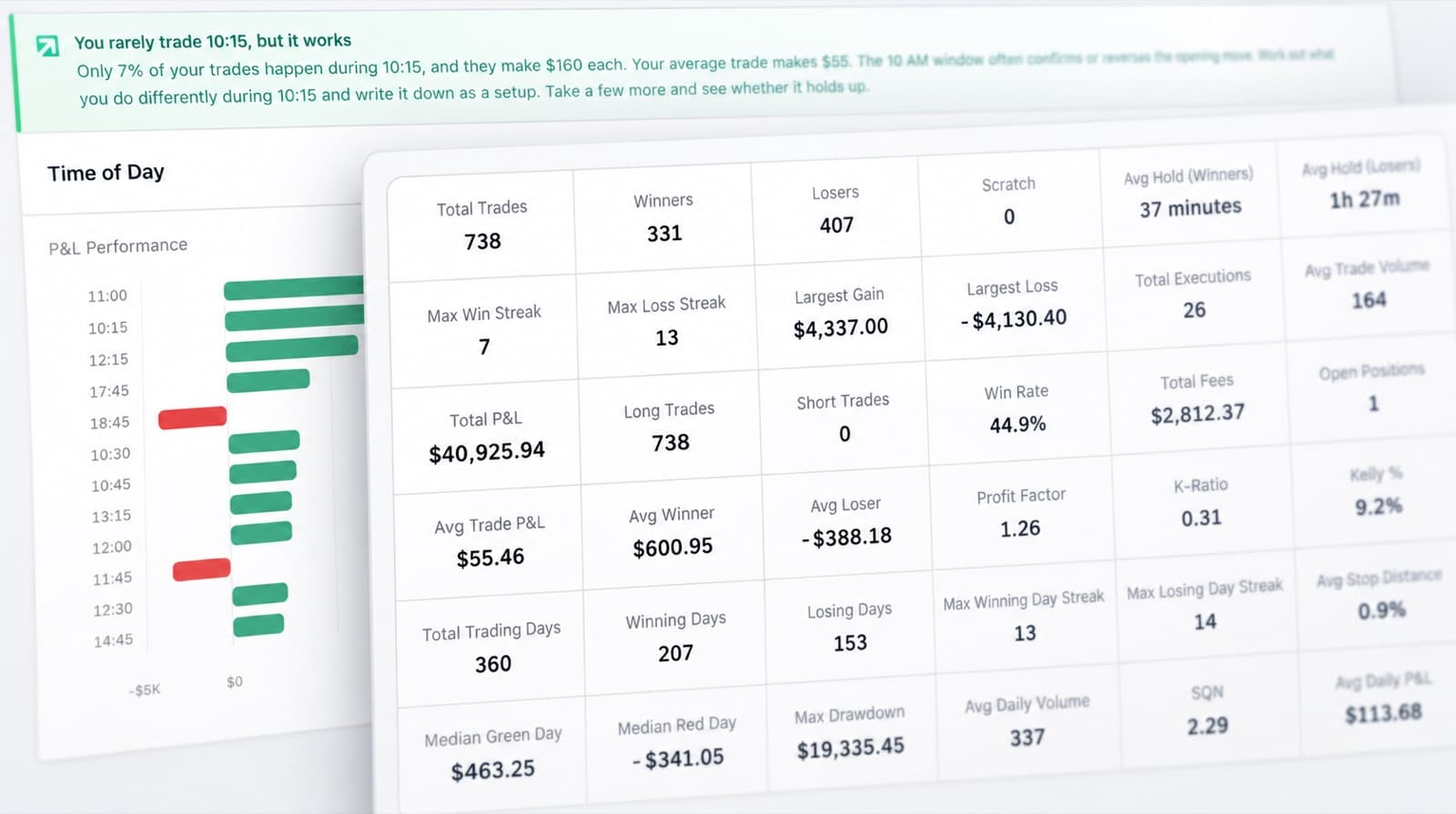
RizeTrade Statistics help you compare performance across a larger sample of trades.
Review consistency, execution quality and repeated behaviour over time.
Use Journal Reports for a structured review of your results, grades, discipline and trading habits.
Sterling journal features
Trading Mentor AI
Analyse your trading history with AI.
Past trade charts
Review entries and exits visually.
Trading efficiency
Measure execution quality.
Trade grade
Score each trade against your process.
P&L calendar
Review daily trading performance.
Broker sync & file import
Bring supported Sterling trades into RizeTrade.
Manual trade entry
Add trades yourself when required.
Emotion tracking
Track mindset alongside results.
Discipline tracker
Measure rule adherence.
Statistics
Compare performance across your trade history.
Journal reports
Create structured trading reviews.
Review your Sterling trading
Use RizeTrade to review more than the final result.
Check execution, compare performance and track whether your trading process is becoming more consistent.