
Import your MT4 trades
Import your MT4 trades into RizeTrade and review your performance in one clear trading journal.
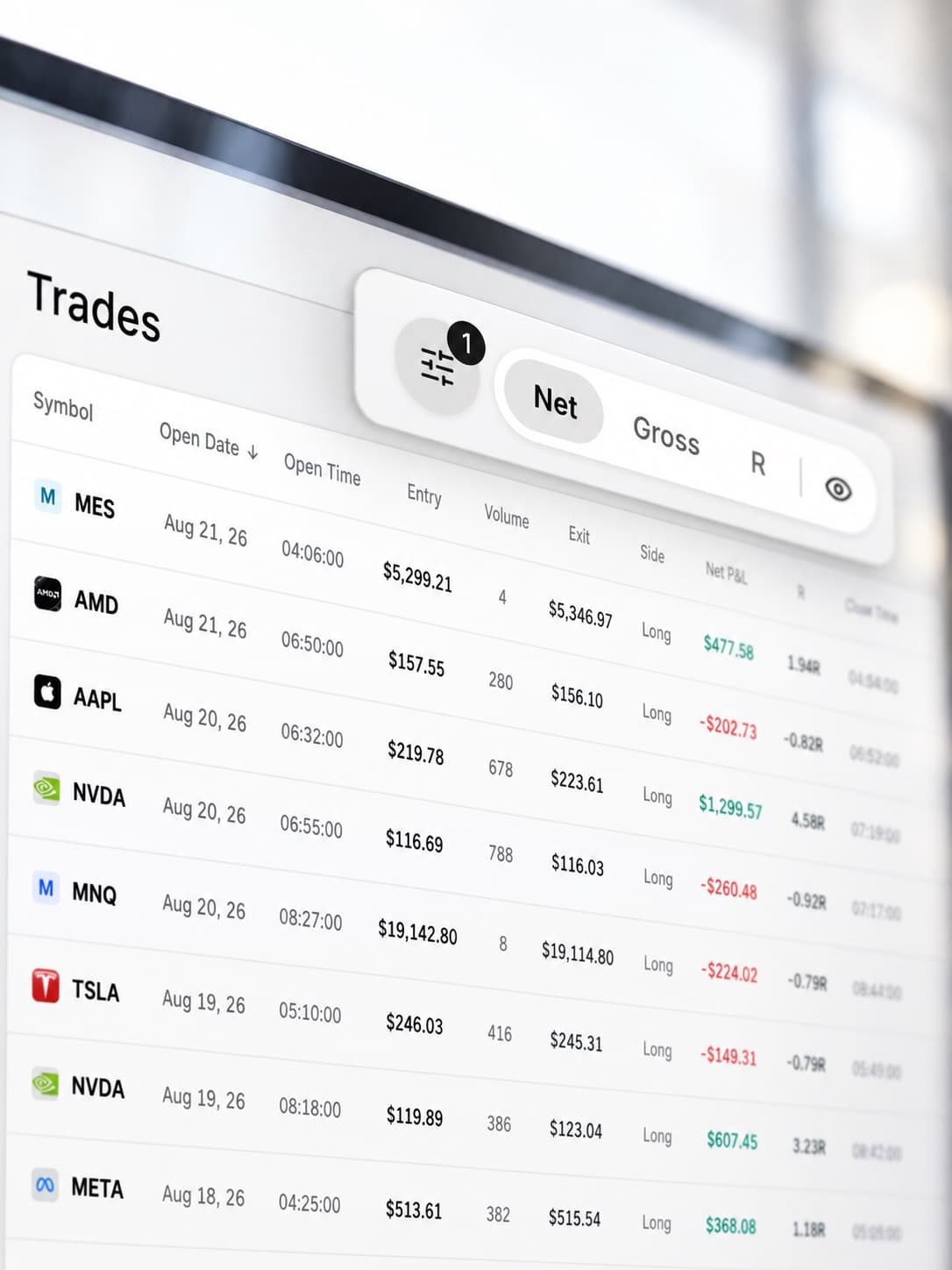
Bring your MetaTrader 4 trading history into RizeTrade using supported sync or file import. You can also add trades manually if you want to include extra context or record something separately.
Once your trades are in RizeTrade, you can review more than the result. You can look at execution, discipline, emotions and recurring patterns across your trading history.
Review past trades on the chart
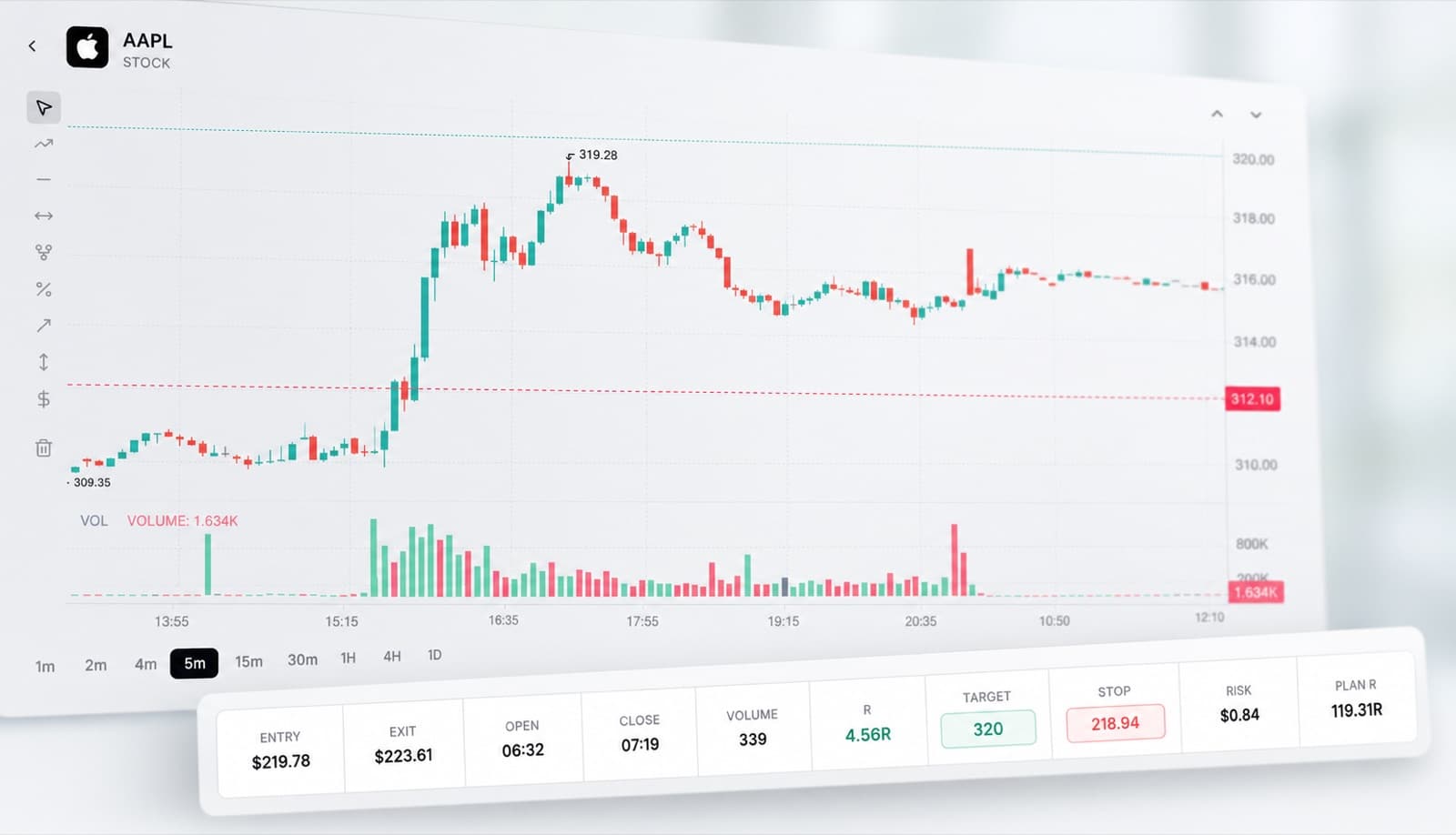
Open previous trades and see where you entered and exited.
This gives you a clearer view of the trade itself, including the timing of your entry, how the position developed and whether your exit matched your original plan.
It is much easier to review a trade properly when you can see it on the chart instead of relying on trade history alone.
Analyse your trading with AI
Trading Mentor AI helps you explore the trades already inside your journal.
Ask questions about your own performance and look for patterns across your history.
- Which setups are performing best?
- Where am I entering too early?
- What do my worst trades have in common?
- Do I trade differently after a loss?
- Which habits appear most often in my highest-graded trades?
The aim is to make your trading history easier to learn from.

Measure trading efficiency
Profit and loss does not always show how well a trade was executed.
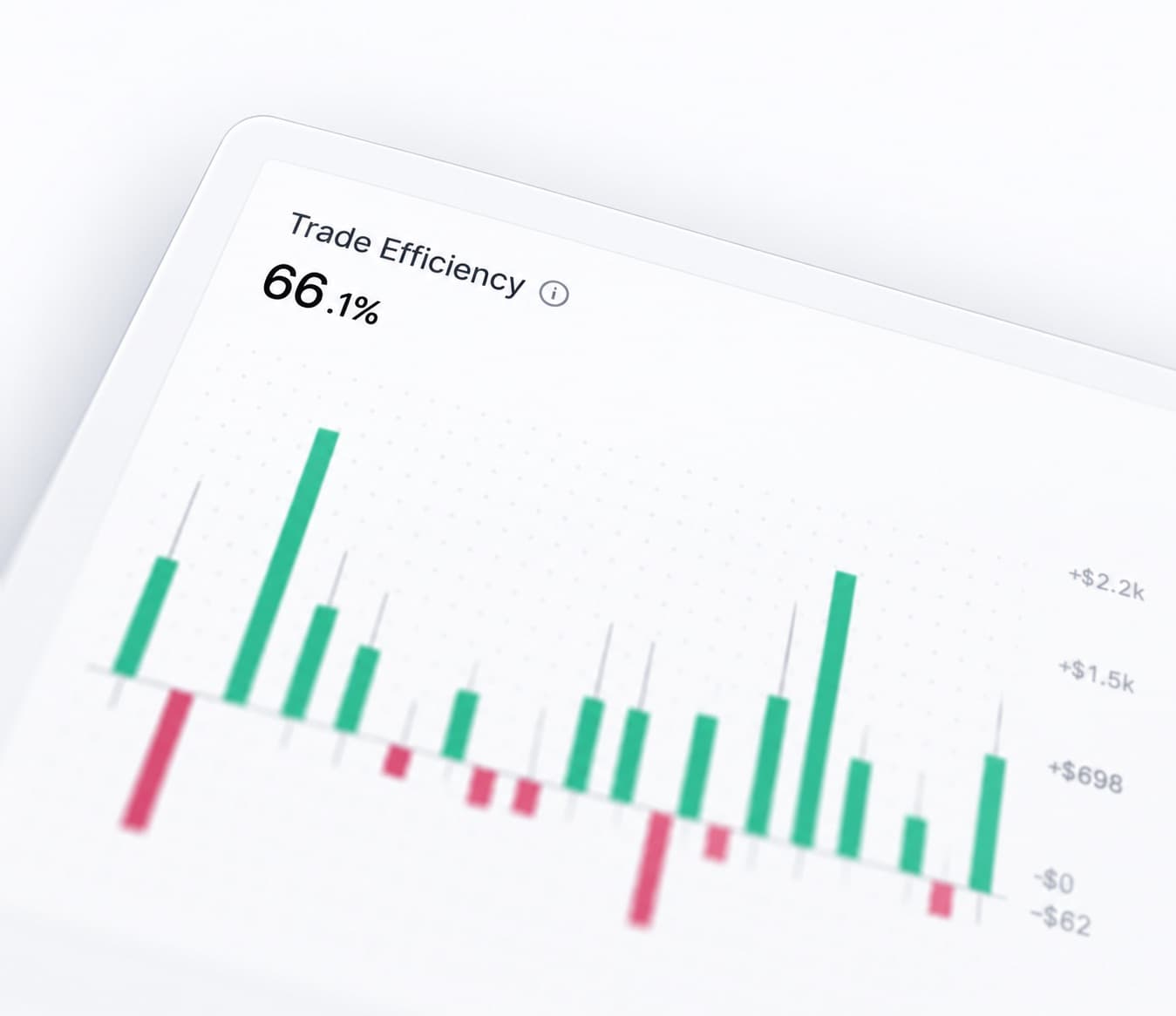
Trading Efficiency helps you review how effectively you handled each opportunity.
Use it to compare trades that looked similar on the surface but were managed very differently in practice.
Grade your trades
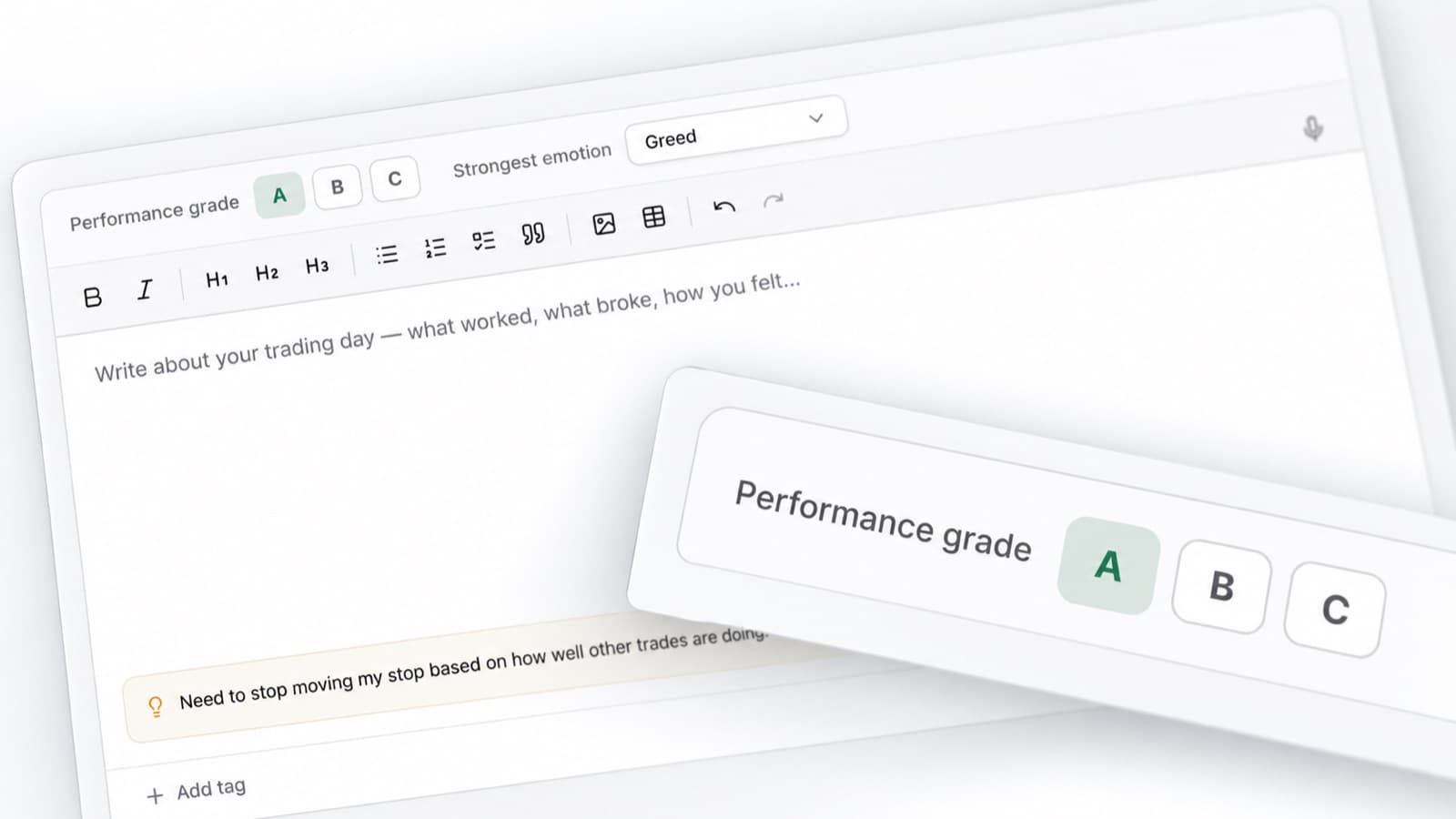
Trade Grade lets you score the quality of each trade separately from the financial result.
A winning trade can still come from poor execution. A losing trade can still follow your process exactly.
Grading your trades makes it easier to focus on decisions you actually want to repeat.
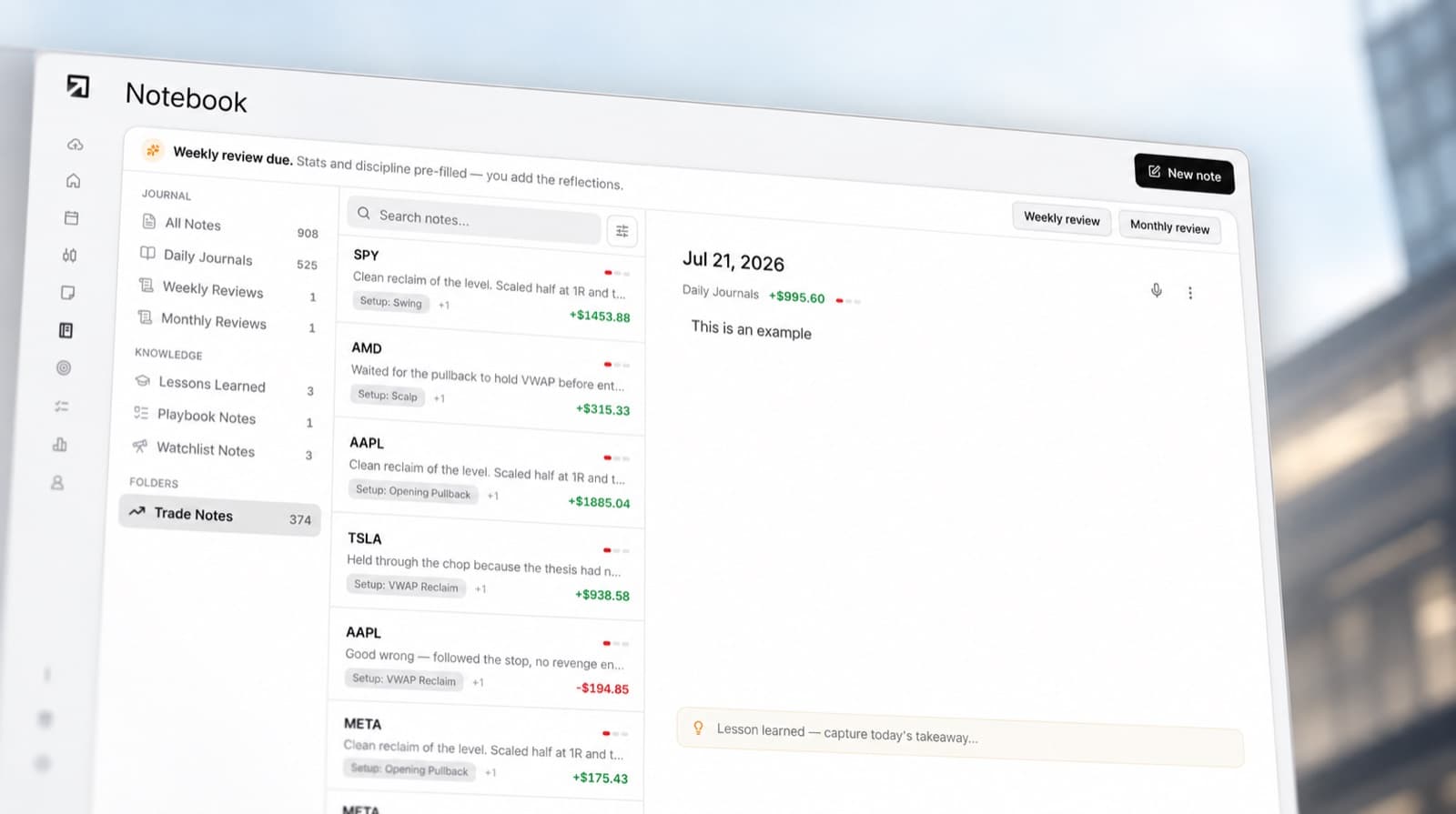
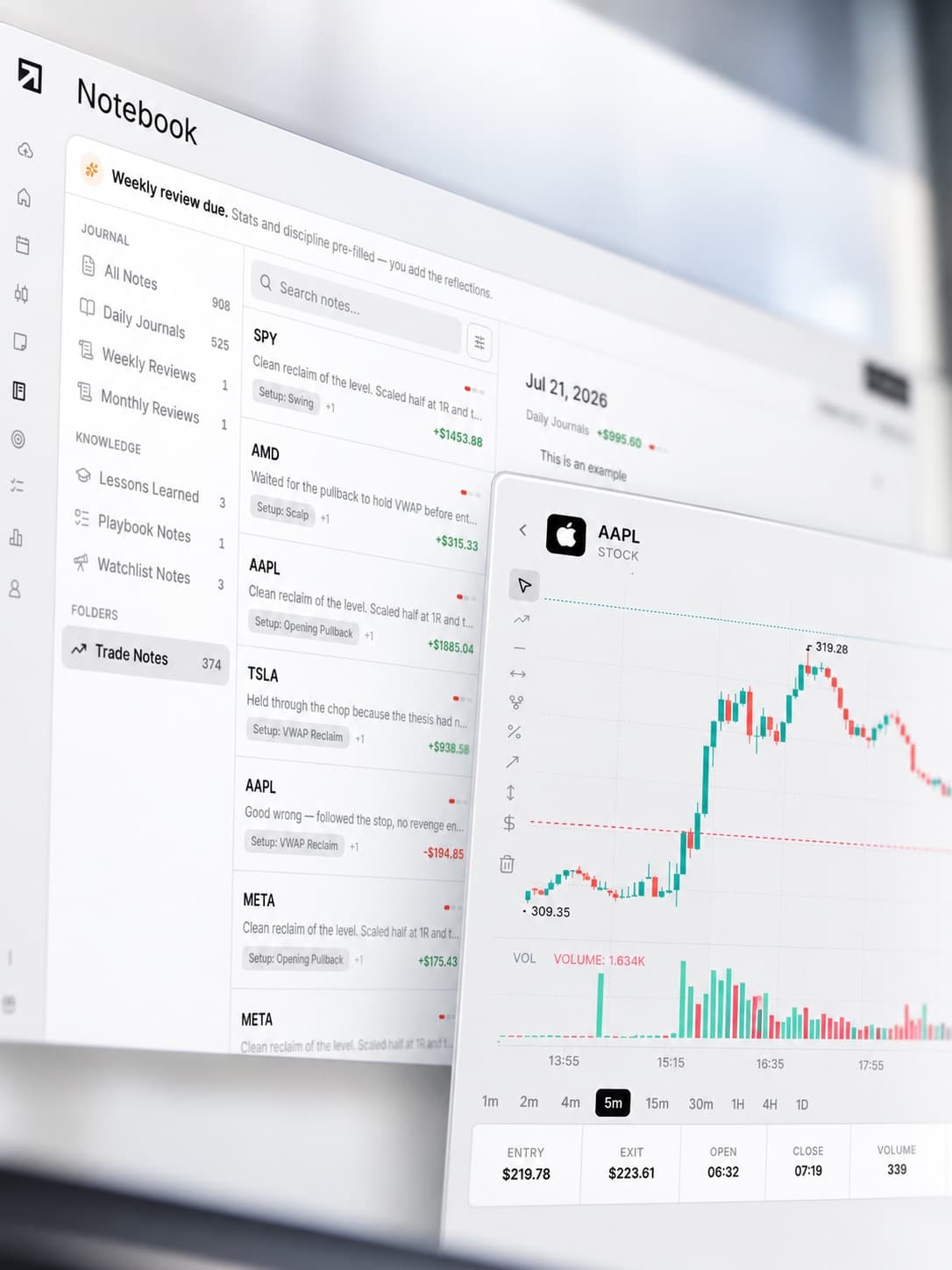
Add notes to your trades
Keep the reasoning behind each trade attached to the trade itself.
Record why you entered, what you expected to happen and anything you noticed while the position was open.
When you review the trade later, you have the context behind the decision instead of trying to remember it.
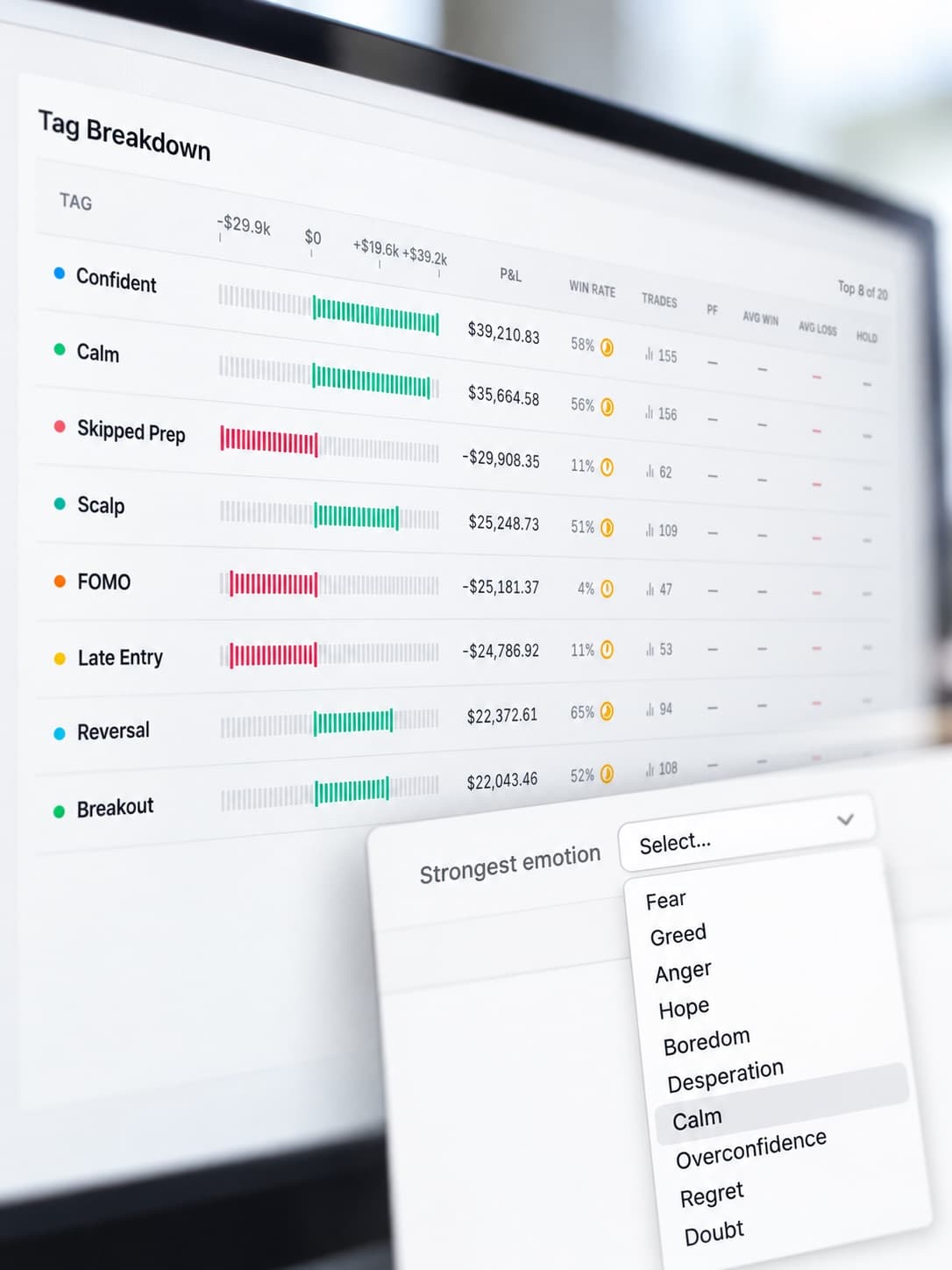
Track your trading emotions
Record how you felt before or during each trade.
- Patient
- Frustrated
- Confident
- Hesitant
- Impulsive
As your journal grows, you can compare those emotions against your results and see whether certain states regularly affect your trading decisions.
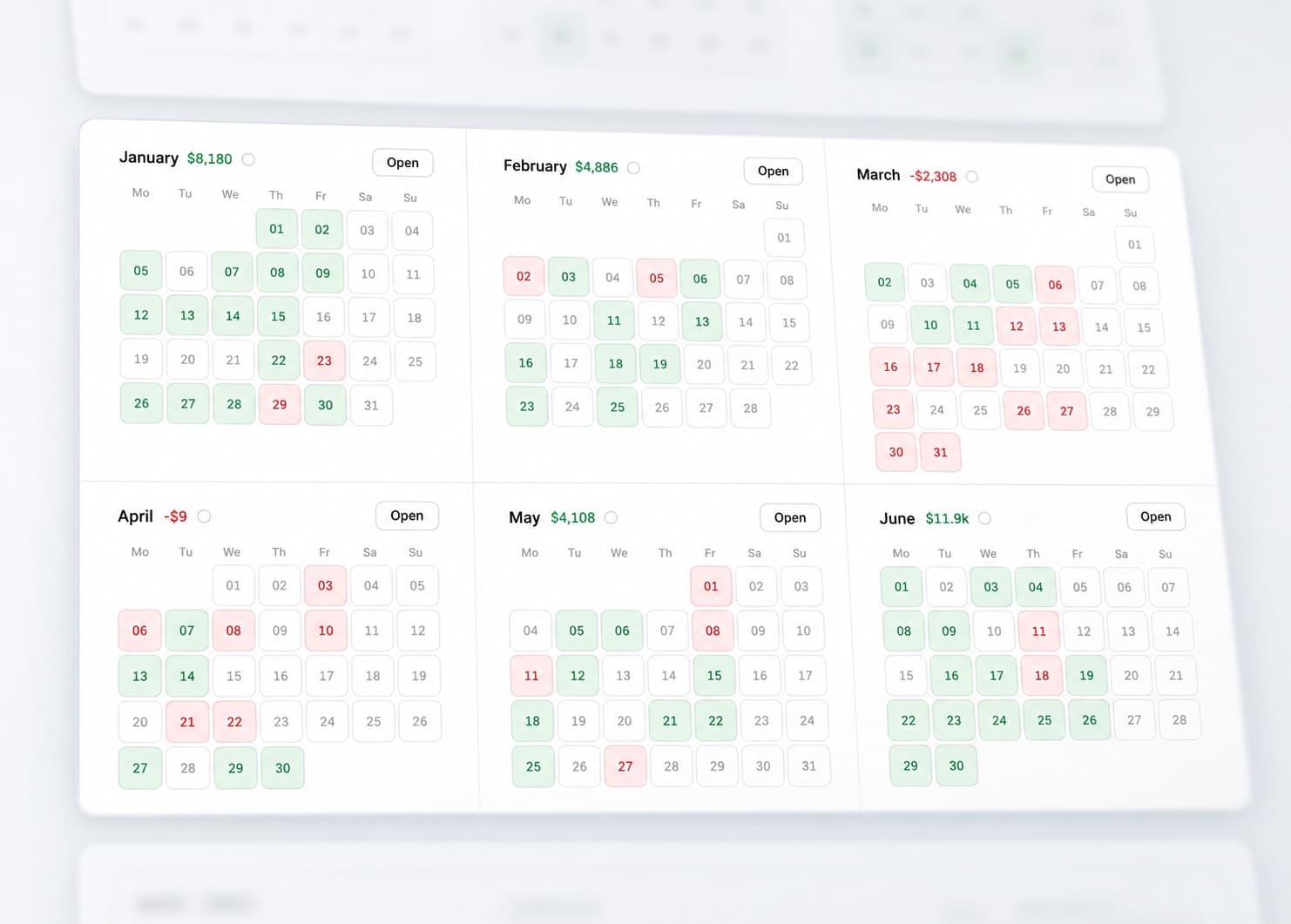
View your P&L calendar
See your trading results across the month in one view.
The P&L Calendar makes it easy to spot strong periods, difficult days and changes in trading activity.
When something stands out, open the trades behind that day and review what happened.
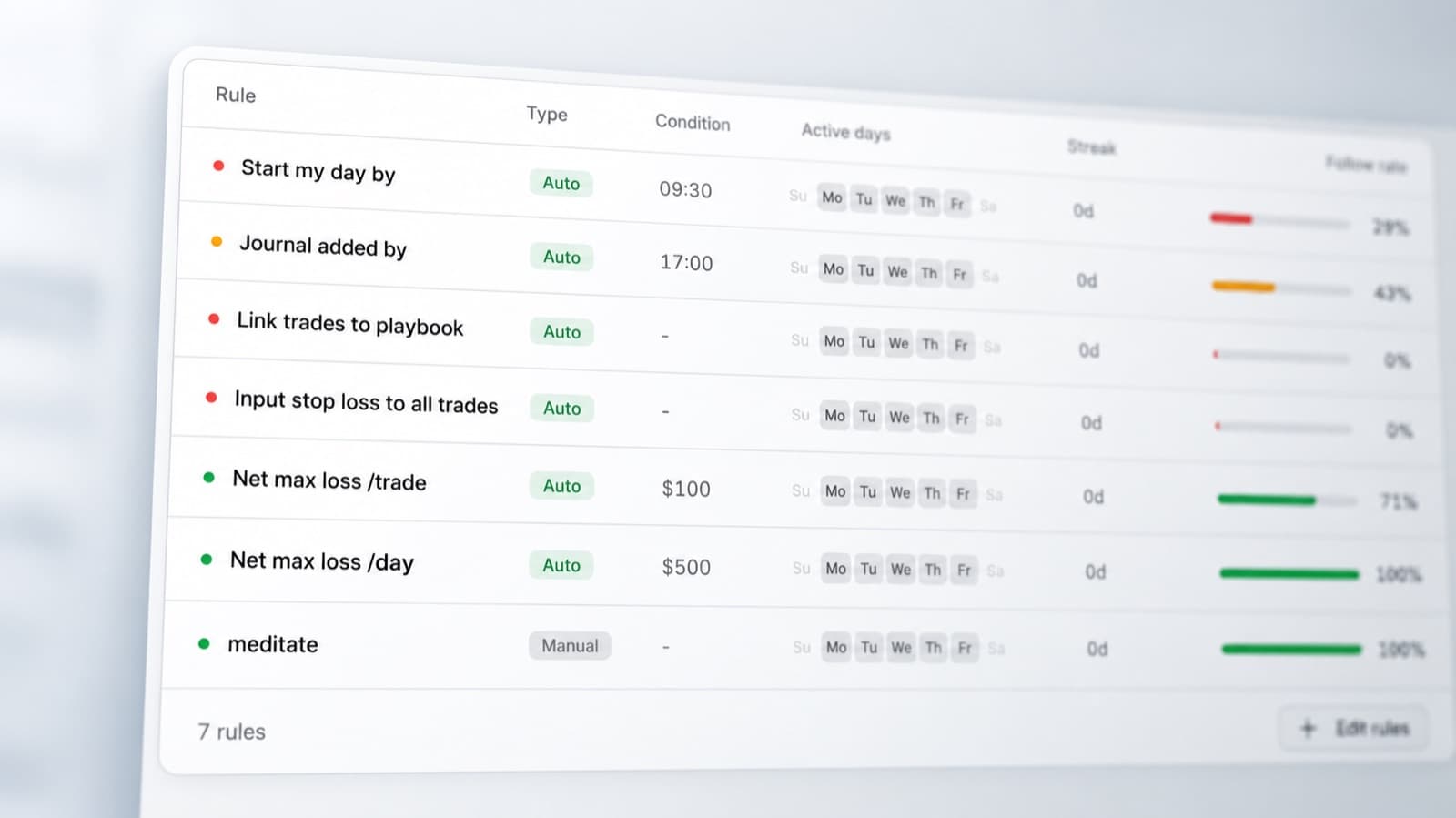
Track your discipline
Use the Discipline Tracker to measure whether your trades followed your own rules.
Track the parts of your process that matter most, from setup criteria to trade management.
Over time, you can compare disciplined trades with the ones where you moved away from your plan.
Review your trading statistics
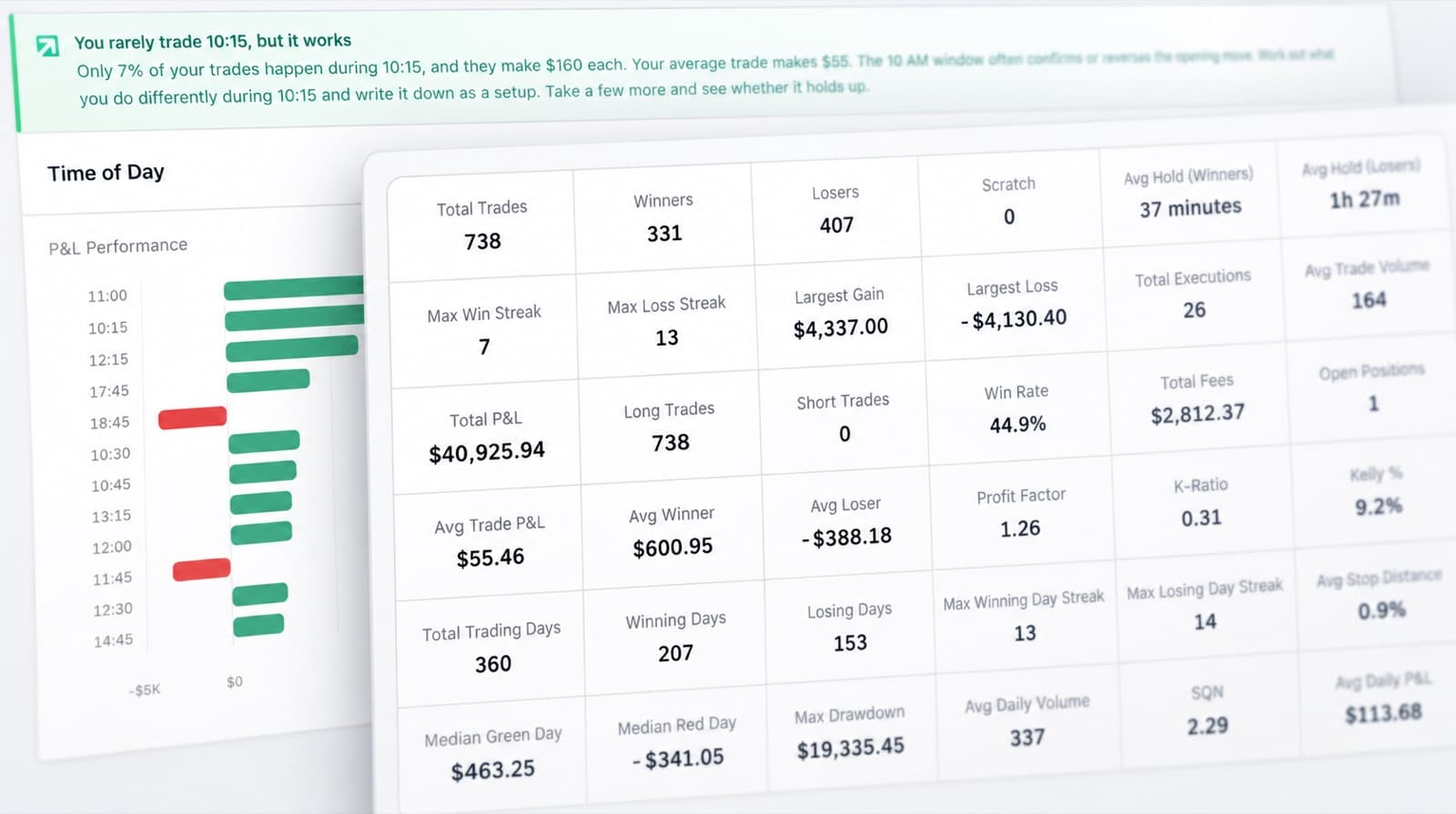
RizeTrade Statistics help you look beyond individual trades.
Compare performance across your history and look for patterns that keep appearing.
You can use the data to identify stronger behaviours, repeated mistakes and changes in consistency over time.
Create journal reports
Journal Reports give you a structured way to review a larger period of trading.
Bring together your performance, execution, discipline, trade grades and emotions in one review.
This makes it easier to see what is changing and what deserves more attention.
MT4 journal features
Trading Mentor AI
Analyse patterns across your trading history.
Past trade charts
Review entries and exits in context.
Trading efficiency
Measure how well you executed each trade.
Trade grade
Score trade quality separately from P&L.
P&L calendar
Review daily performance across the month.
Broker sync & file import
Bring supported MT4 trading history into RizeTrade.
Manual trade entry
Add trades yourself when needed.
Emotion tracking
Compare mindset with trading performance.
Discipline tracker
Measure whether you followed your rules.
Statistics
Analyse patterns across your wider trading history.
Journal reports
Turn your trading data into structured reviews.
Get more from your MT4 trade history
MT4 shows you the trades you placed. RizeTrade helps you review how you placed them.
Look back at your execution, understand your habits and use your trading history to build a more consistent review process.