
Settings is where you manage your profile, preferences, trading defaults, data tools, support, subscription and referrals in one place.
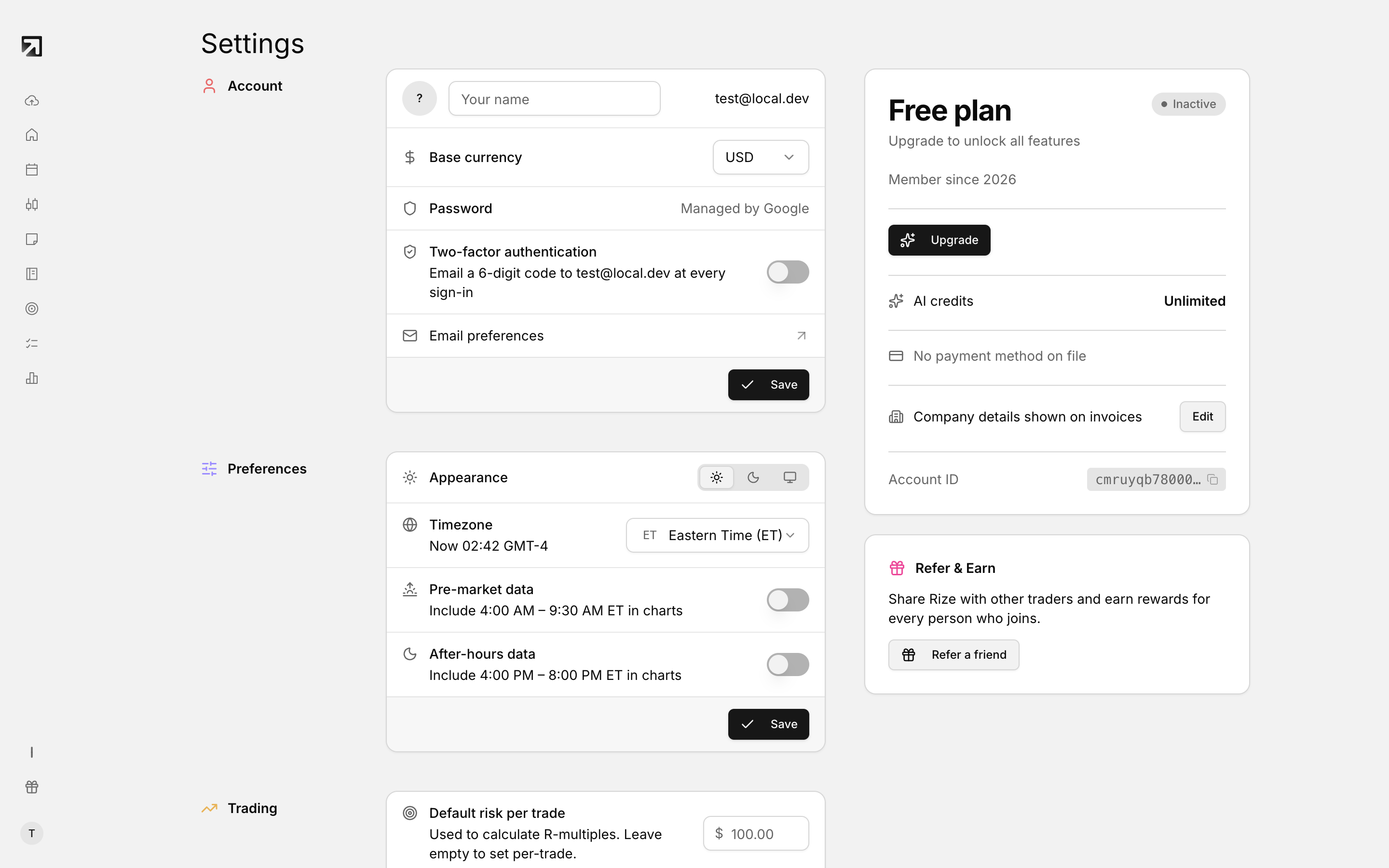 Settings, with every section from account details through to the danger zone.
Open Settings
- Click your profile icon.
- Select Settings.
To go straight to billing, choose Subscription in the same menu.
Settings groups
- Account
- Preferences
- Trading
- Data
- Support
- Subscription
- Refer & Earn
Account
- Name
- Base currency
- Password
- Save
Preferences
- Appearance: light, dark or system
- Timezone
- Pre-market data
- After-hours data
- Save
Trading
- Default risk per trade
- Breakeven threshold
- Estimate commissions: set rates for Stocks per share, Options per contract and Futures per contract
- Use broker data
- Trade grouping: Merge or Split
- Import log retention: how many days of import history to keep, from 1 to 365 (120 by default)
- Save
See Trade grouping settings and Commission and fee settings.
Data
- Trading accounts: add and manage accounts. See Manage your trading accounts.
- Tags: organize the tags you apply to trades. See Tag categories.
- Import history: review past imports. See View Import History logs.
- Broker connections: manage connected brokers.
Support
Use Contact support when you need help from the team.
Subscription
- Without an active subscription, the card shows Free plan and Upgrade.
- The status badge can show Free, Trial, Active, Cancelling or Payment failed.
- With a subscription, you can open Invoices or Update subscription.
- If the plan is set to cancel, use Reactivate.
Refer & Earn
Share Rize with other traders and earn rewards for every person who joins.