
Rize Trade has no separate setting for position reversals. How a reversal is recorded depends on whether your position goes flat in between, and on your Trade grouping choice in Settings > Trading.
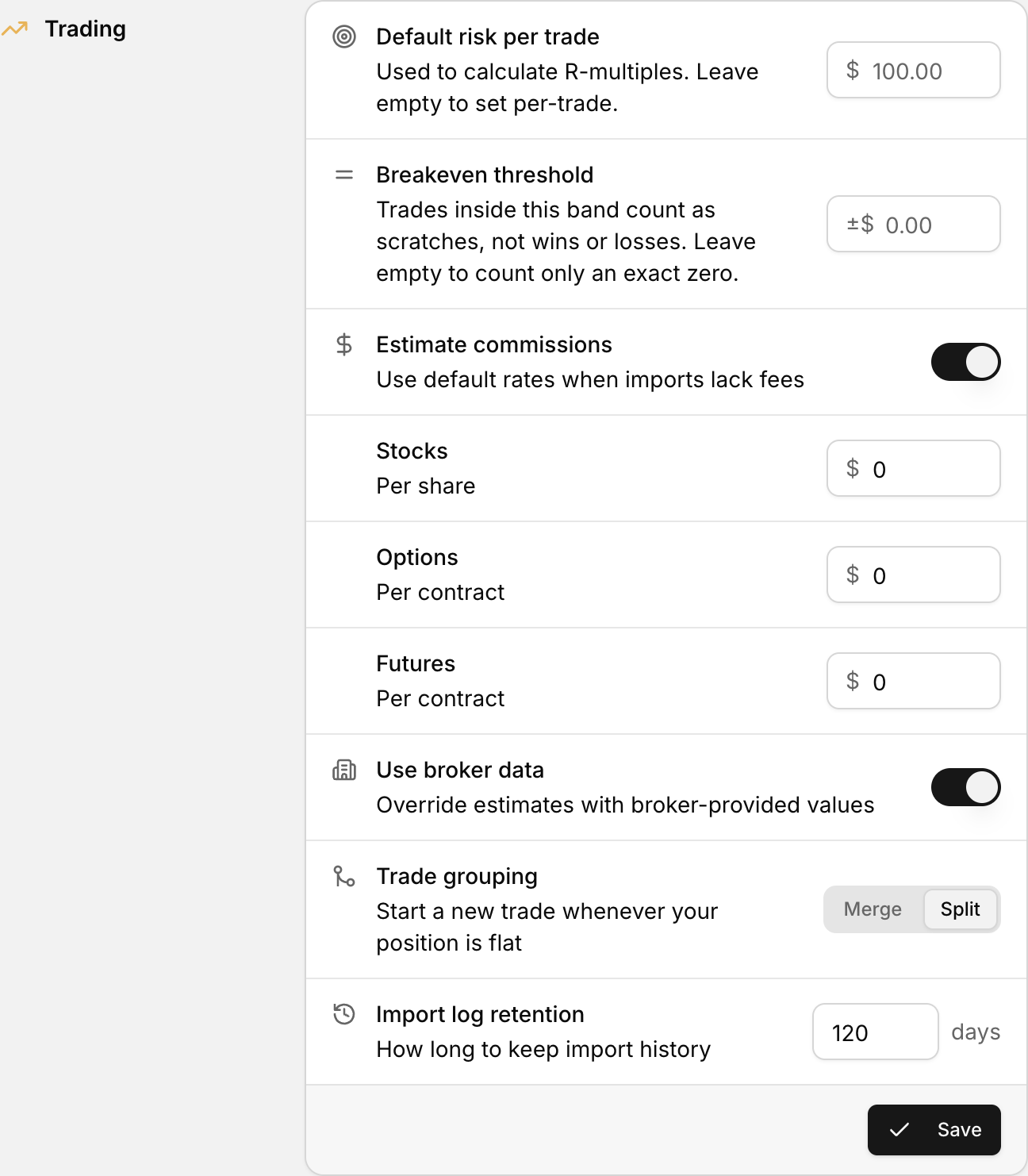 Trade grouping, with the Merge and Split options, in the Trading section of Settings.
How reversals are recorded
- One fill flips your position. For example, you are long 100 shares and sell 200. Your position goes from long to short without ever being flat, so the long and the short stay in one trade. This happens with both Merge and Split.
- You go flat, then open the other way. For example, you sell 100 to close your long, then sell short 100 in a new order. With Split, the short starts a new trade. With Merge, it can stay in the same trade if it happens shortly after on the same day.
Keep longs and shorts apart
- Click your profile icon in the bottom-left corner.
- Select Settings.
- In the Trading section, set Trade grouping to Split.
- Click Save.
If you want a long and a short to be separate trades, close the position first, then open the new side in a separate order.
After you save
The setting applies to future imports only. To regroup trades you already imported, delete them and import the file again.
See Trade grouping settings for how Merge and Split work.