
Rize Trade groups related executions into one trade based on your Trade grouping setting in the Trading section of Settings.
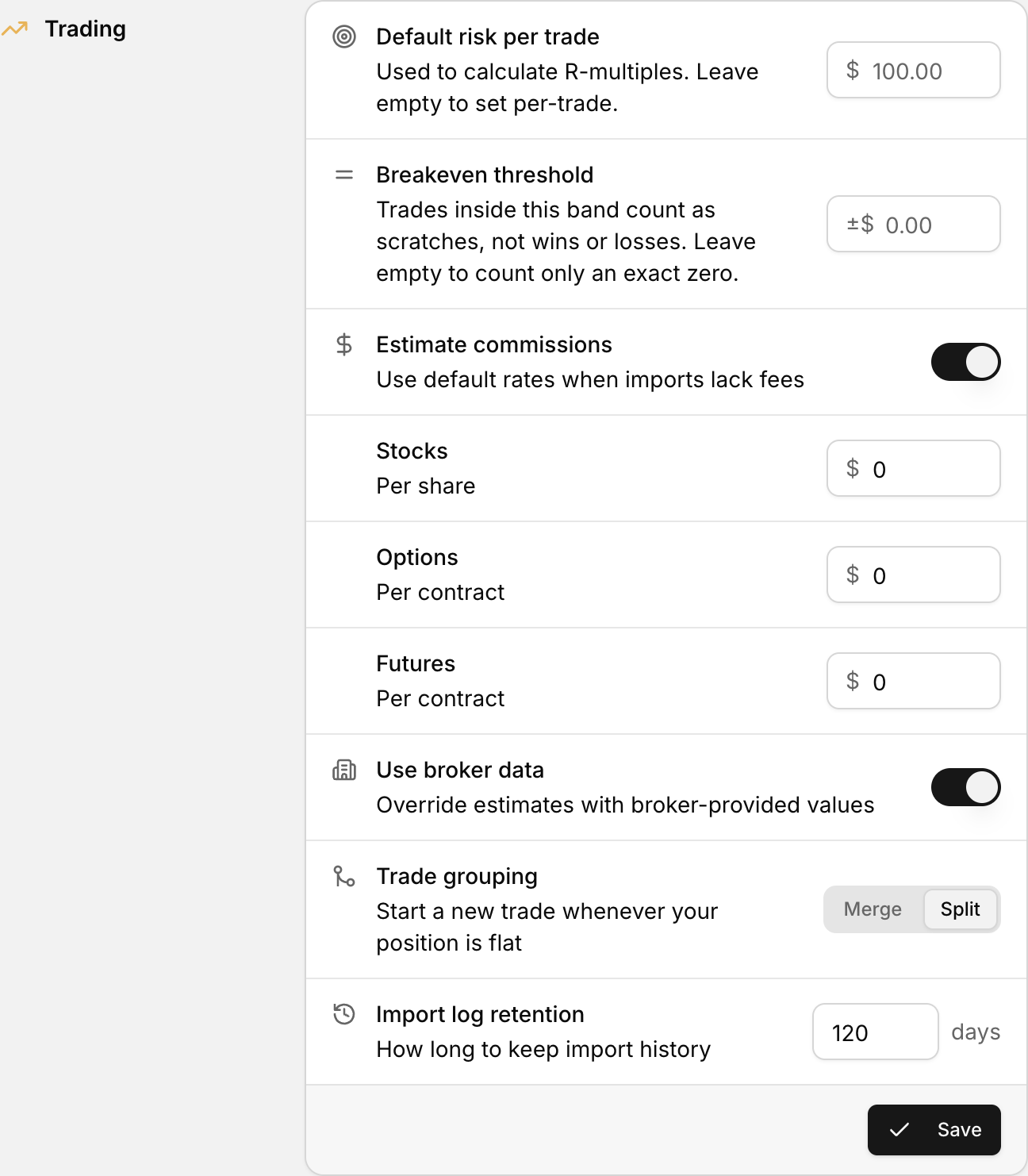 Trade grouping, with the Merge and Split options, in the Trading section of Settings.
How trade grouping works
When you import, Rize Trade turns broker executions into trades. Trade grouping decides whether fills on the same symbol stay together or become separate trades.
You choose Merge or Split, then click Save. See Trade grouping settings.
Merge
Merges same-day executions into as few trades as possible.
Use this when you scale in and out and want one trade record for the full position.
Split
Starts a new trade whenever your position is flat. This is the default.
Use this when each round trip should stand alone.
Partial fills stay in the same trade
While your position is still open, partial fills keep building the current trade in either mode. A new trade only starts after the position is flat and the next execution arrives.
For example, if you buy 100 shares in two fills of 50, those fills count as one trade while you are still long.
Grouping applies to future imports
Changing the mode does not regroup trades already in your account.