
Rize Trade does not have a dedicated roll feature. When you roll an option, the fills import as regular executions and group under the underlying the same way other option activity does.
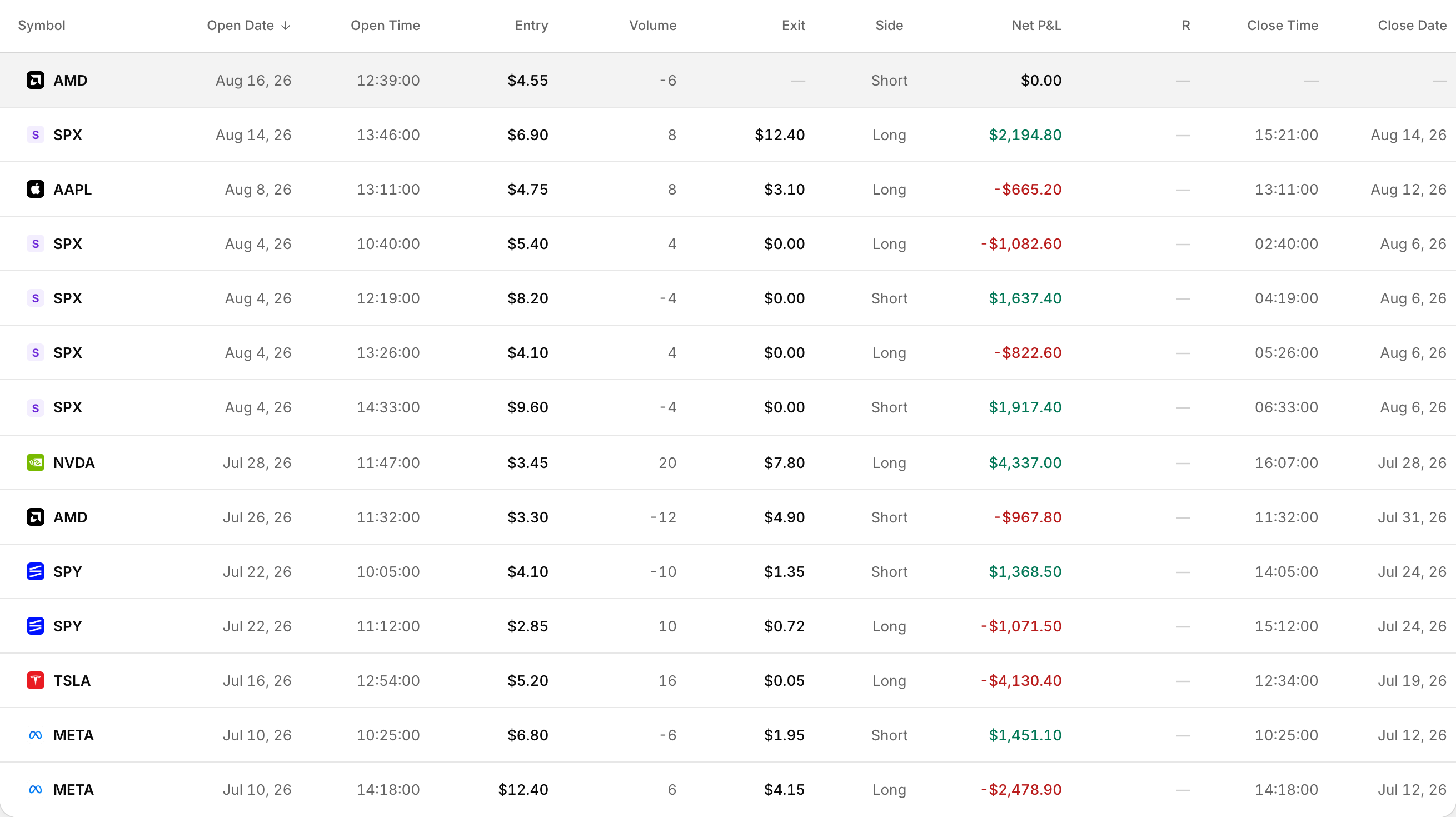 A rolled position: the original leg closed, the replacement still open.
How rolls show up after import
- Option executions group by underlying, so stock and option legs on that symbol can sit on one trade.
- If a trade on that underlying is still open, a new execution can attach to that open trade.
- Open the trade to review every fill in the Executions section.
How grouping affects rolled activity
Set in Settings > Trading under Trade grouping:
- Merge: merges same-day executions into as few trades as possible, which can keep roll-related fills together.
- Split: starts a new trade when a new execution arrives while the position is flat, so a close-then-reopen can become a separate trade.
This setting applies when imports run. They do not regroup trades already in your account.
Strategy auto-tagging
On import, Rize Trade may auto-tag a detected options strategy. That label is strategy detection, not a roll marker.
Tag rolls yourself
- Open the trade.
- Open Tags (Manage).
- Click Add tag.
- Type a name, for example Roll, and save it on the trade.