
Move trades from one trading account to another on the same Rize Trade login with Transfer Data.
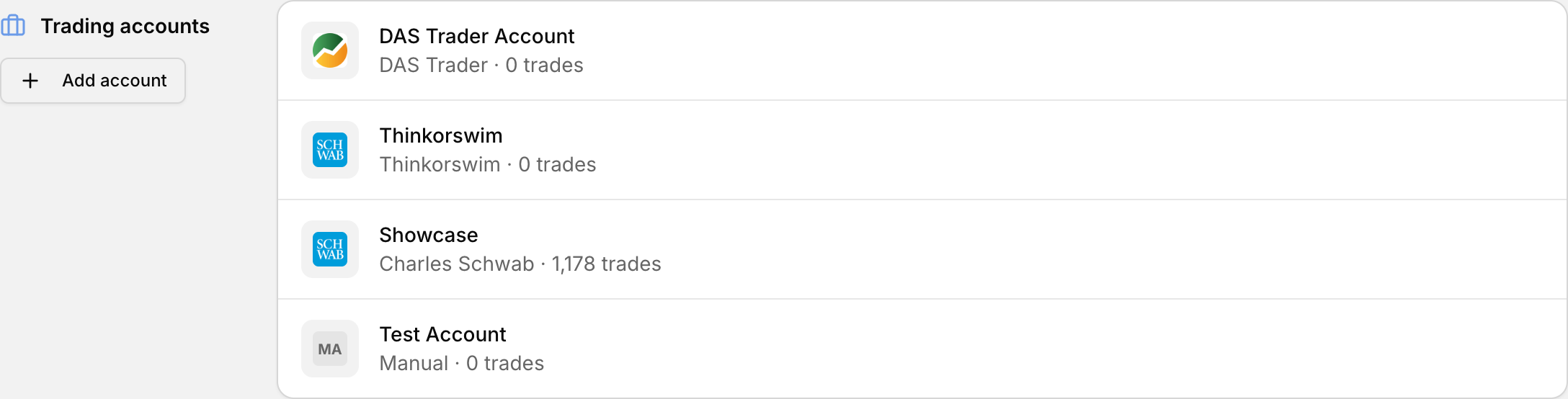 Your trading accounts, where trades can be moved between them.
This works between trading accounts inside one Rize Trade login, not between two different Rize Trade user logins.
Transfer trades to another account
- Open your Accounts list, either from profile icon > Settings > Accounts, or the account switcher > Manage accounts.
- Click the three dots next to the account that currently has the trades.
- Select Transfer Data.
- Pick the destination trading account.
- Complete the transfer.
When to use Transfer Data
- You imported trades into the wrong trading account
- You want to consolidate accounts so reporting is cleaner
Transferring avoids a full re-import when the data is already in Rize Trade, just on the wrong account.
Transfer vs archive or delete
Transfer Data moves trade data to another trading account. Archive keeps history without using an active account slot. Delete permanently removes the account and its trades. See Manage your trading accounts.