
Update your card or payment details from Settings > Subscription > Billing > Update.
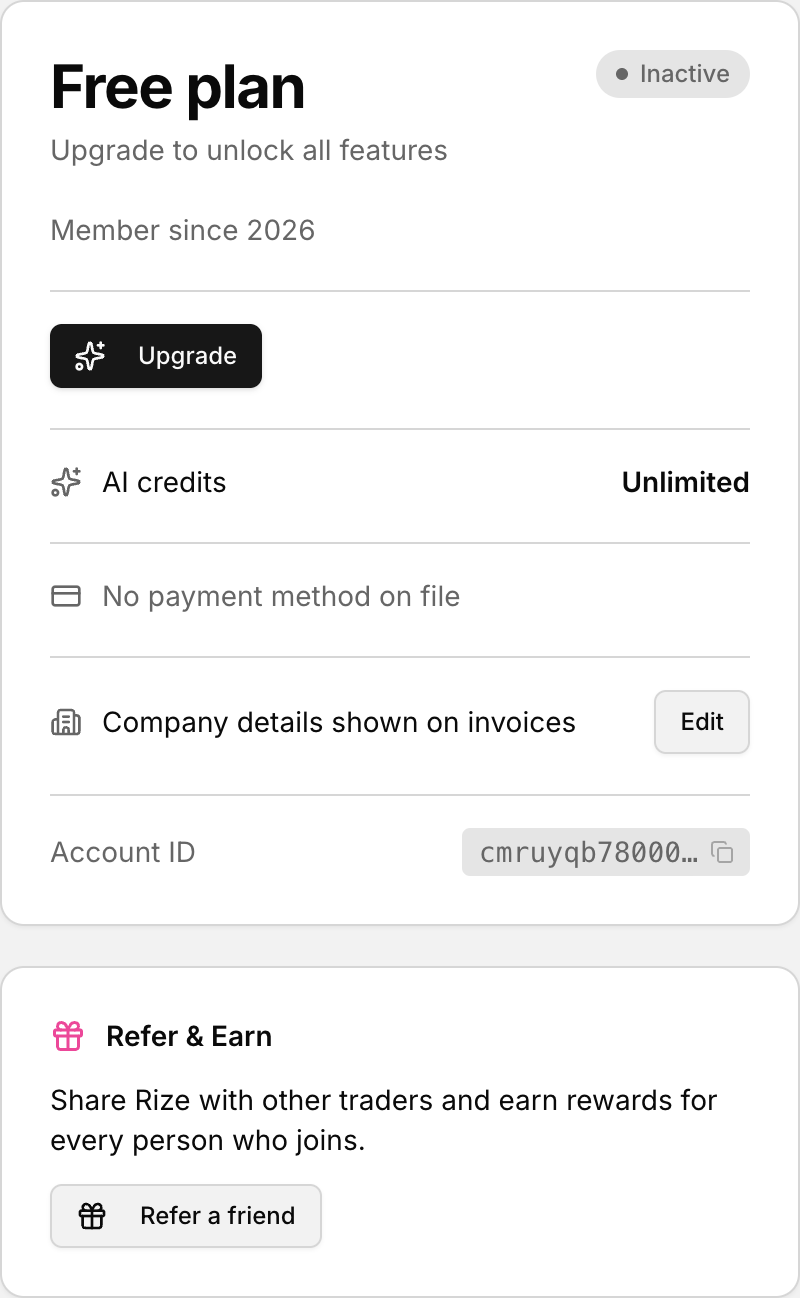 The card on file is shown and changed from the Subscription panel.
Open the payment method settings
- Go to Settings > Subscription.
- Find the Billing section.
- Look for the Payment method row.
- Select Update.
If no payment method is saved yet, the row shows No payment method on file.
Choosing Update opens the subscription portal in a new tab. When you finish there, you return to /settings?tab=subscription.