
Upgrade your plan from Settings > Subscription, or choose Upgrade on the Pro card on the pricing page. Essential is $24/mo and Pro is $49/mo.
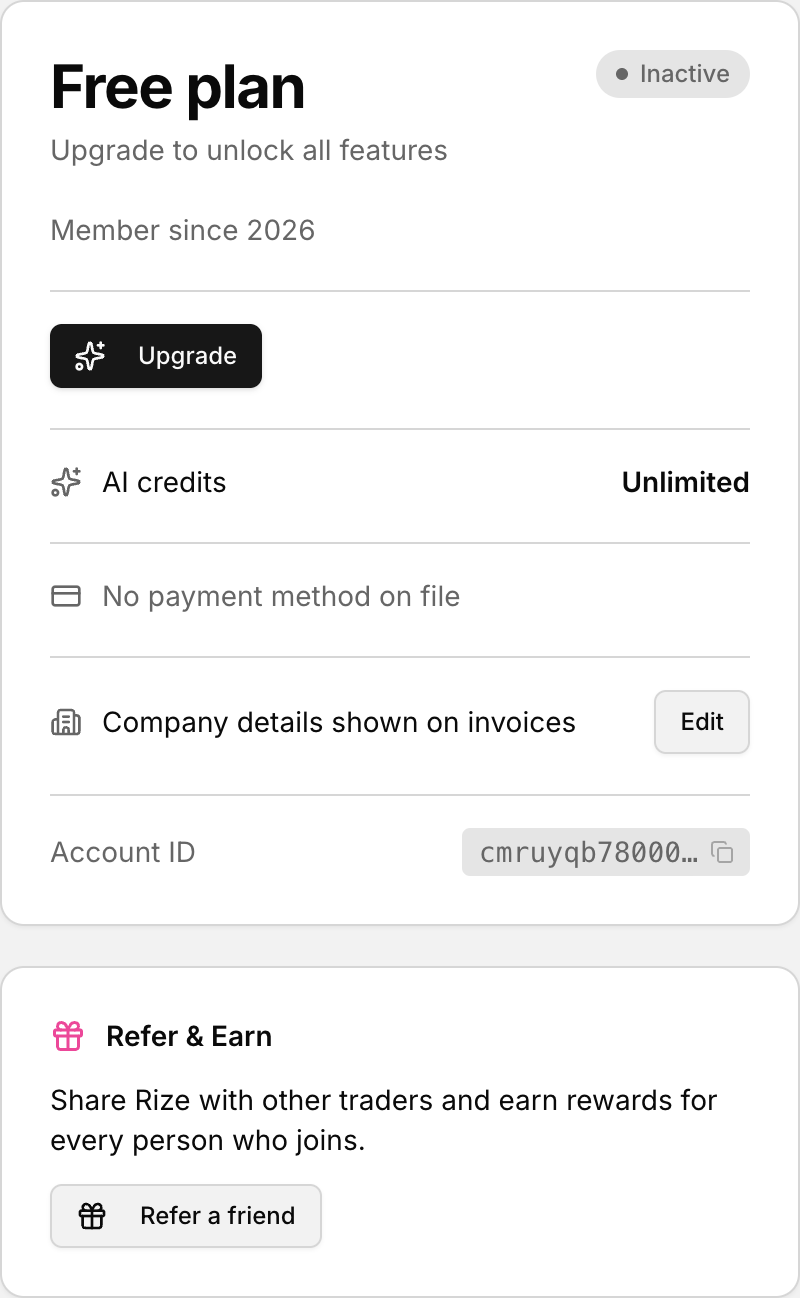 Upgrade from the Subscription panel in Settings.
What Essential and Pro unlock
- Essential ($24/mo): 3 trading accounts, 3 strategy playbooks. Voice Notes are not included.
- Pro ($49/mo): unlimited trading accounts, unlimited strategy playbooks, and Voice Notes included.
If you need more than three accounts, upgrade to Pro, then add them from the account switcher.
Upgrade from Settings
- Click your profile icon in the bottom-left corner.
- Select Settings.
- Open the Subscription tab.
- In Current Plan, choose Upgrade or Change Plan.
- Select Pro and finish checkout.
When the upgrade works you see Plan updated successfully. See Manage, upgrade, or cancel your subscription.
Upgrade from the pricing page
- Open the pricing page.
- On the Pro card, click Upgrade.
- Finish checkout for Pro.
The button label matches your status: Upgrade on Pro when you are on Essential, Current Plan on the plan you already have, and Try For Free when you have no subscription yet.
If you are already on Pro
You cannot upgrade past Pro. The upgrade action fails if your account is already on Pro.