
Use Split on Position Reversal when you want to control how reversal trades are handled during import. This setting lives in Import Settings with the other Trade Grouping controls.
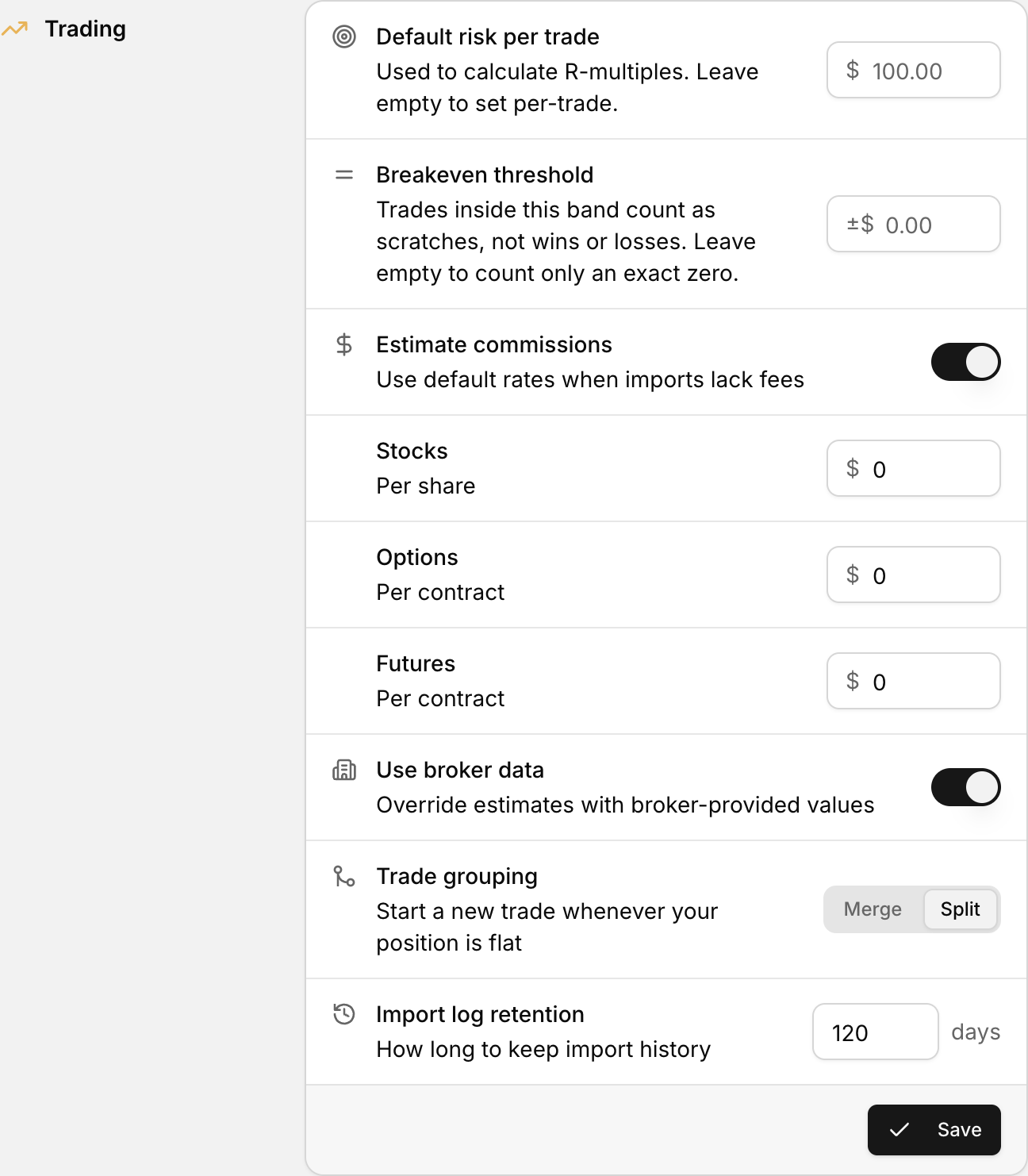 Position reversal handling, in the Trading section of Settings.
Where to find it
- Click your profile icon in the bottom-left corner.
- Select Settings.
- Open Import Settings.
- Find Trade Grouping and the Split on Position Reversal toggle.
In the same area you will also see Trade Grouping and Merge Window (minutes).
What the setting changes
The control reads Split trades when position reverses direction. It affects whether a reversal is kept together or split into separate trade records during import.
Turn it on when you want reversal activity separated for review. Turn it off when you want reversal activity handled as part of the grouped trade flow.
Changing this setting affects future imports. Review a fresh import after you save.
How to update it
- Open Settings.
- Go to Import Settings.
- Under Trade Grouping, switch Split on Position Reversal.
- Click Save Import Settings.
After you save
- Run or review a new import.
- Check a trade that includes a position reversal.
- Confirm the trade appears the way you expect.