
Change your plan, billing, or cancellation state from Settings > Subscription.
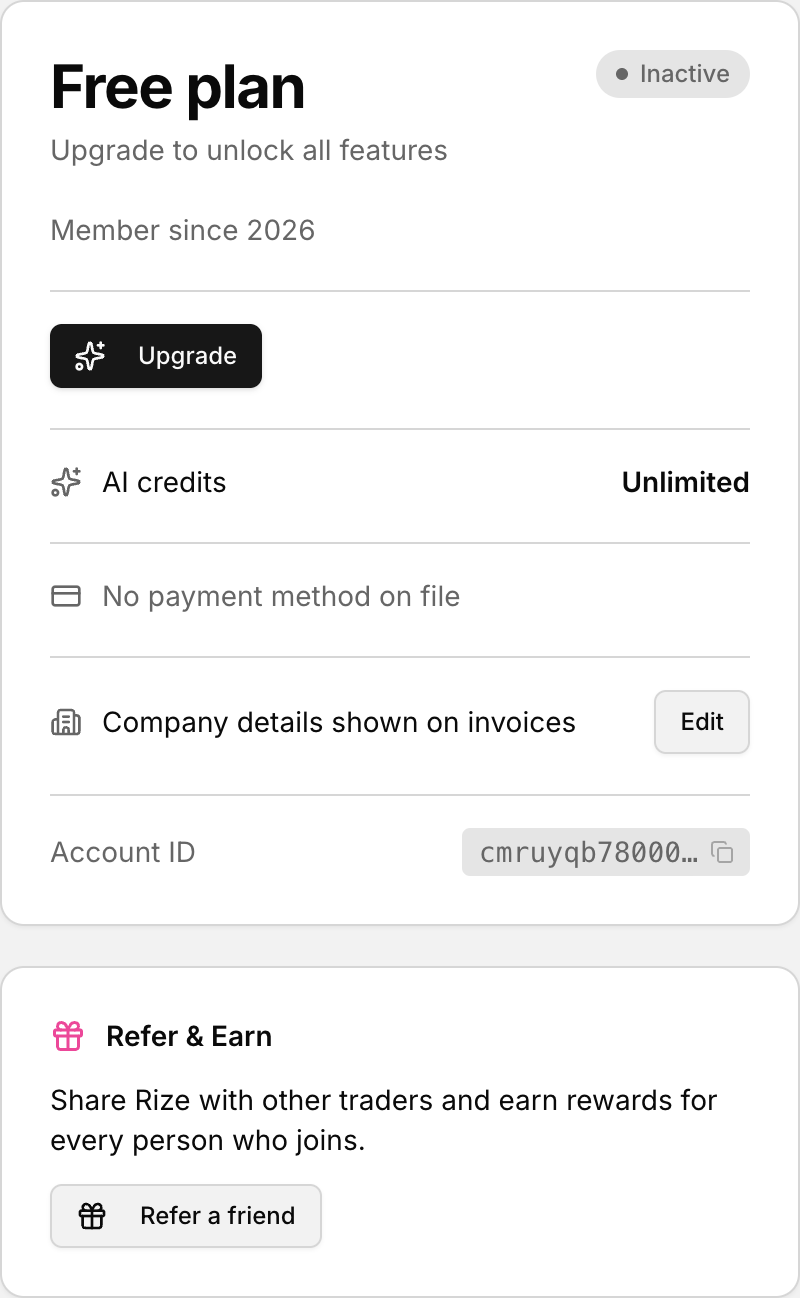 Your plan, renewal date and payment method, in Settings.
Open the Subscription tab
- Click your profile icon in the app.
- Select Settings.
- Open the Subscription tab.
You can also reach this page from the app sidebar link that opens /settings?tab=subscription.
Review your current plan and billing information
On the Subscription tab, look for the Current Plan section first. This is where you can confirm which plan is attached to your account.
Below that, check the Billing section. It includes your Payment method and Next billing date so you can review the billing details before you change anything.
Upgrade or update your subscription
- In Current Plan, choose Upgrade if that button is shown.
- If you are already on an active subscription, use Update in the billing area to open the subscription management flow.
- Follow the prompts that appear after you choose the action.
When the page shows a cancellation state, you may also see Reactivate in the same area.