
Find your next billing date under Settings > Subscription, in the Billing section next to Payment method.
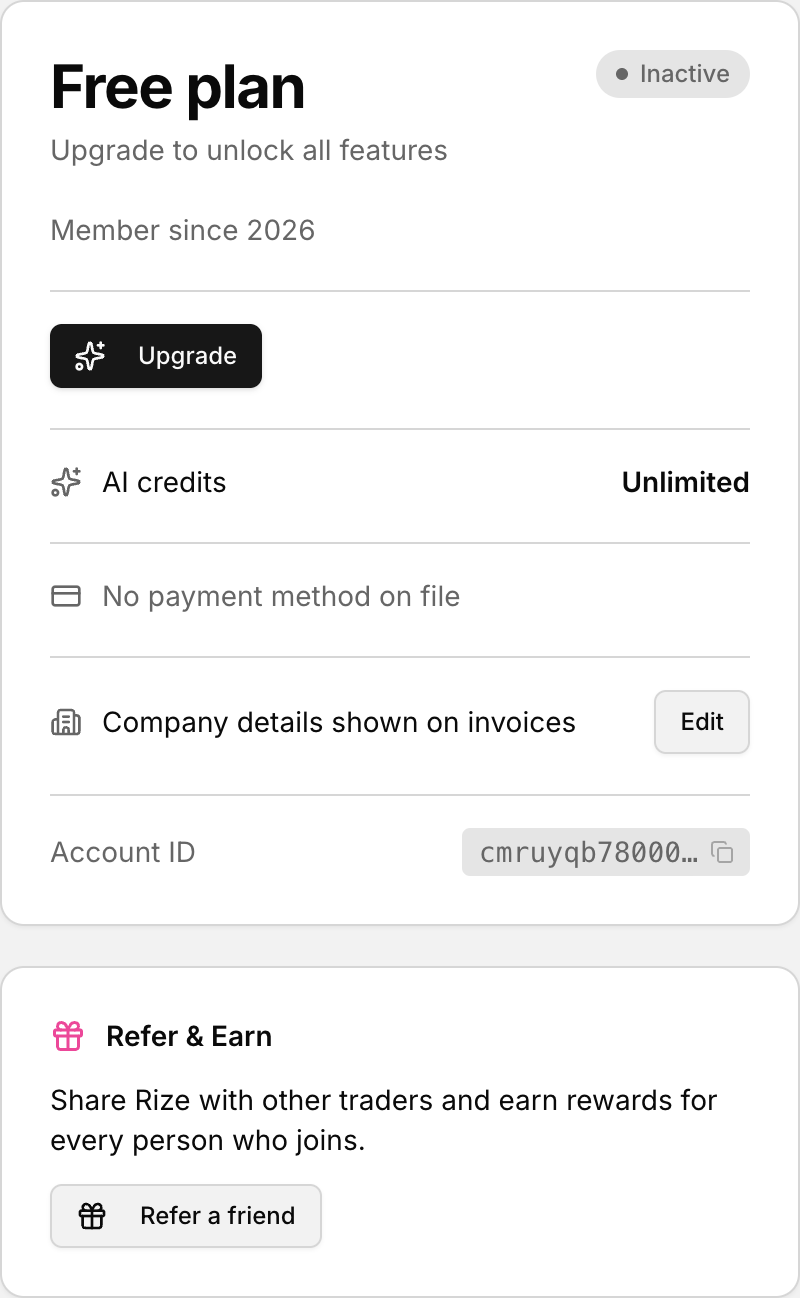 Your next payment date is shown on the Subscription panel.
Find the next billing date
- Open Settings.
- Select the Subscription tab.
- Look in the Billing section.
- Find the row labeled Next billing date.
If the row includes an amount, it shows the upcoming charge details with the date.
When the billing date does not appear
If your subscription is set to cancel, the page shows the Subscription cancelling banner instead of the normal next billing date row. To confirm you will not be charged, see How to confirm you will not be charged after canceling. To stop a scheduled cancellation, use Reactivate from the cancellation banner.