
Open any individual trade, then use the floating Review this trade button to walk through strategy, rules, reflection and rating. When you finish, Rize Trade saves the review to your notes, strategy and tags.
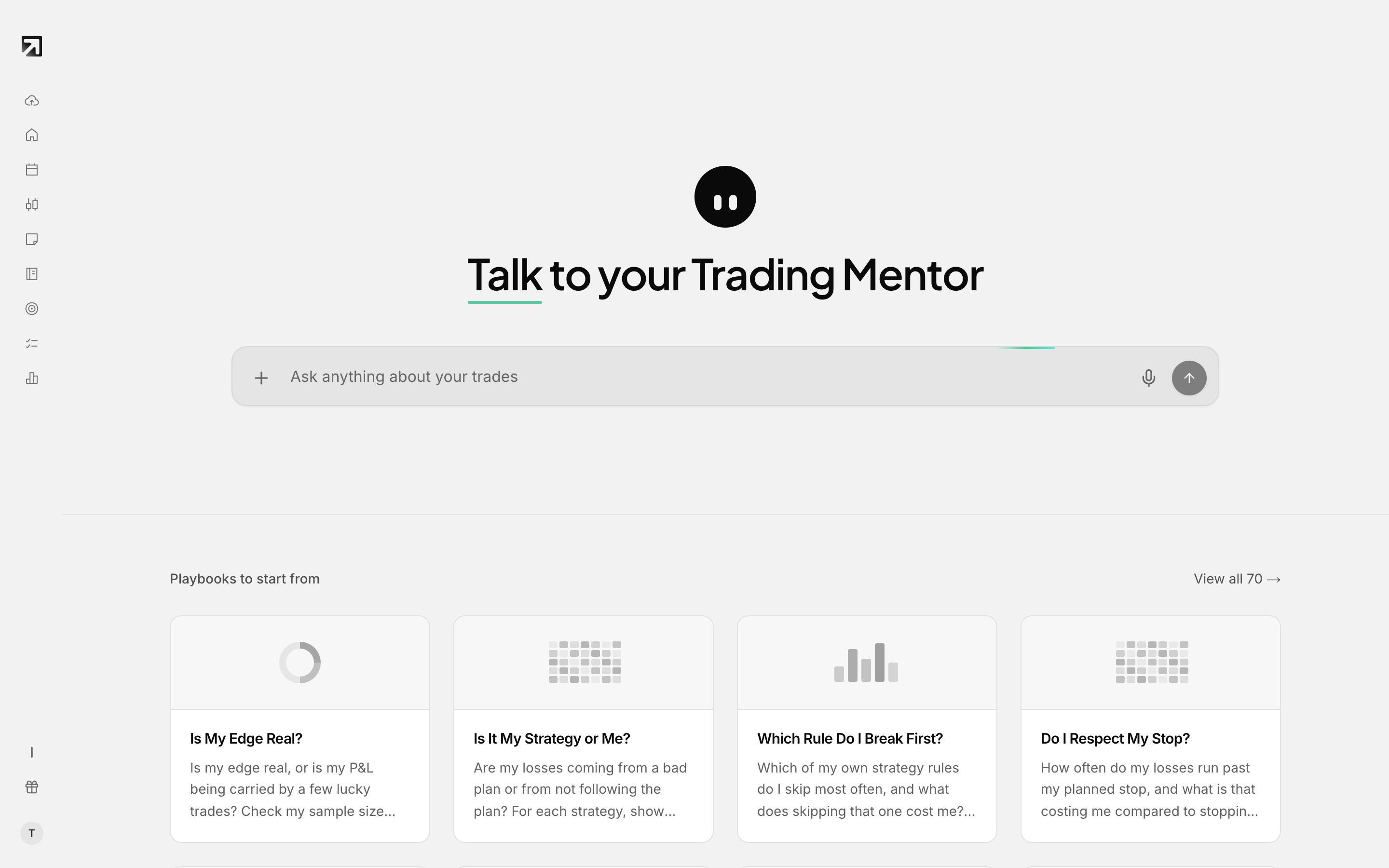 Trading Mentor AI, which also reviews individual trades.
Open the chat on a trade
- Open any trade from the Dashboard calendar, Day View or Trade View.
- Click Review this trade at the bottom centre. If you already reviewed this trade, the button says Redo review.
The chat starts with What setup or strategy did you use for this trade?
Choose or create a strategy
- Pick one from the chips, or choose + New.
- You can also type the strategy name or describe it.
For a new strategy, you are asked in order:
- What's the strategy name?
- What are your entry criteria?
- What are your stop rules?
- What is your target?
- Trade management rules?
- Any other rules?
If a rule category does not apply, answer with none, no, n/a or skip.
Check your rules
- For each rule, answer whether you followed it.
- Use a quick reply: Yes, No or Partial.
- If you choose No or Partial, you are asked why.
After every rule you get a short score.
Reflect and rate the trade
You are asked about what went well or what deviated, then:
- How were your emotions during this trade?
- How would you rate the trade quality?
Rating chips:
- A+ — perfect execution
- A — good with minor issues
- B — decent but notable mistakes
- C — poor execution
Save the completed review
After rating, a short summary is written and the review saves automatically.
- While saving you see Saving review...
- On success a toast says Trade review saved
- The footer reads Saved to notes, strategy & tags.
What gets stored: the strategy, rule checks, reflection, summary, tags and emotions in a trade note, the trade rating, and the trade marked as reviewed.
Redo a review later
Open the same trade again and click Redo review.