
Yes. Rize Trade supports options trading. You can bring options in through broker import or auto-sync, or enter them by hand with the Option and Future Option asset types.
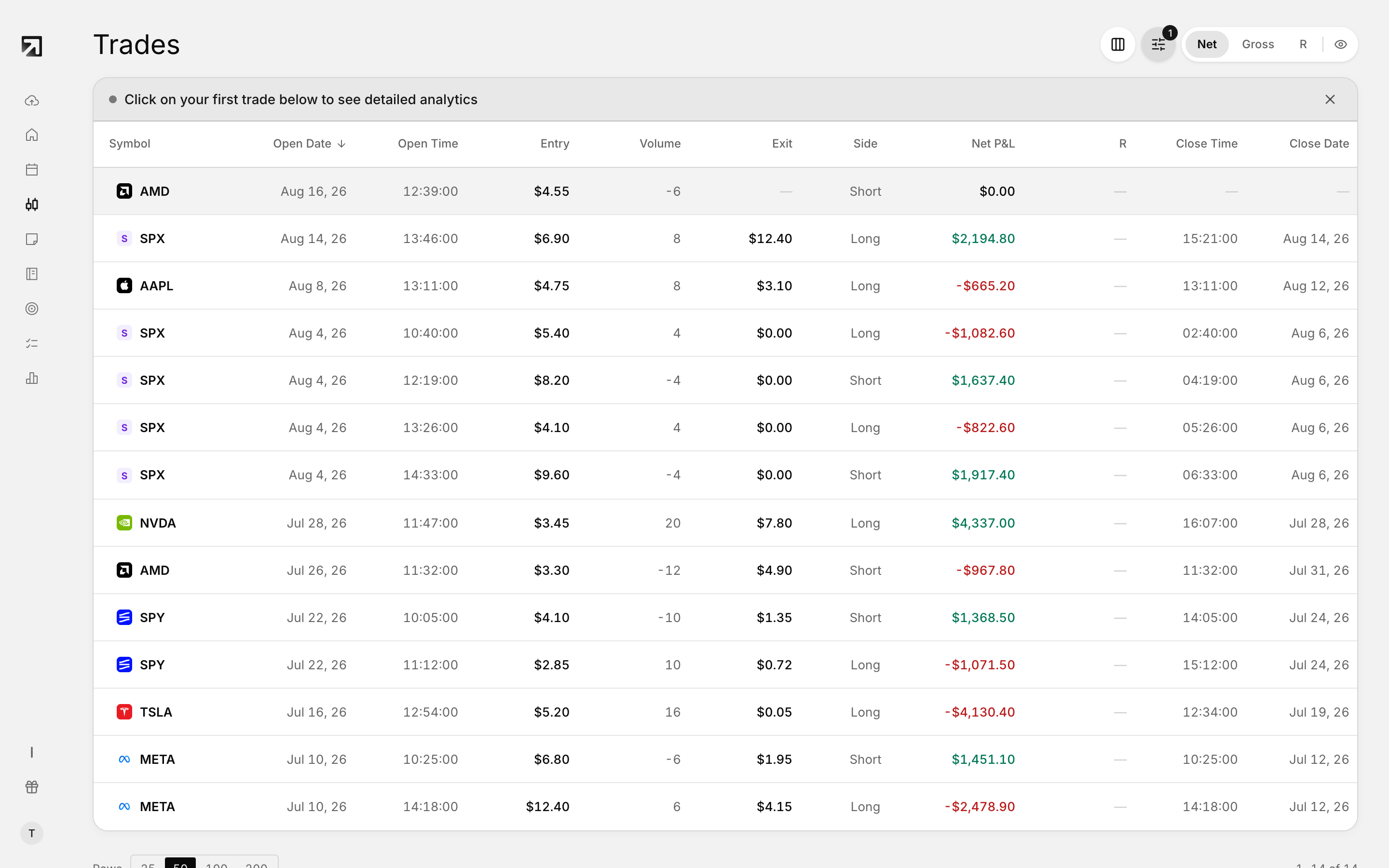 Option trades in the Trades list, filtered to contracts only.
How to get options into Rize Trade
- Auto-sync or file upload — import from a supported broker. See How to import your trades.
- Add manually — enter option fills yourself. See How to manually enter an options trade.
Auto-sync is available for brokers that support it, including Interactive Brokers, Tastytrade, TradeStation and Webull.
Brokers with Options support
Thinkorswim, Interactive Brokers, Webull, DAS Trader, Lightspeed, TradeStation, E*TRADE, Tastytrade, Moomoo, Questrade, Silexx, TD Direct Investment and TradingView.
Not every broker supports options, only those that list Options as an asset class.
Manual options entry
In Add Trade Manually, choose the Option or Future Option tab under Asset Type.
- Option — standard equity options
- Future Option — options on futures; includes a Multiplier field
For each execution you enter:
- Underlying symbol
- Exp Date
- Type — Call or Put
- Strike
- Multiplier, on Future Option only
- Qty or Contracts
- Side — Buy or Sell
- Price
- Comm and Fee
The form does not collect Greeks. Manual entry only saves when executions fully close the position, so include both the open and the close fills in one save.