
Here is how to remove trades you no longer need.
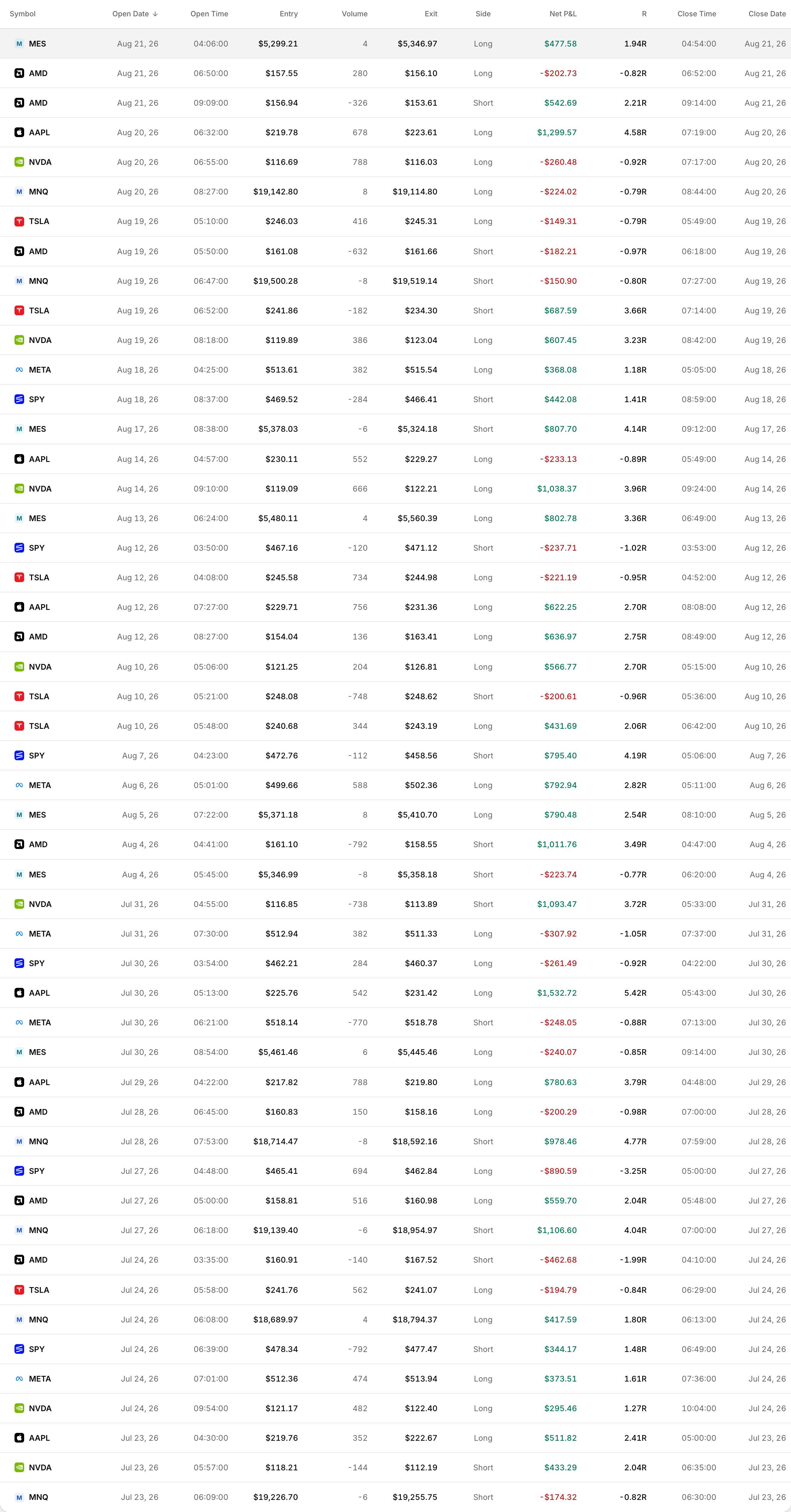 Select trades with the checkbox on the left, then use the bulk actions that appear.
Deleting trades
- Go to your Trades page.
- Tick the checkbox next to the trades you want to remove.
- Click Bulk Actions on the right side of your trade log.
- Select Delete Trades from the dropdown.
Those trades are permanently removed from your account.
Before you delete
- Deleting a trade also removes any notes and tags attached to it.
- Deleted notes can be recovered from the Recently Deleted section on the Notebook page for up to 30 days.
- After 30 days they are gone for good.
When should you delete trades?
Cleaning out duplicate imports, test entries, or trades from the wrong account keeps your data accurate.
If you are unsure whether to delete a trade, consider editing or re-tagging it instead. Sometimes a bad trade still holds a lesson worth keeping.