
An expired option stays Open or shows $0 P&L when Rize Trade never received a closing fill. Expiration does not auto-close the trade.
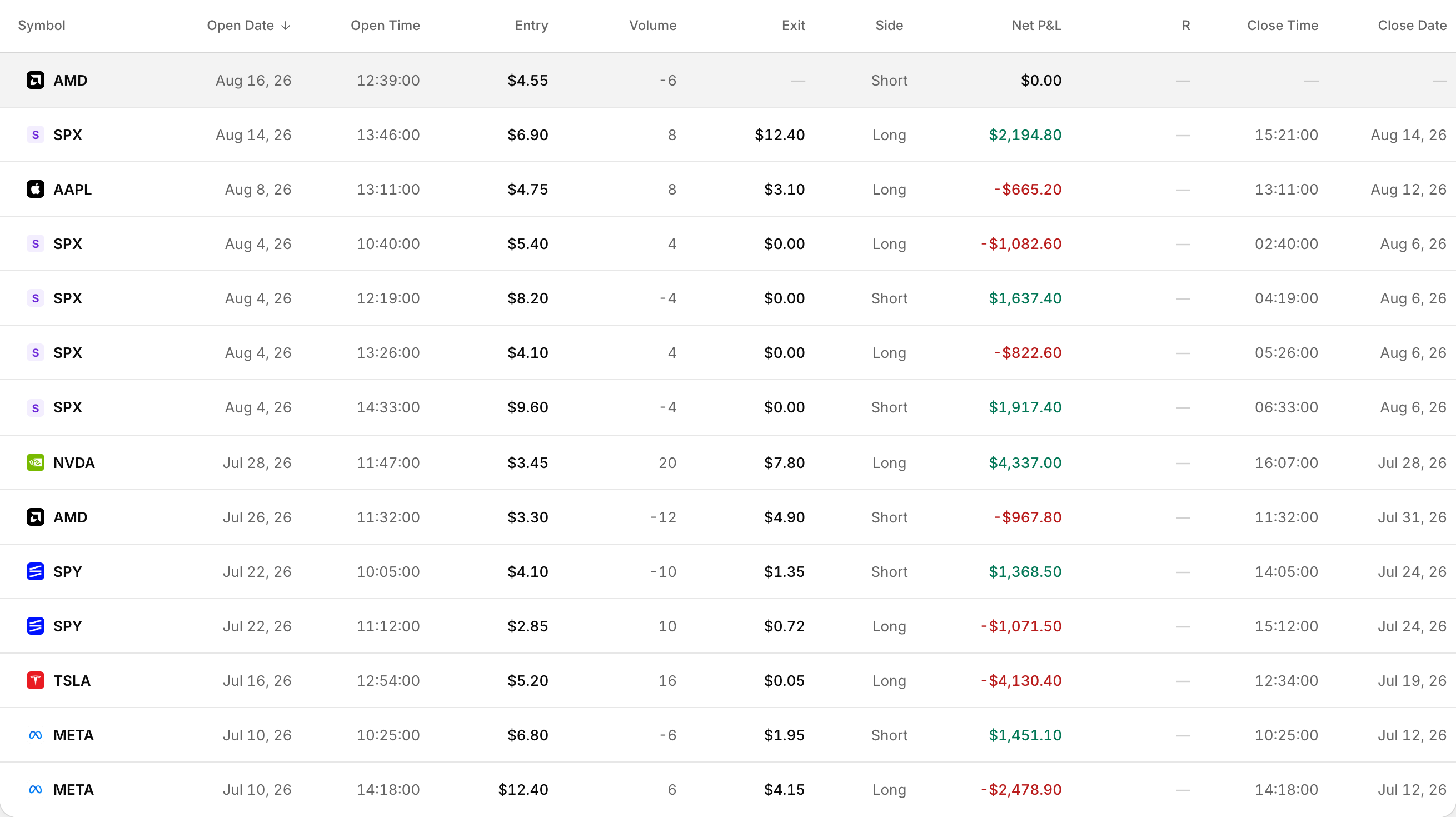 An option that expired worthless closes at $0.00, not at no price at all.
What you see
Status is still Open, or P&L looks empty or stuck at $0, even though the contract already expired at the broker.
- Status comes from whether the position is fully closed by executions.
- P&L is calculated from those executions. Without a closing fill, realized P&L stays incomplete.
- When options are grouped with the underlying, a missing close can leave the whole trade looking open.
Why this happens
Rize Trade marks a trade Closed only when executions fully flatten the position. There is no automatic close at expiration.
How to fix it
- Open the trade and check the executions table. Confirm whether a close, expiration or assignment fill is missing.
- If your broker export includes expiration or assignment cash rows, re-import that file into the same account.
- If the broker file has no closing row, enter the trade by hand with open and close fills that net to zero.
- If several fills look wrongly merged, review Settings > Trade settings and your Trade Grouping choice, then re-import. Grouping changes apply to future imports.