
A trade stays Open when the imported data still has a non-zero position, usually because the exit fill never made it in. There is no mark-as-closed control.
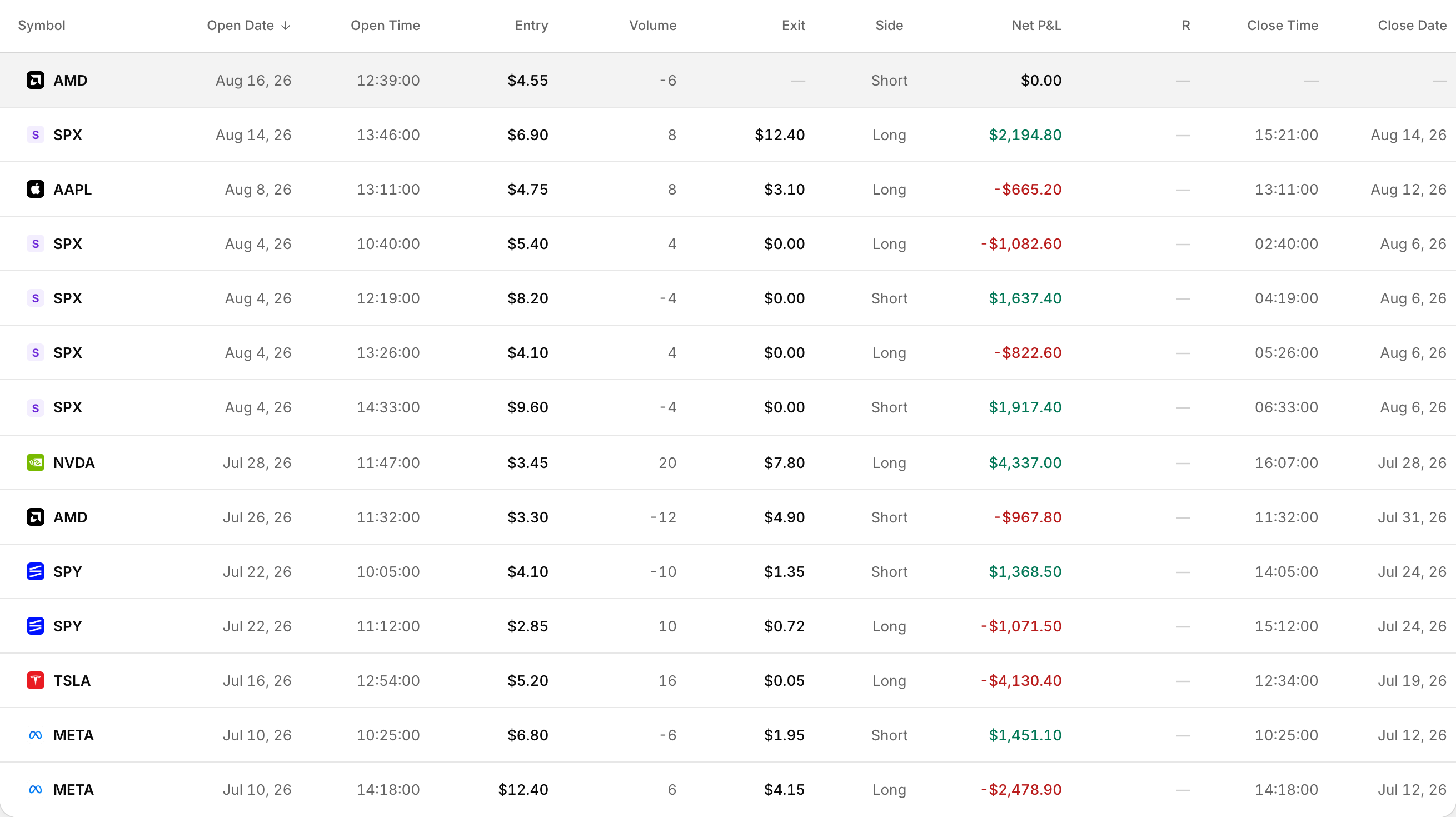 An open position shows no exit price and no close date.
Why a trade stays open
A trade is Open if any leg still has a non-zero position. When that happens, the trade has no exit price, no close time and no duration.
Common ways the exit never lands:
- The export only covered entries, or the date range stopped before the close
- A close time or close price was missing from the file
- For Match Trader, open positions were uploaded before closed ones
How to fix open trades that should be closed
- In your broker, export again using a date range that includes both the open and the close of every stuck trade.
- In Rize Trade, delete the incorrect open trades. Use the Trades page checkboxes, then Bulk Actions > Delete Trades.
- Import the corrected file so the entry and exit land together.
- Confirm the trades now show Closed.
Re-import alone is not enough when the stuck open trade is still there. Rize Trade skips executions that already match what is stored. Delete the bad open trades first, then import the complete export.
Match Trader: closed HTML first, then open
Match Trader only supports HTML. Upload closed positions before open positions so closes are not missing.
- Open the Closed positions tab, pick the full date range, download as HTML, and import that file.
- After closed trades are in, open the Open positions tab and upload that file next.
Each closed row needs a usable close time and close price. CSV is not supported for Match Trader.