
Exit analysis is how you study whether your exits captured the move or left money on the table, using MAE and MFE, Running P&L, stop and target fields, and Trade report metrics. There is no separate Exit Analysis tab; the work happens on each trade page and in Reports.
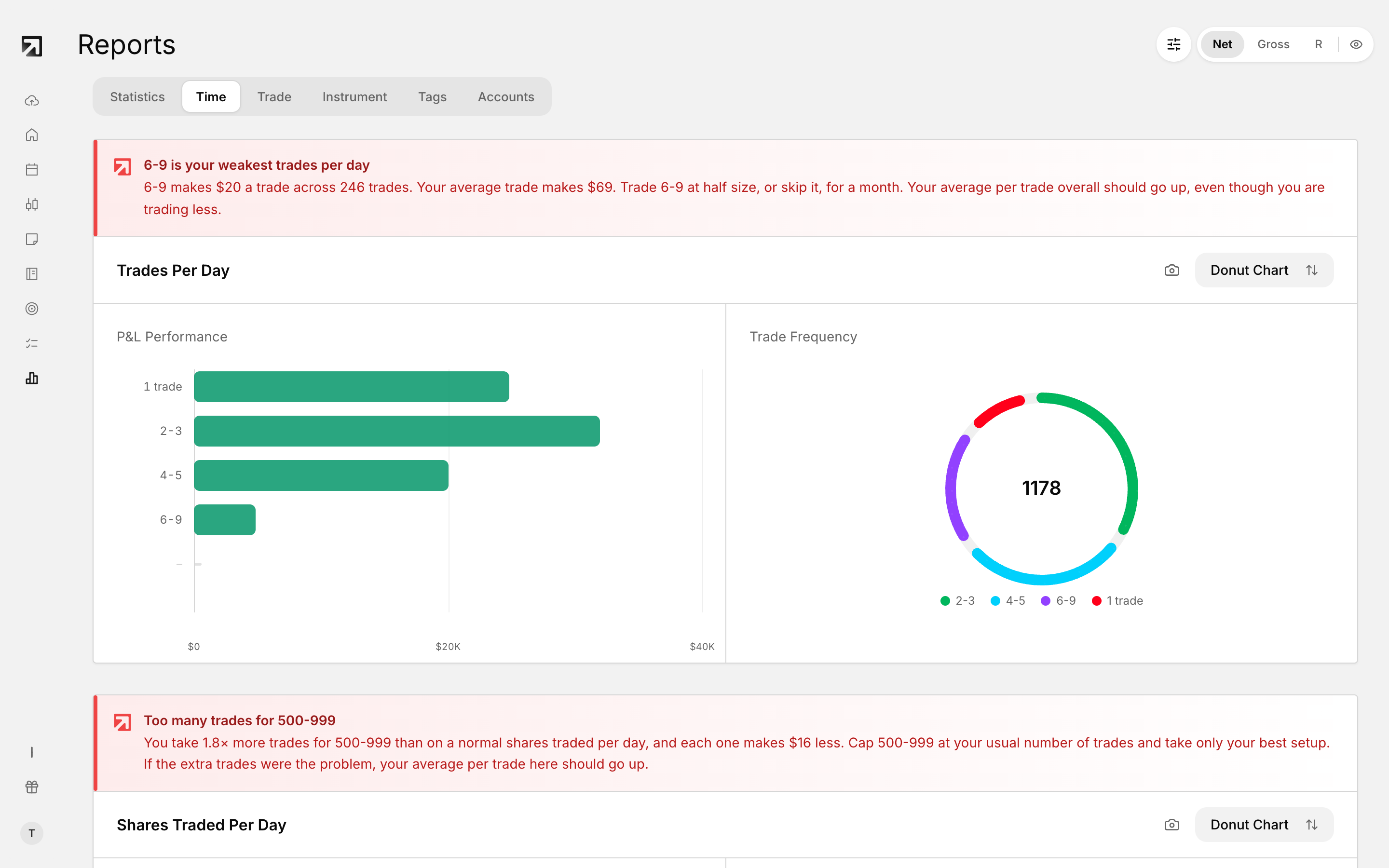 The Time tab in Reports, showing performance by hour, day and session.
What exit quality means
Exit quality asks whether you held long enough, cut too early, or let losers run past your plan. Final P&L alone cannot answer that.
MAE and MFE
- MFE (Maximum Favorable Excursion) — the peak unrealized plus realized P&L the trade reached before close.
- MAE (Maximum Adverse Excursion) — the deepest drawdown the trade hit before close.
Together they show if you cut winners short, or held losers through deep drawdowns.
Stop, target and R on the trade page
On a trade's Stats tab, enter your planned Stop and Target. Rize Trade uses those values with your risk so R and Plan R can calculate.
Running P&L
Running P&L shows how P&L moved during the trade or session, not only the final number.
In-trade Price Range in Reports
In Reports > Trade, In-trade Price Range groups trades by how wide the MAE-to-MFE swing was. Only trades that already have both MAE and MFE are included.
How to review exits in practice
On the Stats tab, confirm Stop and Target so R is meaningful, then compare final P&L to MAE and MFE. Check Running P&L and the chart's entry and exit marks for the path of the trade.