
Open the contact form from Settings or from the Add Trades import page. When you are signed in, your name and email go with the request.
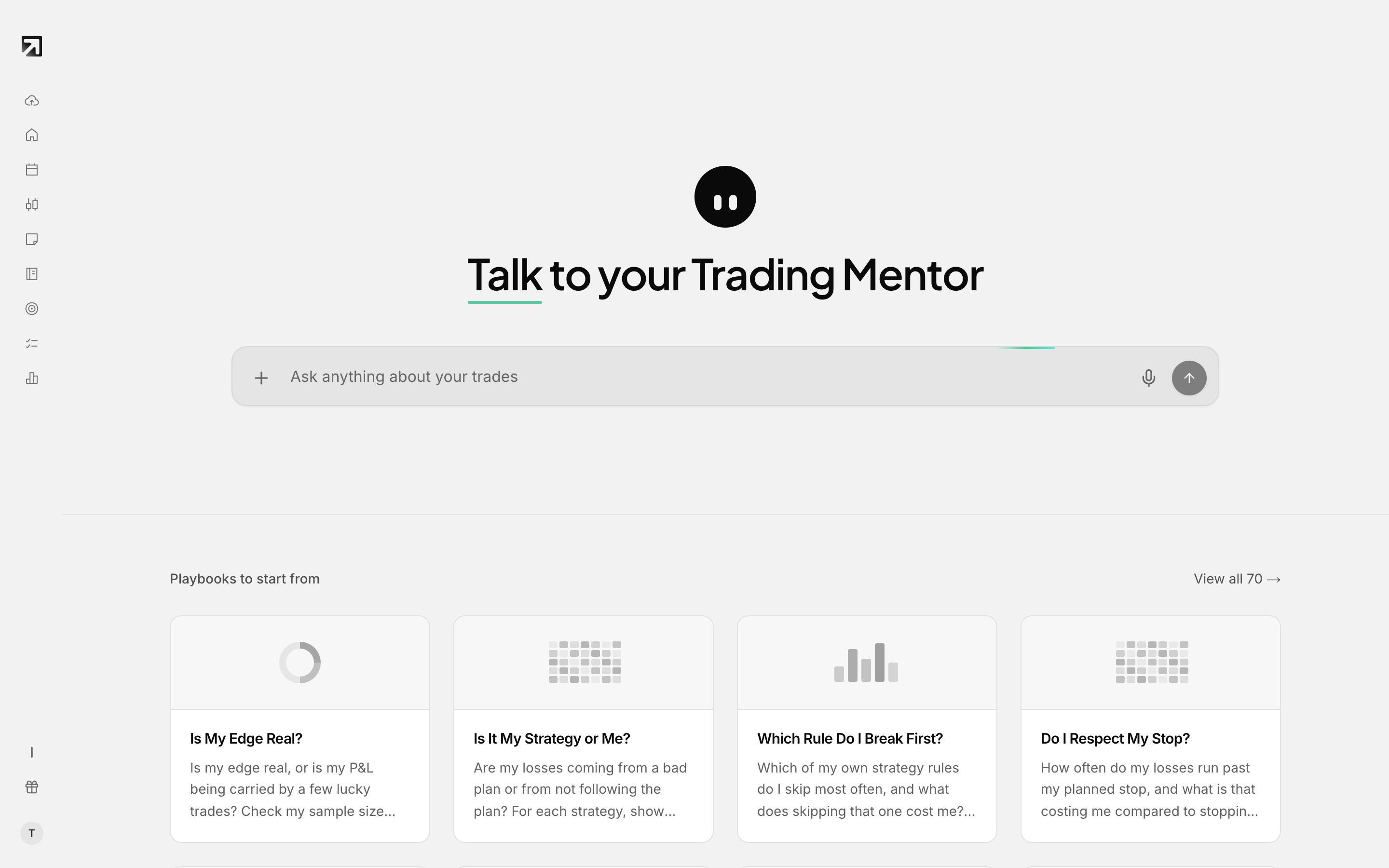 Trading Mentor AI answers product questions and can pass you to a human.
You can also email support@rizetrade.com anytime.
Contact support from Settings
- Open Settings.
- Go to the Support area.
- Click Contact support.
Contact support while importing trades
- In an error dialog, choose Get Help.
- On the broker grid, choose Need help?
- Near Can't find your broker?, choose Chat with us.
What support already knows about you
When you are signed in, your session name and email are passed into support with the request.
Email support instead
Write to support@rizetrade.com. Include the email on your Rize Trade account and a short note about what you need.
For refunds, see How to get a refund.