
Sign in with your Google account from the Log in page using Continue with Google.
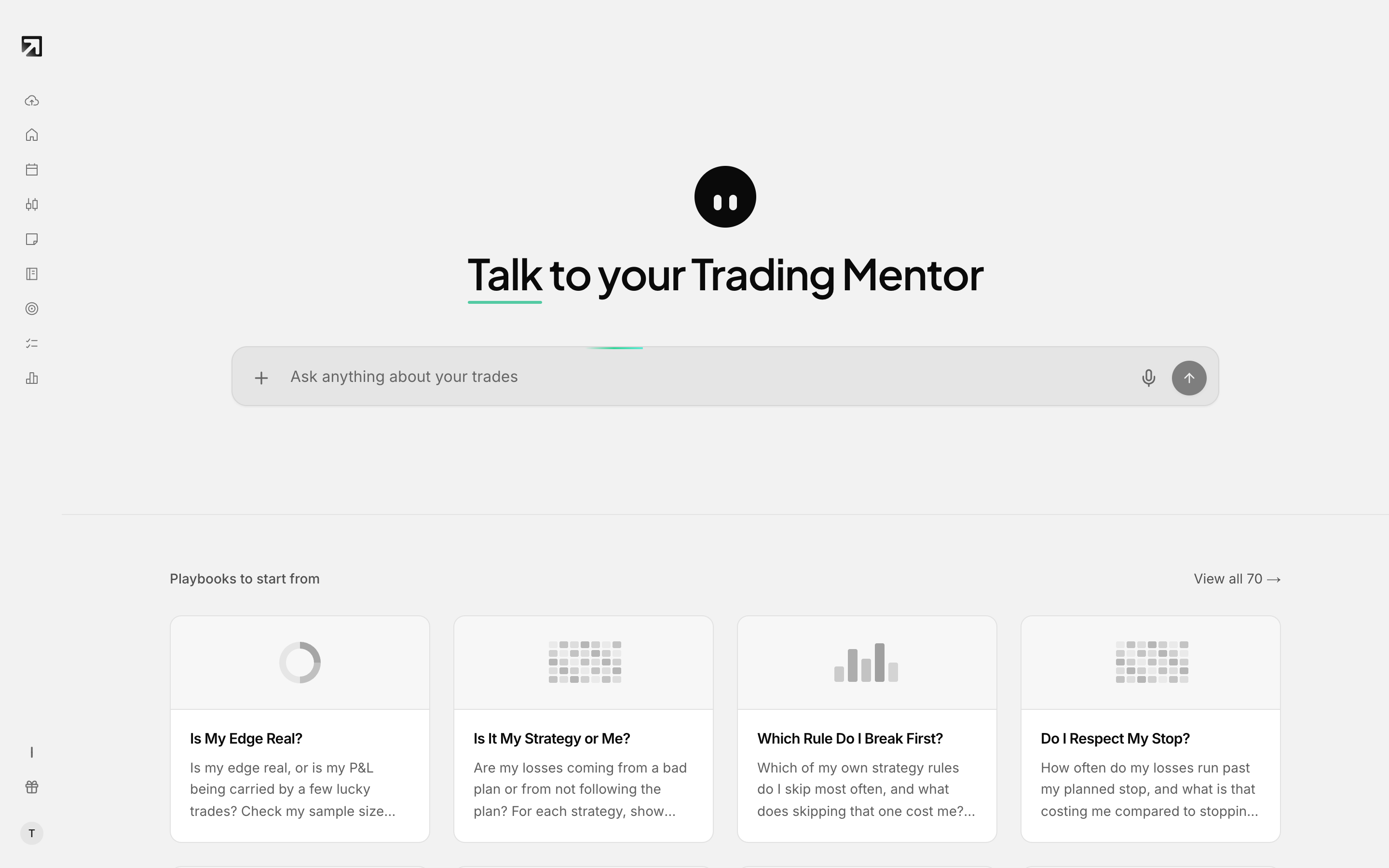 Use Continue with Google to sign in with your Google account.
Sign in with Google
- Go to rizetrade.com.
- Select Log in in the header. You should see Welcome to RizeTrade.
- Select Continue with Google.
- Complete the Google prompt for the account you want to use.
- When sign-in succeeds you arrive on your Dashboard.
During setup, the Create your account screen also offers Continue with Google.
If you sign in with Google, your password is managed by Google. Settings > Security shows that note, and the password Manage control stays disabled.
For magic-link sign-in and other first-time options, see How to sign in for the first time.