
That message means an account already exists for that email. Sign in instead of creating a new one.
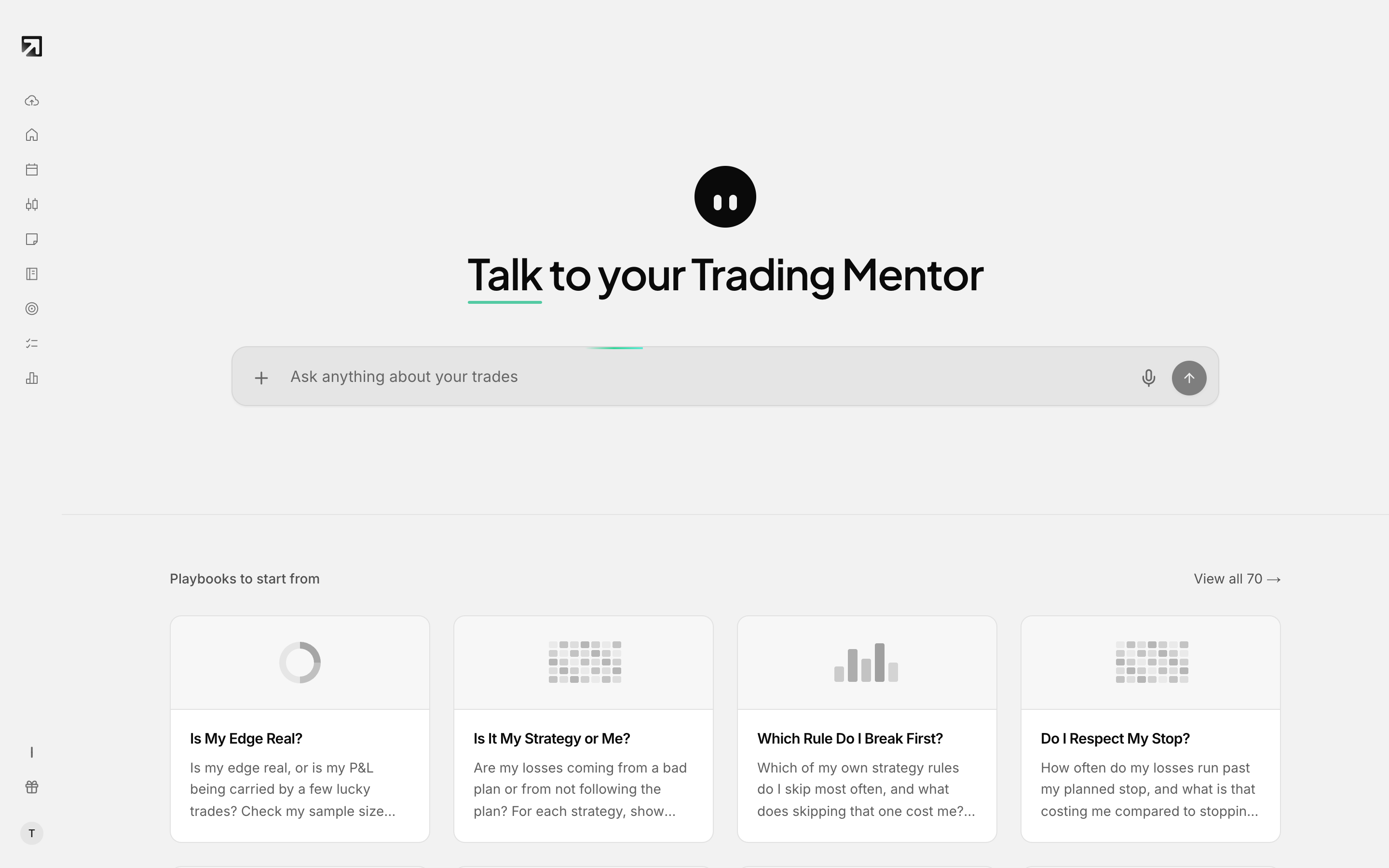 If your email is already registered, sign in here instead of signing up.
Rize Trade blocks signup when the email is already registered and shows An account with this email already exists.
Why this happens
You already have a Rize Trade account on that email, either from an earlier signup or from signing up with Google. You cannot create a second account with the same email, and the email on an account cannot be changed later.
What to do
- Click Log in in the site header, or go to rizetrade.com/auth/signin.
- Sign in with the method you used before:
- Email: enter the same email and choose Send magic link. Open the link from your inbox, checking spam. It expires in 24 hours.
- Google: choose Continue with Google with that same Google account. See How to log in with your Google account.
If you cannot access that email
Email support@rizetrade.com or use rizetrade.com/contact. Email support responds within 24 hours.