
Use the dashboard review banner to step through closed, unreviewed trades from the past 7 days.
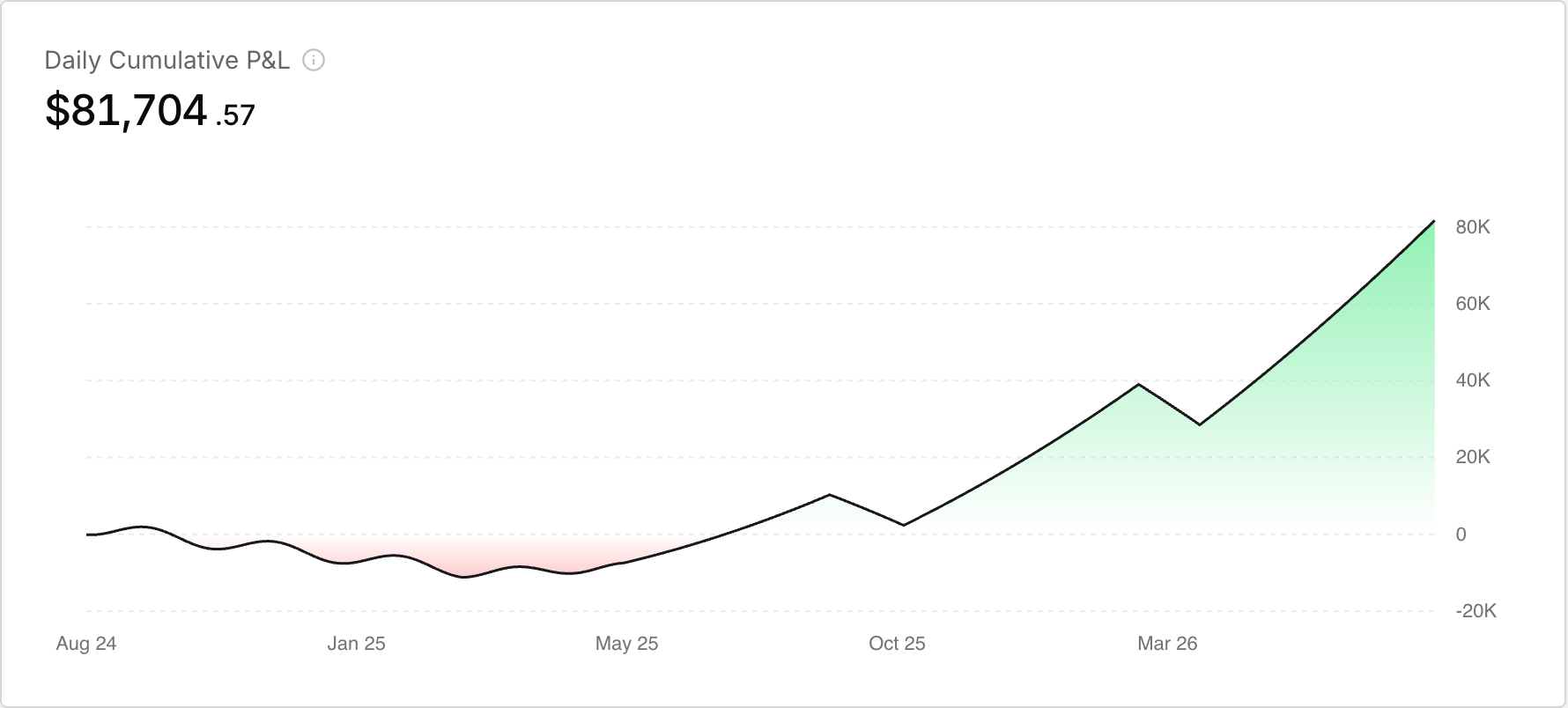 The Daily Cumulative P&L widget on the Dashboard.
When the banner appears
Only when you have at least one closed trade from the past 7 calendar days that is not yet reviewed.
- Title: Close out your week, {n} trades to review
- Subtitle: Past 7 days, about {n} minutes
- Buttons: Start review and Later
If the queue is empty, still loading, or the request fails, the banner stays hidden.
Start a review
- On the Dashboard, find the review banner.
- Click Start review.
- The modal opens on trade 1 of your total.
Each trade header shows the symbol, Long or Short, P/L, and the step count. On large screens the right rail shows the docked trade review chat. There is no Skip button.
Move through trades
- Review the current trade.
- Click Next to advance.
- On the last trade, click Done.
You can close at any time. When the modal opens again later, it starts at the first trade still in the queue.
Mark trades as reviewed
Finish the review chat for a trade to mark it reviewed and remove it from the queue. Closing the modal refetches the queue.
Hide the banner for now
Click Later to dismiss for this session. It does not mark any trades as reviewed.