
If your broker is not on the Rize Trade list yet, request it from the supported brokers page. We can add support for most brokers within 12 to 18 hours on weekdays.
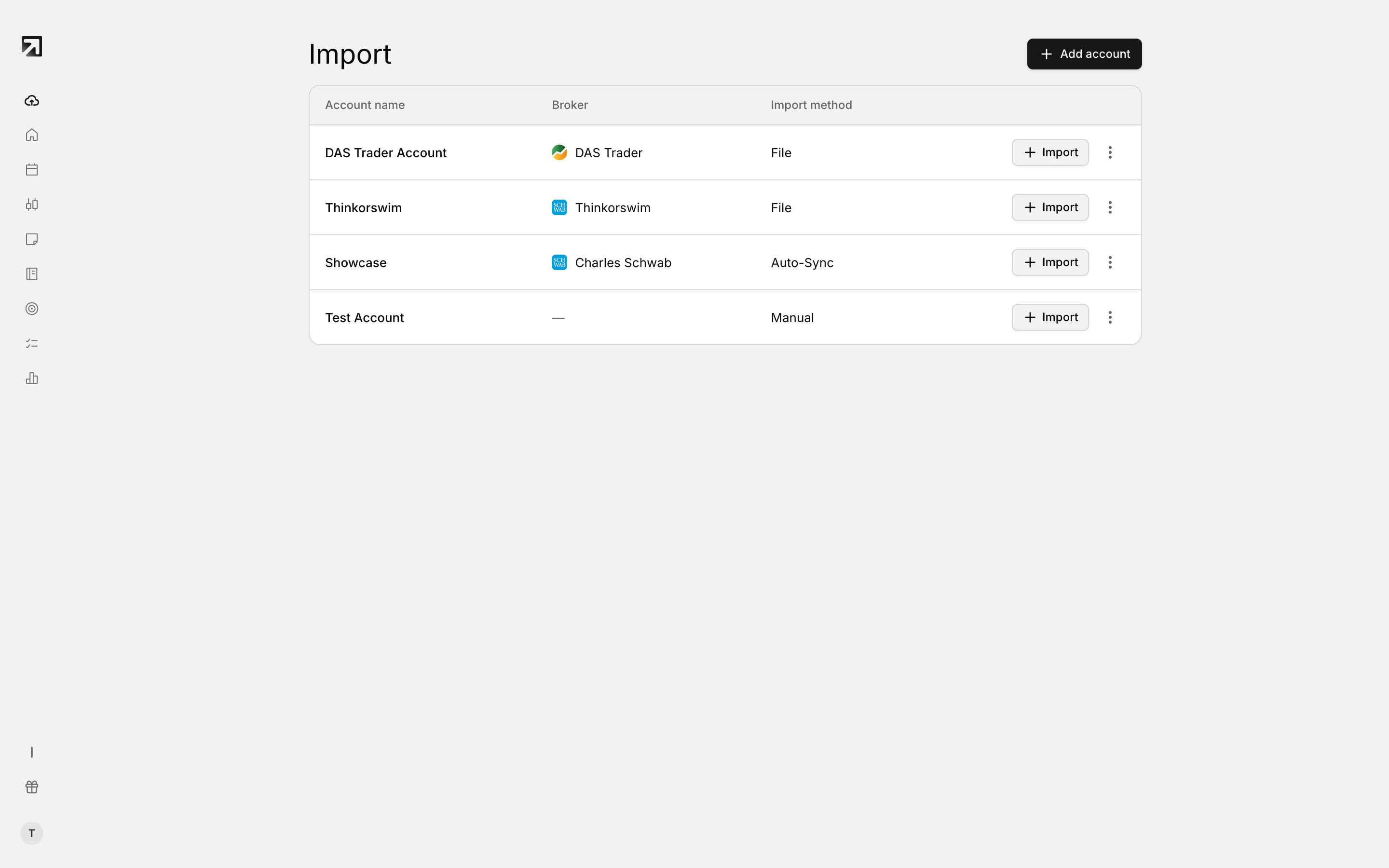 If your broker is not listed, use Custom CSV or request it.
Request your broker
- Open the supported brokers page.
- Search for your broker to confirm it is not already listed.
- Choose Request a Broker or Add your broker.
- Tell us the broker or platform name, and any extra detail that helps.
We will work on the integration and notify you when it is ready.
Ask from inside the app
- Open the support chat in the bottom-right corner of the app.
- Share your broker name, or type speak to support if you want a person on the team.
Import trades while you wait
- Custom CSV — reshape your export into the Custom CSV format and upload it.
- Add manually — enter trades by hand when you only need a few fills recorded.
A dedicated broker option is smoother long term, but Custom CSV or manual entry keeps your journal current while we add support.