
Give paper, simulator and prop trades their own Rize Trade accounts, separate from live. Rize Trade does not automatically detect whether a trade is sim or live beyond the account setup you choose.
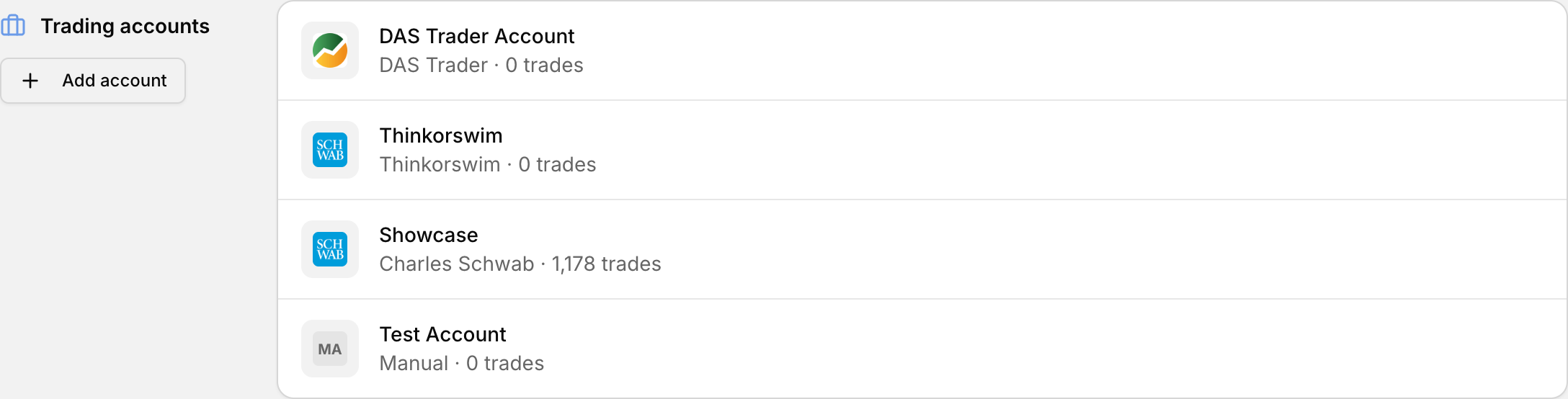 Keep simulator and live trading in separate accounts so their statistics never mix.
Set up separate accounts
- Open Add Trades in the left sidebar, or go to profile icon > Settings > Accounts.
- Add a new trading account for the type of trading you want to track.
- Pick the broker or platform and finish the import for that account only.
- Repeat for each other stream so each lands in its own account.
Name accounts by role, such as live, paper or prop, so filters and reports stay easy to read.
Prop firm and demo accounts
Prop firm accounts work the same way. Import through your trading platform, select demo as the account type when available, and keep prop work on its own account.
Filter reports by account
- Open Reports from the left sidebar.
- In the filters at the top, choose the account you want.
- Review the report tabs against that filtered set.
If sim and live already mixed
- Open profile icon > Settings > Accounts.
- Click the three dots next to the account that has the mixed trades.
- Select Transfer Data, pick the destination account, and complete the transfer.